Product Photography Backgrounds: A Practical Guide
Your product needs to stand out without looking disconnected from its setting. Choosing product photography backgrounds is therefore less about finding the most dramatic surface and more about making shape, colour and detail easy to read. A plain backdrop may suit a listing, while a textured surface can give a campaign image a different mood.
For a small business preparing a shoot with Shaniba Creative Industry, a useful starting point is to separate the images you need for a catalogue from those intended for social posts or advertising. The same product does not have to use the same background everywhere.
Daftar Isi
Start with where the image will appear
Write down the destination before choosing a colour or buying props. A product-only listing image and a lifestyle image have different jobs. The former helps someone inspect the item; the latter can suggest a setting in which it might be used.
Adobe describes a simple white background as a common way to limit distractions in product-only ecommerce photographs. Its guidance also recommends discussing the required angles and label visibility with the client before setting up the shoot.[1]
Platform rules matter too. For a main image submitted to Google Merchant Center, the exact item for sale must be clearly shown, and promotional overlays or unrelated products can cause disapproval. Those are Google-specific requirements, not a universal ban on creative campaign photography.[2] Check the destination’s current requirements rather than assuming one styled image will work for every channel.
Choose product photography backgrounds with clear edges
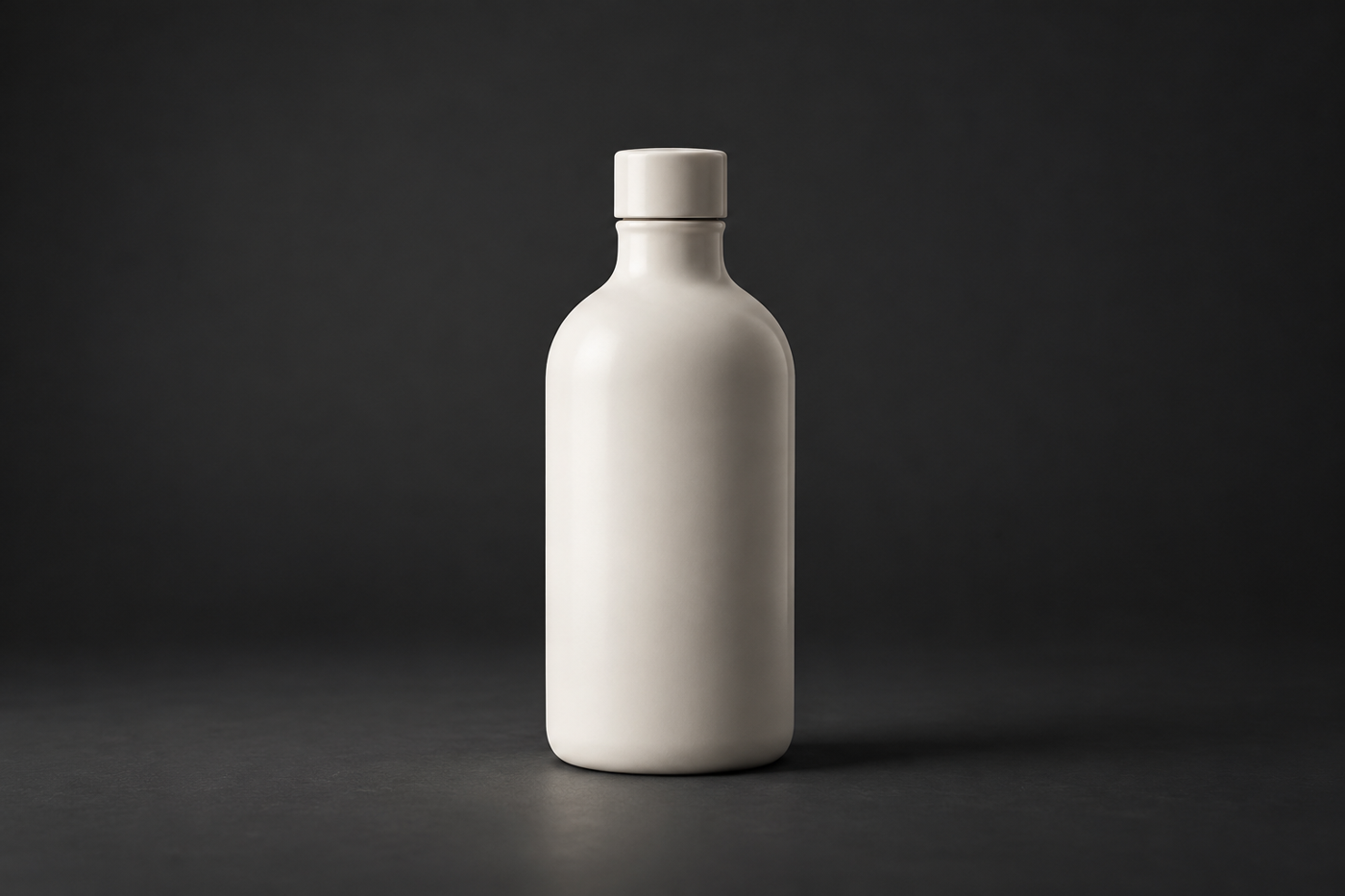
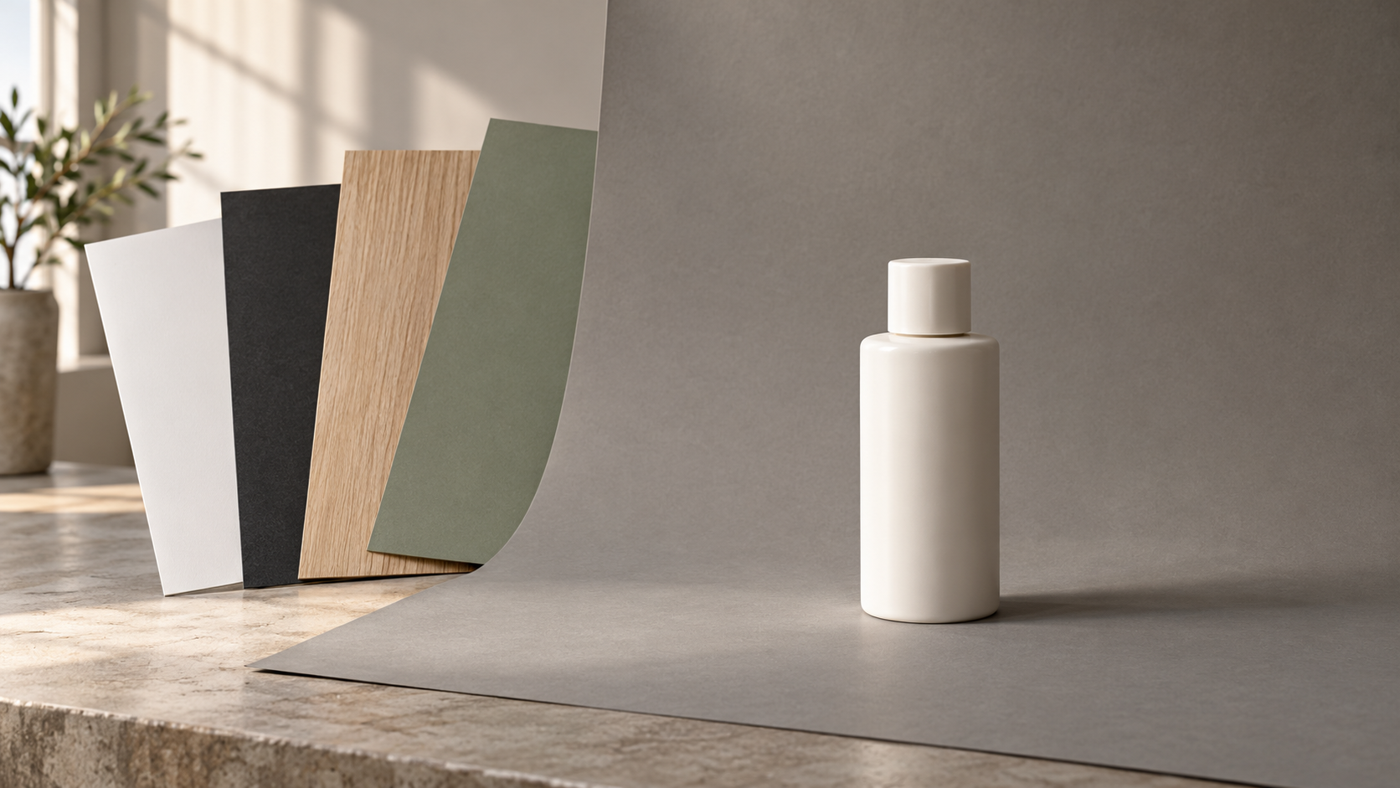
White is a practical starting point, but it is not automatically the best choice for every object. A pale package can become hard to distinguish from a pale background. Before committing, inspect its outline, cap, handle and any transparent areas in a test photograph.
Grey can be a useful neutral alternative. Black or charcoal may suit a quieter, more dramatic composition, provided the product remains readable. A dark bottle against a dark backdrop needs particular attention to edge separation; changing the backdrop or lighting may be more useful than trying to rescue an indistinct outline later.
Think of this as a visual check rather than a rule that black always looks luxurious or bright colours always look unprofessional. A vivid background can work when it supports the brand and leaves the item easy to understand. Review the actual combination, not the colour name alone.
Use wood and texture deliberately

A wood surface can introduce visible grain and a warmer visual character. It may be worth testing for food, homeware or craft-oriented compositions, but the material does not prove that a product is natural, handmade or environmentally friendly.
Look at the scale and direction of the pattern. Strong grain, scratches or knots may draw attention away from a small label. Place the item in more than one position and compare the results at the size customers will actually see. A surface that looks subtle on a large monitor can feel busy in a small mobile thumbnail.
The texture photograph in this section is a material reference, not an SCI backdrop inventory or a claim about a particular customer’s product. Its visible grain shows why a surface should be considered as part of the composition rather than treated as an empty space.
Keep colour and props working for the product
Choose props with a specific job: suggesting scale, showing a plausible use or supporting the mood. If an object hides an important feature or looks like an included accessory when it is not, remove it or use it in a different image.
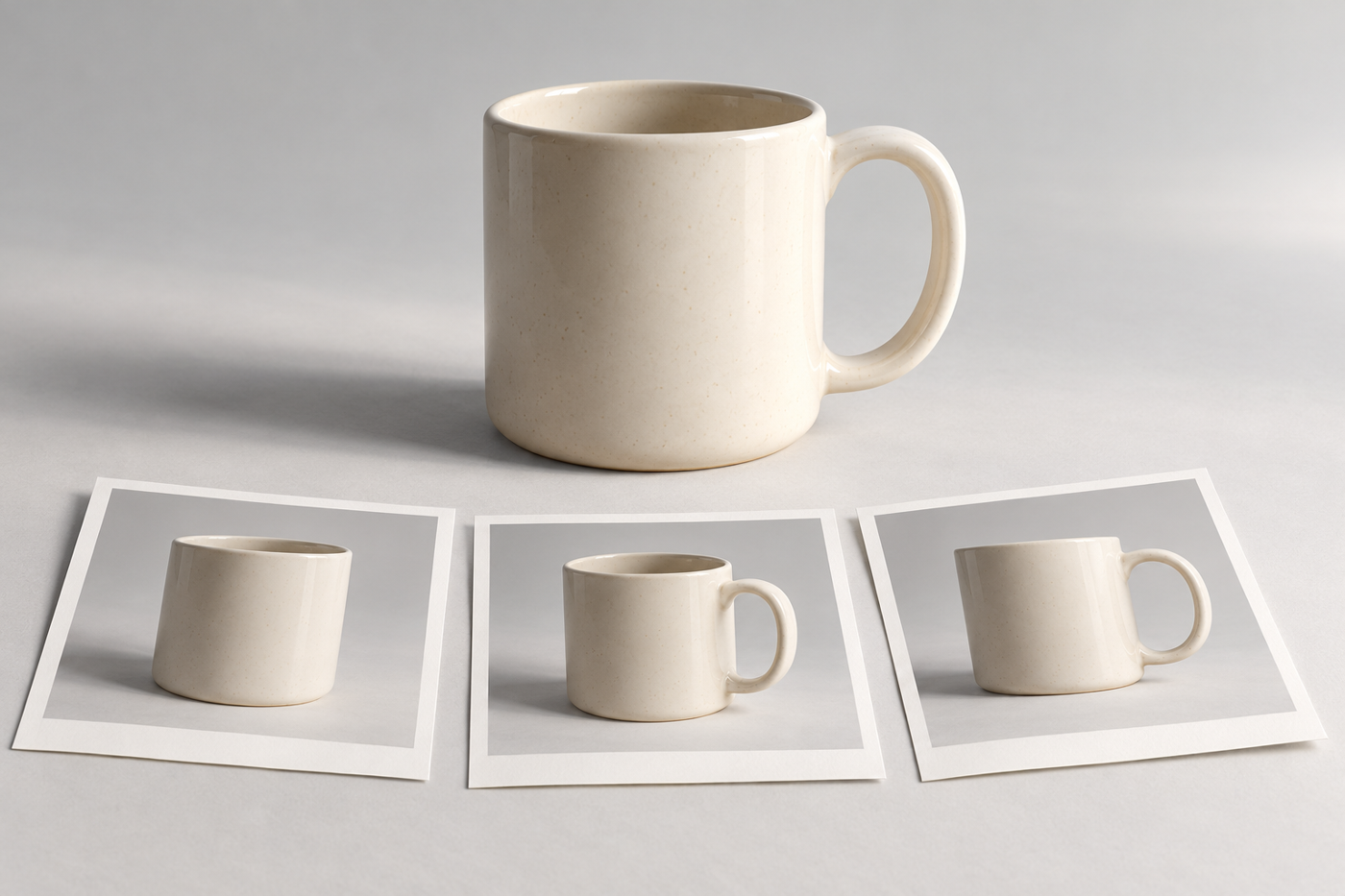
For example, a ceramic cup photographed on plain paper can make its silhouette easy to compare. A separate scene on a wood table might provide context. These are different image roles, not competing claims that one surface is always better.
Check the product colour as well as the background. Avoid approving an attractive overall tone if it changes how the item itself appears. Keep a reference for the intended finish and discuss any editing that could affect material, colour or small details.
Turn the choice into a repeatable brief
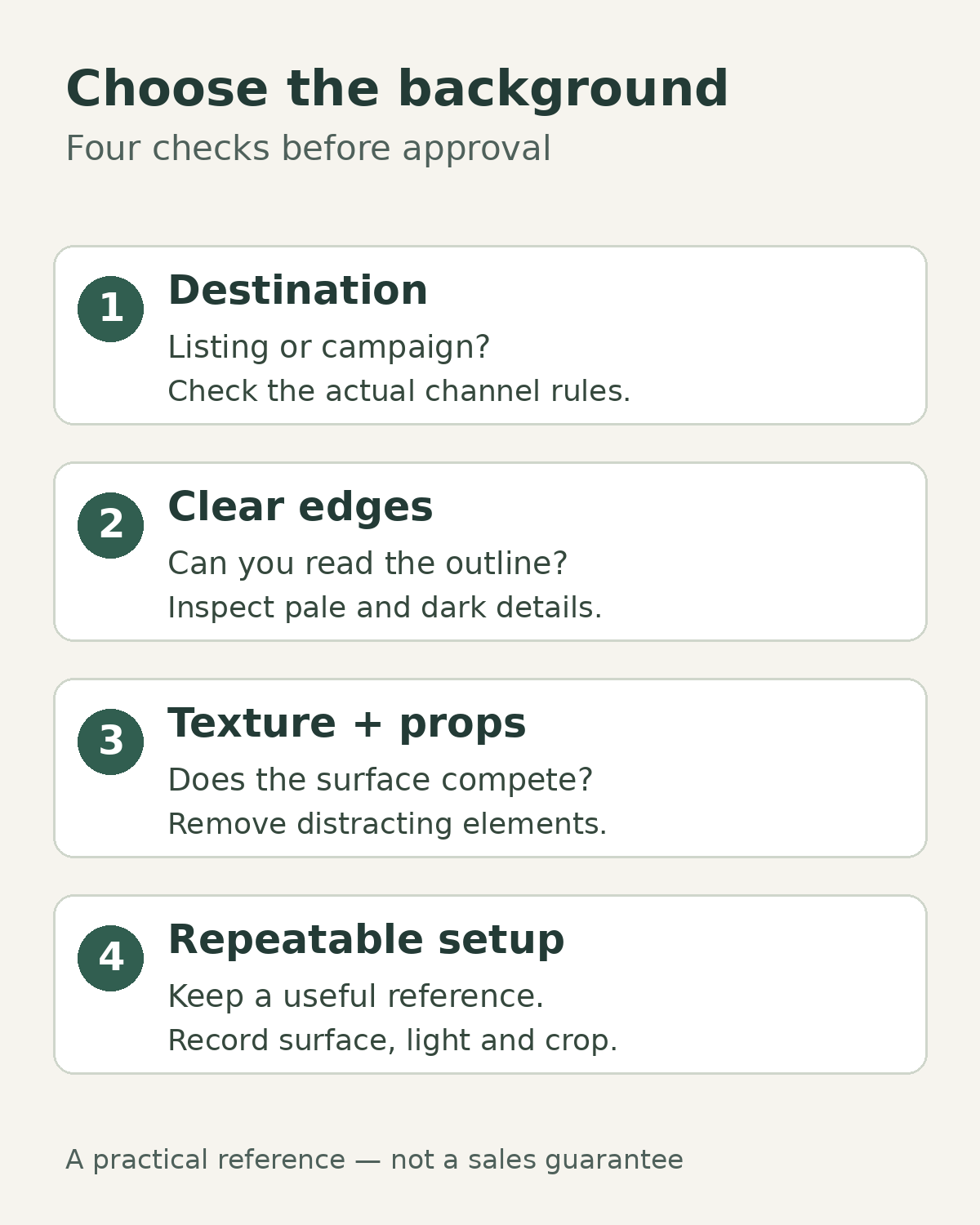
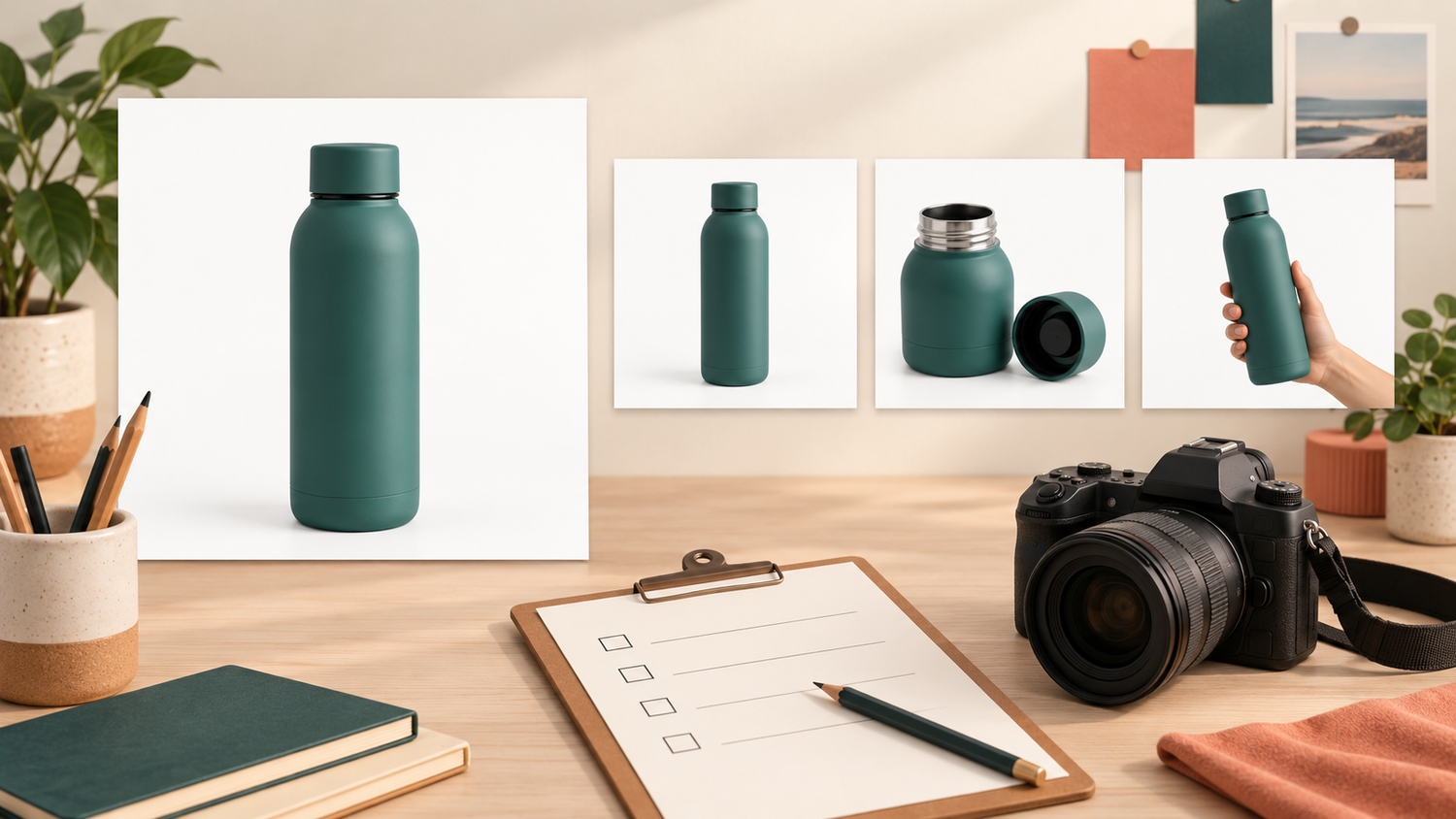
Once a test works, record more than “white background” or “wood style.” Keep the chosen surface, product position, camera angle, lighting approach and crop reference together. That gives future additions to the range a clearer starting point without promising perfect matches between separate shoots.
Before approval, review four things: the destination’s requirements, the visibility of the product edges, any distracting texture or props, and the information needed to repeat the setup. View both the full image and a small crop, then confirm that the product still reads clearly.
If you are preparing a product photography brief for Shaniba Creative Industry, bring product examples, intended placements and a few background references with a short explanation of what you like about each. The service page is in Indonesian. Separating catalogue needs from campaign ideas makes the conversation more specific; it does not require you to decide every technical detail yourself.
Further reading
[1] Adobe: product photography tips and techniques
[2] Google Merchant Center: main product image requirements
Share this post to: