Catalog Product Photography: A Practical Guide for Online Shops
Catalog product photography helps shoppers see what you are selling before they can hold it. If your online shop mixes dark phone pictures, inconsistent backgrounds and missing detail views, customers have to guess which images belong together and what each product actually looks like. A useful catalog set replaces that guesswork with clear, consistent information.
You do not need every image to tell a dramatic story. Start with an accurate view of the item, then add the angles and details that answer practical questions. Attractive styling can support the presentation, but it should not disguise the product or imply that accessories are included when they are not.
Daftar Isi
What is catalog product photography?
Catalog product photography is a set of product-focused images prepared for a collection, online store, printed catalog or other sales material. Its job is to make the item easy to identify and compare. Shape, colour, finish, packaging and the relationship between different views matter more than decorative effects.
A plain background is often useful because it keeps attention on the item and makes a series easier to arrange. It is not a universal rule for every channel or every supplementary image. A styled image can explain use or scale, while a clean main view provides a straightforward reference. Decide where the pictures will appear before choosing the treatment.
Plan views around the questions customers ask
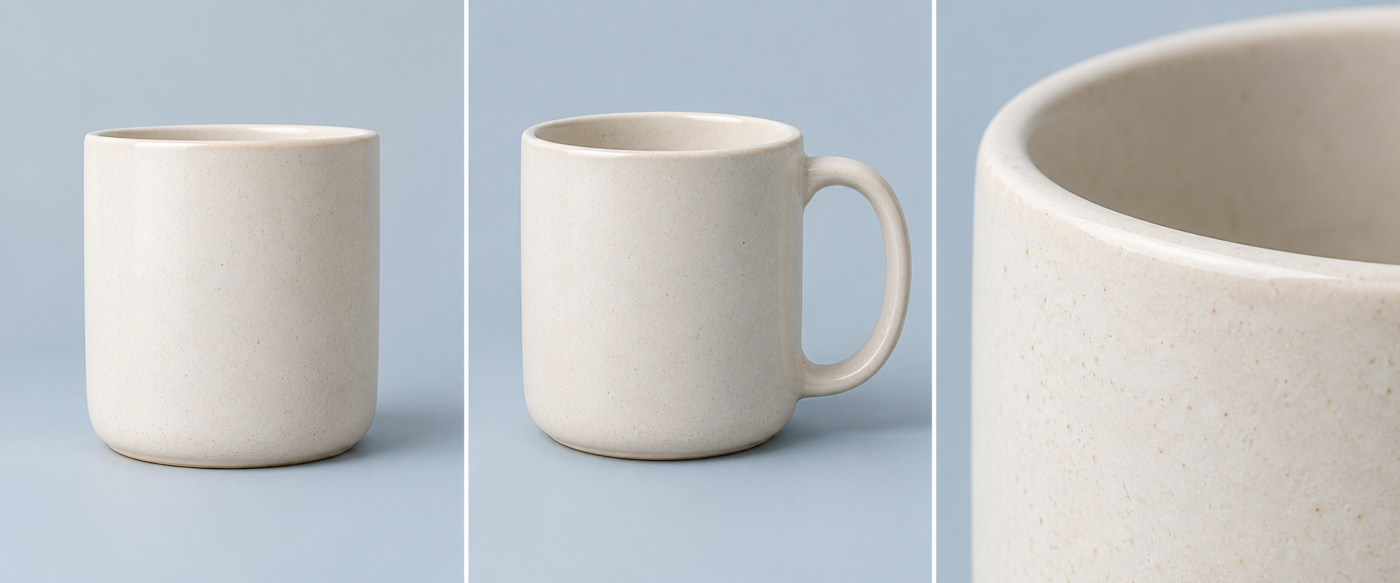
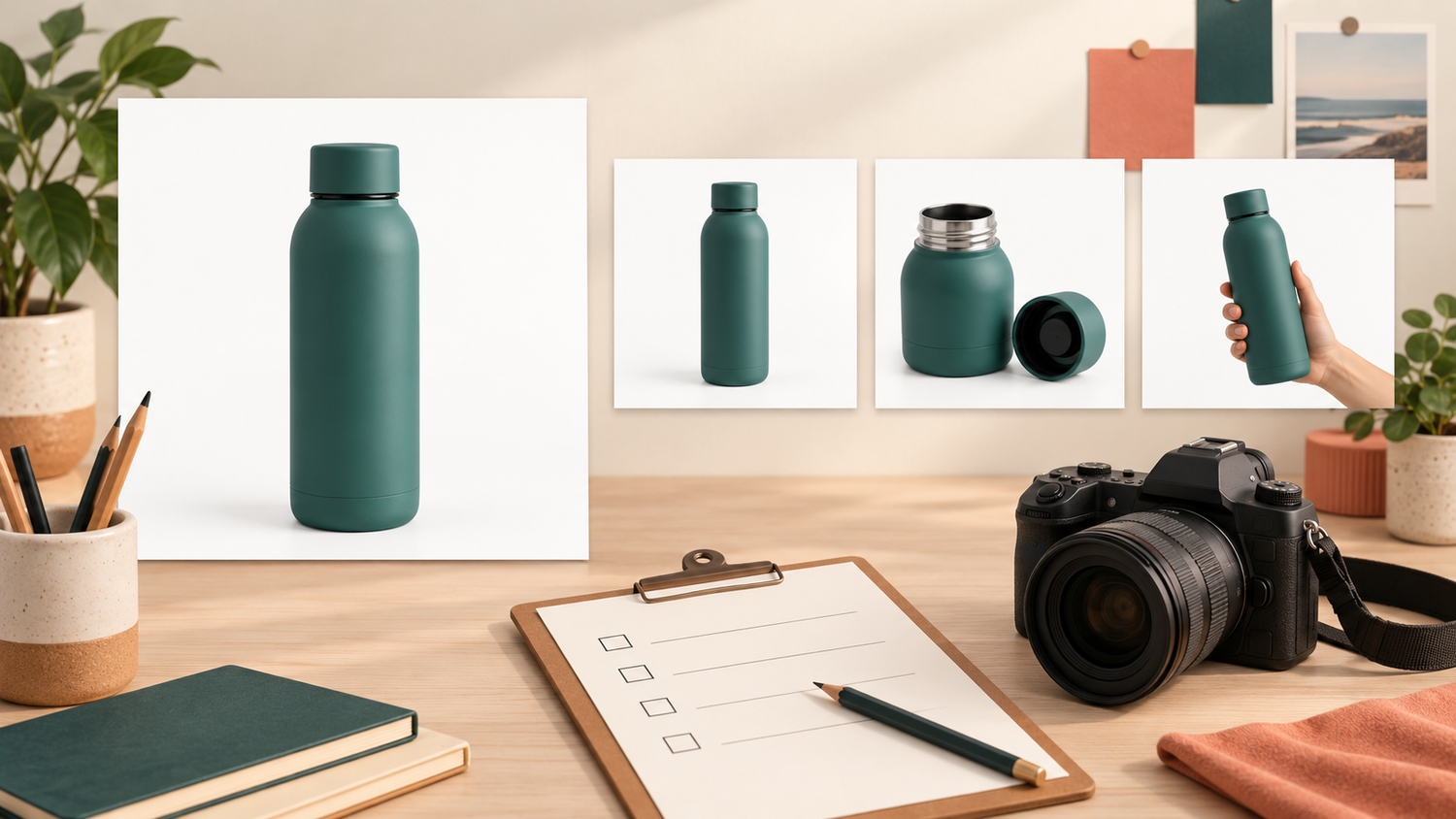
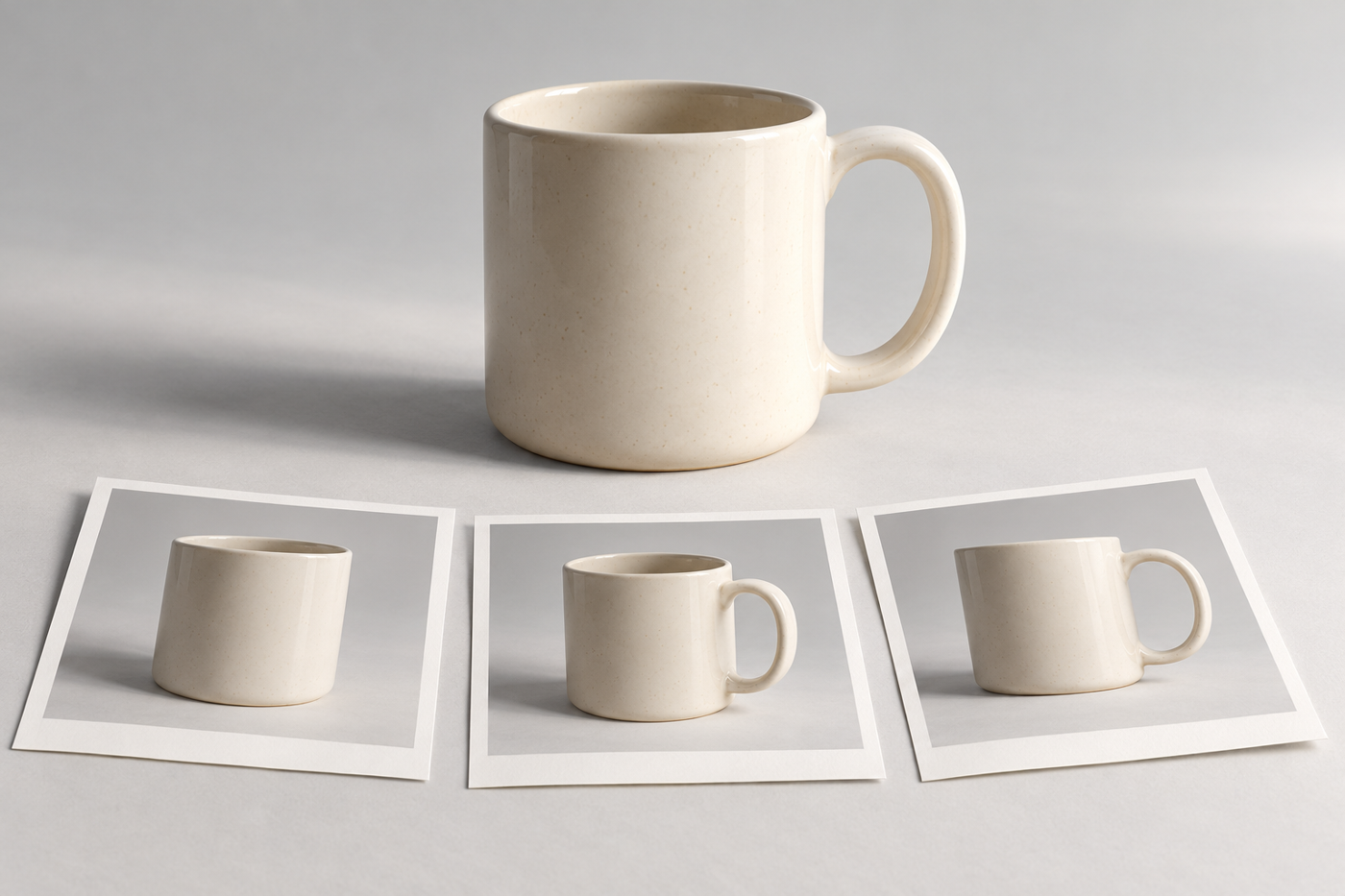
Choose a main view that identifies the product immediately. Then ask what someone cannot learn from that picture alone. A mug may need another angle to show its handle, a top view to show the opening and a close-up to describe the surface. These are examples of useful coverage, not a fixed package or a required number of photographs.
Google Merchant Center distinguishes the primary product image from additional images. Its guidance says the primary image should clearly display the exact item for sale; additional images can show different angles, details or the product in use. Those are Google-specific rules, so check the requirements of your actual destination rather than assuming every marketplace follows the same policy.[1][2]
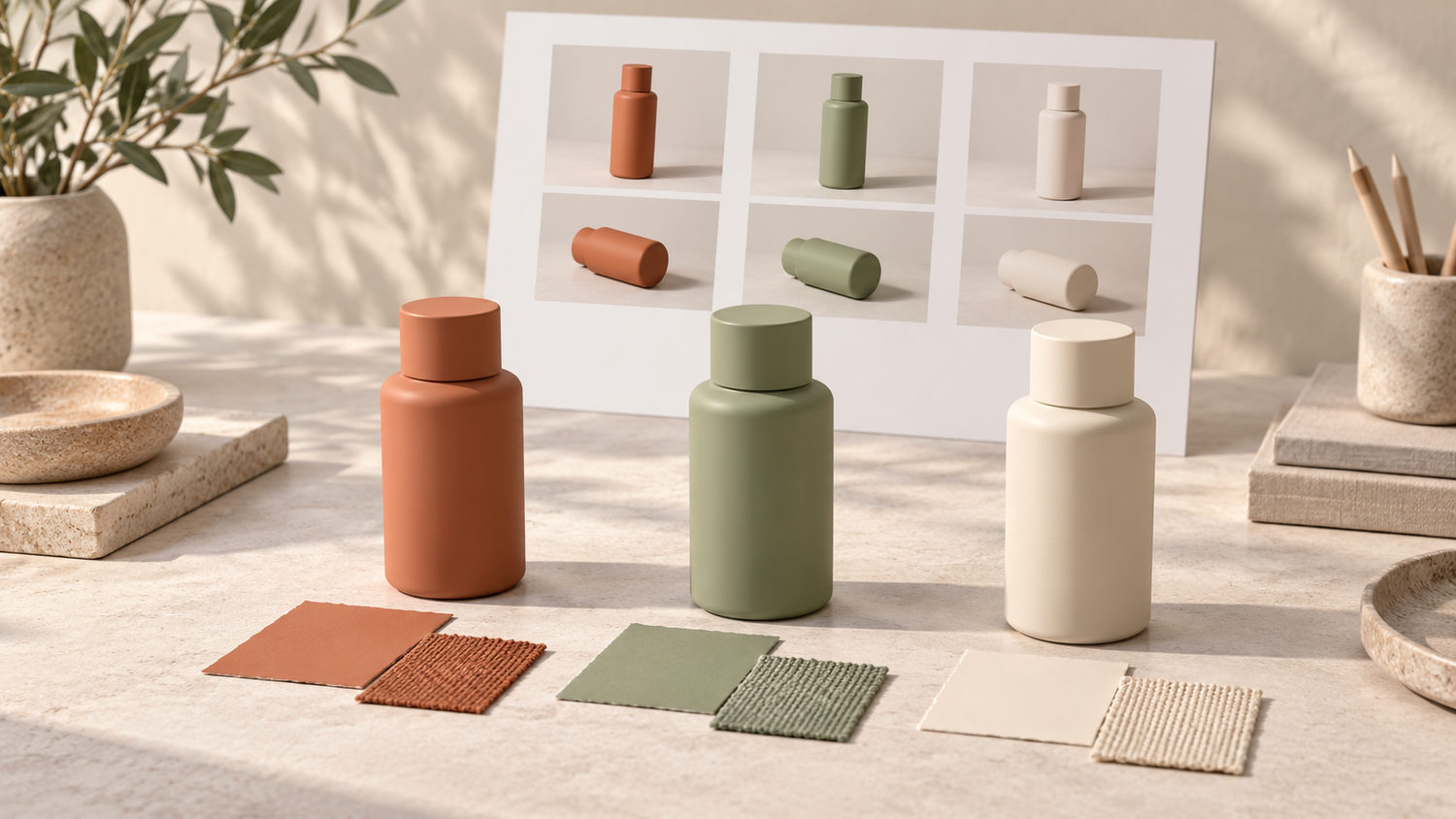
Keep variants identifiable. If you sell several colours or finishes, photograph the correct version for each listing instead of using one attractive image for all of them. Do not quietly substitute a different colour in editing. For bundles, make it clear which items are included, and keep optional styling props out of the main view when the destination prohibits them.[1]
Make light, background and framing consistent

For a simple setup, begin with a clean product and a background that does not compete with it. Use soft, controllable light and watch the reflections and shadows on the actual surface. A white reflector can help reveal a shaded side, but its position should follow the product rather than a rigid formula. Glossy packaging, fabric and ceramics will not all respond in the same way.
Keep the camera position, product placement and crop reasonably consistent across similar items. This makes a catalog grid easier to read and avoids accidental differences in apparent size. Before continuing through a large batch, compare a small sample set at the size customers will see on a phone. Check whether important edges and fine details remain clear.
A more expensive camera does not fix an unclear shot plan, distracting reflections or the wrong variant. Prioritise focus, stable framing and useful detail. If a feature cannot be understood from a photograph, support it with an accurate written description rather than trying to make the image carry every piece of information.
Edit for clarity and review the delivered files

Editing should make the presentation cleaner without changing what the customer will receive. Removing temporary dust or adjusting an uneven background is different from hiding a permanent product feature, changing its shape or inventing a texture. Agree on those boundaries before retouching starts, especially when surface finish is part of the buying decision.
Review the main view and supporting pictures together. Check that colour and brightness are coherent, labels remain readable and no essential part of the item has been cropped away. Compare against the physical product where possible; different screens can display colour differently. Keep original files separately from the final exports so later crops do not become your only surviving version.
Confirm the intended dimensions, file type, crop and naming convention with the destination or designer. For example, a printed catalog and a shop thumbnail may need different exports from the same approved photograph. Google also prohibits promotional overlays such as added prices, calls to action and watermarks on its main product images; do not turn a clean listing image into an advertisement unless the channel permits it.[1]
Prepare a focused brief for your photographer
Before booking, list the products and variants, the publishing destinations, the views you need and the features that must remain accurate. Share a few references and explain what you like about them: soft shadows, a neutral background or close detail, rather than simply asking for the same result. Confirm how the sample products will be prepared and which accessories belong in the picture.
Shaniba Creative Industry offers product photography, and its service page describes concept discussion, sending products, online review and file delivery.[3] If you are arranging a catalog shoot with SCI, use that conversation to agree on the shot list, retouching boundaries and required exports. The linked service page is in Indonesian. Ask for current scope and terms rather than assuming a past package or turnaround still applies.
You can contact SCI with your product list and intended image uses to discuss the next step. Good catalog pictures make a product easier to understand; they do not guarantee sales. Price, availability, descriptions and the shopping experience still matter. Start with a small, accurate set that answers real questions, then extend it where customers need more detail.
References
[1] Google Merchant Center: primary product image requirements
[2] Google Merchant Center: additional product images
[3] Shaniba Creative Industry: product photography service (Indonesian)
Share this post to: