Canon EOS C50 1.0.6.1: Photo Card Recording Fix
At the end of a product shoot, you need files that have actually been saved, not just confirmation that the shutter was released. Canon EOS C50 1.0.6.1 addresses that distinction with a fix for an issue where recording an image to the card may not complete in Photo mode.
Dated October 20, 2026, the update matters to EOS C50 owners who also shoot still photographs. It is not a new image style or a resolution upgrade. It concerns an important step before a photograph can be selected, edited and delivered to a client.
Daftar Isi
What changes in Canon EOS C50 1.0.6.1?
Canon lists three changes in its firmware notice: enhanced security for IP streaming, fixes for display problems in some language environments, and a fix for image recording to the card potentially not completing in Photo mode. The last item is the most directly relevant to product and portrait photography.
The notice does not specify how often the problem occurs, which card combinations are affected or what triggers it. It would therefore be wrong to conclude that every EOS C50 encounters the same failure. The update is also not grounds for declaring a particular card defective without further investigation.
Imagine finishing a close-up of a packaging label and packing the product away. Discovering later that a required file is unavailable could mean rebuilding the product arrangement and lighting. Checking before the product is put away helps you decide whether the session is ready to close.
A camera fix and a session check serve different purposes
Installing firmware and checking the photographs address two separate needs. Firmware deals with camera behavior the manufacturer has corrected. Reviewing the output establishes whether the images needed for your particular session can be found and opened before the job moves forward.
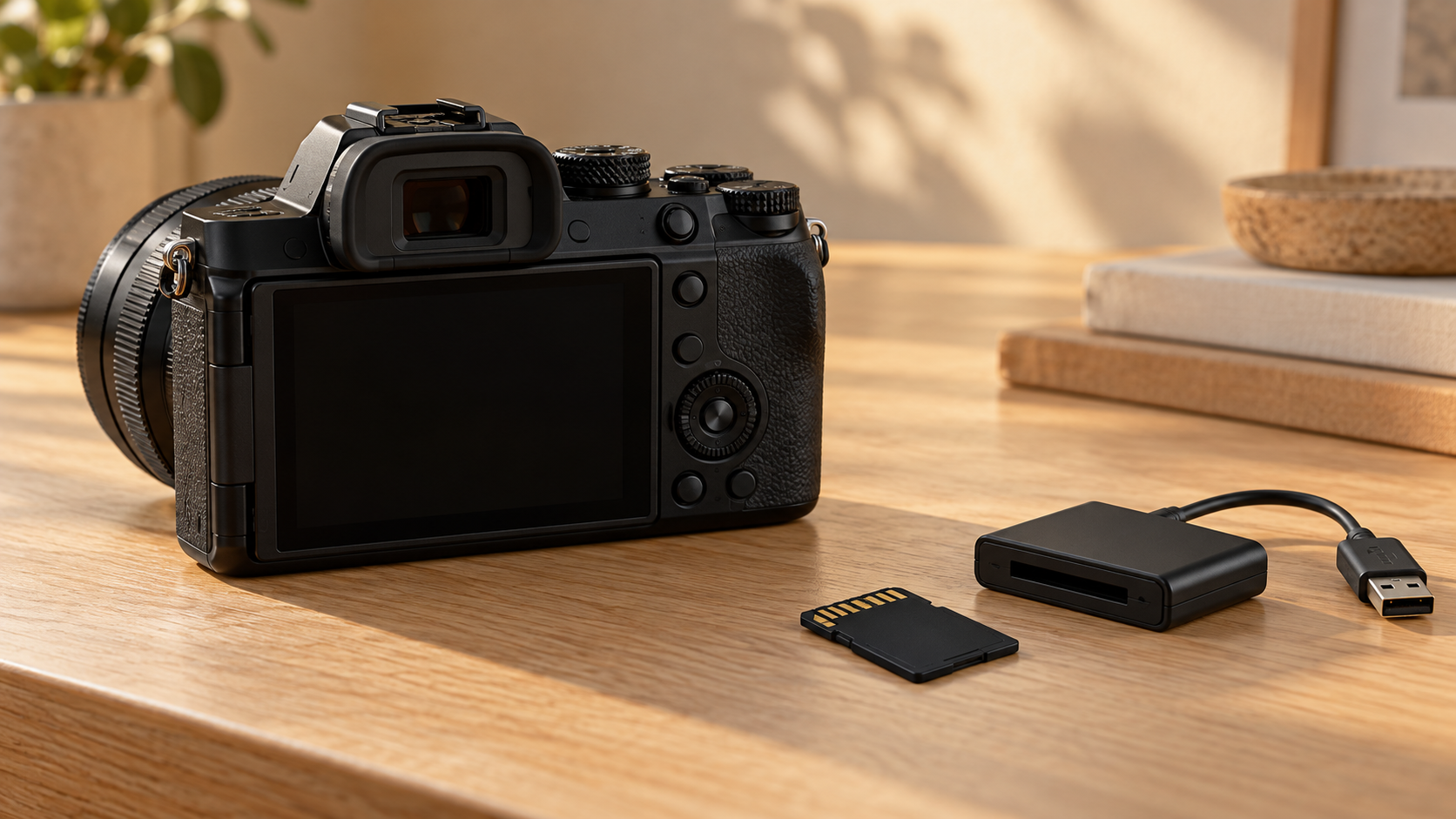
A practical first step is to take a few sample photographs using the settings and card intended for the shoot. Review them in the camera, then open copied files on the computer that will be used for selection or editing. Check that the required photographs are present and display as expected. This is a useful preliminary check, not an exhaustive test or a guarantee against failure.
For a product session covering several variants, agree on the required image list before the items are put away. For portraits, check the important selections before the subject leaves. The principle is the same: the decision to finish a session should rest on inspectable results, not simply on how many exposures were made.
Check the update mode and the rollback limitation
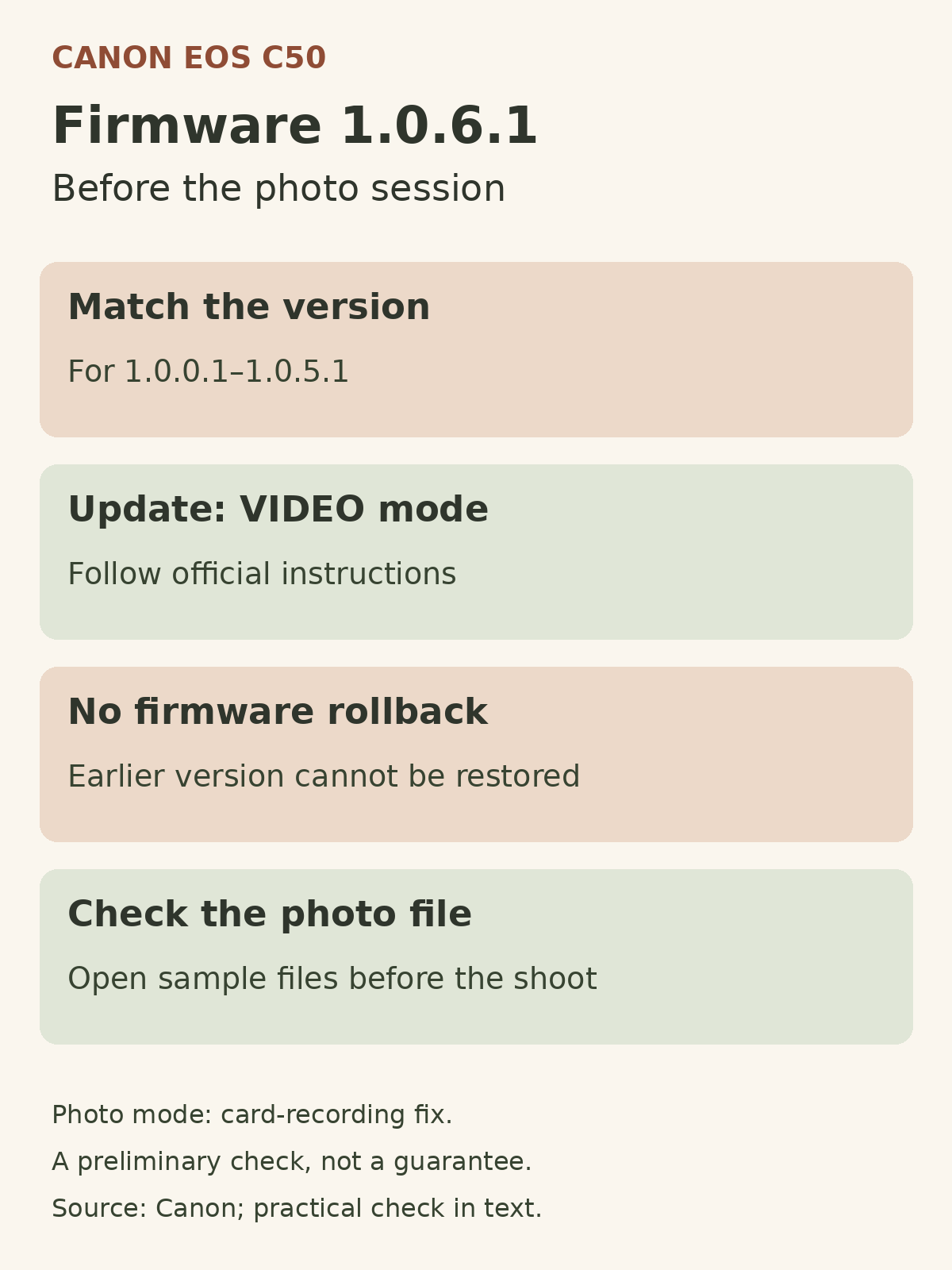
Canon says firmware 1.0.6.1 is intended for EOS C50 cameras running versions 1.0.0.1 through 1.0.5.1. A camera already running 1.0.6.1 does not need the update again. Confirm the exact model and installed version against the official instructions before downloading anything; a package for another model is not interchangeable.
One easily missed detail is that the update must be performed in VIDEO mode, even though one of the fixes concerns Photo mode. Canon also specifies an SD, SDHC or SDXC card of at least 512 MB for the update and states that the camera cannot be restored to an earlier firmware version afterward.
Do not load menu settings created with the newest firmware into a camera running an older version; Canon warns that doing so may affect camera operation. Set aside time away from a client session to follow the official instructions, then check the settings and sample photographs before using the camera for work.
If you are preparing a product photography brief in Yogyakarta, discuss file requirements, the variant list and when the results will be checked. Contact Shaniba Creative Industry to discuss your commercial photography needs.
Reference: Canon Australia — EOS C50 Firmware Update version 1.0.6.1.
Share this post to: