
Product Photos for Multiple Variants: Build an SKU Image Matrix
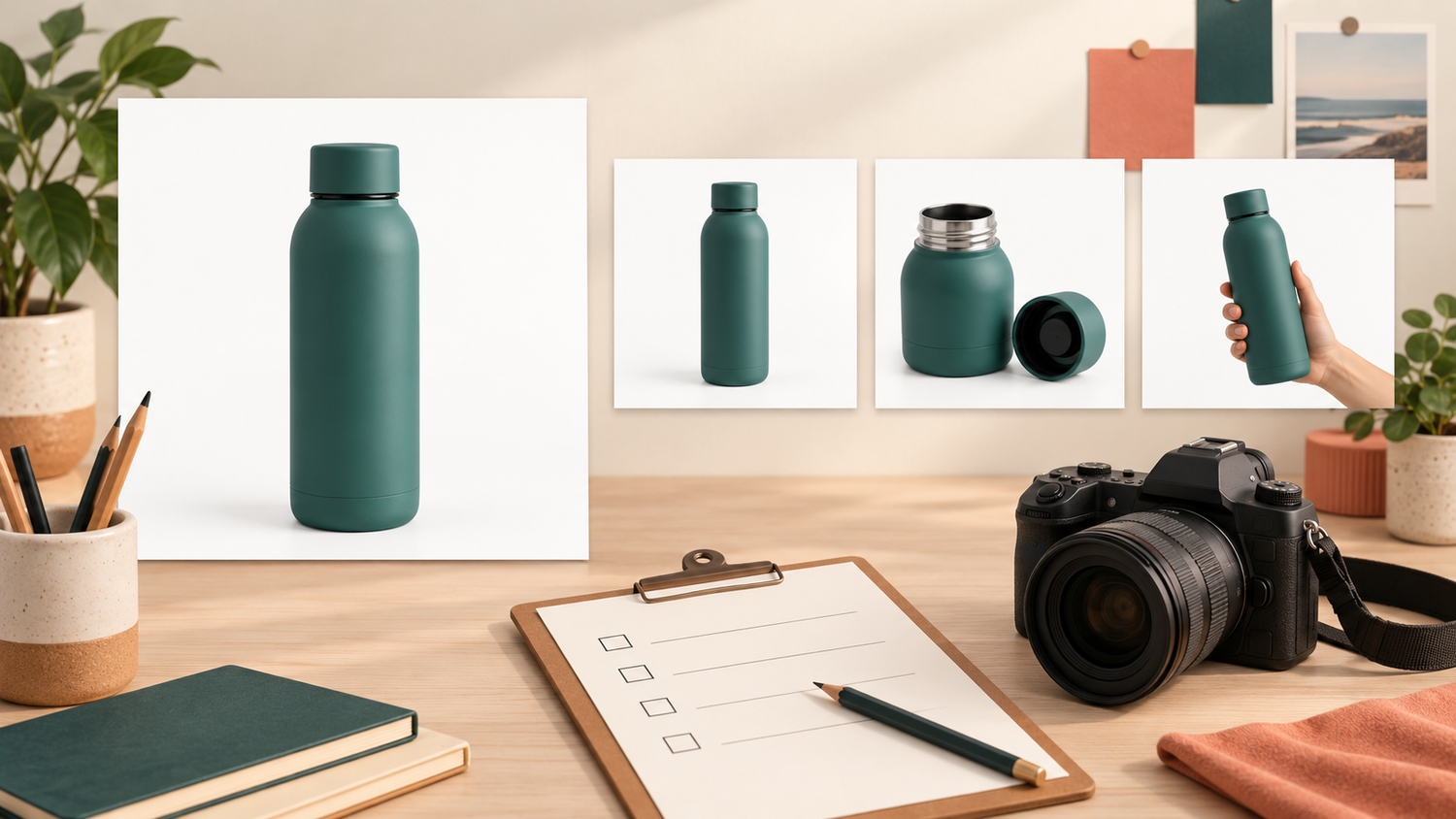
The green bottle looks good in its photograph, but that image appears under the cream color option. When planning product photos for multiple variants, image quality is only part of the job. The connection between the physical item, its product code and the delivered file needs to be clear too. An SKU image matrix gives you a shared reference before samples reach the studio.
An SKU, or stock keeping unit, is a code you use to distinguish an item in your catalog. Here, an image matrix means a working table that connects that code to a physical sample, the views you need and the files you approve. It is a communication tool for the product owner, photographer and catalog manager, not an inventory application.
Daftar Isi
List visual differences in product photos for multiple variants
Start with the products you actually intend to sell. Mark what changes between them: body color, cap shape, package size, label wording or included contents. A variant name that makes sense inside your team may tell a new recipient very little. “New green”, for example, needs a link to the correct code and physical sample.
Keep visible differences separate from administrative ones. Two sizes may look similar in a photograph, while two packages with the same capacity can carry different labels. Do not immediately assume similar items can share one image for every destination. Record what is shared and what differs, then check the image requirements of the channel where the product will appear.
Google Merchant Center illustrates why this matters: its guidance describes the problem of different color variants showing the same image and asks for images that accurately represent the product color.[1] That is not a universal rule for every marketplace. Image URL requirements also have their own conditions; keep photography decisions separate from platform data setup.
Match each SKU to its sample and required views
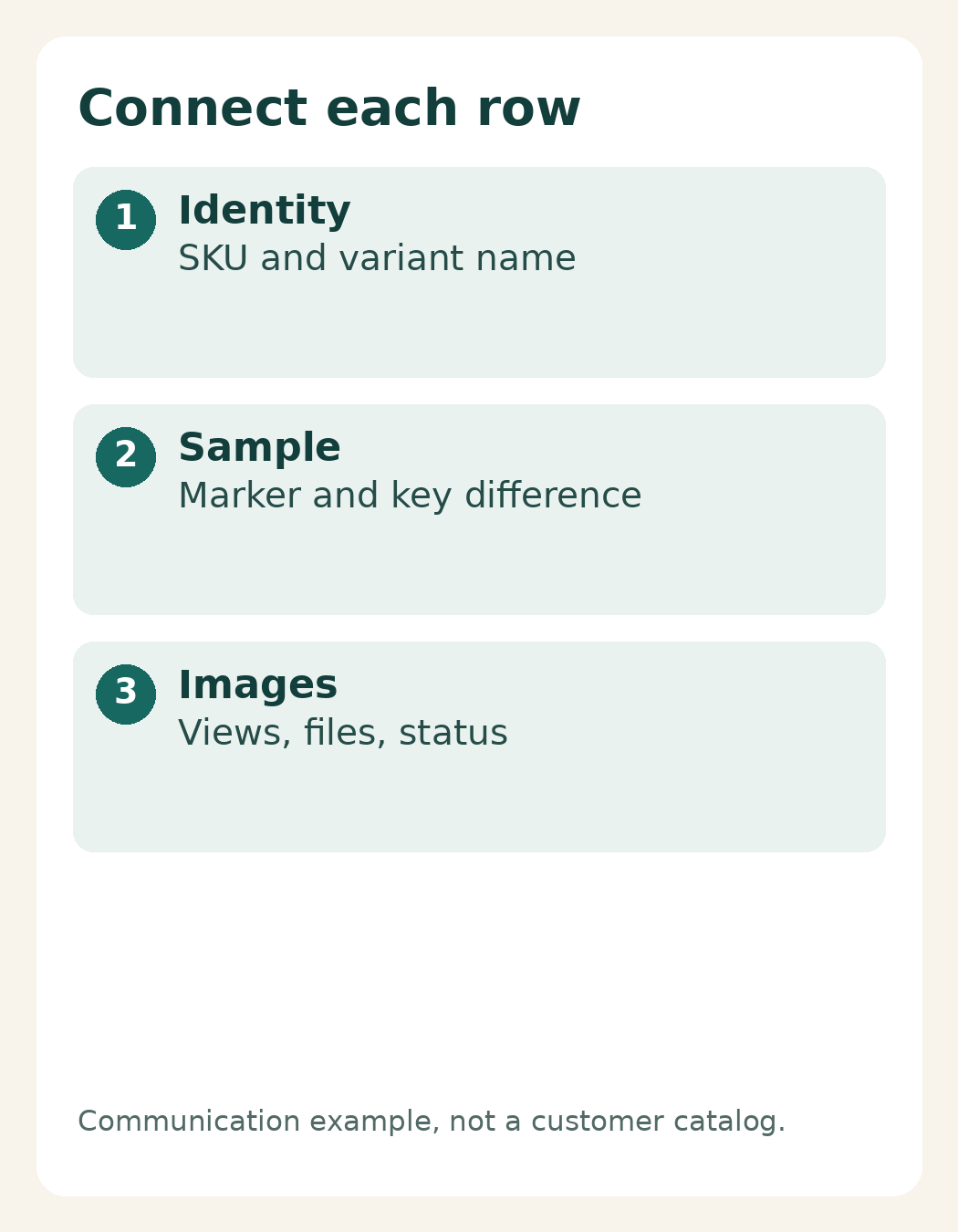
Give each item you need to track its own row. Include the SKU, variant name, sample identifier, distinguishing feature, required views, image role, delivered filename and approval status. Use the same columns throughout a long series rather than leaving some decisions in separate message threads that other people may never see.
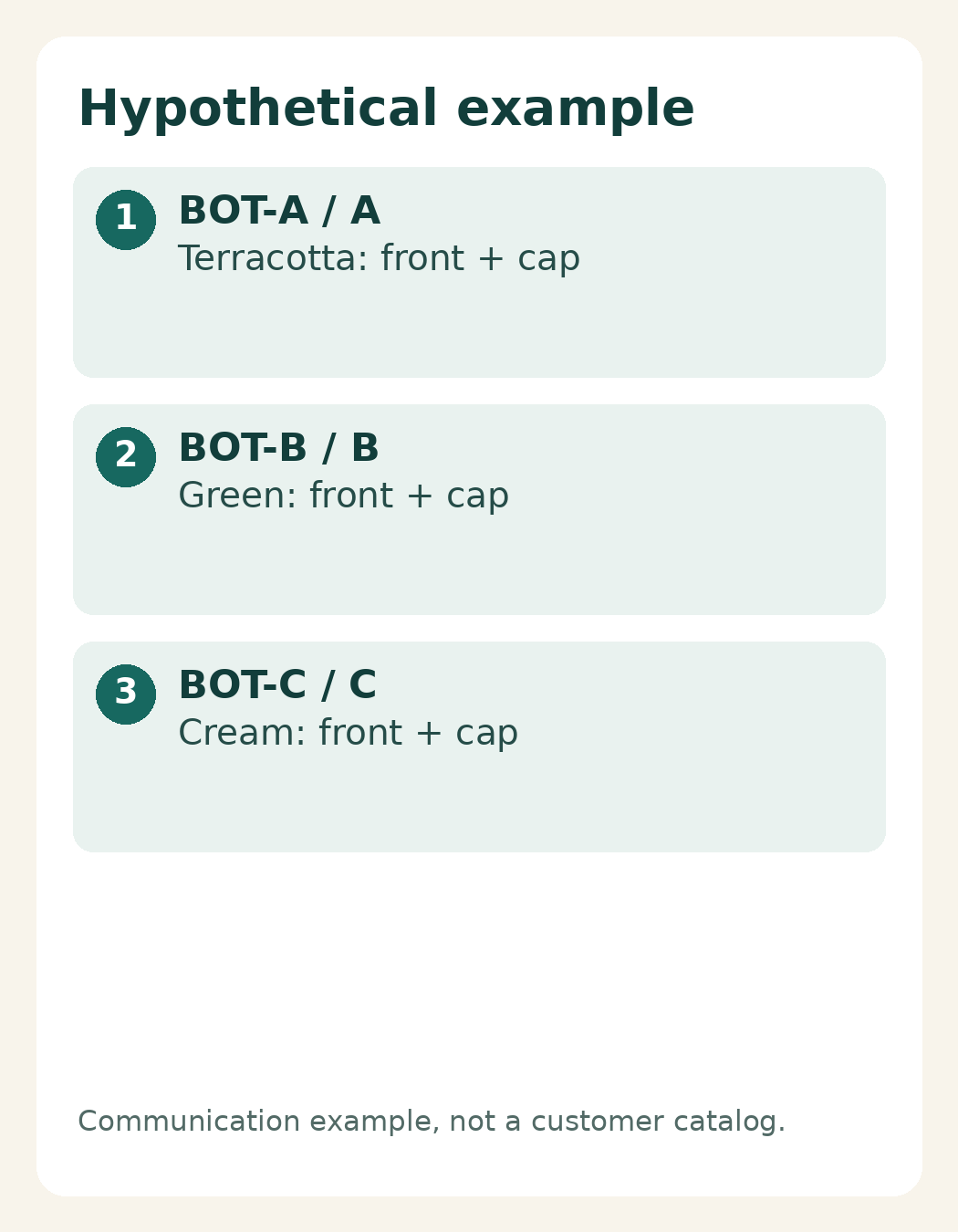
Consider this hypothetical example, not a customer catalog: BOT-A refers to a terracotta bottle with sample marker A; BOT-B is the green bottle marked B; BOT-C is the cream bottle marked C. Each row requests a front view and a cap detail. The example demonstrates the relationships to record, not a required image count or a photography package.
Make sample identification clear at handoff without obscuring the surface to be photographed. An accompanying list or an agreed mark on outer packaging can help. If you send a backup sample, show which SKU it belongs to. Do not substitute an “almost identical” variant without updating the record and discussing what the substitution changes.
Be specific about views. “Detail shot” could mean the cap, a seam, a texture or a particular side of the label. Adobe recommends discussing required angles and label visibility before the shoot.[3] Reference images can help explain the viewing direction, but also state which part of your own product must remain readable.
Agree on a filename pattern that connects identity and role, such as BOT-A_front_v01 and BOT-A_cap_v01. This is a suggested working convention, not a compulsory standard. Keep your existing SKU unchanged rather than adapting it to the example. Fill in the delivered-file column when actual files exist instead of guessing what the studio will call them.
Assign main and additional images to each variant
The main-image column identifies the view that represents the variant at first glance. Additional-image columns identify information that view does not show: the back, material detail, use context or another relevant feature. This distinction gives every requested image a purpose rather than making a longer list of photographs the goal.
Google explains that additional images can show a product from different angles or in use.[2] For your catalog, choose views around the questions buyers need answered and the product’s actual appearance. Not every variant needs an identical combination, but write down deliberate differences so they are not mistaken for missing files.
If you propose using one photograph for several items, list those items and the reason explicitly. Check whether the image genuinely represents each product and meets the destination channel’s rules. Similar shapes do not establish identical colors, contents, labels or sizes. Renaming a file does not resolve a mismatch between the image and the product.
Keep “photographed” separate from “approved to publish”. Agree on short status labels such as awaiting sample, ready to shoot, awaiting review and approved. Include a decision owner or the latest decision so the person uploading the catalog does not have to infer which files are still drafts.
Approve one sample row before the full series
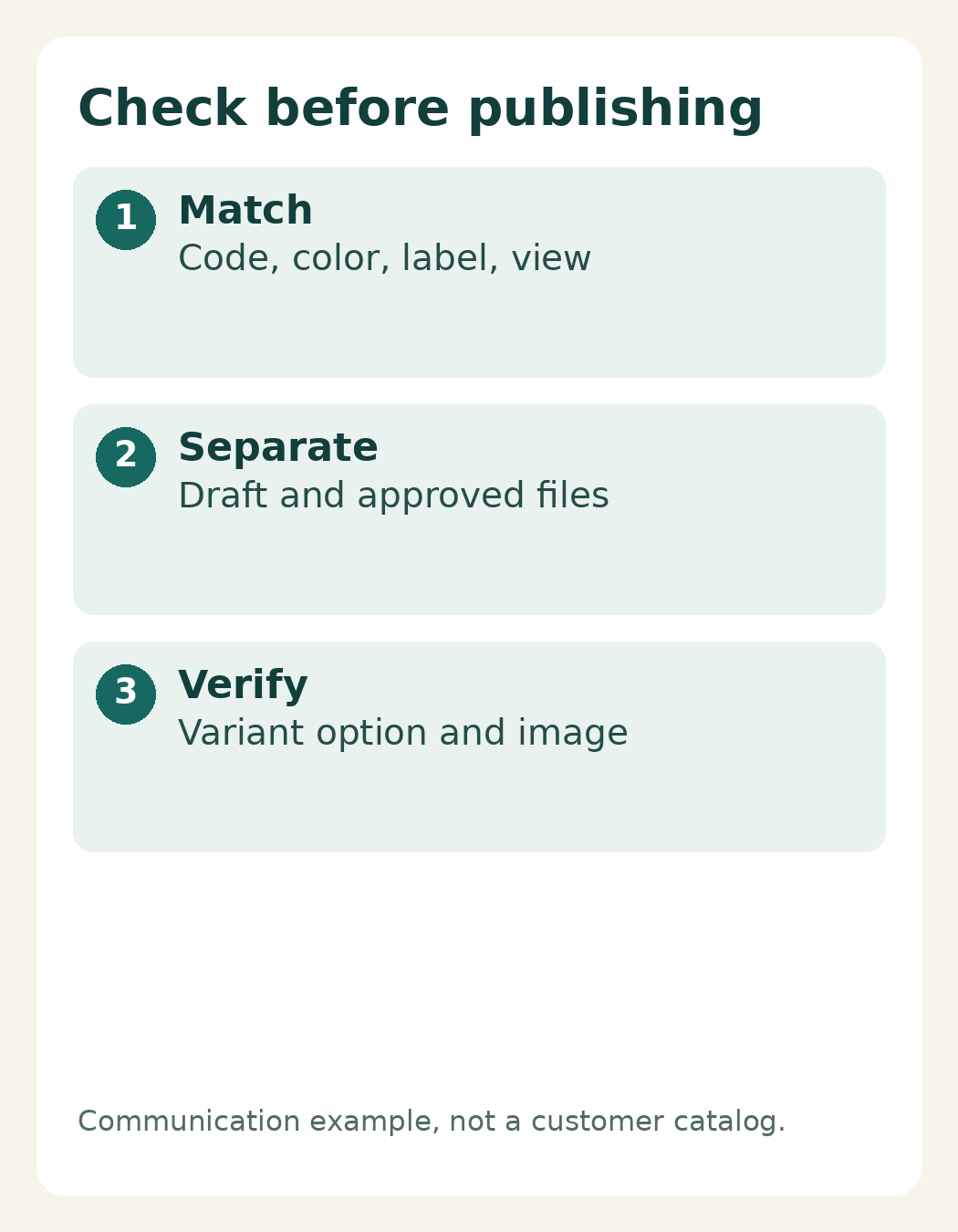
Choose one SKU to test whether everyone understands the table in the same way. Compare the sample or its identification record with the photographs, checking the code, color, label, view and image role. If the connection is unclear for one row, copying that pattern across the catalog will multiply the ambiguity. Adjust the record before scaling it.
During review, identify both the code and the file: “BOT-B_cap_v01, cap detail for the green variant”, rather than “yesterday’s second photo”. Record changes in the same row and distinguish files awaiting correction from accepted versions. One decision trail is easier to follow than several filenames that all contain the word “final”.
Before uploading, ask the catalog manager to compare each variant option with the image actually displayed. A matrix supports traceability; it cannot guarantee an error-free upload. The person responsible for the catalog still needs to check the live presentation, especially after replacing files or changing image order.
To discuss product photography with Shaniba Creative Industry, bring your SKU list, representative samples and one completed example row.[4] The linked service page is in Indonesian. When contacting SCI, agree on the visual requirements and the scope of filename and delivery arrangements. Do not assume inventory administration or feed management is included in photography. Begin with one clear connection: this item, this code, this image.
Sources: [1] Google: images for differing variants; [2] Google: additional images; [3] Adobe: planning product photography; [4] SCI product photography service (Indonesian).
Share this post to: