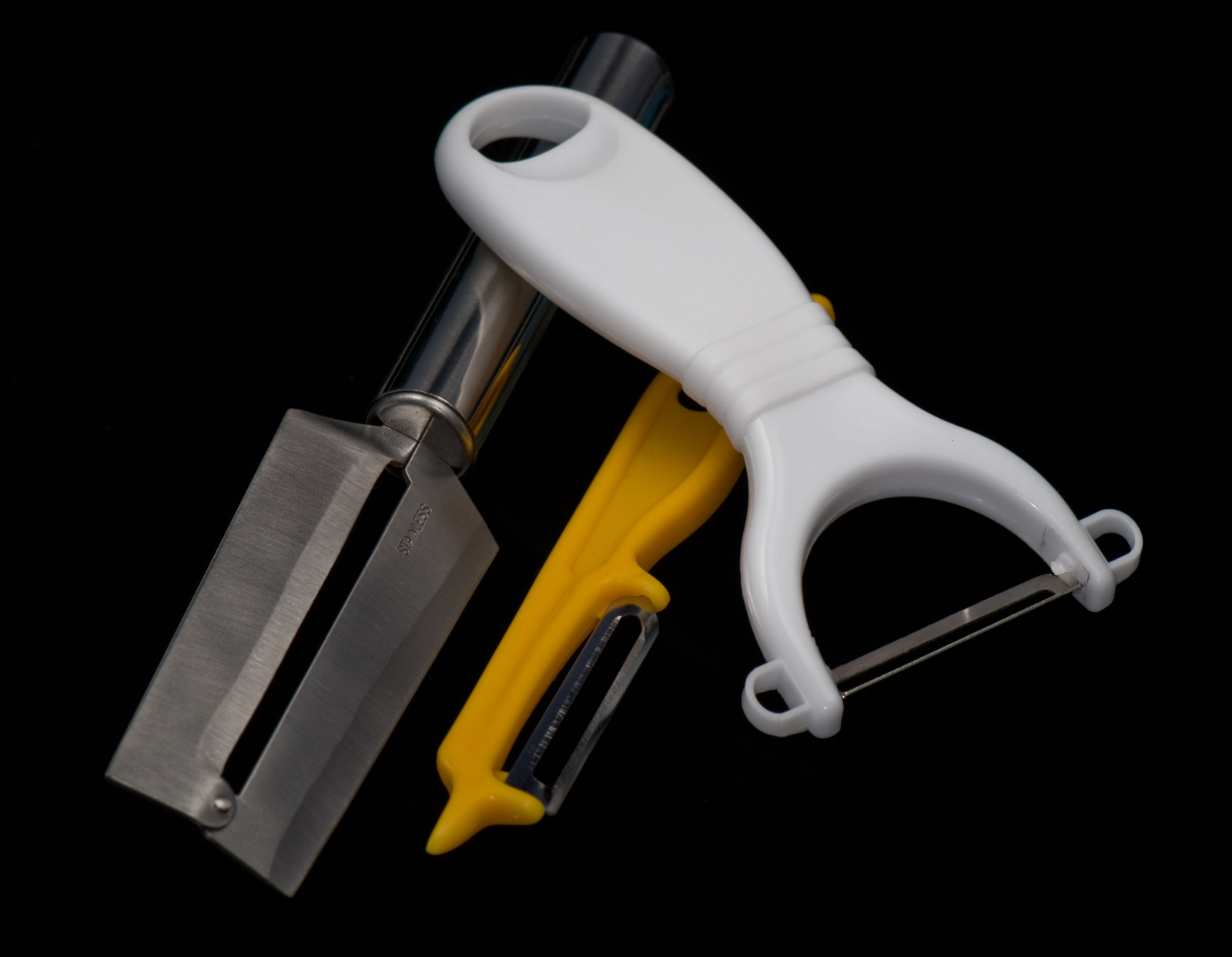
360 Product Photos or Selected Views? Start with the Buyer’s Question
A buyer wants to see the back of a handle, and the team immediately asks for “3D.” When comparing 360 product photos vs selected views, start with the unanswered question: which part is missing, and what does the buyer need to understand? One additional still may answer it. A rotatable sequence may be more useful when the shape needs to be explored from many sides.
This is not a contest to commission the most elaborate presentation. You need material that explains the product and works on its intended page. Identify the buyer’s question first, then agree on the photographic coverage and display method with the photographer and website owner.
Daftar Isi
Start with what ordinary stills leave unanswered
Imagine a kitchen tool with a curved handle. The front photograph shows its overall shape but conceals the joint behind the handle. Write down the precise question: “What does the handle joint look like from the back?” Compare that with a broader question: “How does the shape change as I look around the product?” These needs do not automatically call for the same deliverable.
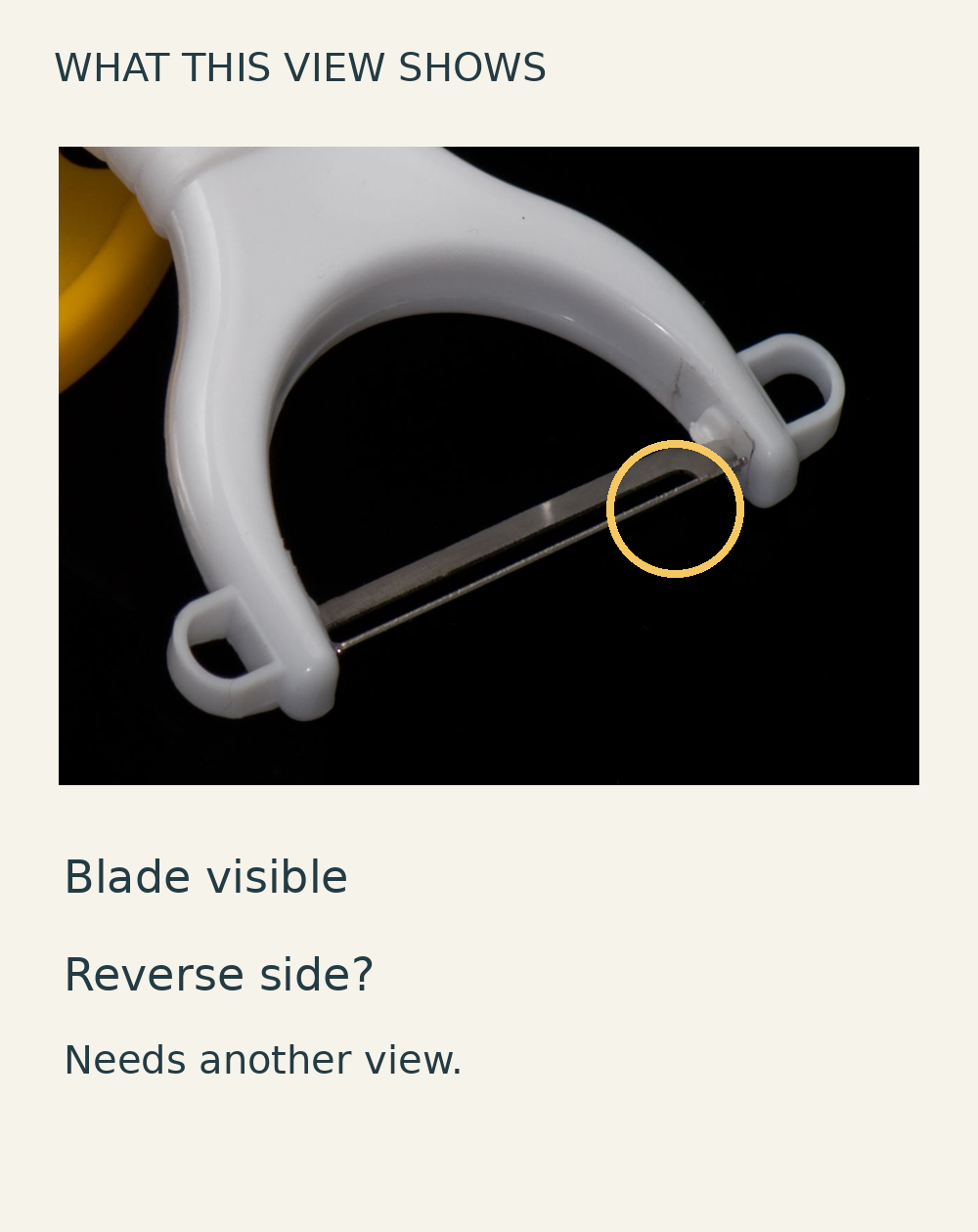
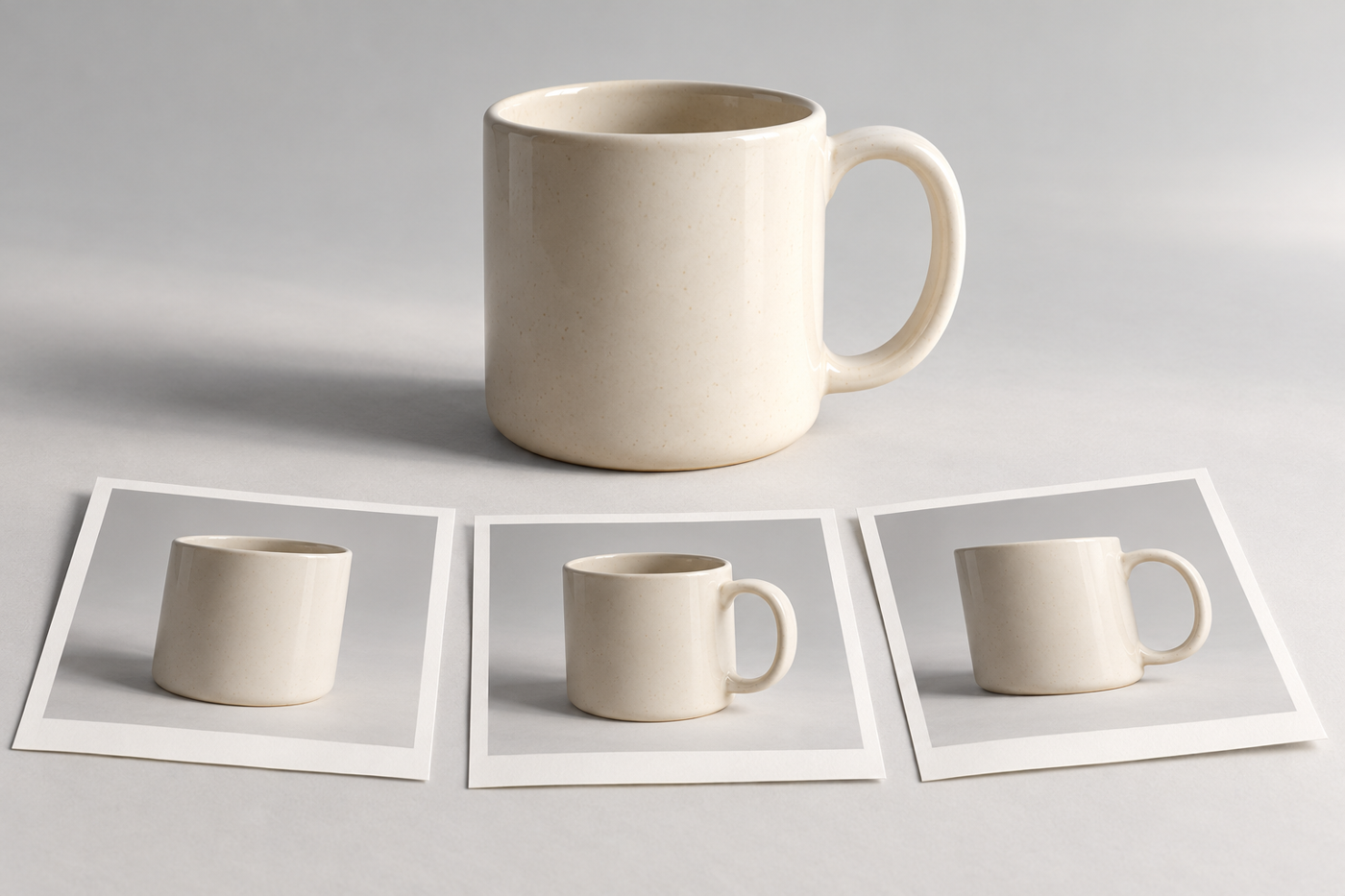
For the first question, a clear rear view and a close-up of the joint are worth considering. For the second, a photo spin may help because the visitor can choose the viewing position. This is a hypothetical commissioning decision, not an assessment of a particular tool in the illustrations or a promise that one sequence will reveal every feature.
Make a short list matching each question to a product part, a required viewpoint and the level of detail needed. If three deliberately chosen stills answer everything, keep them as a candidate. If the shape remains hard to understand between those views, describe what you expect the interactive sequence to add. “It looks modern” is not a substitute for that specific reason.
Separate a photo spin, video and a 3D model
Orbitvu describes an interactive spin as a sequence of product photographs taken from successive angles and displayed so visitors can drag through the rotation. Its underlying material is photography, not automatically a three-dimensional model. A 3D model uses a digital mesh representing the object’s surface, while a rotating-product video records the product turning.[1]
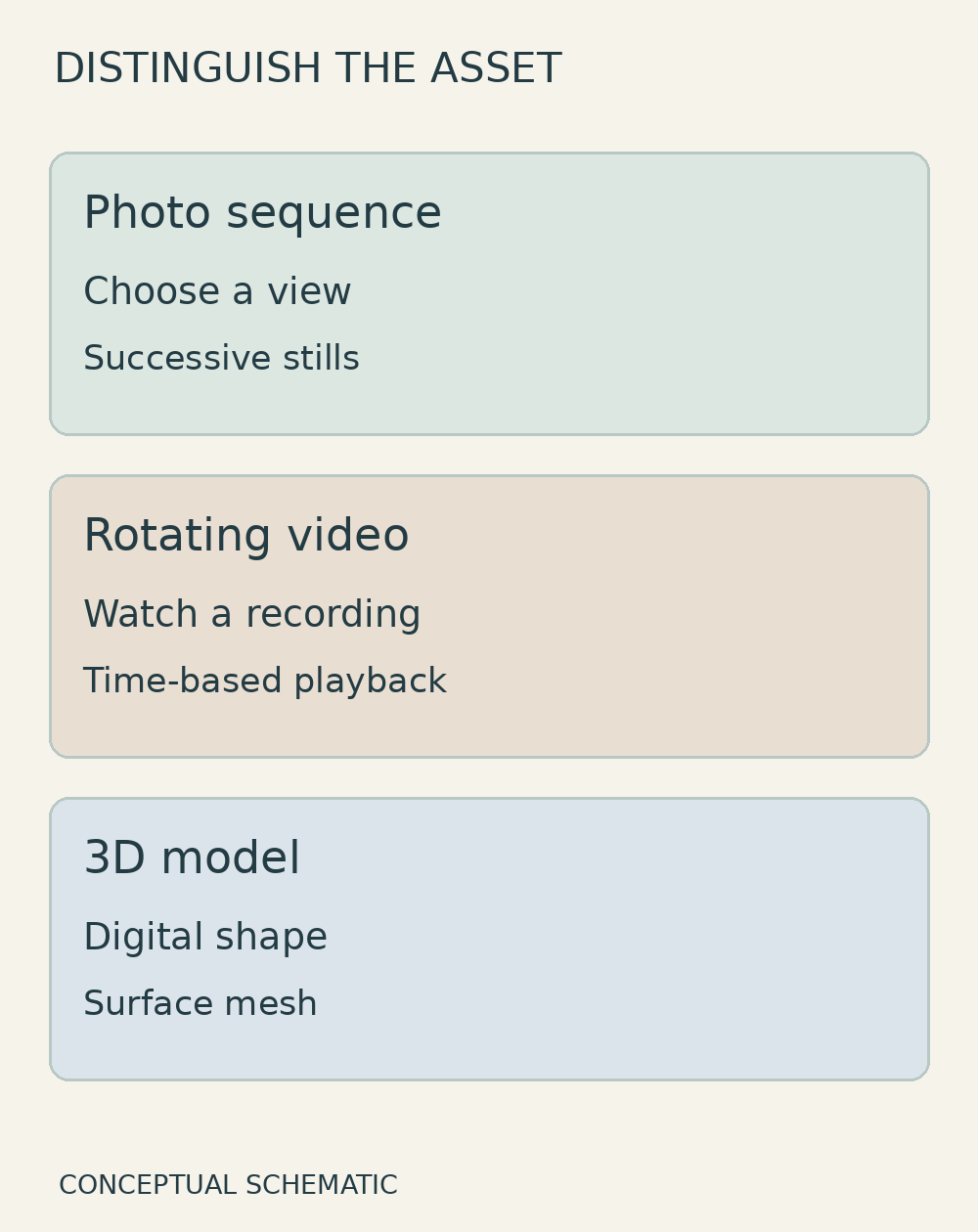
The distinction matters when requesting a quotation. “It rotates” does not explain whether a visitor controls a sequence of photographs, watches a video play or changes the viewpoint of a digital model. Describe the intended experience and show the destination page rather than relying on “3D” as an all-purpose label. Do not assume that a photography provider also builds models or integrates an interactive viewer.
A single-row spin provides views around the product at one camera elevation. Orbitvu distinguishes this from multi-row capture at different vertical angles.[1] The label “360” therefore does not mean visitors can freely inspect an uncaptured top or underside. If the base or the inside of a grip matters, specify that additional viewpoint separately. A small feature may still need a dedicated close-up even when a spin is available.
Confirm that the destination page can use the asset
Before commissioning the sequence, send the website owner an example of the required experience. Does the product page accept an interactive viewer, or only ordinary images? Who handles integration, uploads the material and checks the result? Separate these responsibilities from capture so nobody assumes that delivery of image files means the rotating presentation is already installed.
Ask to test a representative example on a phone. Can the product be rotated without interfering with page scrolling? Is there a way to operate it with a keyboard? What appears if the viewer fails to load or a visitor does not use the interaction? These are practical review questions, not a claim that every platform offers identical support or a certification of accessibility.
Agree on a useful static fallback image. Important details should not depend on visitors discovering a particular gesture. If the website team cannot yet confirm how the asset will be displayed, leave that integration decision open and continue discussing the still-photo coverage. Do not purchase a viewer service or expand production merely because a technical label has already entered the brief.
Decide with one representative product
Choose a product that represents the real requirement, not simply the easiest item to photograph. Prepare a short discussion note covering the unanswered question, selected stills that might answer it, any specific benefit of a spin, essential viewpoints, the person responsible for the page and open questions. This is a way to align expectations, not a fixed frame-count specification.
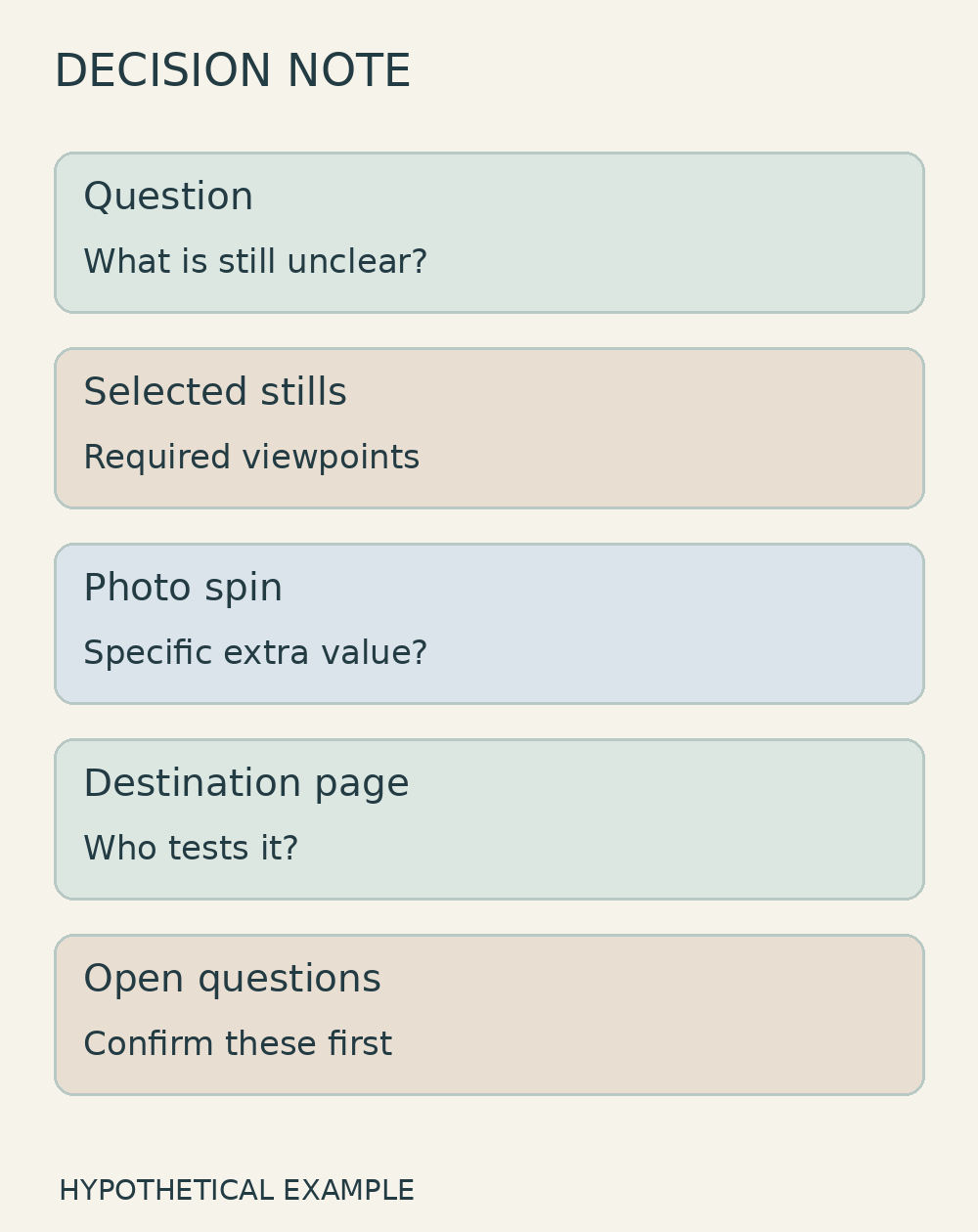
When weighing 360 product photos vs selected views, ask the team to explain its choice in ordinary language: “We need to understand the shape all around the handle,” or “We only need a rear view and a close-up of the joint.” If the reason remains vague, refine the question before expanding the scope. You can also retain a detailed still alongside a spin; the two formats do not have to replace each other.
When discussing product photography with Shaniba Creative Industry, bring the important features, a representative product and its intended display destination.[2] The service page is in Indonesian. Use the SCI consultation hub to confirm a feasible scope before commissioning.[3] Ask separately about any spin, 3D modelling or viewer integration requirement; do not assume those are included in ordinary product photography.
References
[1] Orbitvu: guide to 360 product photography formats. [2] SCI product photography service (Indonesian). [3] Contact SCI.
Share this post to: