Product Packaging Changed: Which Photos Need to Be Reshot?
Your new packaging is ready to ship, but the catalog still shows the old cap, label or bottle shape. Does every photograph need replacing? Reshooting updated product packaging should begin with an audit of what changed, rather than a decision to repeat the entire shoot. The aim is to show the version your customer will actually receive.
You may not need a new creative concept. Some images can remain useful, while particular main images and details deserve priority. This guide helps you build a replacement shot list, distinguish photography needs from file adjustments, and prepare a focused brief for a discussion with Shaniba Creative Industry.
Daftar Isi
Start reshooting updated product packaging with visible changes
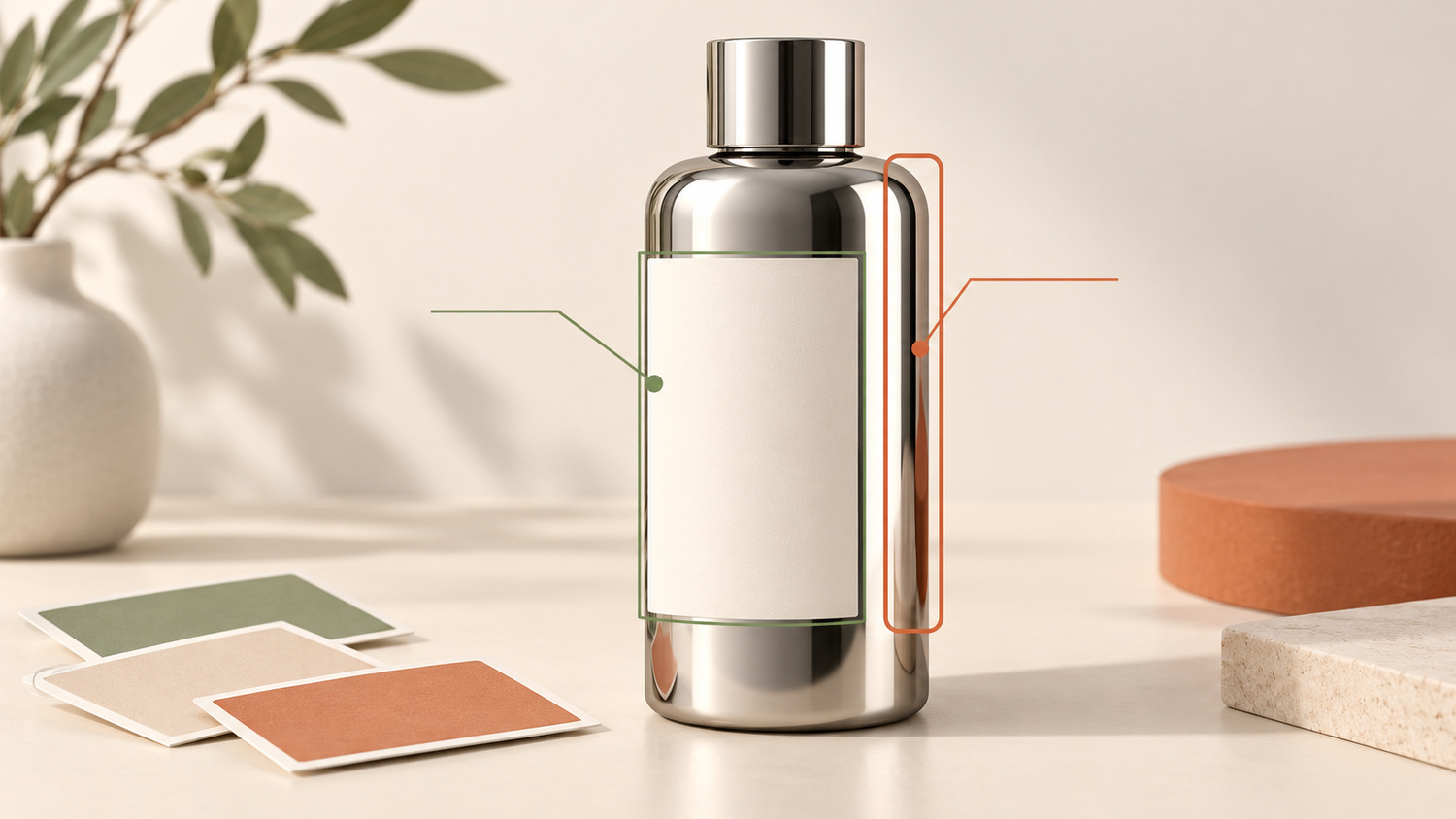
Place a sample of the final packaging beside the photographs currently in use. Check the container shape, height and width, cap, surface finish, color, label and any visible bundle contents. Do not compare label artwork alone: changing a short bottle to a slim one affects its silhouette even when the brand stays the same.
Describe each change as a specific pair, such as “cream cap replaced by green cap” or “front label is now taller”. Keep appearance changes separate from product information your team must confirm. Claims, stated contents and required packaging information should match the final approved materials; a photography decision does not replace checking that information.
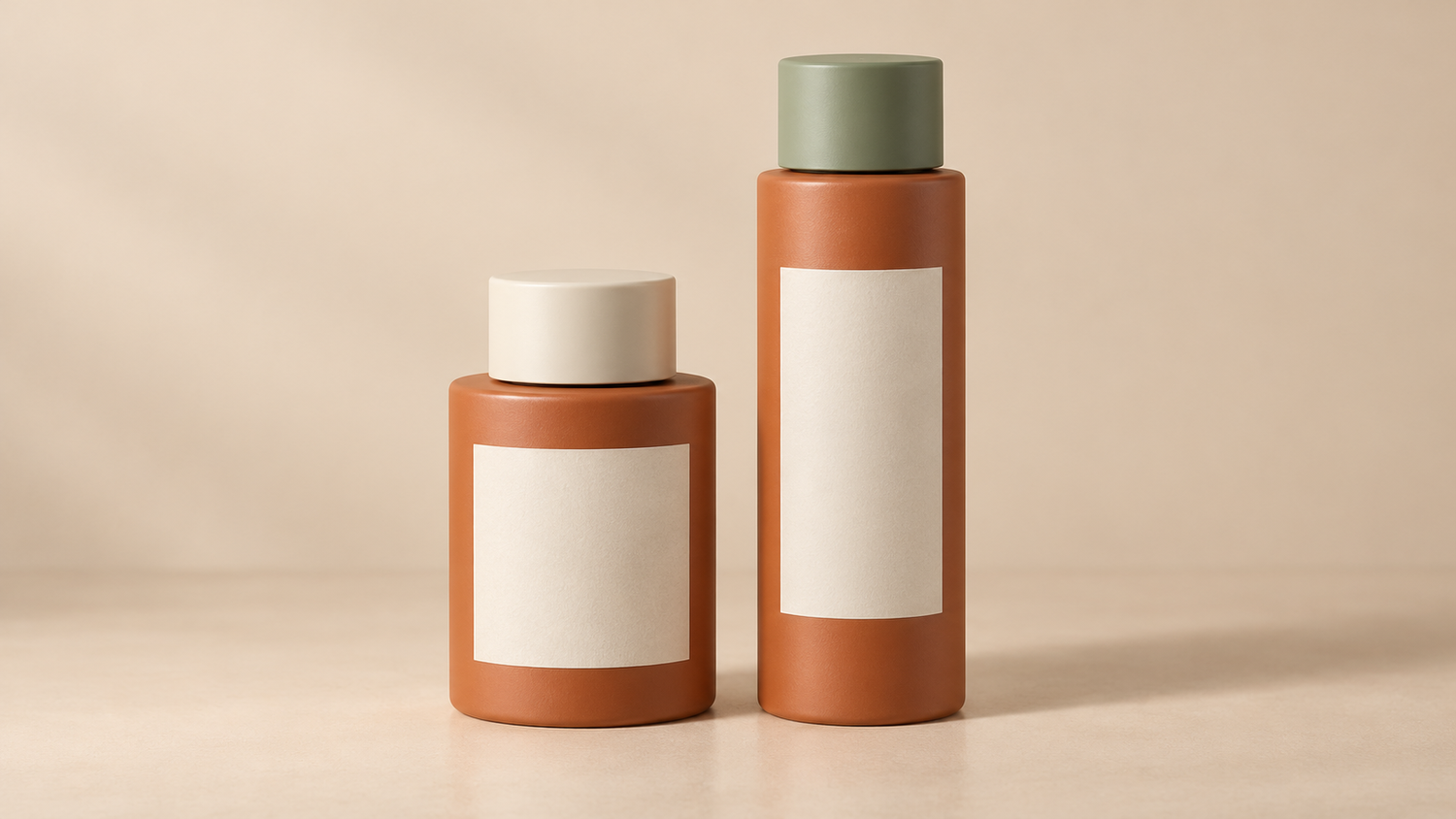
Consider a hypothetical short bottle with a cream cap being replaced by a taller bottle with a green cap. The old front photograph no longer represents the new container. A close-up of the contents without the bottle might still be useful, provided the contents and usage context genuinely remain unchanged. Make that decision image by image, not simply by keeping an entire folder.
Adobe discusses consistency in product photography and notes that further photographs may be needed when new product versions are released.[3] Use that principle to preserve a suitable visual direction without forcing an old package to stand in for a different one.
Map affected views and places where images appear
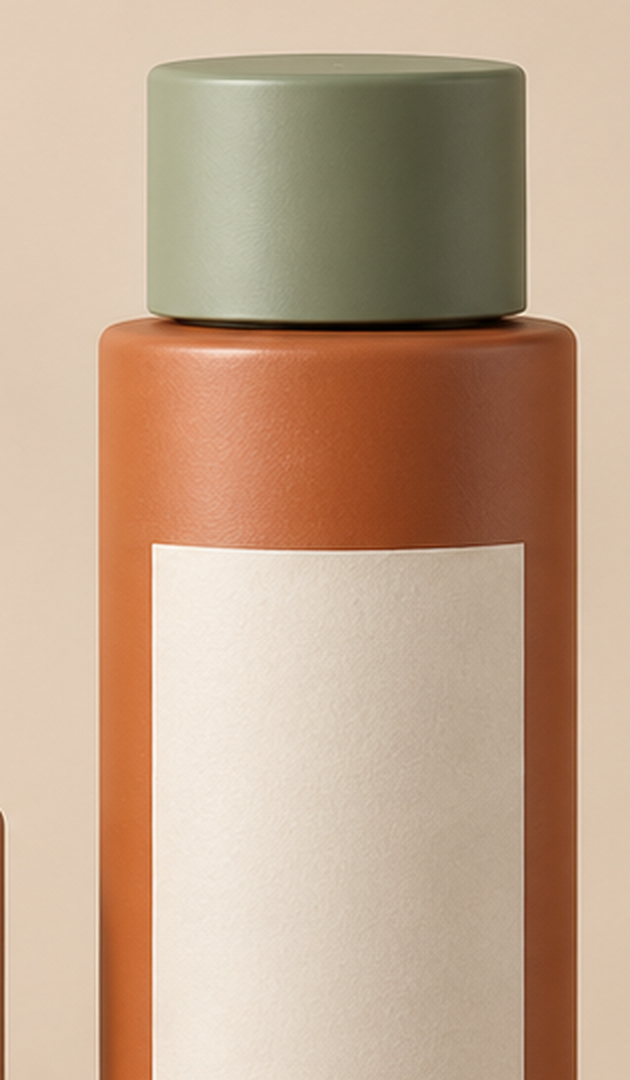
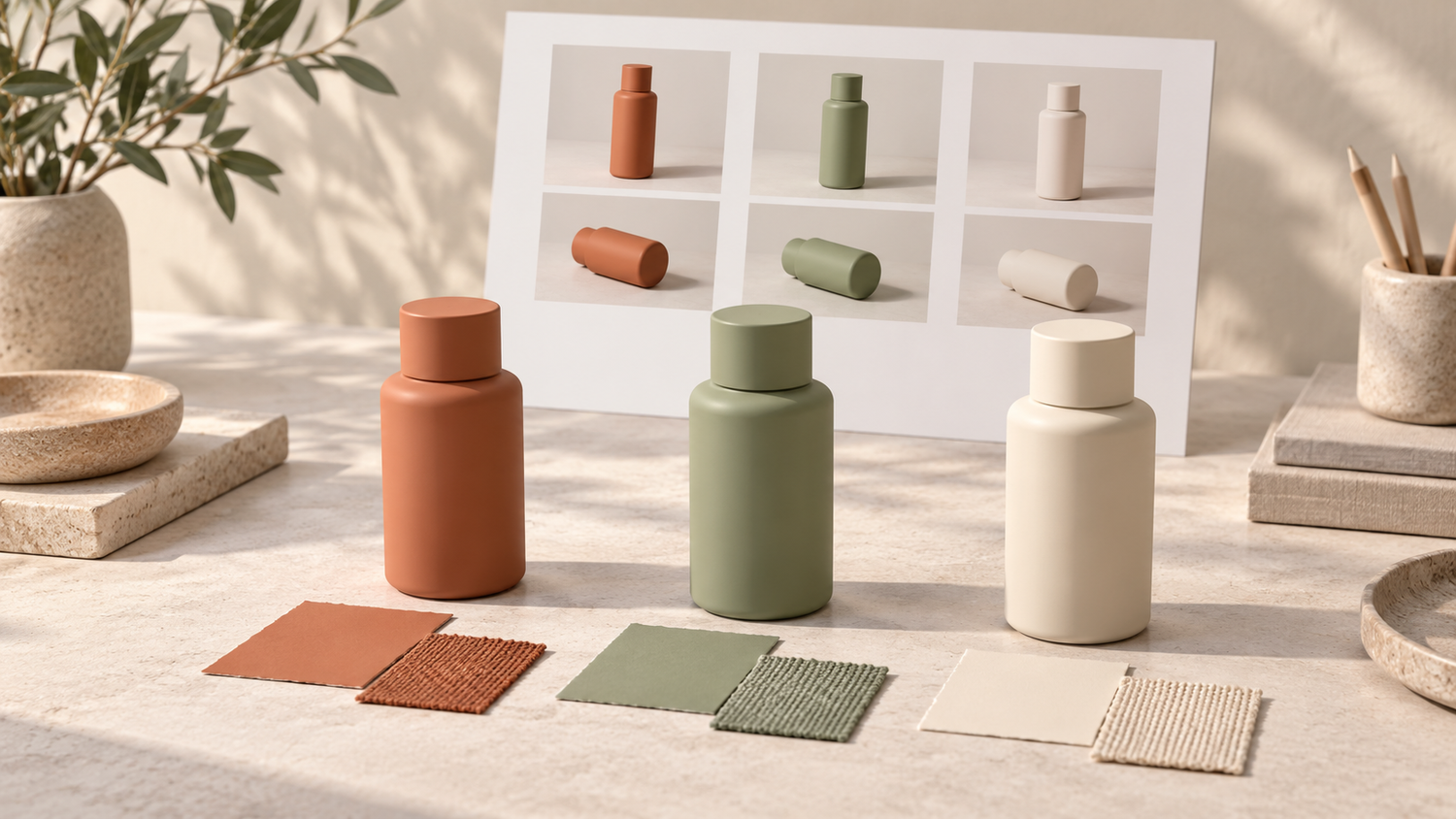
Match the change list to the views you already have. A different cap may affect front, three-quarter and top-detail photographs. A revised back label might leave a front composition usable, but it still calls for an update wherever a back view or information detail appears in your catalog.
Create a working list with four fields: product name or SKU, image filename, the part that is no longer accurate, and where the image is used. A SKU is a code that distinguishes products in your catalog. Add the person responsible for replacement so finished files do not sit in a download folder while the shop continues showing the old version.
Check store main images, detail galleries, website product pages, PDF catalogs, reseller materials and posts still being used to make an offer. Different channels need different views. Prioritize photographs that identify the product or show the packaging being shipped, then order the remaining work around your communication needs.
For products submitted through Google Merchant Center, its guidance on differing color variants calls for images showing the correct product color and unique image URLs for the relevant variants.[4] This concerns Google’s product data; it is not a universal instruction to create a new SKU or listing whenever packaging changes. Check the requirements of the channels you actually use.
Choose a reshoot or an accurate file adjustment
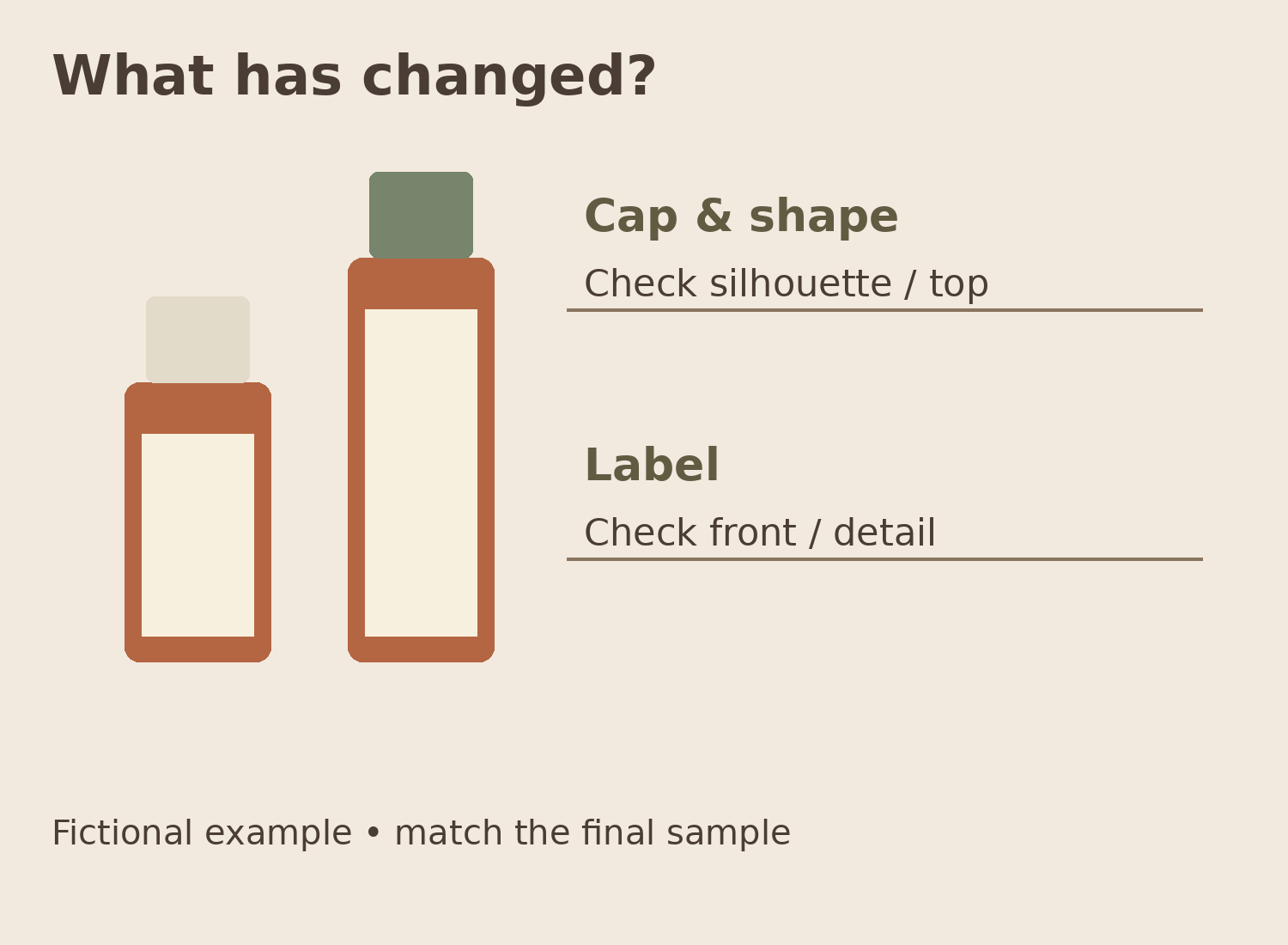
When shape, proportions, caps or surface reflections change, photographing the latest sample is usually a clearer starting point. Lighting and shadows help describe an object’s geometry. Replacing a label in an old file does not resolve a different bottle height, shoulder curve or material finish.
File adjustments can be discussed for changes that do not misrepresent the product, such as removing temporary dust, preparing a crop or adapting a background to a layout. Do not assume every label redesign can safely be handled through retouching. Feasibility depends on the source file, viewing angle, print details and a result that can be checked against the latest sample.
If you are considering compositing or replacing packaging elements, request a limited test before approving the full series. Inspect label edges, curvature, seams, color and shadows at the final display size. A polished image should still be rejected if it shows the wrong variant, size or product detail.
Bring the old photographs as references for lighting direction, angle and spacing if you want continuity across the catalog. Adobe also recommends discussing what the client needs before shooting.[3] References make the conversation more precise, but they cannot guarantee an identical result when the packaging’s material or geometry has changed.
Prepare the replacement list and archive old versions
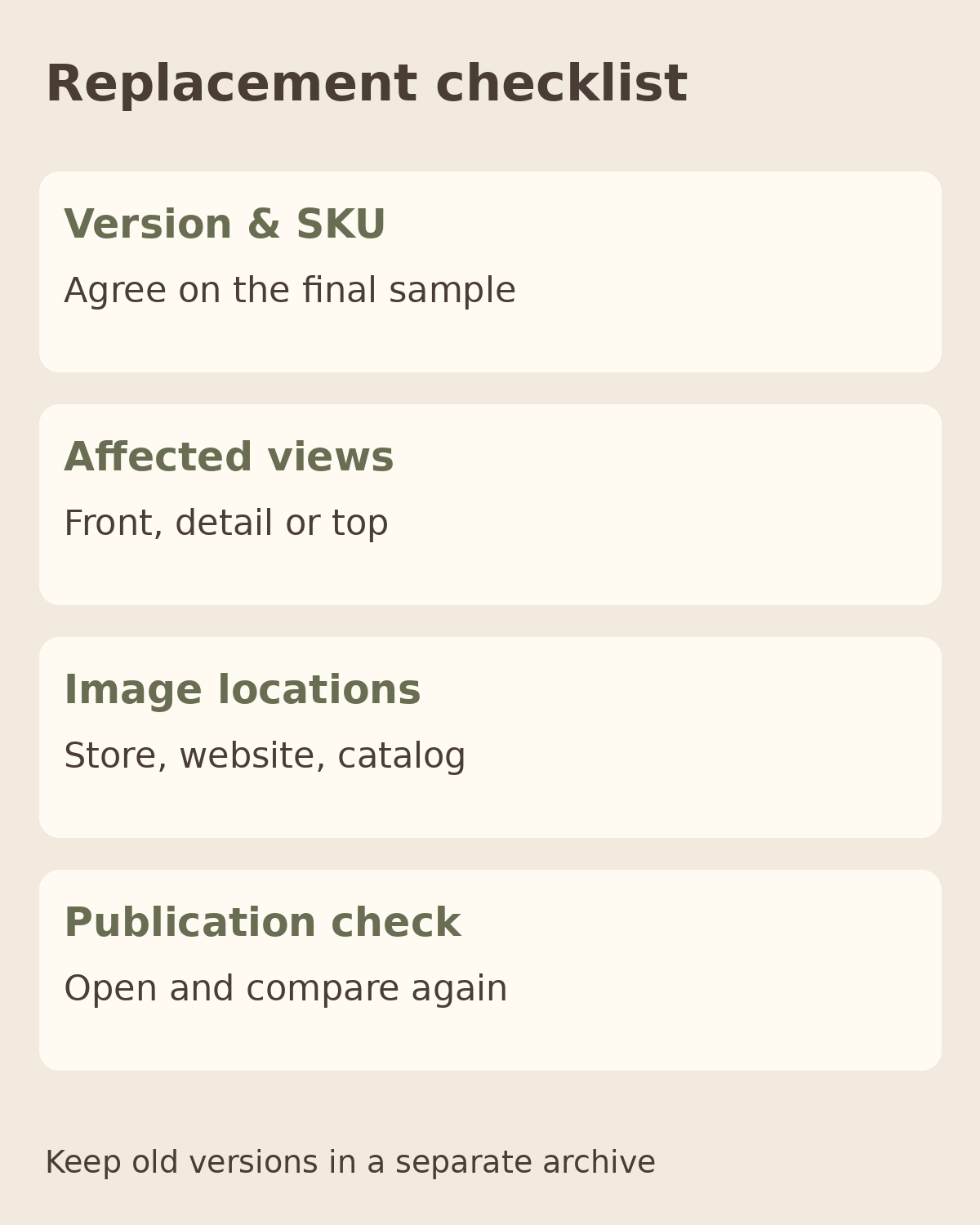
Provide the final packaging sample, change list, photographs currently in use, required replacement views and intended channels. Mark which images should follow the previous catalog’s direction and which may use a new composition. Identify who approves packaging accuracy and who replaces each file across the channels.
Choose filenames that distinguish the product code, packaging version, view and file date. Keep older photographs in a clearly marked internal archive, separate from files approved for publication. If both packaging versions are still in stock, agree with your sales team how images will be selected and versions explained. Do not assume every customer will receive the same version.
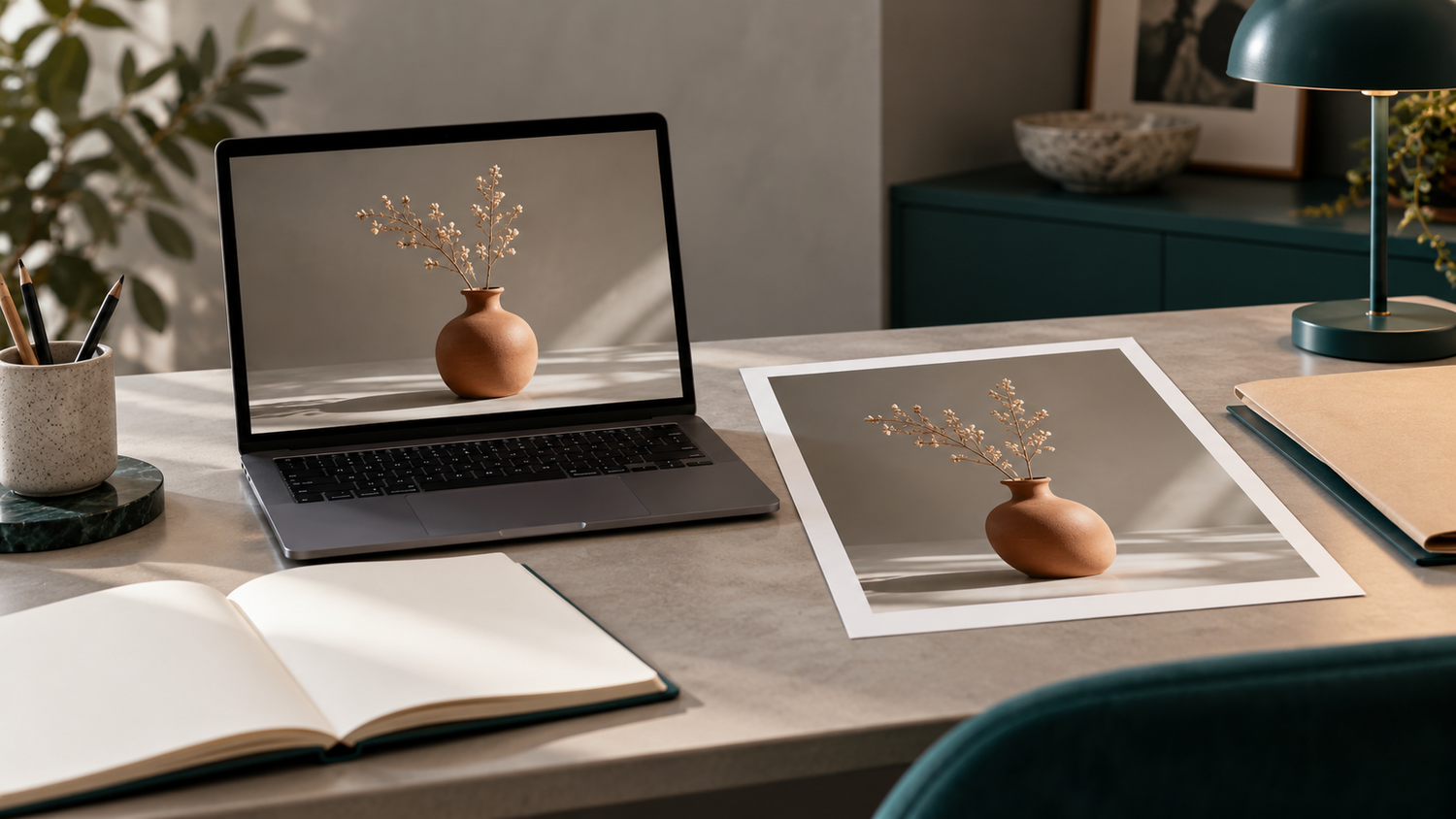
Before publishing, inspect both full-size images and thumbnails. Compare the photograph with the listing title, variant, bundle contents and description. Once the files have been replaced, reopen the page as a reader to confirm the right images appear. The replacement list is complete when installation has been checked, not merely when the downloads have arrived.
If you need product photography in Yogyakarta or plan to send samples to the studio, discuss your priorities through Shaniba Creative Industry’s product photography service.[1] For an assessment of existing files, include the original materials when discussing editing and retouching.[2] Start an SCI consultation with the change list and examples of where the images will appear, rather than assuming every photograph must be replaced. The product photography service reference is in Indonesian.[5]
References: [1] SCI — product photography (Indonesian); [2] SCI — photo editing; [3] Adobe — Product photography; [4] Google Merchant Center — images for differing variants; [5] SCI — consultation contact.
Share this post to: