Sony ILCE-7RM6 1.02: Preset Focus and Lens Limits
A product set can be carefully arranged while one important decision remains unresolved: which detail needs to be in focus? Sony ILCE-7RM6 1.02 adds Preset Focus support for lenses without power zoom and addresses several operating issues. If your brief combines photographs and short video clips, the update is a useful prompt to discuss equipment readiness—not a reason to assume every lens now supports the same functions.
Sony lists 21 October 2026 as the release date on its official ILCE-7RM6 firmware 1.02 page. These changes apply to that model. The version number is not an update instruction for other Sony cameras.
Daftar Isi
Sony ILCE-7RM6 1.02: focus support and lens limits
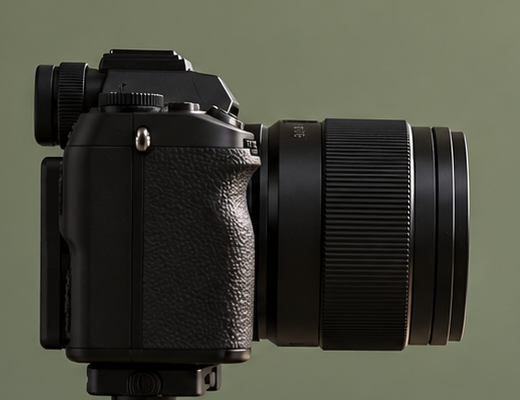
The headline addition is support for Preset Focus with lenses that do not have power zoom. Power zoom uses a motor to change magnification; that is a different operation from focusing. Read this change as broader compatibility for a particular function, not a promise that every photograph will become sharper.
There is an important exception: Sony says some zoom lenses without power zoom are not supported. Check the exact body-and-lens combination on Sony’s lens compatibility page, then consult the camera Help Guide for function instructions. Knowing the general lens category is not enough to establish compatibility.
The fixes also address a monitor that may switch on at regular intervals despite being off, and focusing operations that may occasionally become unavailable when movie mode is set to Manual Focus. Sony additionally cites improved operational stability. Keep the movie-mode qualification intact: the notes do not claim to fix autofocus across all still-photo modes, and give no measured speed improvement or focus-success rate.
Turn equipment changes into a clearer shoot brief
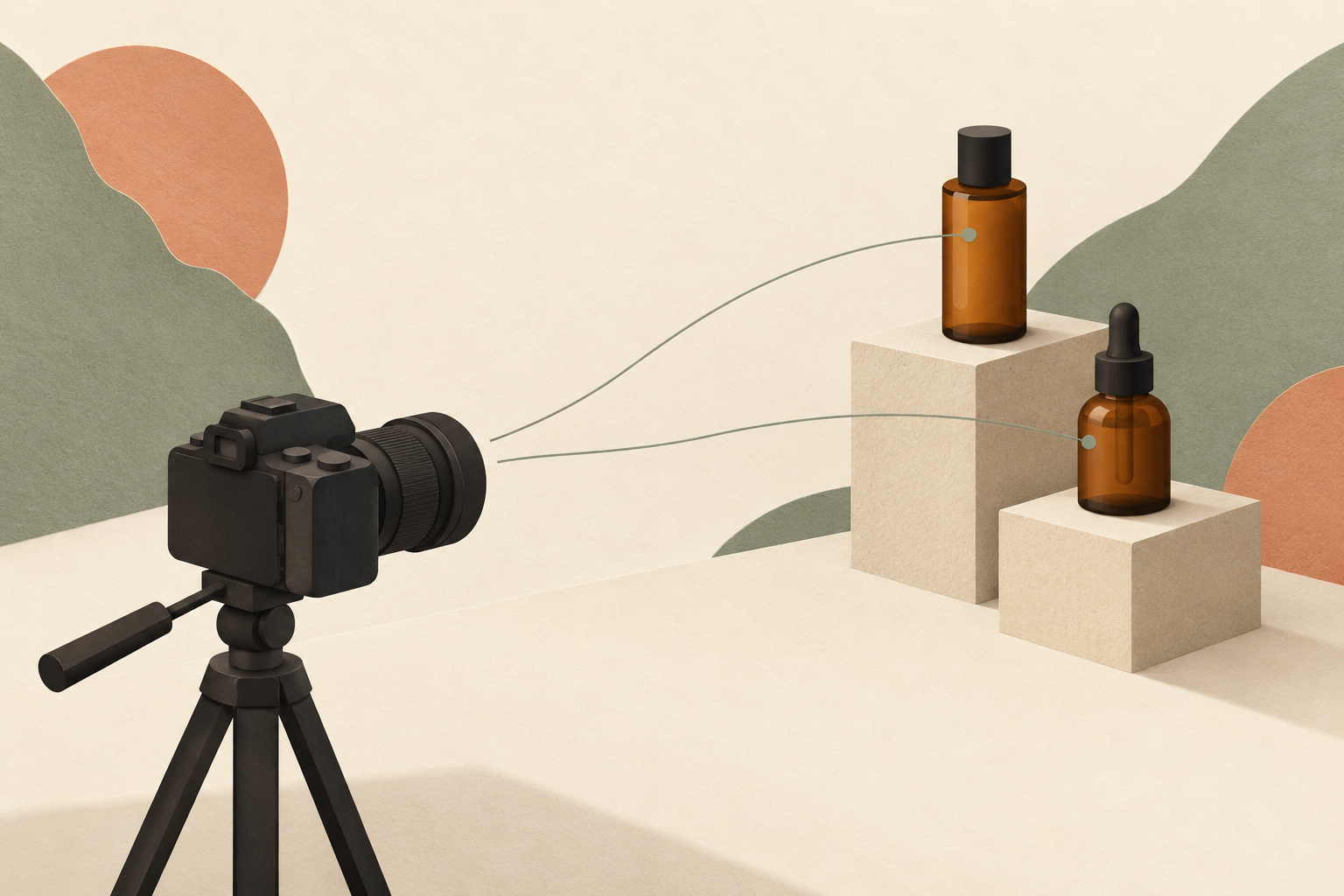
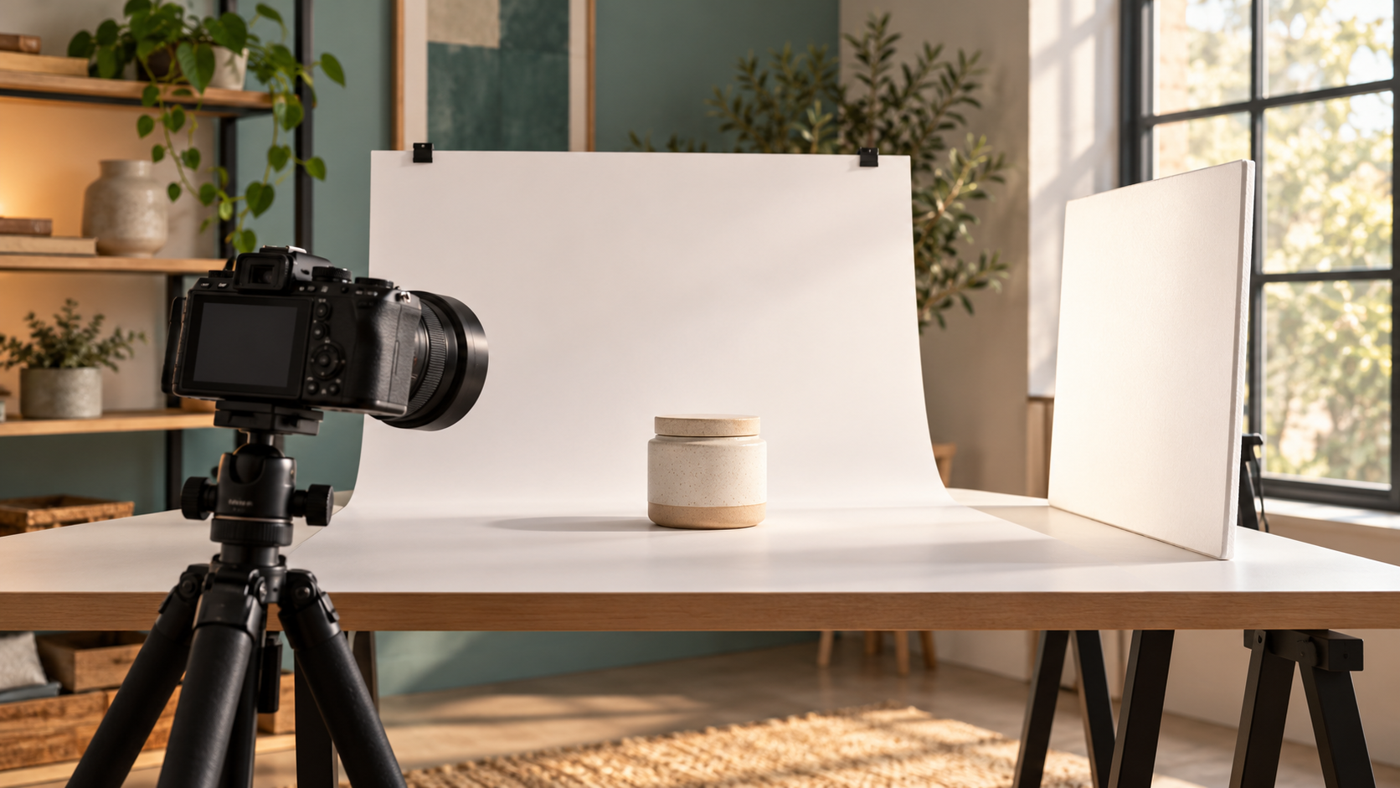
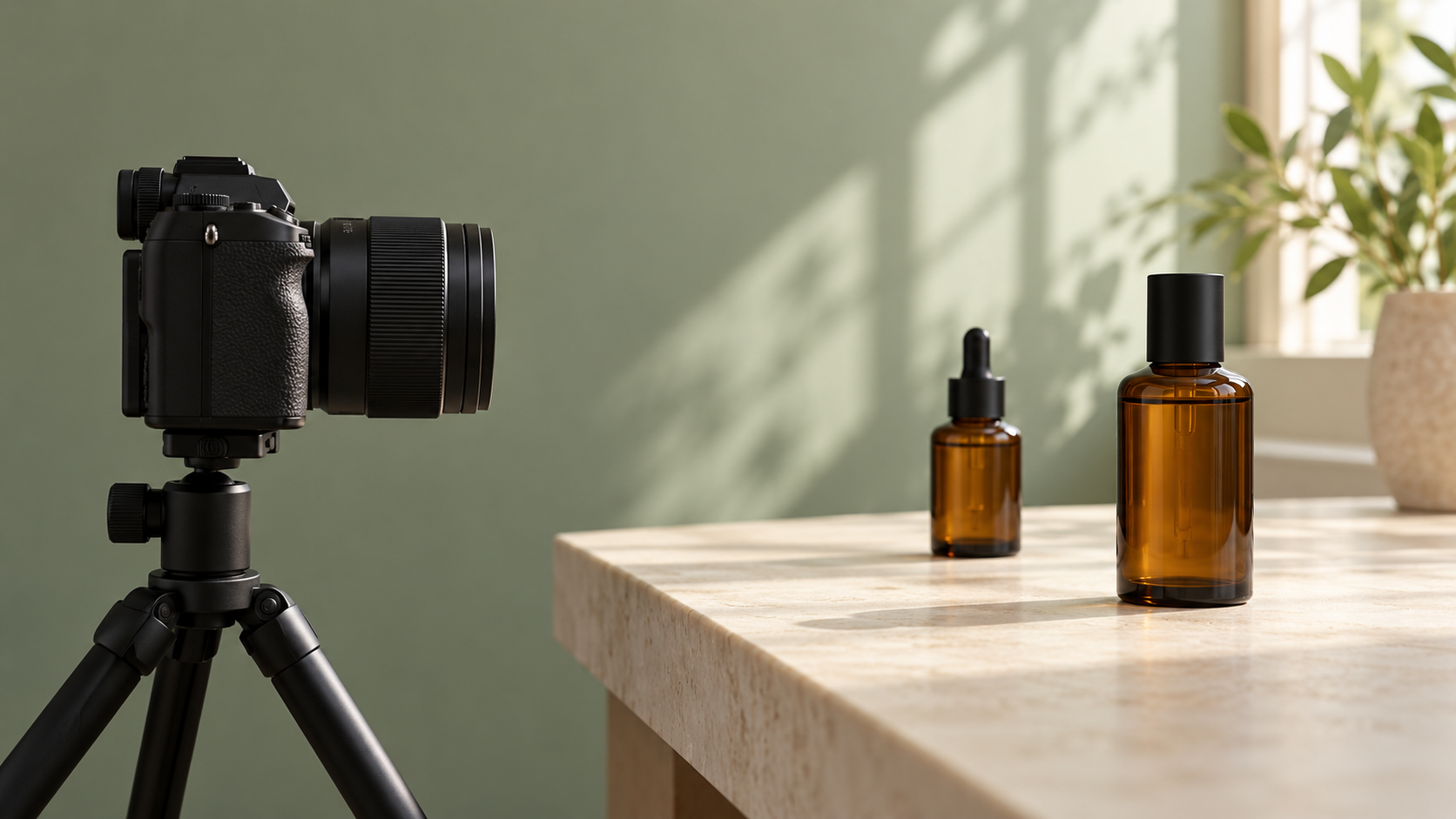
Consider a hypothetical brand commissioning a front-facing bottle photograph and a short video with the bottle in a different position. The team needs to know what should read clearly in each shot: the product name, the cap texture, or the whole package. Focus functions can help an operator prepare, but they cannot make that visual decision for the client.
Ask the photographer to confirm the actual equipment combination and functions being used, rather than specifying a camera brand or firmware number in your brief. For photographs, agree on the visual priority and the required level of detail. For video, explain whether the subject stays still, moves between positions, or needs a deliberate focus transition. “Keep it sharp” can describe quite different requirements in these two deliverables.
When the product position, camera distance or lens changes, review a fresh sample. Preset Focus availability should not be mistaken for a guarantee that every surface of a product will appear sharp at once. Depth of field, viewing angle and the intended image still need consideration. These are practical preparation suggestions, not findings from a Sony firmware test.
For product photography with Shaniba Creative Industry (service information in Indonesian), bring a list of details that must be visible and examples of the final placement. A catalog image with small label text calls for a different discussion from an atmospheric banner. This news also does not imply that SCI owns or has tested this camera.
Prepare the update without risking existing files
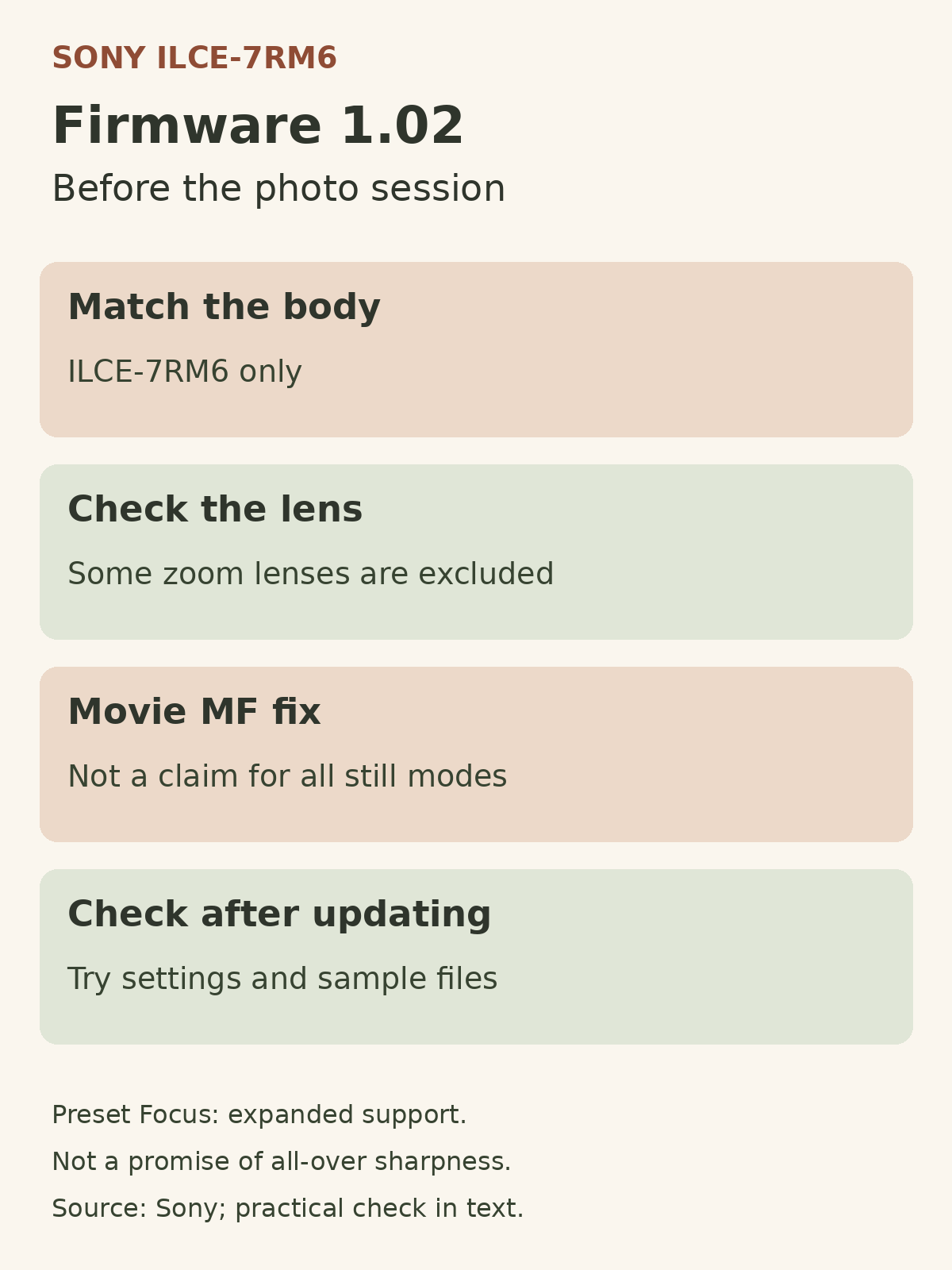
If you own an ILCE-7RM6, check Menu → Setup → Setup Option → Version → Body. Sony says no update is needed if the body already runs 1.02. Follow the current official instructions for your model and region, and leave time outside a client session for installation and function checks.
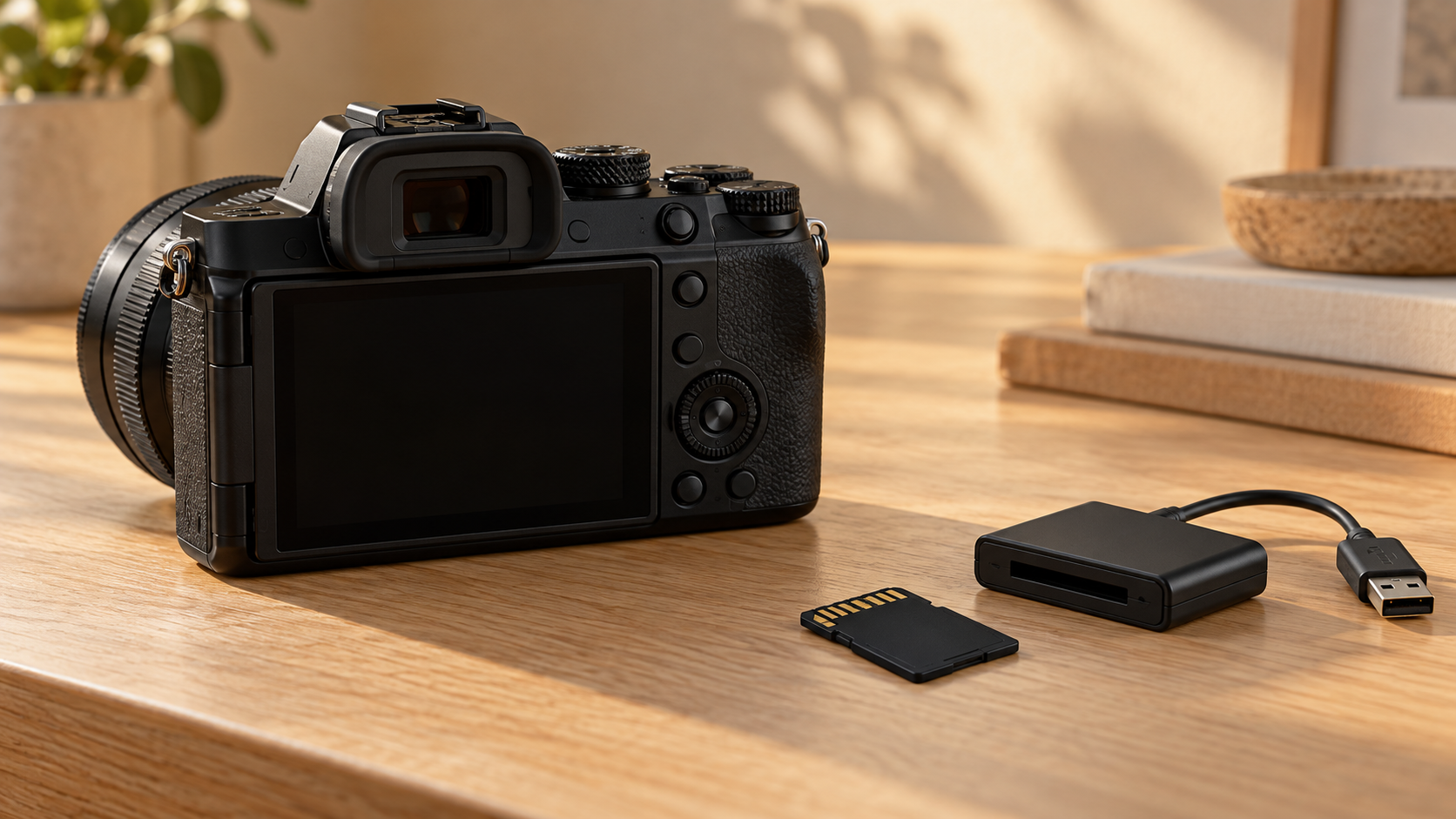
For the memory-card update route, Sony requires a single BODYDATA.DAT file in the card’s root directory, with its name unchanged. Format the card in the camera, but copy any files you need elsewhere first: formatting deletes the card’s data. The update file is recognized in slot 1 only. Sony also instructs users to detach the vertical grip and use a fully charged battery; the update requires a charge level of at least 51 percent.
Do not remove the battery or card during the update. Once the camera has finished and restarted, check the body version again. Then try the settings planned for the session, including movie Manual Focus if relevant, and inspect sample photographs or clips. A short preliminary check can reveal problems before work begins, but it is not a guarantee against interruptions.
When preparing a brief, discuss the details and deliverables you need, rather than simply listing camera features. The useful outcome for a client is that important parts of the subject remain readable and both stills and video serve their intended purpose.
Share this post to: