Budget Camera for Product Photography: Five Options
Choosing a budget camera for product photography starts with the photographs your business needs, not a list of impressive specifications. A small catalogue, detailed jewellery images and short demonstration videos place different demands on a camera and lens. Decide what you need to deliver before spending your equipment budget.
The five options below cover fixed-lens, mirrorless and DSLR systems. Compare their lens and lighting requirements alongside the body: a kit that fits your smallest product and your available space is more useful than a camera chosen for megapixels alone.
Daftar Isi
Five camera options: compare the complete system
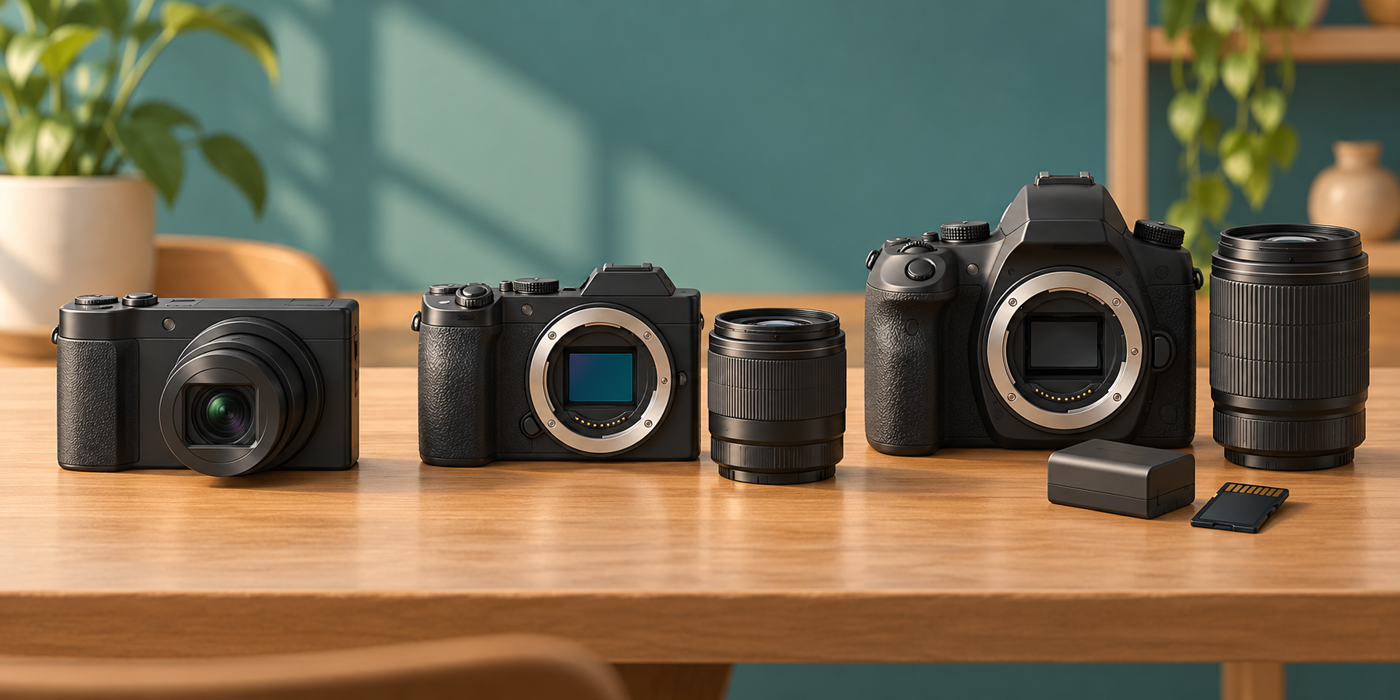
For cameras with interchangeable lenses, compare the body together with a suitable lens, battery, charger and storage. For a fixed-lens camera, check whether its built-in lens can frame your smallest product at a comfortable working distance. Set a total spending limit and ask sellers for current prices, condition, warranty and availability.
Canon EOS M200: check lens and lighting compatibility
Canon lists a 24.1-megapixel APS-C sensor and an EF-M mount, with EF and EF-S lens compatibility through its EF-EOS M adapter. Its specification also lists no hot shoe and no external-flash compatibility. That matters if you plan to use a conventional camera-mounted flash trigger. Check the exact lighting setup and lens compatibility before buying rather than assuming any accessory will work.
Canon EOS M200 specifications explain the mount and flash limitations. For close-ups, check the lens’s minimum focusing distance and try framing your own product.
Sony ZV-1: a compact fixed-lens alternative
Sony specifies approximately 20.1 effective megapixels and a 1.0-type sensor. The lens covers a 24–70 mm equivalent angle of view; its actual focal length is 9.4–25.7 mm. Keeping that distinction clear avoids comparing equivalent framing with the physical focal length of another lens.
The Sony ZV-1 specification lists Product Showcase Set among its functions. A product-presentation feature is not evidence that the camera is automatically the best choice for detailed still-life work. Test framing and focus at your intended distance, especially for tiny items.
Fujifilm X-A10: inspect the actual used kit
Fujifilm’s product page labels the X-A10 discontinued and lists a 16.3-million-pixel APS-C sensor with an X mount. Do not interpret that page as evidence of new local stock. If considering a used kit, inspect the body and lens together and ask what accessories and after-sales support are included.
The official X-A10 page establishes its specifications, not that a particular colour style is accurate for your products. Review colour against a real item or an approved reference rather than choosing a camera solely for a pleasing preset.
Nikon D3500: confirm lens autofocus support
Nikon lists 24.2 effective megapixels, a DX-format sensor, the F mount and Guide mode. Its specification says autofocus is available with AF-P and type E and G AF-S lenses. Check the actual lens model in a seller’s kit; a mount that fits does not by itself prove every function is supported.
Nikon’s D3500 specifications can help you verify the system. Guide mode may help you learn controls, but a consistent product-photography setup still requires your own framing, lighting and focus checks.
Panasonic Lumix G7: compare your still-image requirements
Panasonic’s DMC-G7 support page lists 16 million effective pixels, a 4/3-type Live MOS sensor and RAW recording. RAW recording gives you another file option to consider when planning editing and storage.
Use the official G7 specification when checking a specific kit. Do not let a video feature distract from the still-image details, working distance and delivery sizes your catalogue actually needs.
Make a budget camera for product photography work with your setup
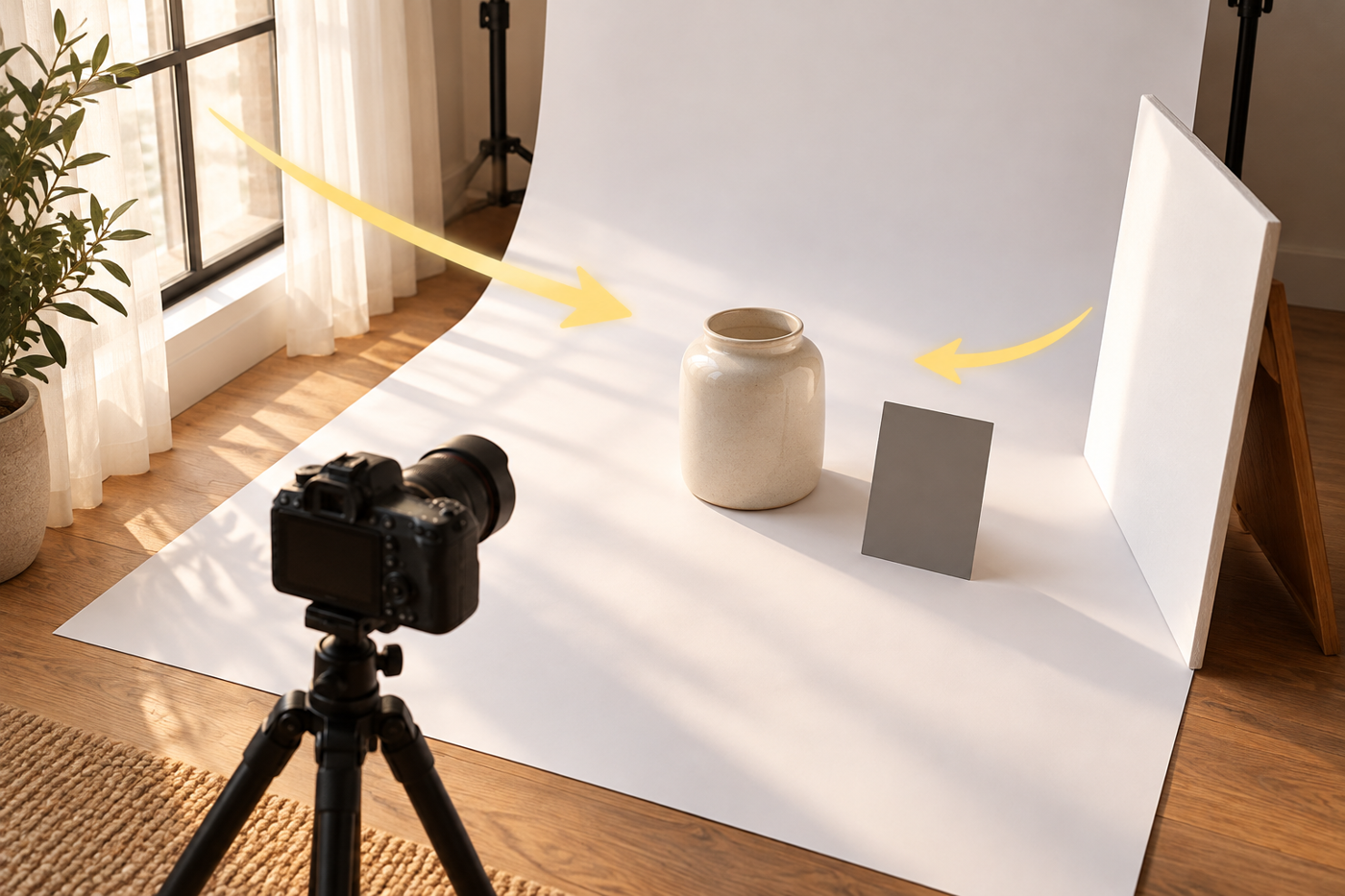
Begin with one representative product and a simple background. As a practical starting point, try broad window light and a white card on the opposite side, then adjust their positions while watching shadows and reflections. Watch the product itself: glossy surfaces often need a different light position from matte packaging.
Keep the camera stable and inspect focus on the product detail that matters. Compare an overview with a closer detail image. Check that labels remain legible, colour is plausible and reflections do not hide important features. A shiny bottle and a textured fabric may need different treatment, even with the same camera.
Learn your camera’s exposure and white-balance controls from its manual. Change one variable at a time and inspect the result rather than applying a universal setting. Keep some of your budget available for the lens and a repeatable setup; an inexpensive body alone is not a complete workflow.
A buying checklist before you commit
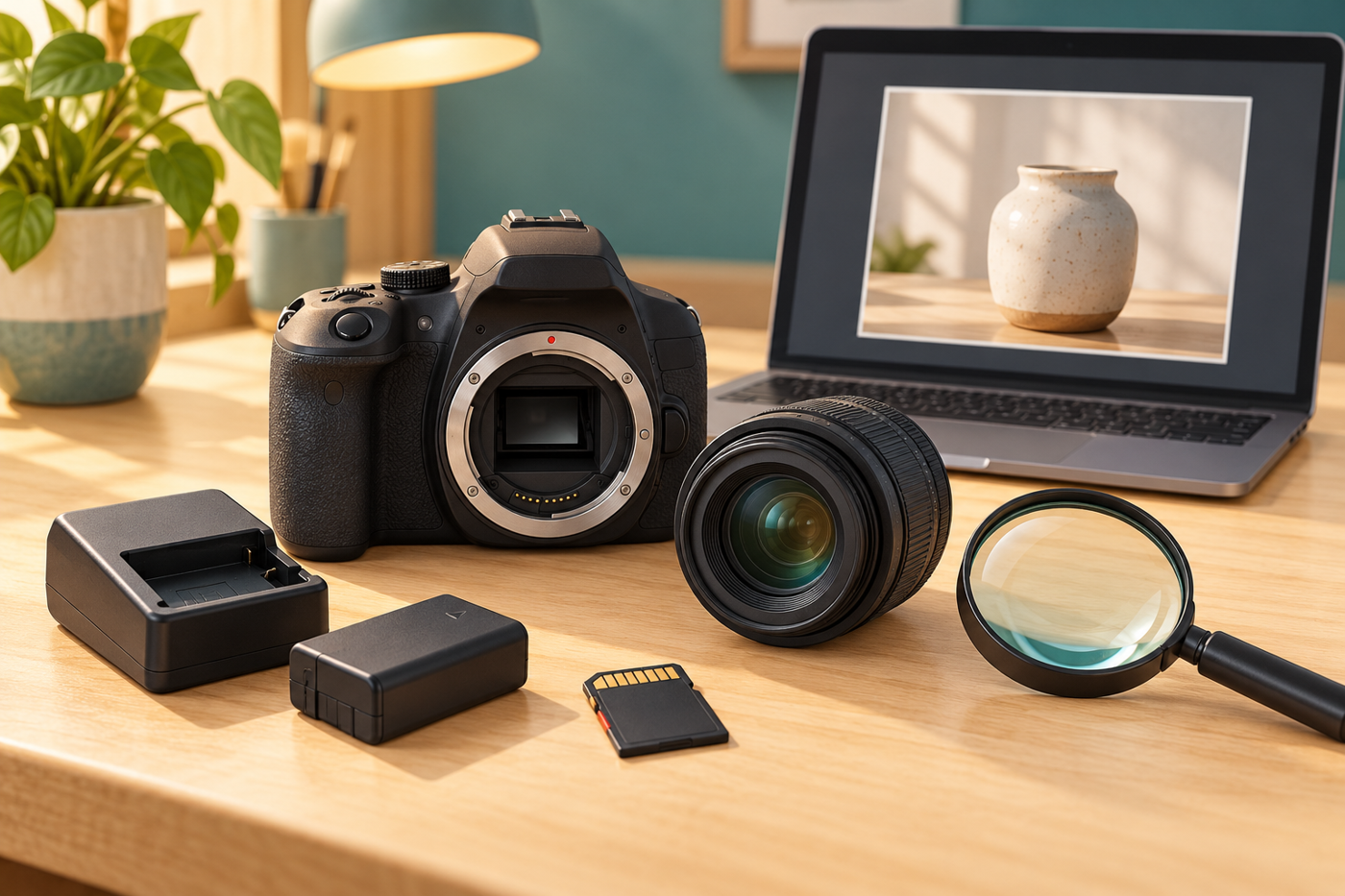
Ask to test the actual camera and lens. Inspect the lens glass, controls, battery compartment, charger and memory-card operation. Photograph a representative product, review focus and colour, and open a full-resolution file. Use your own test file rather than relying only on a seller’s sample.
Confirm what is included, the return conditions and any warranty directly with the seller. Verify repair and accessory availability before choosing an older system. If the seller cannot demonstrate an important function, leave room in your budget for inspection or choose another kit.
When a photography service is the more useful next step
If your need is a finished catalogue rather than learning and maintaining a shooting setup, compare the effort of in-house production with a scoped service. Shaniba Creative Industry’s product photography service describes catalogue and commercial-image work. Share your product types, required views and intended destinations when discussing a brief. For a business in Yogyakarta, discuss the views, product details and delivery files you need before comparing service cost with a complete camera setup.
The SCI service page is in Indonesian. All illustrations here are AI-generated concepts, not photographs of the named cameras or SCI portfolio work.
Choose around the photographs you need
Shortlist a system only after checking your product size, lighting and final image requirements. Try a representative item with the actual kit, then compare the complete cost—including lens, accessories and the time needed to make your photographs consistent.
Share this post to: