
NIKKOR Z 24-70mm f/2.8 S II 1.10: Aperture Reliability and Noise
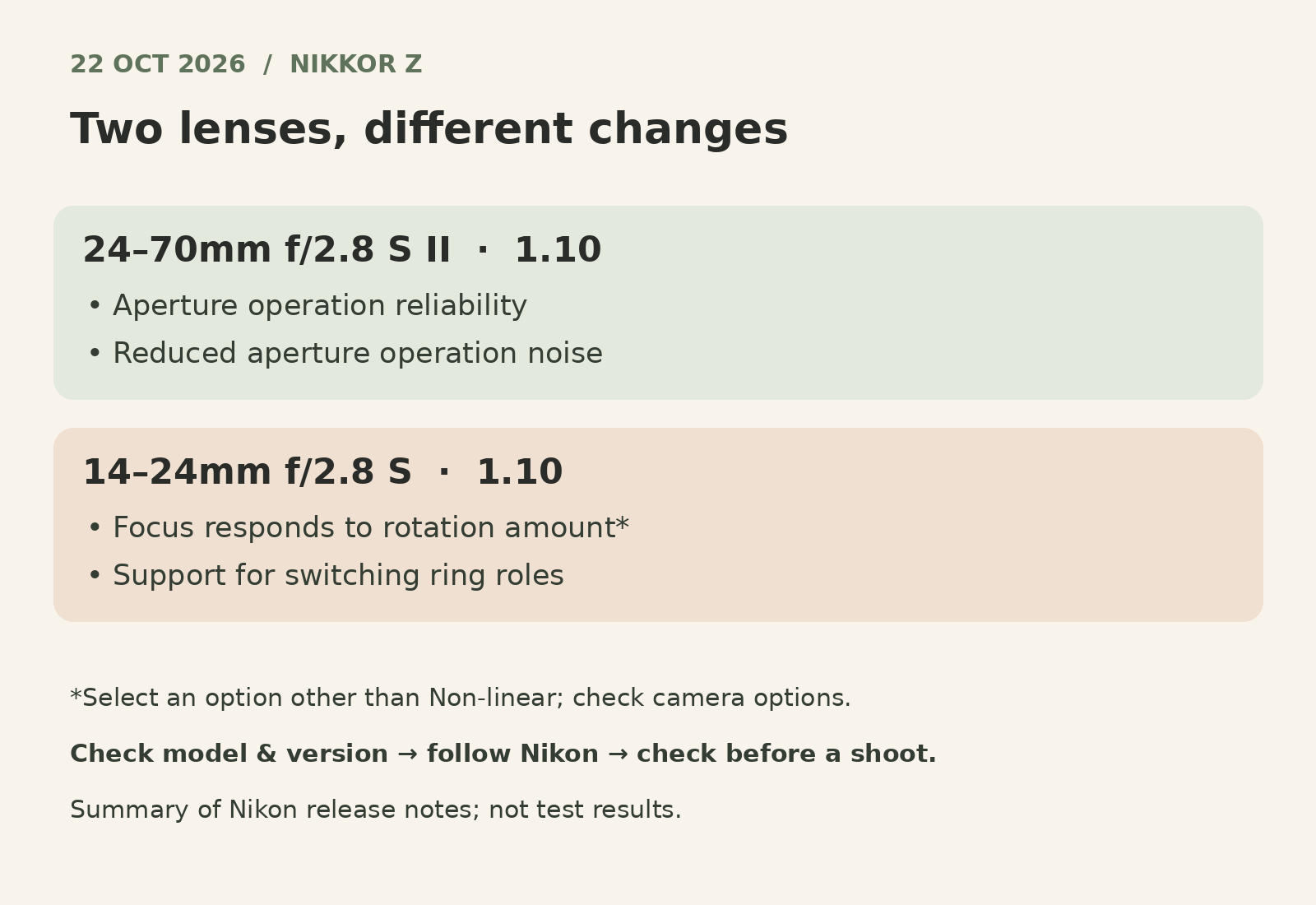
Before a product or portrait shoot, a lens update is worth understanding for the changes it actually makes, not simply its version number. Nikon released firmware 1.10 for the NIKKOR Z 24-70mm f/2.8 S II on 22 October 2026. According to Nikon, the update from version 1.00 improves aperture operation reliability and reduces aperture operation noise.[1][2]
That makes it relevant to equipment checks before a commissioned session. However, Nikon does not quantify the noise reduction or promise recordings free of mechanical sound. Nor should this update be treated as an automatic improvement in sharpness, resolution or finished photographs.[2]
Daftar Isi
NIKKOR Z 24-70mm S II: what changes at the aperture?

The aperture is the opening inside a lens that controls incoming light. In product photography, the chosen aperture helps determine how much of an object you want in focus; in portraits, it also contributes to subject separation. Improved operating reliability deserves attention, but it does not replace lighting and focusing decisions.
Nikon lists just two changes in firmware 1.10: improved aperture operation reliability and reduced aperture operation noise. Its notes provide no decibel measurement, list of triggering conditions or numerical reliability improvement. “Quieter” should therefore not be read as “completely silent”.[2]
If your session also includes video with live sound, allow time to listen to a sample recording with the camera, lens and microphone arrangement you intend to use. This is preparation advice, not a test result for this firmware. For still photographs, keep attention on focus, lighting and the product details agreed in the brief.
The 14-24mm update is about focus response and ring roles
Nikon also released firmware 1.10 for the NIKKOR Z 14-24mm f/2.8 S on the same date. Despite sharing a version number, the two updates make different changes; their firmware packages are not interchangeable.[1][3]
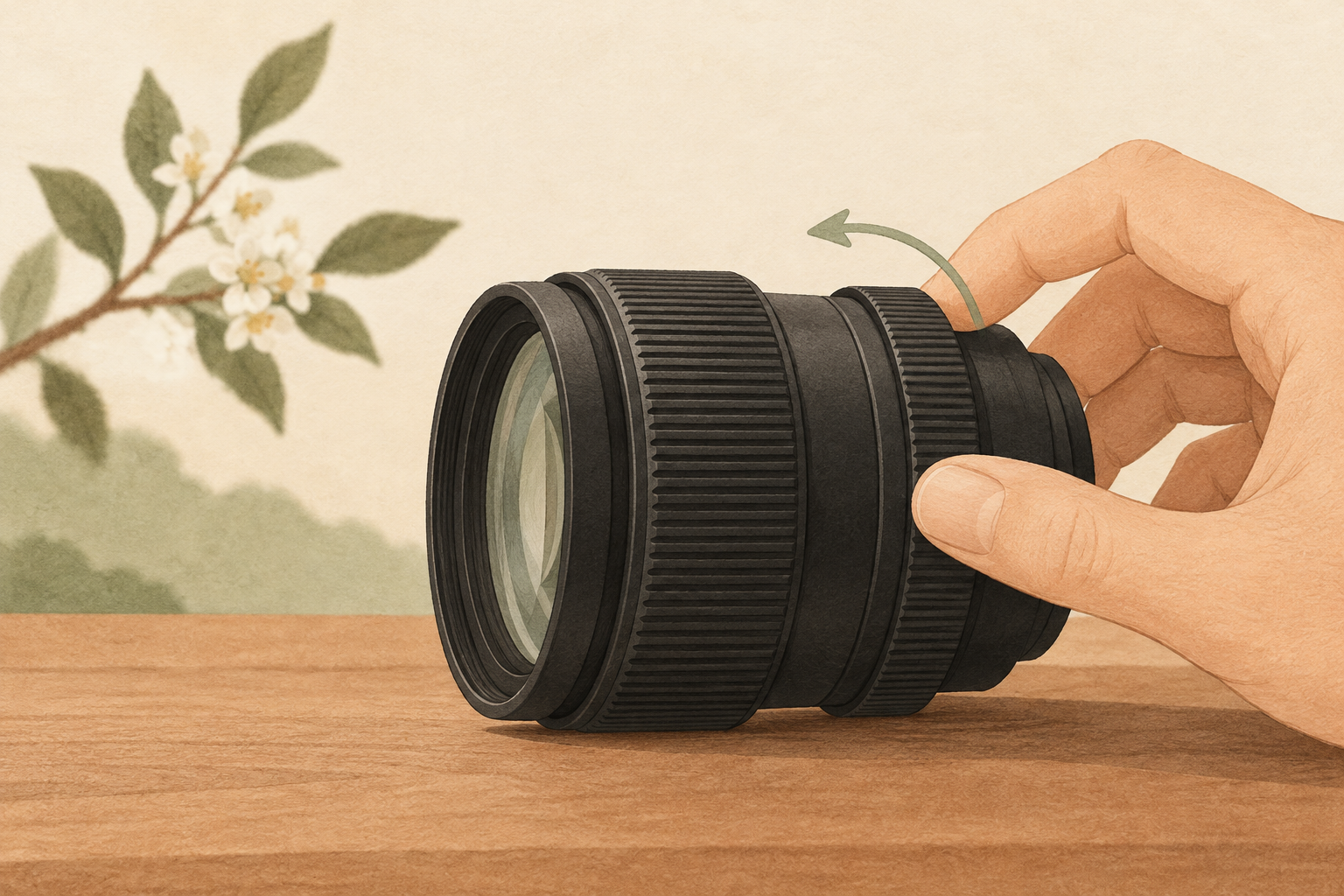
For the 14-24mm, Nikon says that during manual focus the change in focus distance follows the amount of focus-ring rotation, regardless of rotation speed, when an option other than Non-linear is selected for Focus ring rotation range in the camera’s custom settings menu. Nikon also adds support for Switch focus/control ring roles, which exchanges the functions of the focus and control rings.[3]
That setting condition matters: do not assume the response is active with every menu choice. Check the options available on your camera and Nikon’s instructions. If operators or equipment change between sessions, make sure everyone understands the selected ring roles before the shoot rather than relying on muscle memory.
Check the model, version and session needs before updating
Start with the full lens name. NIKKOR Z 24-70mm f/2.8 S II must be distinguished from other models; the S II suffix is not optional. Nikon provides separate files and instructions for these two lenses and says an update is unnecessary if version 1.10 is already installed.[2][3]
To view the lens version, Nikon’s instructions say to attach the lens to the camera and open SETUP MENU → Firmware version. Updating requires the lens to be attached to a compatible camera, with the appropriate memory card and card reader. Nikon also warns that the lens may move during an update. Follow the official instructions for your exact model, not a sequence intended for another lens.[2][3]
Avoid beginning equipment changes while a client is waiting. Leave time to read the instructions, complete the update, confirm the installed version, and check settings and sample results afterward. Nikon says an authorized service representative can also perform the update.[2][3]
For clients, the useful takeaway is not to request a particular firmware number. It is to explain the required images early: readable label details, depth of field, portrait use and whether live sound is part of the session. When discussing Shaniba Creative Industry’s product photography service (Indonesian page), make those outputs the basis of your brief. If you are planning with a product photography studio in Yogyakarta, consult SCI about the visual requirements, without assuming the studio uses these Nikon models.
[2] Nikon: NIKKOR Z 24-70mm f/2.8 S II 1.10
[3] Nikon: NIKKOR Z 14-24mm f/2.8 S 1.10
Share this post to: