Shiny Packaging: Agree on Labels and Reflections Before a Product Shoot
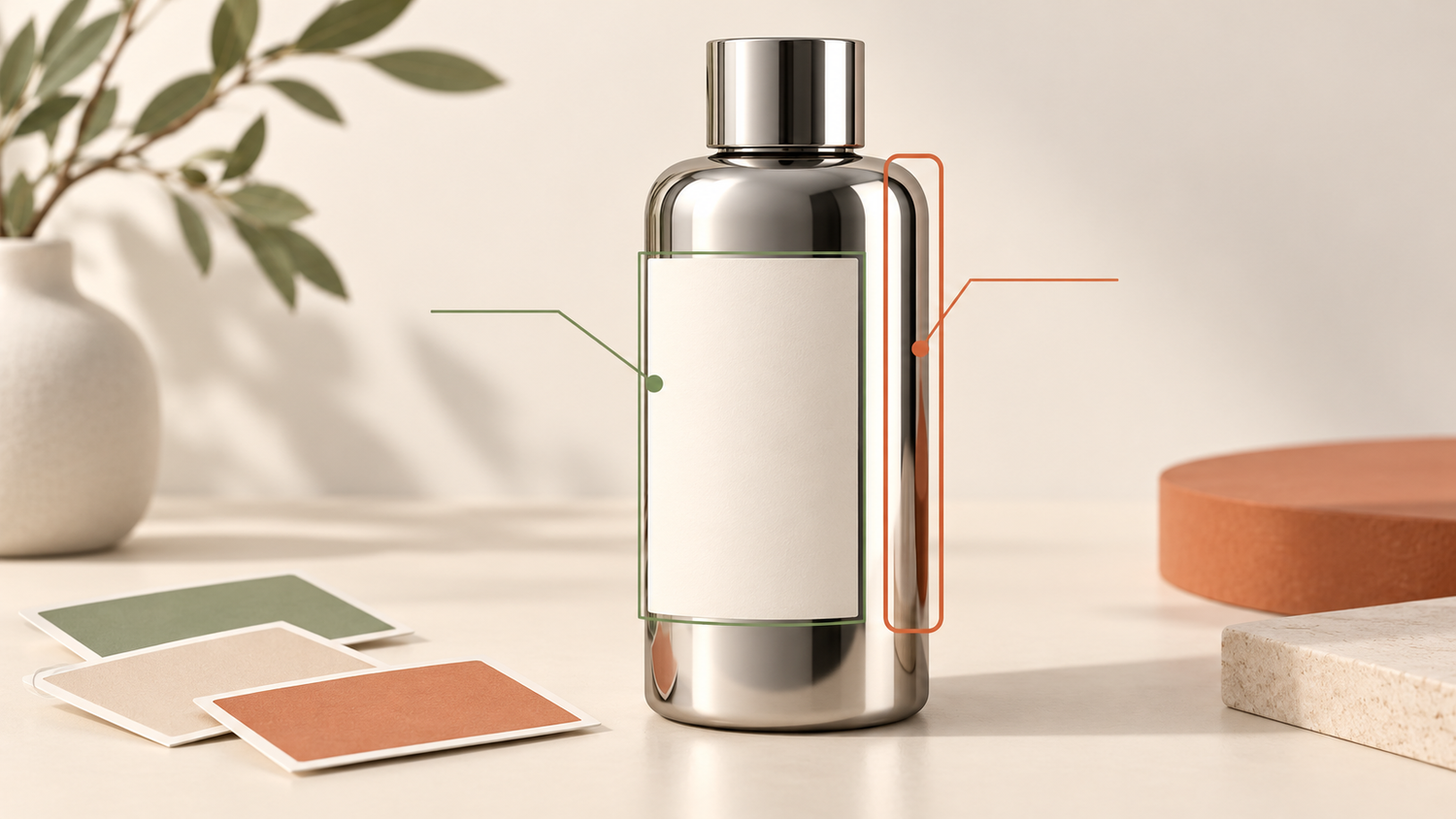
The label faces the camera, but a bright stripe crosses the product name. Remove too much shine, however, and a metallic bottle can start to look like dull plastic. A shiny packaging photography brief needs to address both problems: the information customers must recognize and the material character that should remain visible.
Start with the image’s purpose. Is it meant to identify a variant in a catalog, explain a packaging detail, or create an advertising mood? One view may not serve every purpose. Clear priorities give you a practical conversation with the photographer about what must remain unobstructed, which reflections suit the product, and what must not change during retouching.
Daftar Isi
Choose label priorities in your shiny packaging photography brief
Identify the packaging face that should lead the presentation. List the information customers need to recognize in that image, such as the brand, variant name, or pack size. “Make the label clear” is too open to interpretation when the front panel, back instructions, and cap carry different information.
Consider a hypothetical bottle with a variant name on the front and usage instructions on the back. Its main image prioritizes variant identity; a separate back view provides the instructions. Expecting every word to appear in one angle may create an impossible brief. Request additional views when important information sits on different faces.
Adobe recommends discussing the required angles and whether the label needs to be visible in every shot before the session. Turn those questions into decisions: which images need the complete label, which allow a more expressive angle, and which details deserve a dedicated photograph?
Check the intended display size as well. Text that looks clear when enlarged may not remain readable in a small thumbnail. Ask to assess the image at a relevant viewing size rather than expecting every tiny word to be legible on every device. Enlarging or rewriting the label within the photograph is not a substitute for an appropriate view.
Separate material character from distracting reflections
Product reflections are not automatically defects. On a metallic or glossy surface, a bright area can help communicate shape and finish. The aim is not to make the object reflection-free, but to decide whether a reflection supports its appearance or obscures something customers need to see.
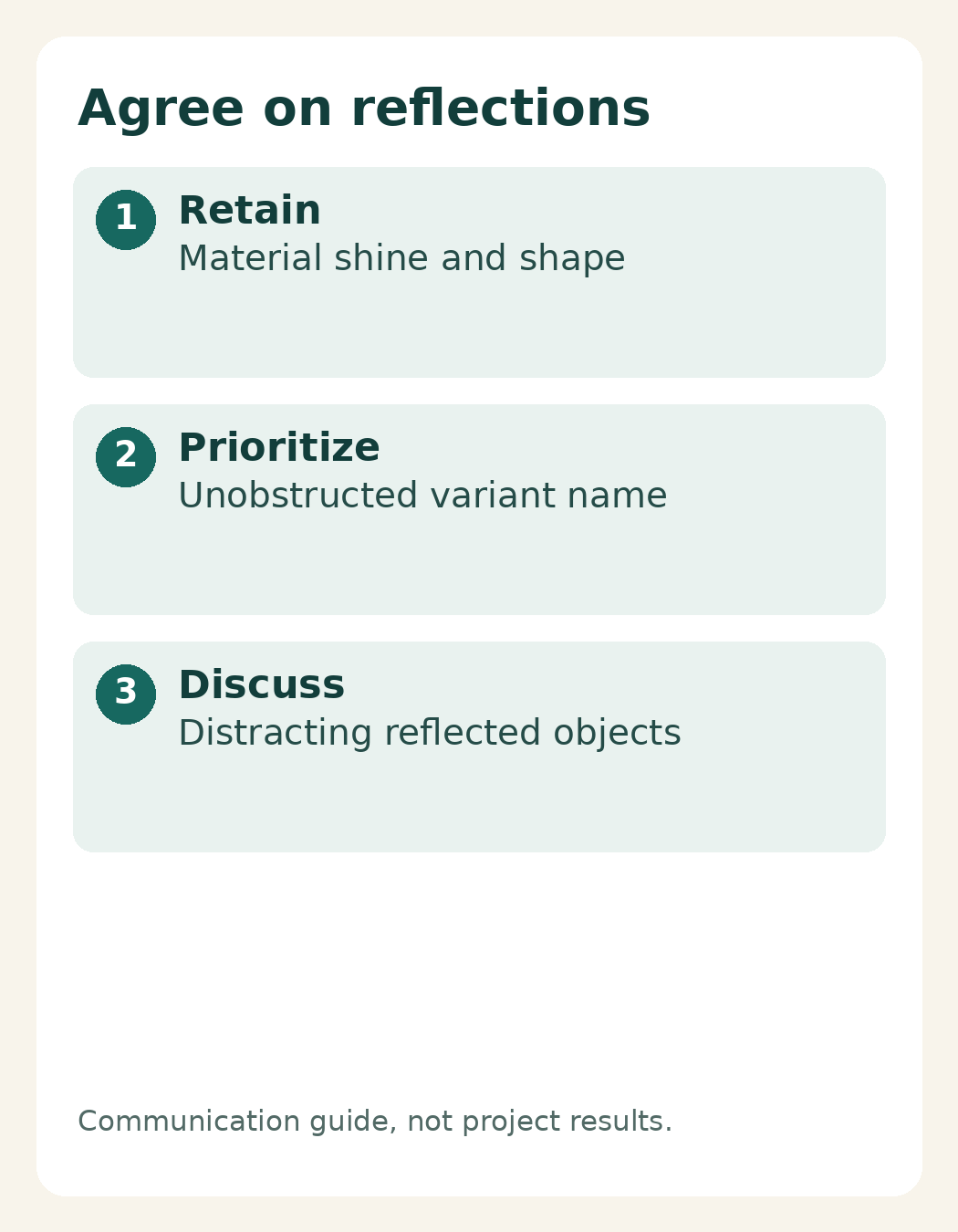
Split your notes into “character to retain” and “distractions to discuss.” The first group might include a highlight along the edge or a gradual change in brightness across the bottle. The second might include a reflected object that draws attention away from the product, or a bright stripe across its name. These are communication criteria, not a lighting recipe.
Adobe describes diffused lighting as a way to help reveal product details and labels. The actual lighting approach still depends on the packaging and the image’s purpose. A clear glass bottle reference does not necessarily suit a folded metallic pouch. Compare the materials before agreeing on a visual direction.
Instead of requesting “no reflections,” mark the priority areas. For example, keep the variant name unobstructed, retain a clear bottle edge, and preserve some sense of shine. If priorities conflict, discuss alternative views rather than assuming unlimited retouching can resolve every issue without changing the product’s appearance.
Prepare a representative saleable sample
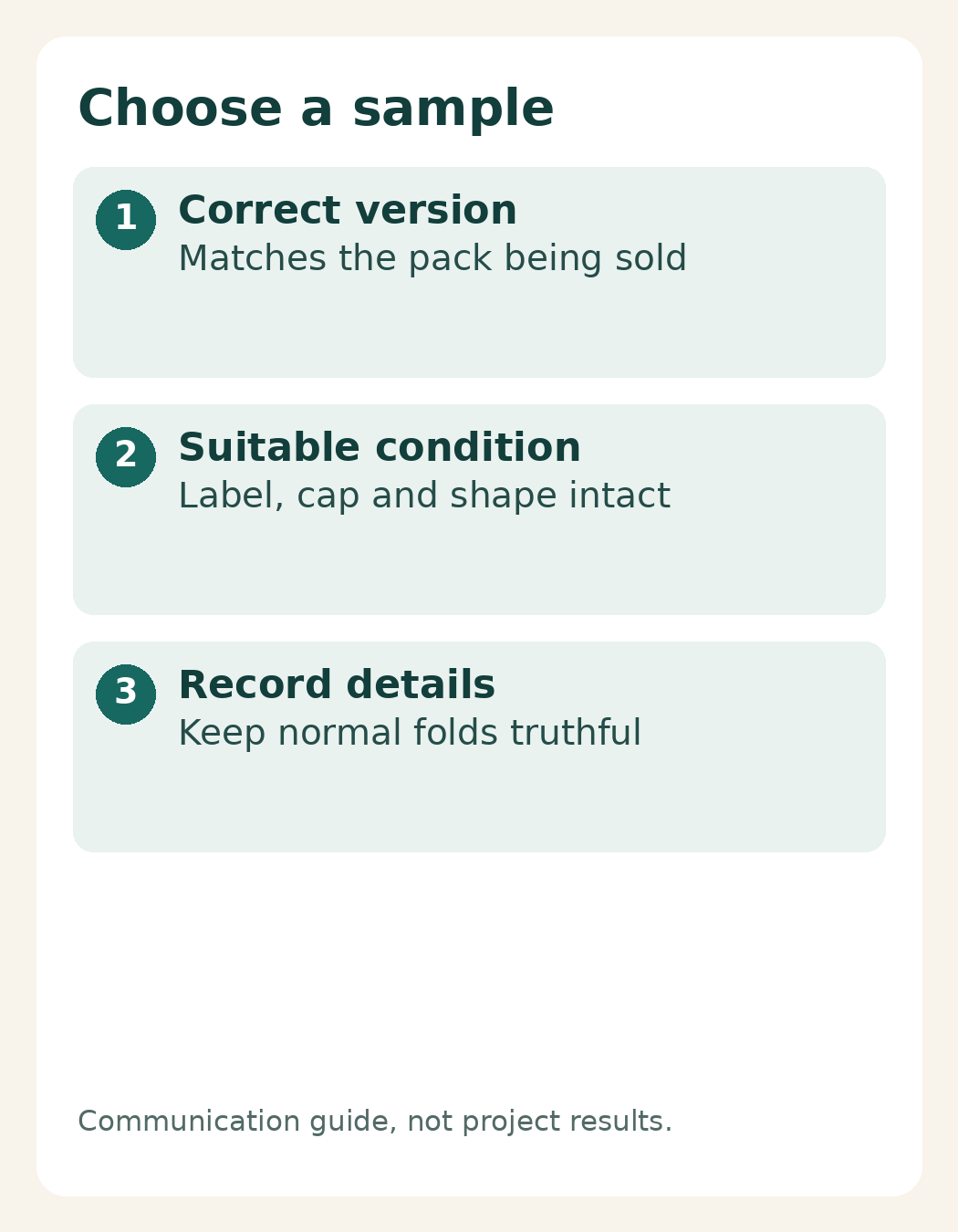
Choose a sample with the label design, closure, and packaging version currently used for sales. Explain any differences if you only have a prototype. A polished photograph of an outdated pack can still give the wrong impression when customers receive a newer version with a different shape or information.
Inspect the physical sample before sending it: the label should be correctly positioned, the closure complete, and the surface free from damage that does not represent the product. Show any dents or scratches in a simple reference photo and ask whether a replacement sample would be more appropriate. Do not assume permanent damage will automatically be removed during editing.
For flexible packaging, discuss a shape that represents its saleable condition, including normal folds or seams. Asking for every crease to disappear may change how the package is perceived. Follow the packaging maker’s handling instructions rather than experimenting with cleaning chemicals to achieve a tidier surface.
If you provide several samples, identify them outside the photographed area and record which one is the reference. This supports communication without altering the product label. Assign someone on your side who can confirm the correct packaging version and answer questions about details that must remain unchanged.
Agree on a reference and retouching boundaries
Send a reference with a short explanation rather than a folder of unexplained images. For instance: “We like the narrow edge highlight, but the variant name needs to stay visible.” Separate preferences about lighting, background, angle, and surface tidiness. Use your own images or references you are allowed to share; a reference explains direction, not permission to copy another creator’s work.
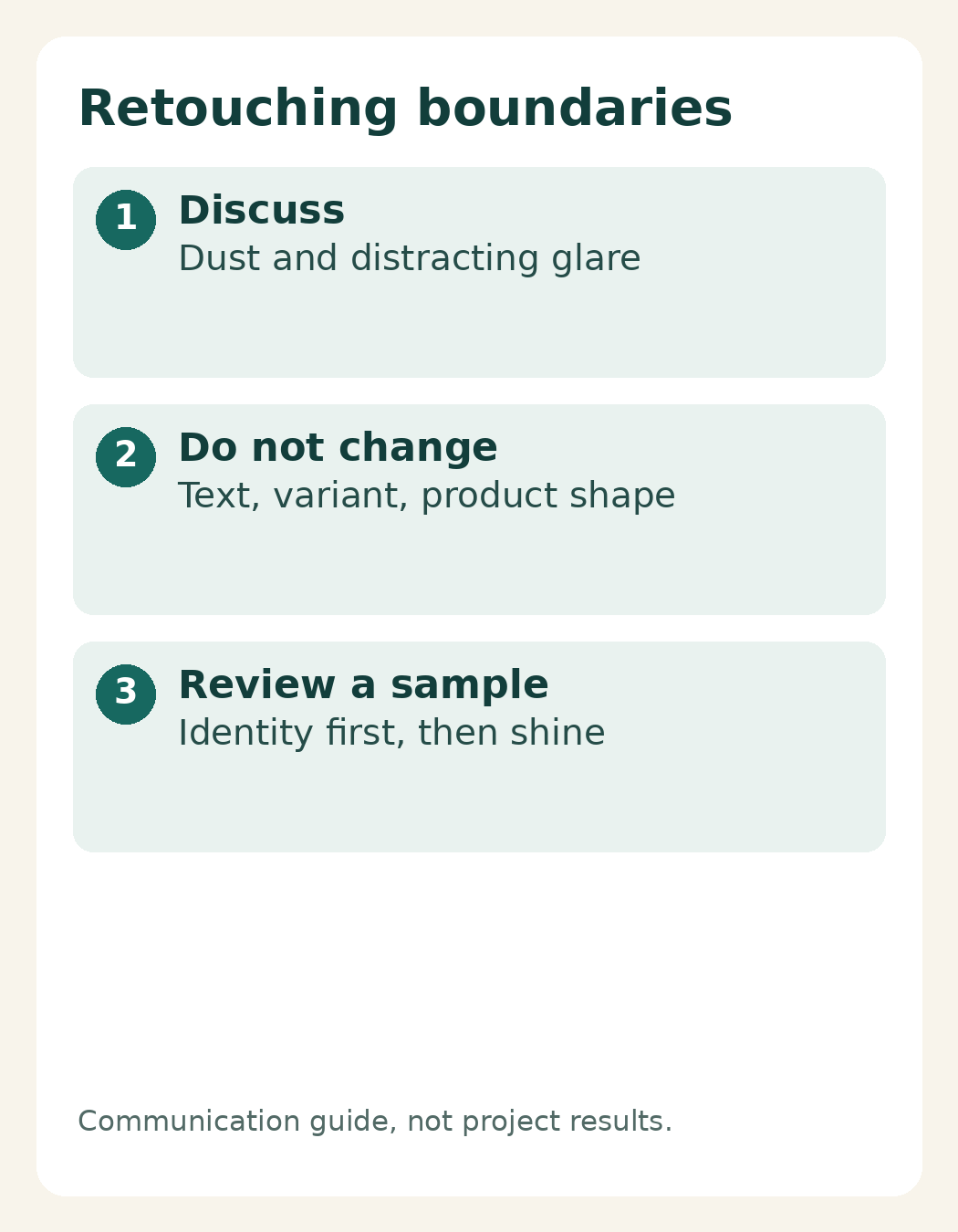
Retouching means refining an image after the shoot. Agree on what may be tidied and what information must not change. Temporary dust or distracting glare can be discussed, while the product name, wording, variant color, stated contents, and packaging shape should continue to represent the item being sold. Do not replace a label to hide an incorrect sample.
When reviewing a sample image, check product identity first, then readable packaging labels at the required size, believable shape and color, and finally the reflection treatment. Collect comments from decision-makers before sending feedback. “The bright stripe crosses letters in the variant name” is more actionable than “make it look more premium.”
For product photography in Yogyakarta, bring these priorities to a discussion with Shaniba Creative Industry. Its Indonesian product photography service page covers relevant shoot needs. If you already have images, describe the areas that need attention and what must stay unchanged through the SCI consultation portal. Agree on the scope before work begins rather than treating every correction as an assumed inclusion.
Sources: Adobe: product photography planning, labels, angles and lighting; the Shaniba Creative Industry product photography page linked above.
Share this post to: