
Product Photo Color Reference: Agree before Revisions
A product photograph looks right on your laptop but too yellow on your phone. Before asking for the entire catalog to be cooled down, agree on a product photo color reference. Are you comparing the image with the physical item, an approved sample photograph, or the appearance on one device? All three can inform the discussion, but they do not automatically represent the same thing.
You do not need to master technical settings to give useful feedback. Start with one file, one clearly identified part of the product, and a specific description. The aim is not to make every screen look identical. It is to give revision decisions a reference that everyone can return to.
Daftar Isi
Separate the product reference from one screen’s appearance
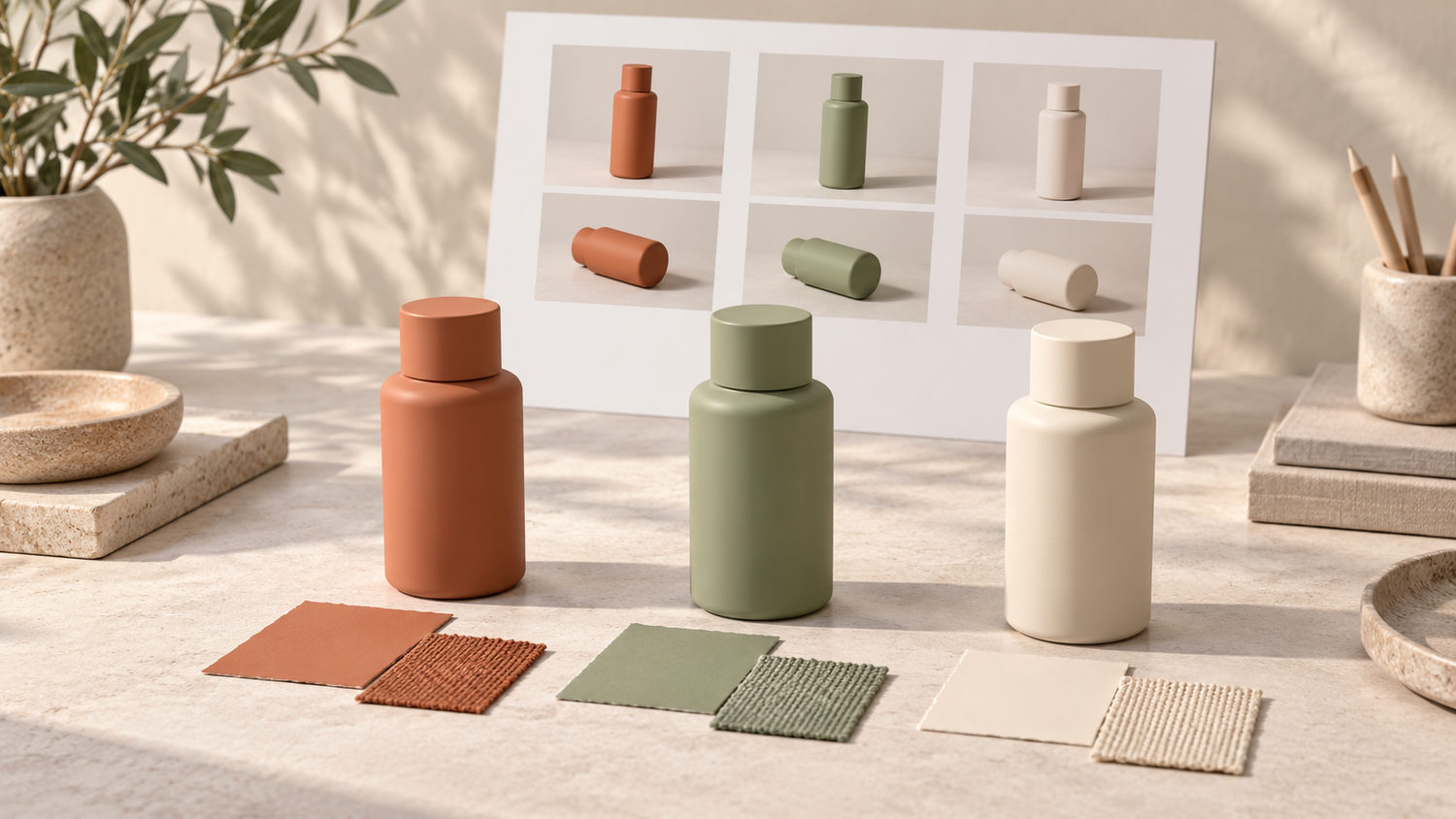
Consider a hypothetical catalog of olive-green fabric. The product owner finds the image too blue, while the store manager sees a fairly warm result. Do not immediately try to average those opinions. First ask whether both people are opening the same revision and looking at the same part of the fabric.
The physical item helps explain which color characteristics matter, but it still needs context. Identify the product or sample being used as the reference, which areas must be preserved, and how the sample is being viewed. Another product photograph can suggest a mood; its different subject should not automatically become an exact color target for yours.
Adobe explains that document, monitor and output profiles play different roles in color management. A monitor profile describes how a display reproduces color. The appearance on one screen is therefore not enough, by itself, to establish that the image data needs changing. Adobe also warns that an inaccurate monitor profile can lead to corrections for problems that actually originate in the display.[3]
Separate two requests: “bring the color closer to the product” and “give the image a warmer mood.” They may call for different decisions. If the packaging color is part of your brand identity, explain that a change in atmosphere should not alter the product color without approval.
Record the file, application and review conditions

Use one clearly identified downloaded file for the discussion. Record its filename and revision. If you send a screenshot to mark an area, include the file being discussed as well; a screenshot does not replace an agreed color reference. This avoids leaving the editor to guess whether your comment concerns a chat preview, a download or an earlier version.
Note the device and application used to view the image, then describe any relevant conditions: a warm display setting was enabled, the brightness had just been changed, or the image was reviewed in a different room. These observations are not a diagnosis. They help you and the editor investigate the difference before deciding what to change across the series.
Return to the agreed review conditions and avoid continually changing settings during the discussion. If approval will happen on a work device rather than your everyday phone, say so at the start. You can report a difference on your phone without treating that phone as the sole standard for every catalog image.
Discuss color profiles with the editor
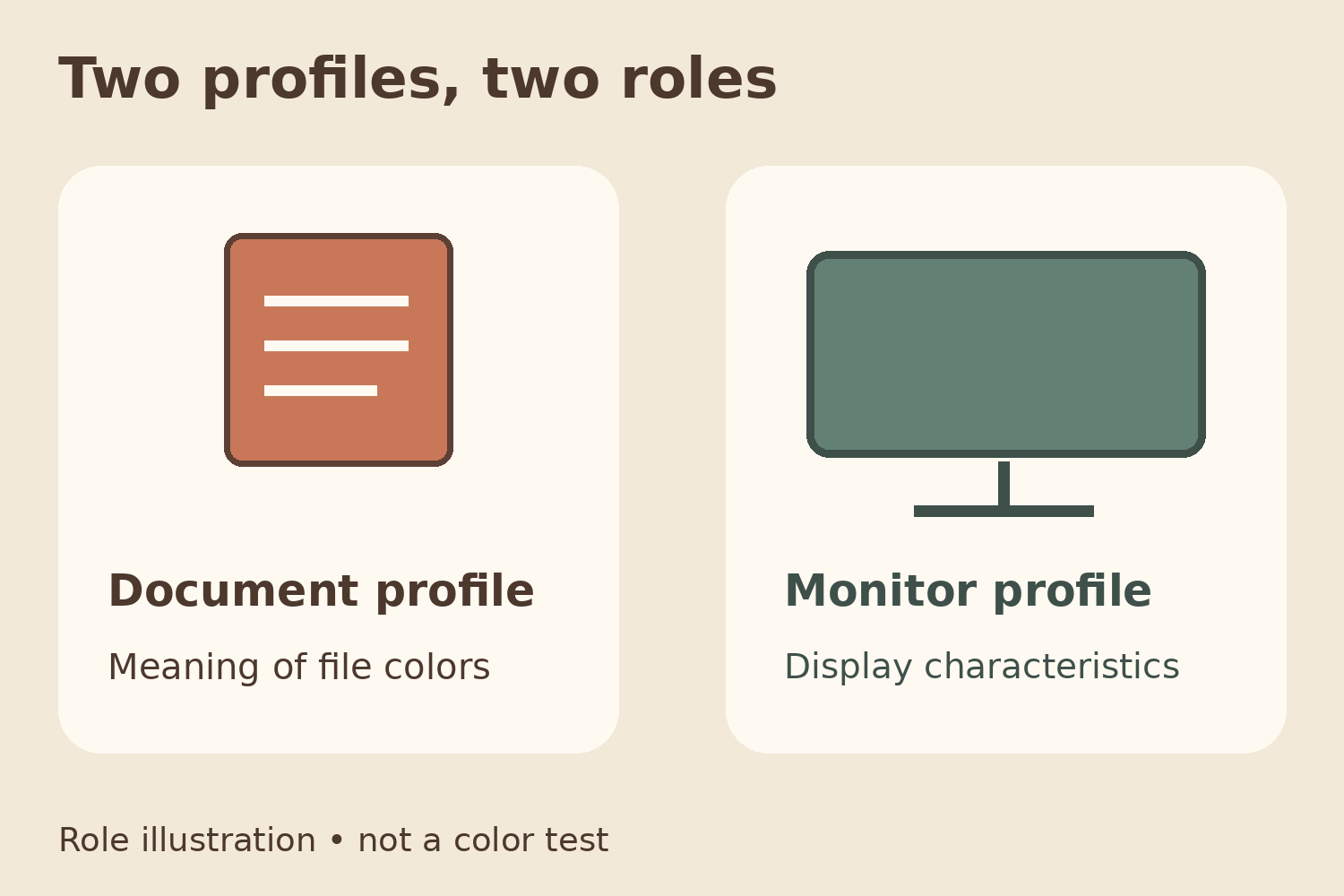
A color profile provides information that helps an application interpret color values. Adobe describes the document profile as defining the file’s color space, while the monitor profile helps Photoshop display the colors on screen. An untagged document can be interpreted using the viewer’s working-space settings, which can produce different appearances.[3]
A useful client question is: “Does this file have a color profile appropriate for its intended use, and how should we review the final version?” Avoid simply asking the editor to relabel a profile until it looks right on one screen. Also explain whether the image will appear on a website, a marketplace, or be passed on for printing.
This is not a reason to experiment with monitor profiles or convert files at random. If color settings are involved, ask the editor to explain the source file, the output version and the viewing context. Print work may also involve the device, ink and paper requirements; Adobe explains that output profiles account for those characteristics.[3]
Agree on color approval for the image series
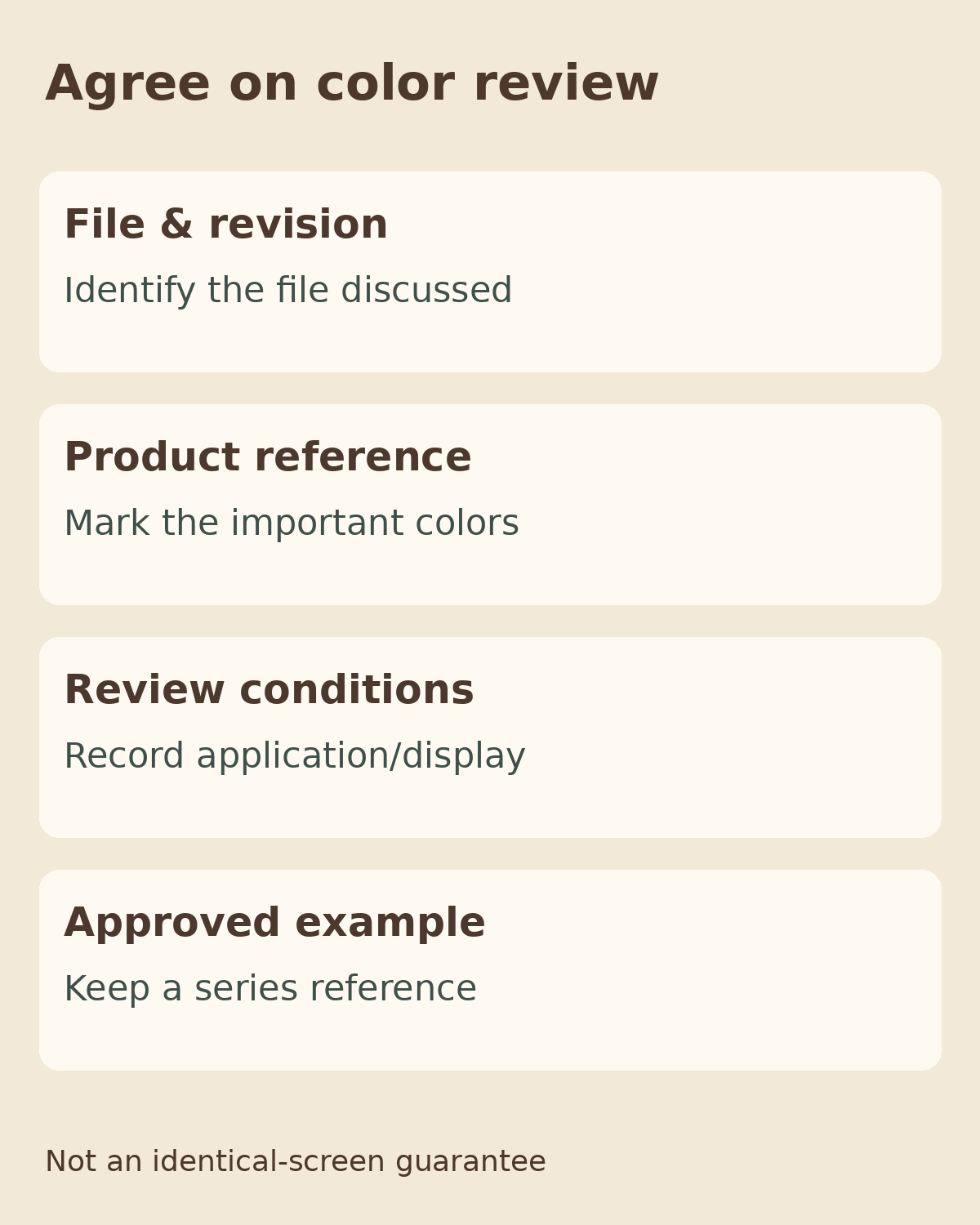
Before extending a revision to every image, choose one example that represents the product and its intended use. Discuss color in an identifiable area rather than offering only a general impression that it “looks wrong.” Once the example is approved, retain the file and approval notes as the series reference. Different products or materials still need individual attention; one example cannot guarantee an identical appearance on every screen.
A hypothetical comment might read: “The green fabric in catalog-03-v2 looks bluer than our agreed sample. We opened the downloaded file in the same application used for the previous review. Please check the fabric area; we want to keep the cream background.” This identifies the subject, version and limits of the request without prescribing correction values that have not been examined.
Summarize the agreement in four parts: file and revision; product reference; application and review conditions; and the approved example for the series. Also identify who makes the final decision, so that feedback from several people does not become a set of conflicting instructions.
When planning product photography with Shaniba Creative Industry (Indonesian), the concept discussion can start with your product requirements.[1] If you already have photographs, SCI photo editing also offers online file submission and review.[2] Bring the relevant file, useful references and a description of the difference when discussing your requirements with SCI. Agree on the scope before requesting adjustments to the whole series.
Technical reference: Adobe — Color profiles.[3]
Share this post to: