Holiday Packaging Design: Keep It Simple
Holiday packaging design should make your product feel ready to give without hiding what it is. If a seasonal sleeve covers the product name, a decorative font becomes hard to read, or a gift box looks different from the item customers receive, simplify the design before you photograph it.
For a small business preparing a seasonal collection, the useful question is not how many festive elements to add. It is which small change communicates the occasion while keeping your brand, product information and practical packaging needs clear.
Daftar Isi
Give holiday packaging design one clear focal point
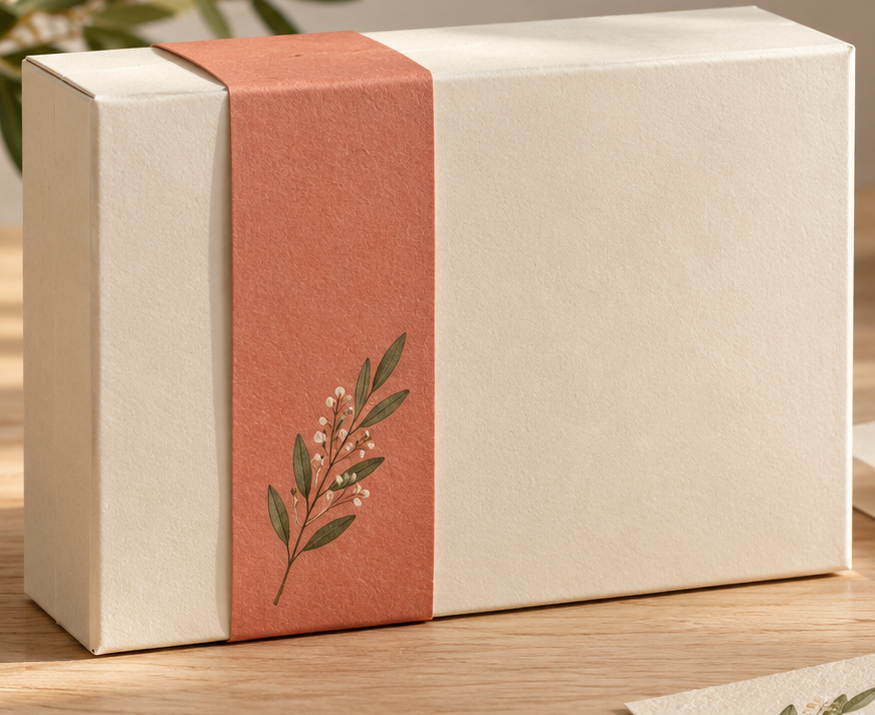
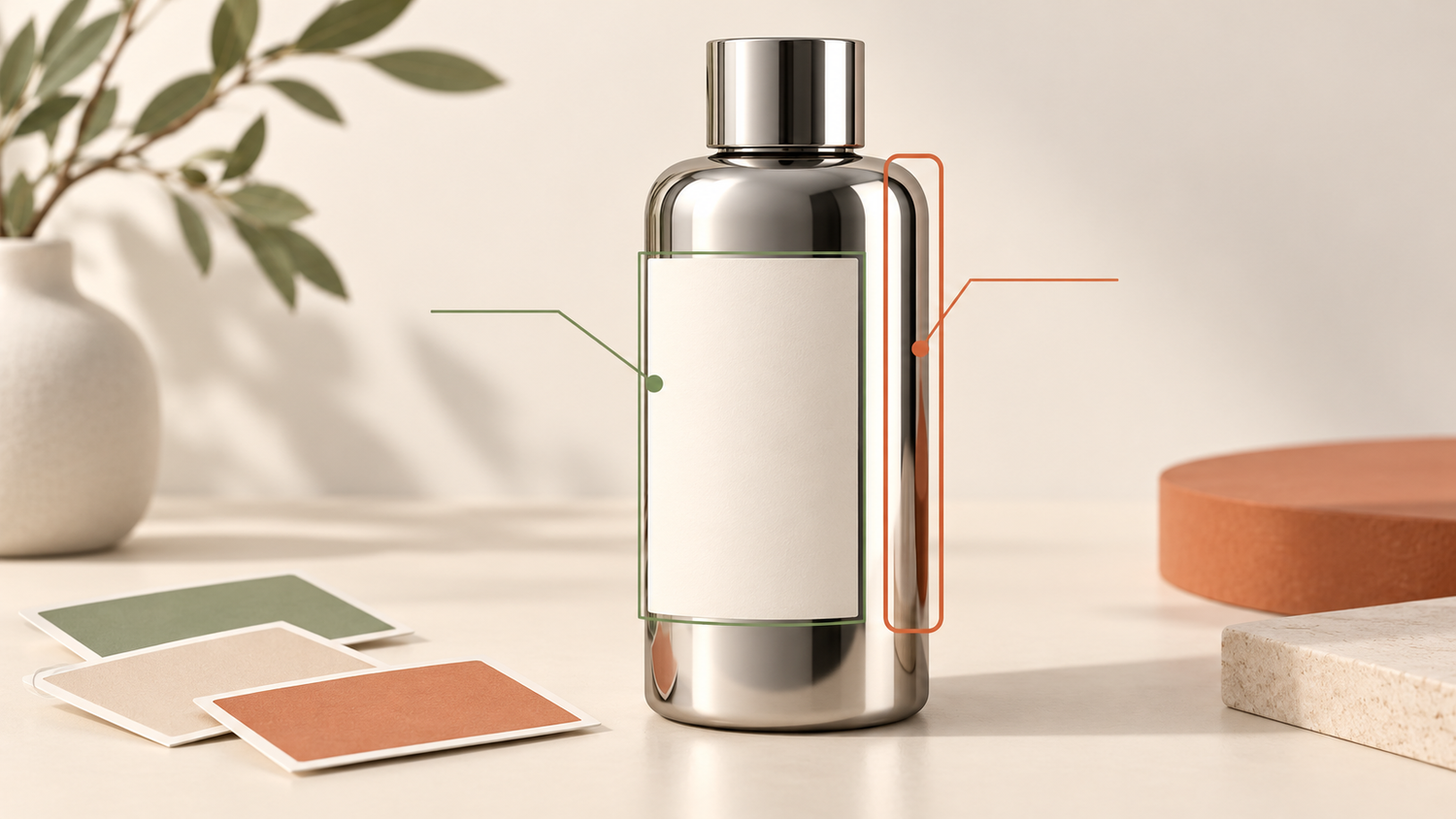
Begin with the information a customer needs first: your brand, the product name and the variant. Arrange these in a clear order of importance, known as visual hierarchy. Adobe’s packaging guide explains how colour, typography and size guide attention, and recommends uncluttered space to connect a product range.[1]
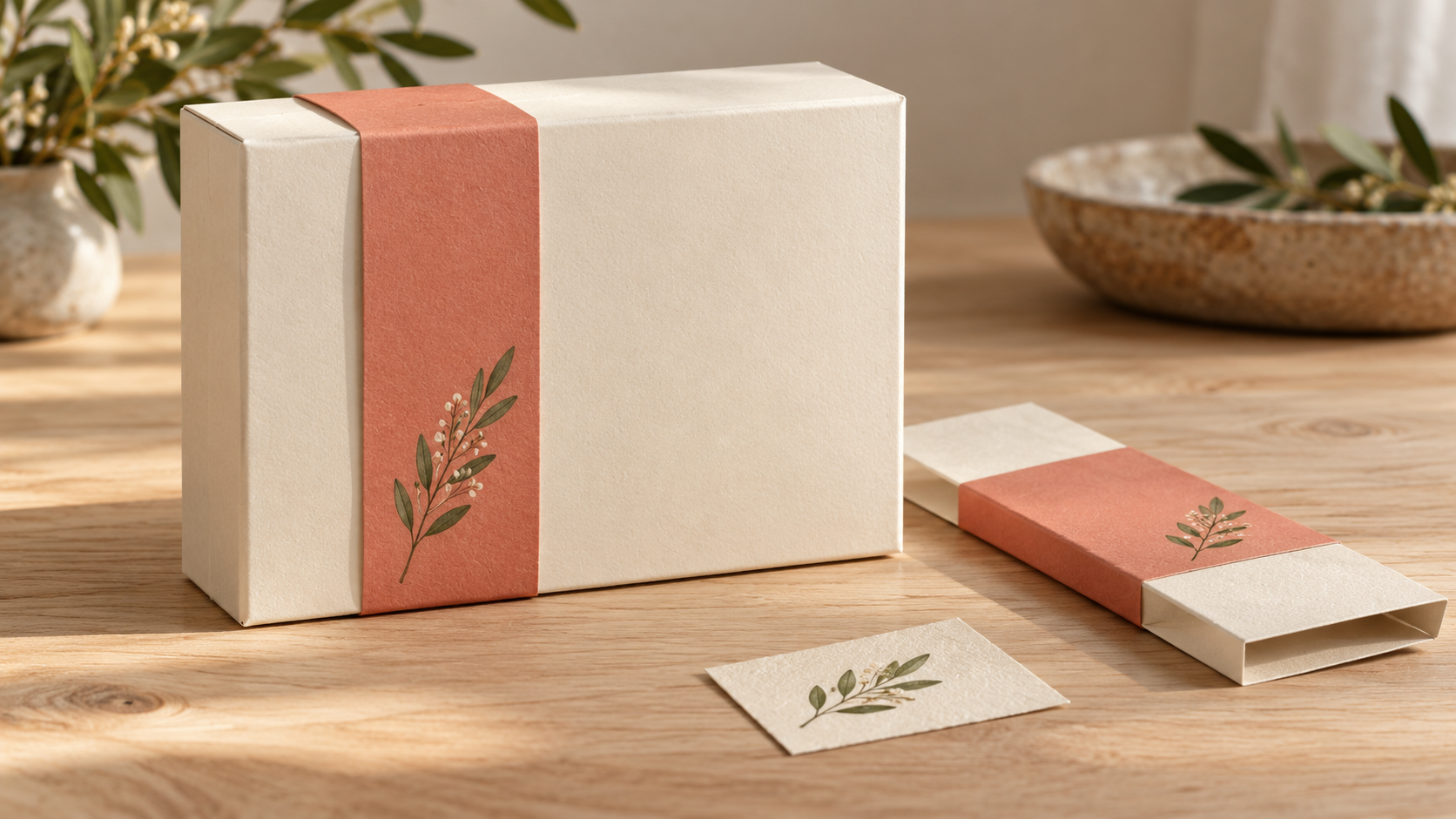
Then choose one seasonal cue. A small botanical motif, a paper band or a limited accent colour can suggest a gift occasion without covering the main panel. Keep the motif consistent across sizes rather than filling each spare area with another illustration.
For example, a hypothetical Yogyakarta souvenir brand might use a restrained local-inspired line illustration on a removable sleeve. The permanent label still identifies the actual product. Use original or properly licensed artwork; a reference image is not permission to copy someone else’s illustration.
Choose colour and type for the actual pack
Keep a recognisable brand colour and introduce a seasonal accent where it helps. There is no universal holiday palette: cream and coral may suit one collection, while a brighter combination is more appropriate for another. Compare a few restrained options beside the real product rather than assuming a particular colour will increase sales.
Typography means how written information is arranged, not simply which font looks fashionable. Adobe recommends prioritising readability and hierarchy over style.[2] Give the product name enough prominence, then check the supporting text on a printed sample at its finished size.
A decorative typeface can work for a short seasonal greeting. Use a clearer style for longer information, and do not squeeze essential details into a tiny corner to make room for decoration. Review contrast, spacing and line breaks with the printer before approving production.
Check materials and structure, not just the mockup
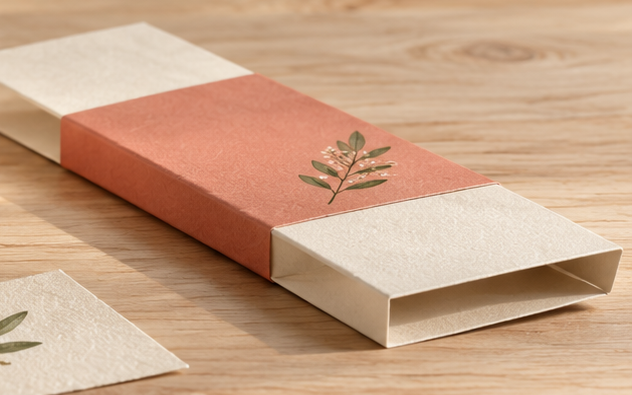
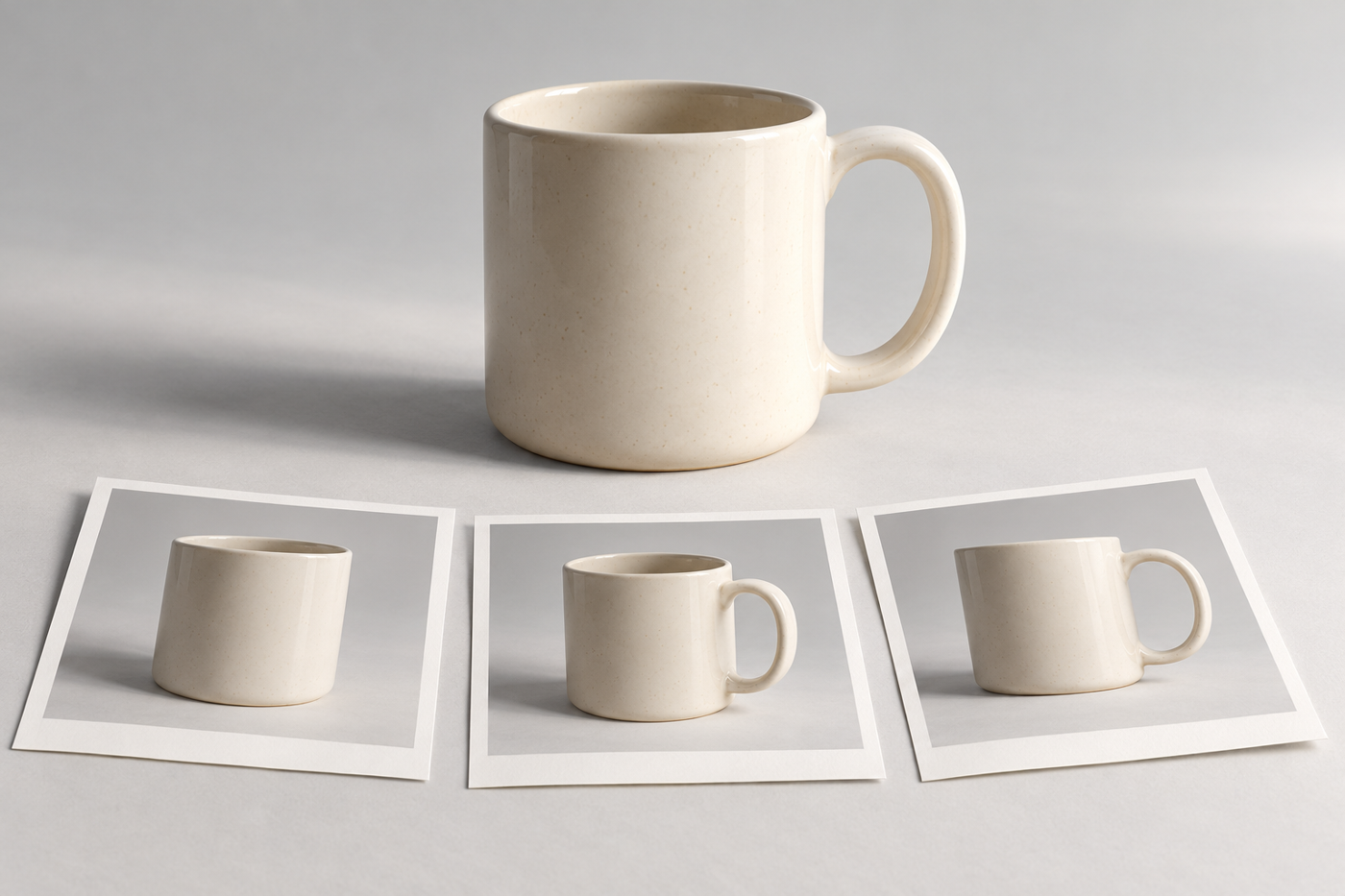
A screen mockup is useful for discussing appearance, but it cannot show whether the finished sleeve fits, a fold damages the artwork, or the box closes comfortably. Adobe describes physical prototypes and functional testing as part of revising packaging.[1] Ask for a sample using the intended construction and finish before committing to the full run.
Check how easily the pack opens, how the product sits inside and whether the decoration survives normal handling. A distinctive shape is useful only if it also works for storage, display and delivery. Sometimes a simple existing carton with a well-fitted seasonal sleeve is the more practical direction.
Do not treat brown paper, a leaf graphic or a matte surface as evidence that packaging is environmentally preferable. Ask the supplier for documentation supporting any specific material claim. The US FTC’s Green Guides warn against broad, unqualified claims such as “green” or “eco-friendly”; this is US marketing guidance, not an Indonesian certification or a substitute for applicable local requirements.[3]
Photograph the version customers will receive
Approve the physical packaging before making the final product photographs. A render of an early design may show a different colour, closure or sleeve position from the finished pack. Keep a reference sample and tell the photographer which details must remain visible.
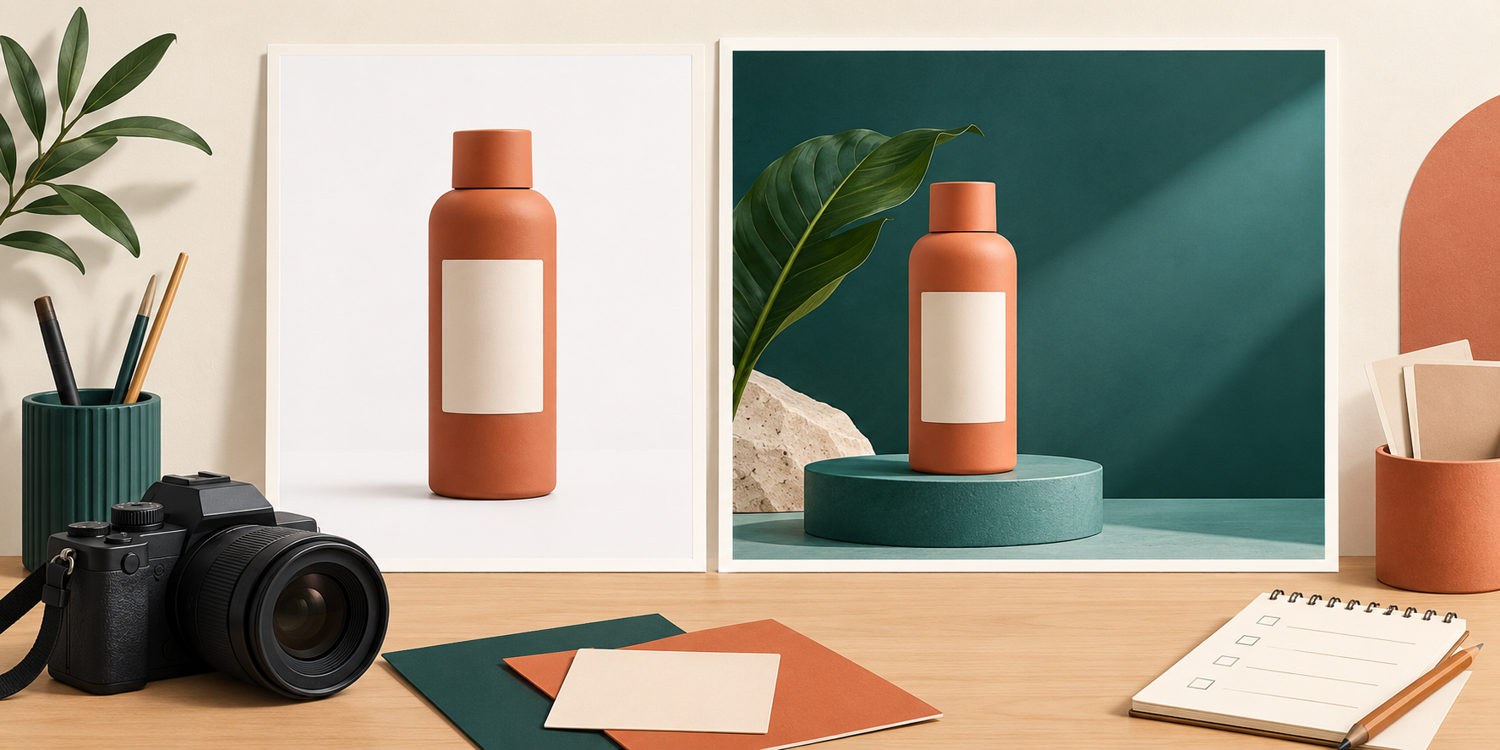
Prepare a clear product view as well as any gift-themed scene. In the clear view, keep the product name and important packaging features readable. In the themed scene, use props sparingly so that viewers can distinguish what is included from what is only decoration.
If you are arranging a shoot with Shaniba Creative Industry, send photographs of the actual pack, its dimensions, the intended sales channels and a short explanation of the seasonal concept. The product photography service page is in Indonesian and describes discussing a concept and sending products to the studio. Confirm the scope for your specific packaging rather than assuming a design or printing service is included.
Approve a simple holiday packaging checklist
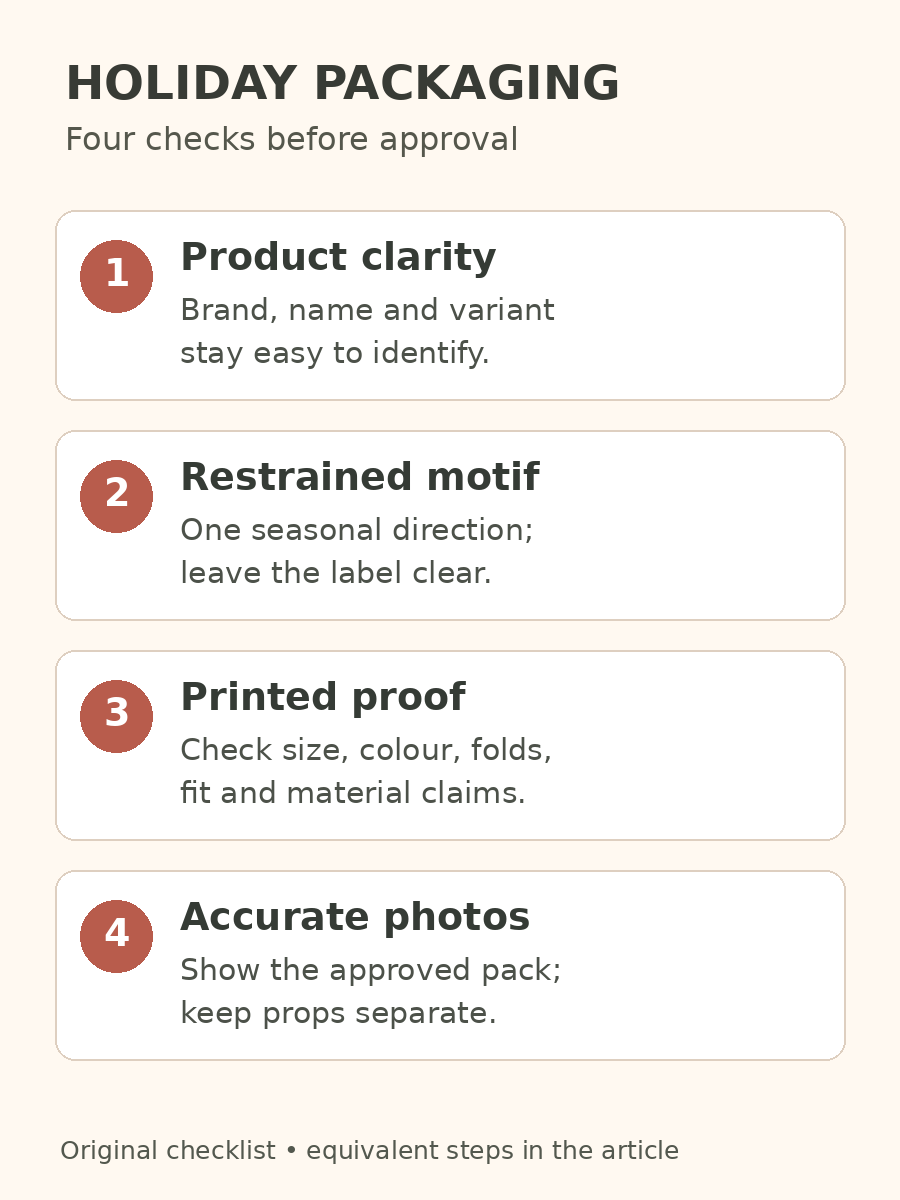
Before production and photography, review these four decisions with your designer, printer and photographer:
- Product clarity: the brand, product name and variant remain easy to identify.
- Restrained motif: one seasonal direction supports the existing identity without crowding the label.
- Printed proof: the actual size, colour, folds, fit and supported material claims have been checked.
- Accurate photographs: the approved pack matches what customers will receive, and decorative props are clearly separate.
Good holiday packaging design does not need a completely new box for every occasion. Start with a clear product identity, add a purposeful seasonal detail and review a physical sample. You can then brief the photographs around the finished pack rather than trying to fix an unresolved design in the image.
References
[1] Adobe Certified Professional: packaging design; [2] Adobe: typography and readability; [3] FTC: environmental marketing claims.
Share this post to: