Product Photo Alt Text: Describe the Information, Not a Keyword List
Your product page has a front view, an interior photograph and a clickable thumbnail. They show the same bag, but they do different jobs. Repeating the product name for all three may leave readers without information about the interior pocket or what the gallery control does. Product photo alt text should start with the information people need on that page, not a list of search keywords.
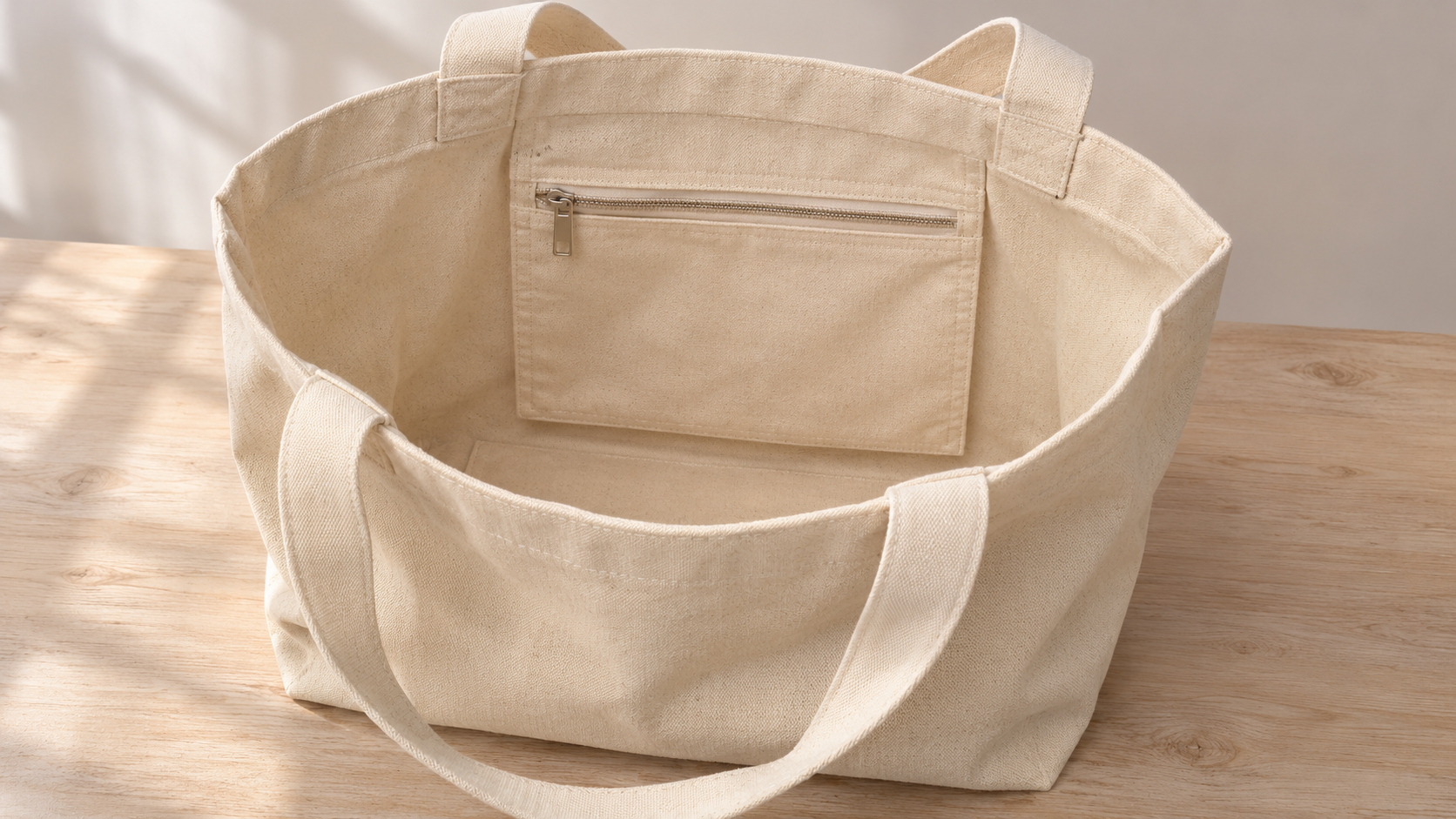
Consider a hypothetical cream canvas bag with a zipped interior pocket. The main view shows the overall shape; the detail view explains where the pocket is. The examples below help you prepare notes for your website editor. The bag is fictional, not a customer product or a Shaniba Creative Industry portfolio example.
Daftar Isi
Start with information that only the image conveys
A text alternative, often called alt text, conveys an image’s information or function when the image cannot be seen. The W3C WAI Images Tutorial explains that the choice depends on the image’s use, context and content.[1] You therefore do not need one description that works everywhere simply because the photograph comes from the same file.
If the page already names the bag, ask what the photograph adds. A front view may show its shape and colour. An interior view may reveal a pocket that the surrounding copy does not mention. Choose that useful information rather than describing every shadow, crease or corner of the table. Details matter when they help someone understand the product, not merely because they occupy pixels.
Keep descriptions tied to visible, confirmed features. You can mention a zipped pocket when it is shown. Do not infer waterproofing, certification or carrying capacity from a photograph. If material or measurement information comes from product specifications, confirm it and include it in the page copy rather than guessing from the illustration.
A simple writing exercise helps: temporarily cover the image and read the page. Note which information is missing, then uncover it and write a description that supplies that information. This is a way to improve your notes, not a substitute for checking the accessibility of the finished website.
Distinguish main views, details and gallery controls
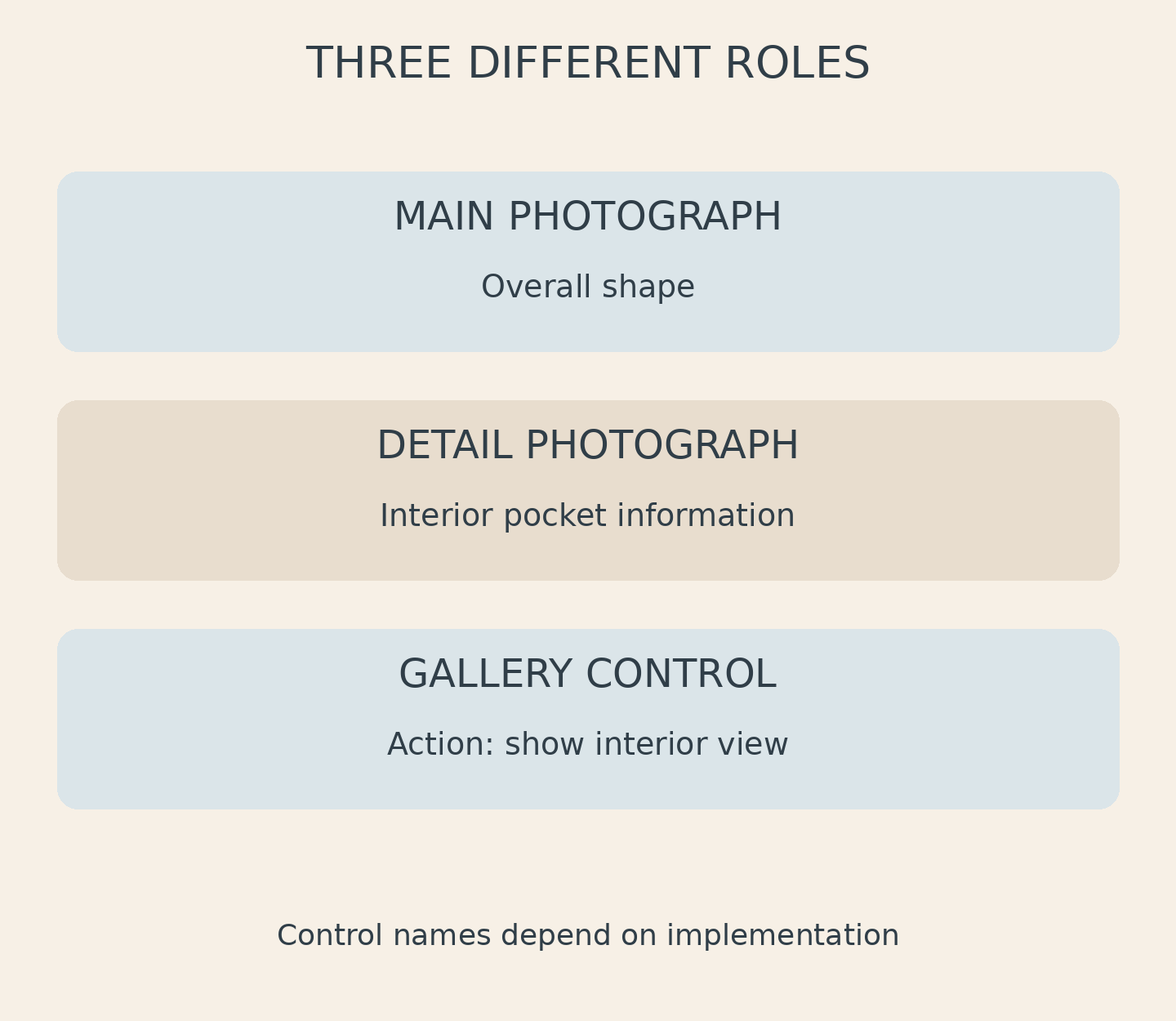
For the hypothetical bag, a main view might use “Cream canvas bag, front view”. A detail image might use “Zipped interior pocket in the open bag”. The second description is not a keyword variation of the first. It conveys different information. Check that each sentence actually matches its photograph instead of deriving every description from the file name.
A thumbnail raises another question. Is it simply a small image, a link to a larger photograph, or a button that changes the gallery view? W3C distinguishes informative images from functional images. For an image used as a link or button, its text alternative should describe the link or button’s function rather than just its appearance.[1]
“Show interior view” could be an appropriate control name, depending on how the gallery is built. Do not automatically paste that phrase into every image attribute. Ask your website editor to inspect the accessible name of the whole link or button, including any text the gallery component already supplies. The aim is a clear action, not duplicate or contradictory names.
Separate those roles when handing over catalog product photography. Identify the main photograph, the detail view and any image intended for a control. Your photographer can help plan the necessary views, while the gallery’s actual behaviour still needs to be checked on the website where it will be used.
Write product photo alt text that fits the page
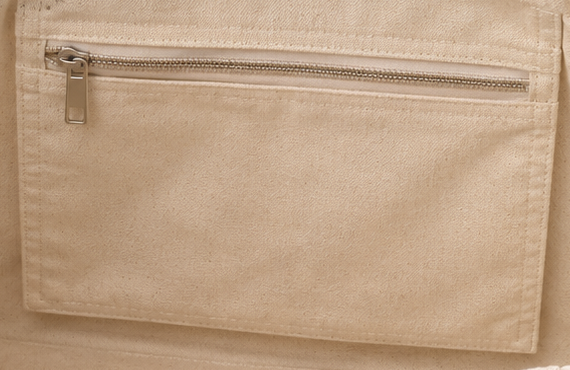
Compare “Zipped interior pocket in the open bag” with “best cheap bag sale product photography Yogyakarta”. The first describes useful visual information. The second mixes promotion, location and a service phrase without explaining the pocket. Adding search terms does not automatically make a text alternative more helpful.
There is no need to invent a fixed character limit without considering the image. Start with a clear, concise sentence and remove words that add nothing. Avoid claims such as “best quality” or “guaranteed durable” that a photograph cannot establish. When an image contains a complex diagram, provide the detailed explanation in the page text rather than squeezing everything into one short description.
Captions, adjacent copy and alt text do not always serve the same purpose. A caption is visible to readers and can explain context or attribution. Alt text provides an alternative suited to the image’s role. Where a caption already explains something, the editor should consider whether repeating it is helpful or burdensome. An Indonesian page needs natural Indonesian descriptions, not a copied English keyword list.
For this hypothetical example, the Indonesian equivalents are “Tas kanvas krem, tampak depan” and “Kantong dalam beritsleting pada tas terbuka”. A control could be named “Tampilkan tampak bagian dalam”. These are examples, not universal templates: change them when the image content, nearby text or component function changes.
Give the website editor the context
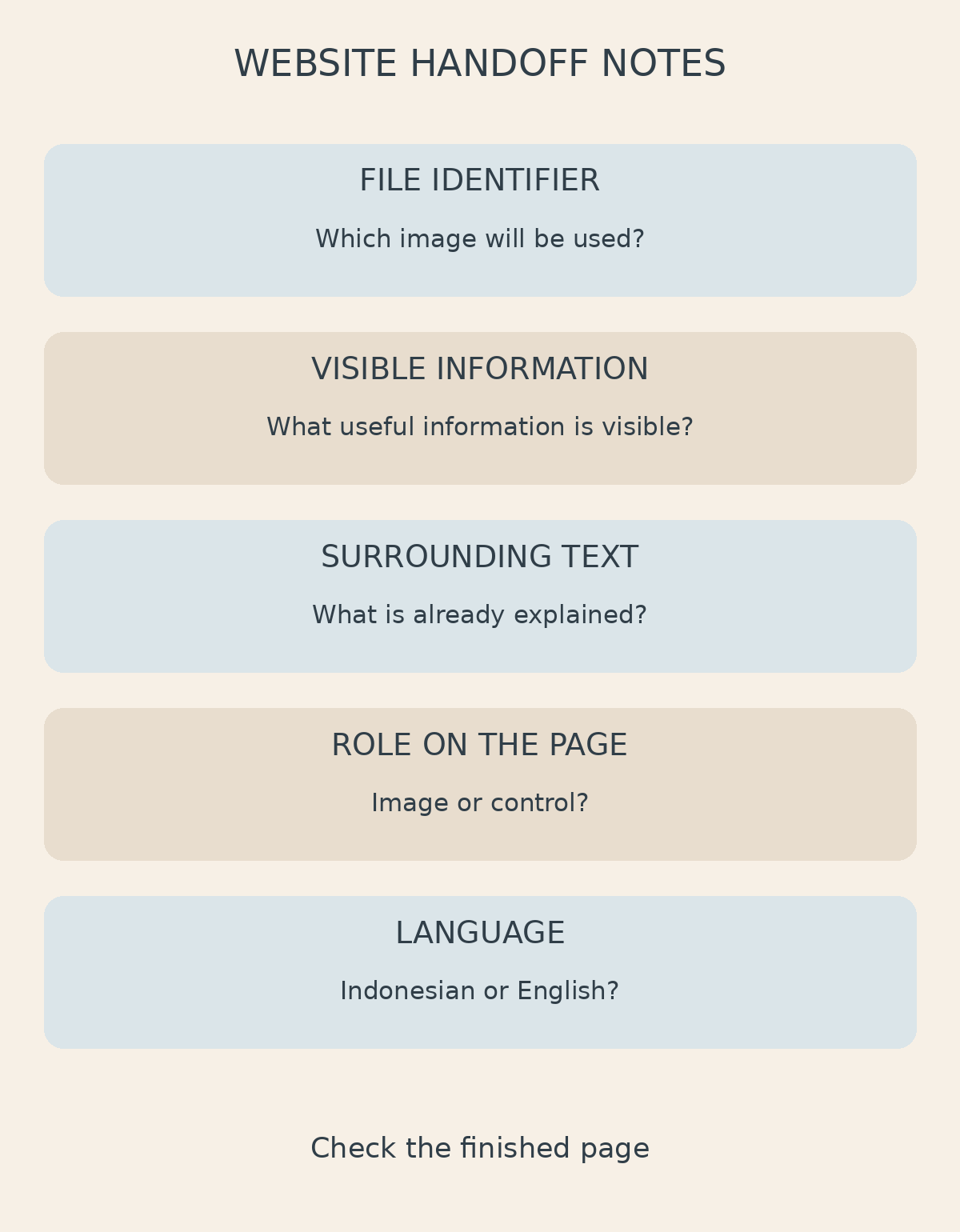
Prepare a note for each image covering its file identifier, visible information, surrounding text, page function and language. For example, bag-detail-02 may be an informative image about the pocket, while detail-thumbnail is a control that displays it. These notes let the editor work from the intended context rather than guess from a delivery folder.
A genuinely decorative image can have an empty alt attribute, but that is a contextual decision.[1] Do not assume every additional product photograph is unimportant. The W3C alt decision tree helps distinguish cases while explicitly noting that it does not cover every situation.[2] The finished page and interaction still need to be considered.
If your main and detail views do not explain the product clearly, discuss the SCI product photography service, described in Indonesian, with a sample page and a list of visual information you need to show.[3] For product photography Yogyakarta enquiries, those notes give Shaniba Creative Industry a useful starting point. Contact SCI to discuss your photographs, then agree the final alt text and gallery behaviour with your website editor. Receiving image files does not by itself establish that the page-level descriptions are correct.[4]
Practical references
[1] W3C WAI: Images Tutorial. [2] W3C WAI: An alt Decision Tree. [3] SCI product photography service (Indonesian). [4] Contact SCI.
Share this post to: