Product Samples for Photography: Record Condition Before Requesting Retouching
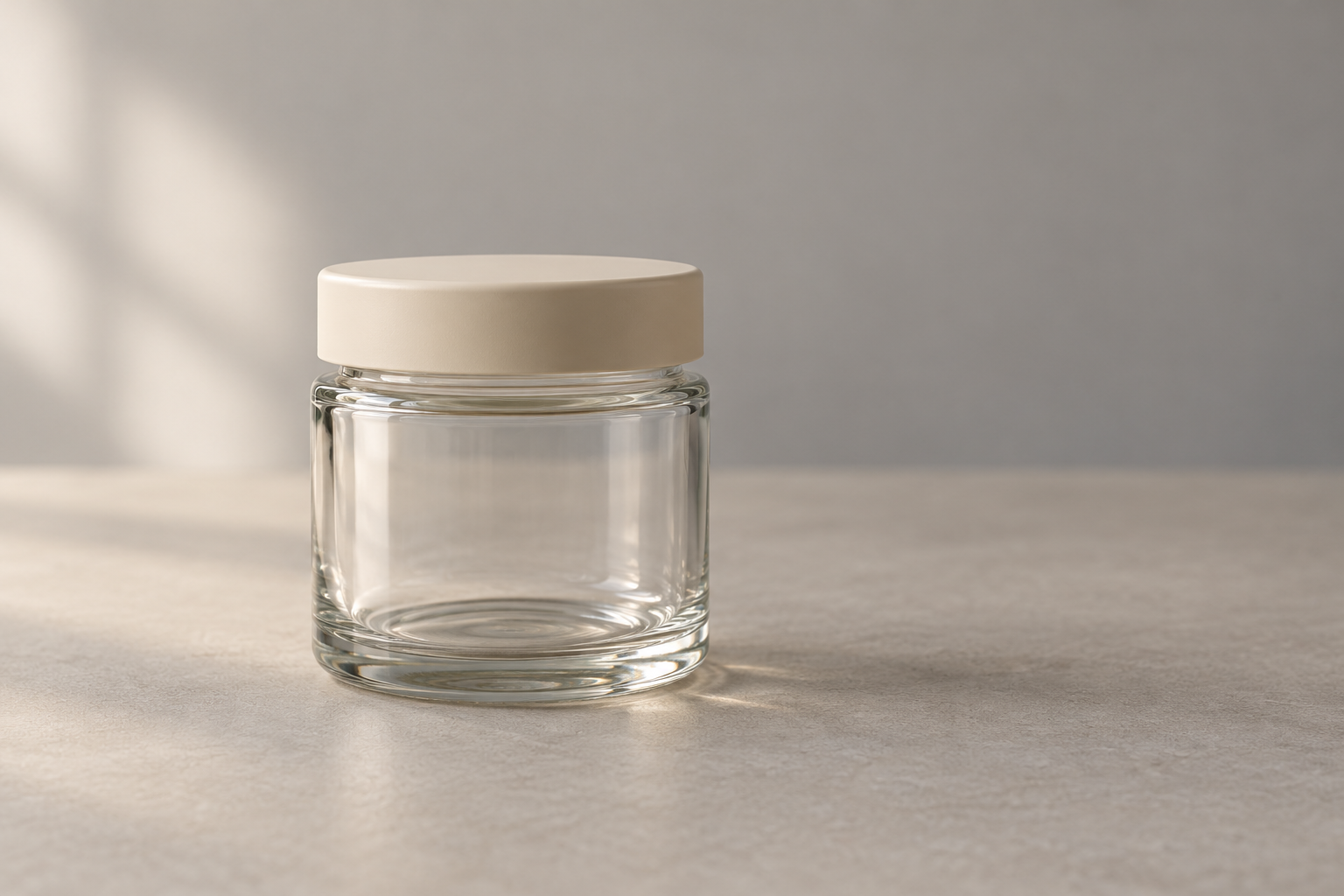
The jar looks fine from the front, but a thin line runs down its back. Is it a moulding seam, a scratch on this particular sample, or a reflection? Before asking for every mark to disappear, create a product photography sample condition log. A short record helps you and your photographer distinguish features that must remain from temporary distractions that need attention.
The aim is not to make the object look flawless at any cost. Your sample should represent what customers will receive. When its starting condition is clear, you can discuss retouching—refining the photograph—in specific terms without changing the product’s identity or hiding a problem with the goods being sold.
Daftar Isi
Choose a sample that represents the item being sold
Begin with the physical object going into the session, rather than a catalogue reference alone. Check that its shape, material, colour, lid, label and included components match the version you intend to show. An older sample that differs from current stock can produce a tidy photograph that still gives customers the wrong information.
Compare the sample with the goods actually being sold. If packaging or accessories have changed, explain the difference before photography starts. Do not rely on retouching to turn an old sample into a new version for which there is no reliable reference. Ask someone who knows the product to decide, rather than guessing which appearance would be more attractive.
Identify the sides that need a joint check. The front may establish identity, while the back contains information that must remain legible. This is not a matrix for a range of variants: it is a record of one sample’s condition and whether that object can represent your product.
Build a product photography sample condition log with the owner
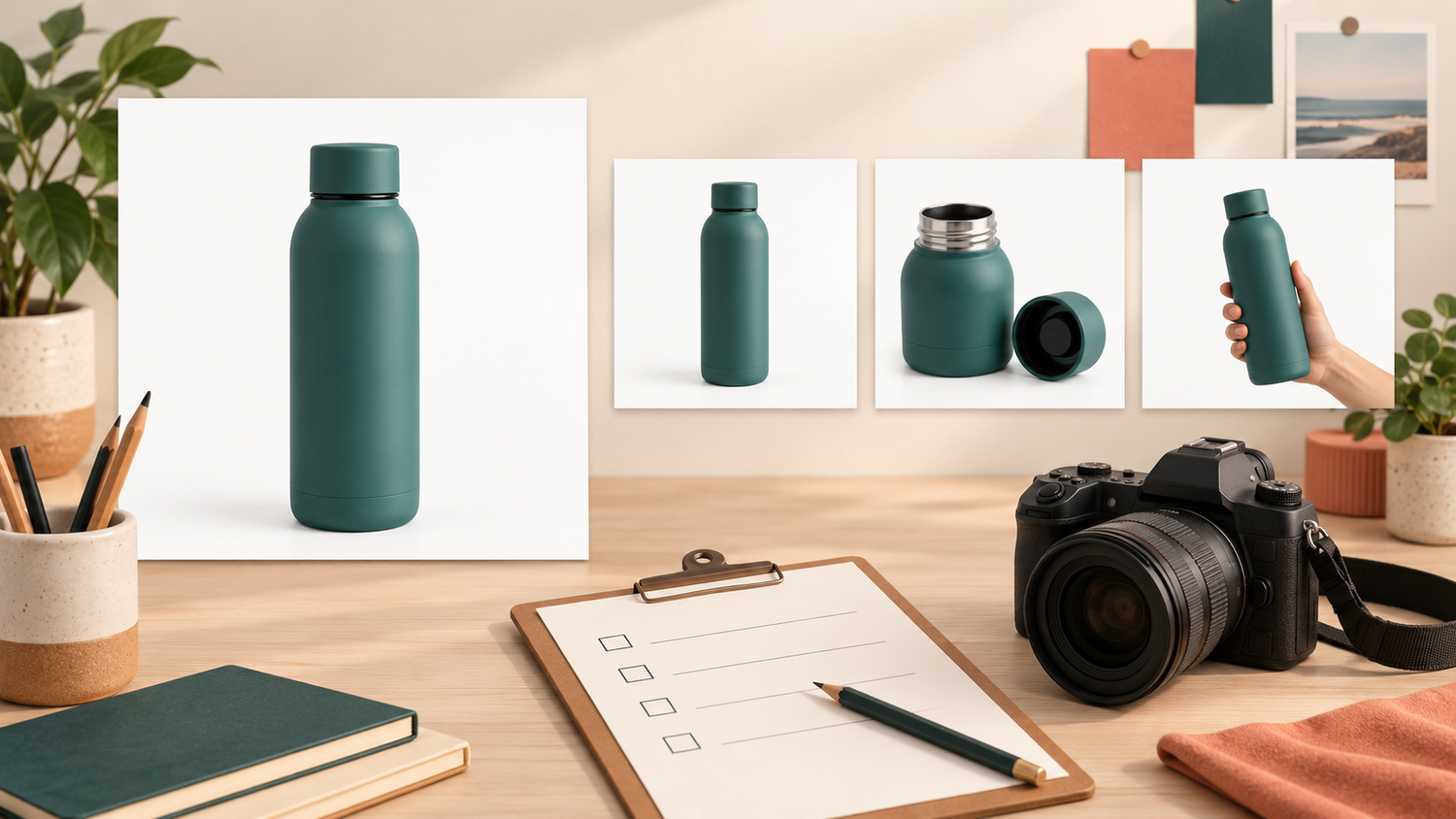
Give the sample a simple identifier, such as S-01, and take reference photographs of the front, back and any area in question. Phone pictures can support the discussion; they do not have to replace catalogue photography. Keep the notes and references tied to the same object so comments are not accidentally applied to a different sample.
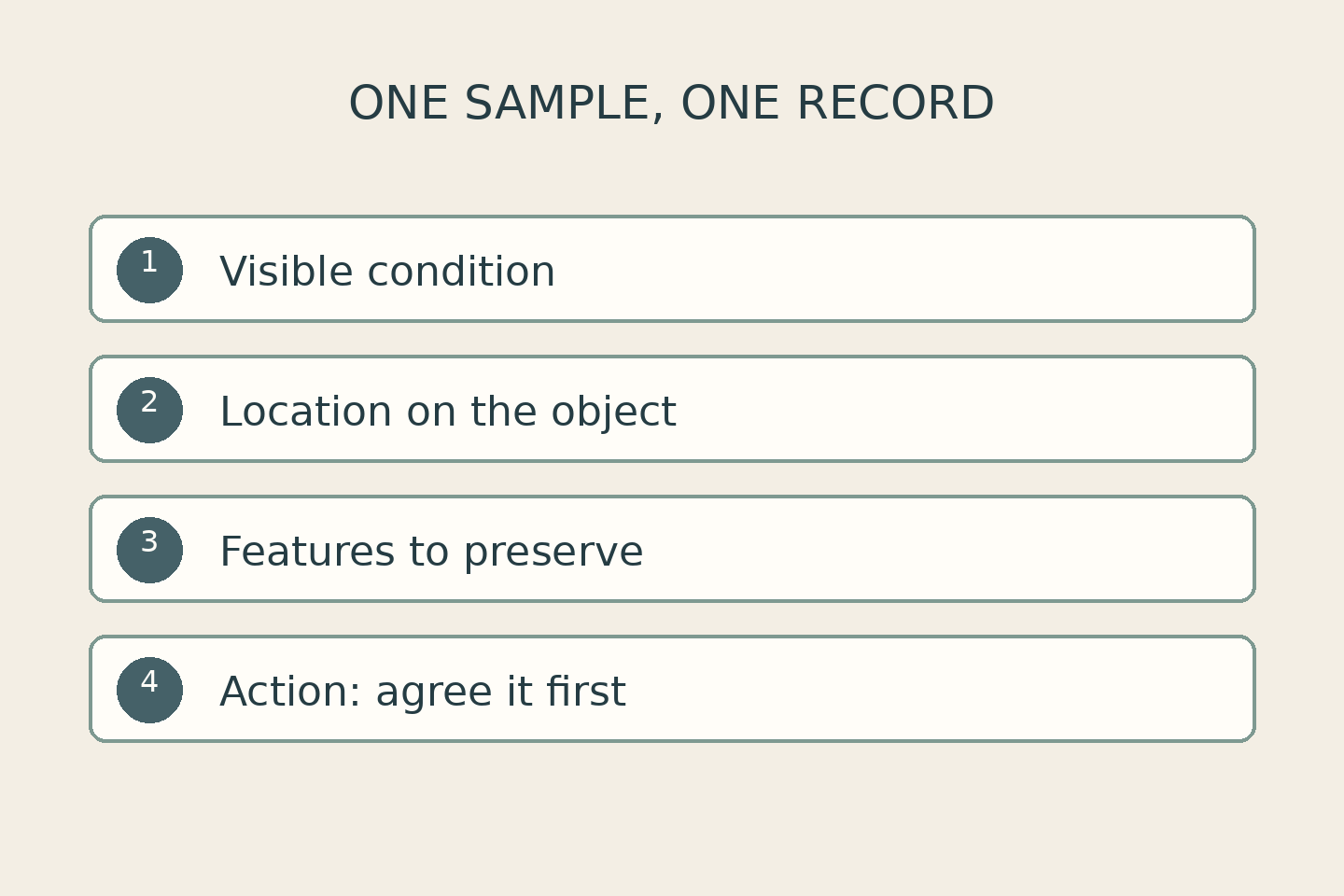
Record four things: the visible condition, its location, the features to preserve, and the action still to be agreed. Write the observation before the explanation. “Thin line below the lid, rear side” is more useful than “defect—remove it”, especially when nobody has established what caused the line.
In a hypothetical jar example, the owner records a small surface spot, a moulding seam and a dented lid. The spot needs checking to establish whether it is dust; the seam is confirmed as a product feature; the dent calls for a decision about replacing the sample. This is an illustrative example, not a client item or an SCI inspection result.
Add the responsible person’s name and the confirmation date. If a decision is open, write “confirmation needed” instead of implying approval. One record both parties understand is more useful than a photograph covered in unexplained markings. Keep a revised decision with that record rather than leaving conflicting instructions in separate messages.
Separate temporary distractions from features and damage
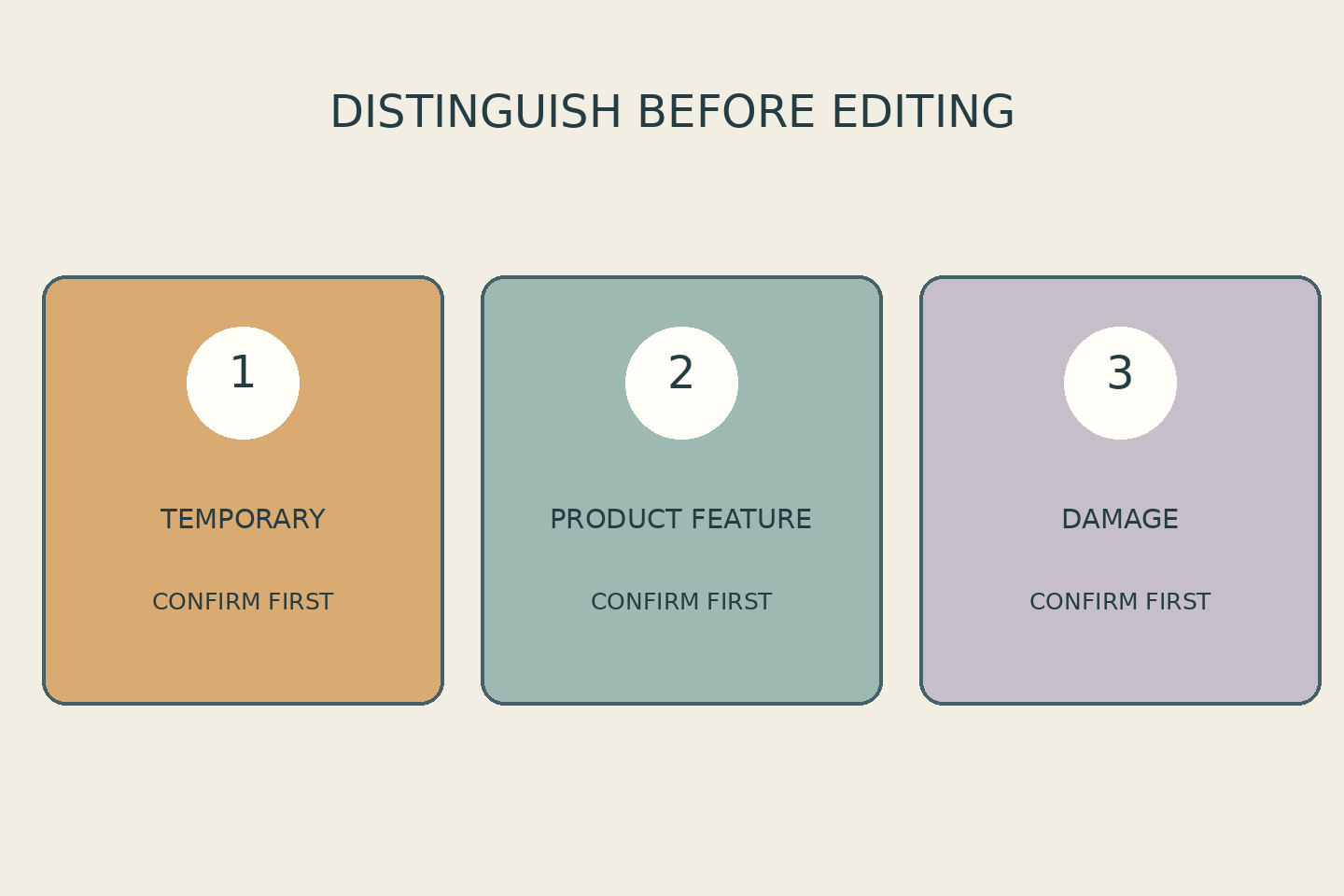
Dust and fingerprints are different from material texture, joints, manufacturing marks or damage. Adobe explains that a speck of dust visible in every photograph creates editing work across those images. That supports checking the sample before the session; it does not establish a guaranteed saving in time or cost. Adobe’s product photography guide also recommends discussing the client’s requirements before setting up a shoot.
Do not choose a cleaning chemical or handling method from a photograph alone. Follow the owner’s or manufacturer’s instructions, particularly for sensitive surfaces. If safe handling is unclear, pause and ask. This guide concerns communication about condition, not product repair or instructions for chemical treatment.
Features that belong to the item should remain recognisable. Material texture or a seam present in the goods being sold is not the same as temporary dirt. A dent affecting only the sample may instead justify a replacement. If the same problem affects sale stock, do not ask the photograph to hide it and create a misleading impression of what customers will receive.
Choose a replacement sample, a retake or limited retouching
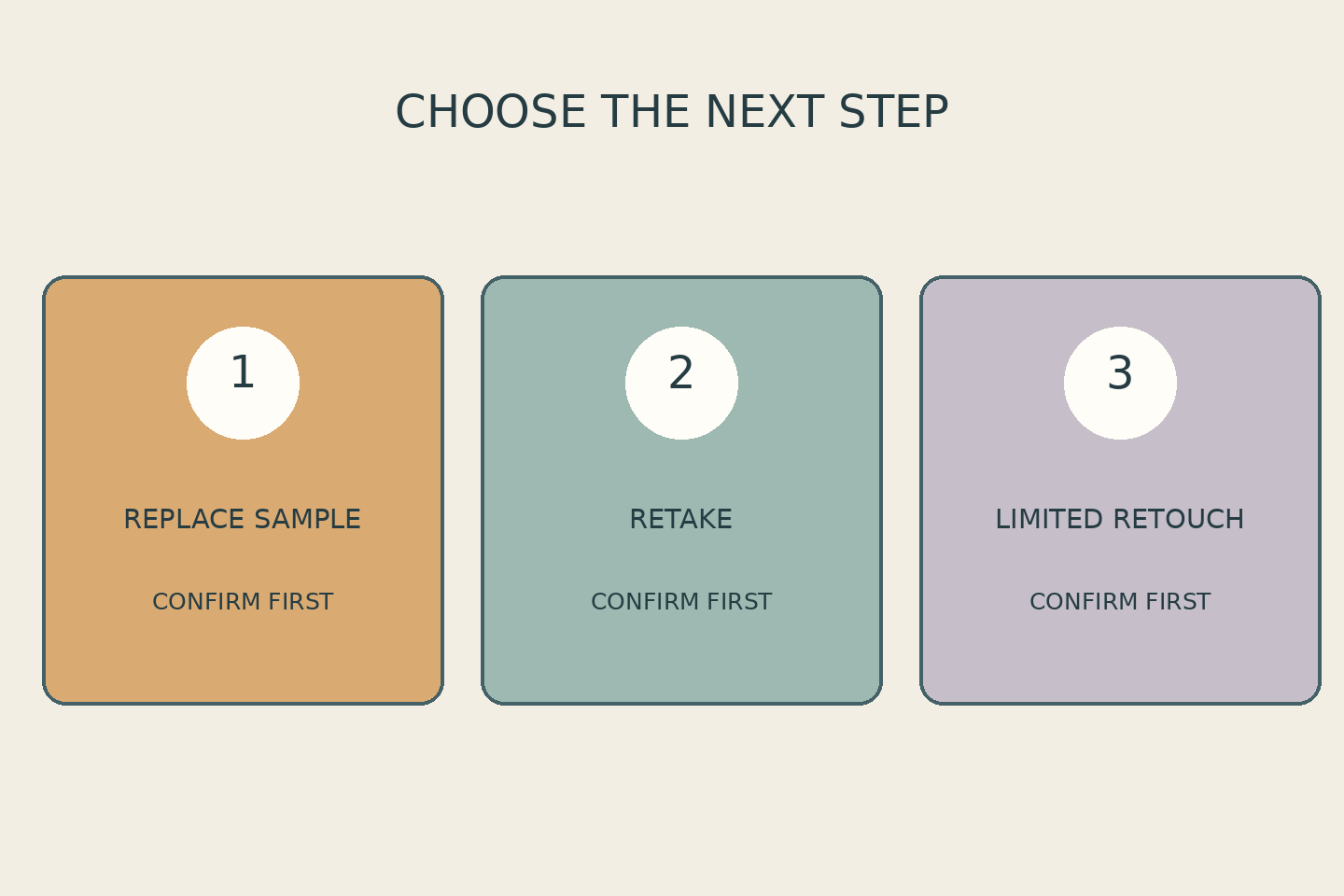
Use the record to choose the next step rather than issuing a blanket instruction to “make it smooth”. If another sample represents the product more accurately, consider replacing it before the session. If an important area is not visible, discuss an additional angle or a retake. If the distraction is temporary and confined to the photograph, define limited retouching once the condition and purpose are understood.
These options need to be discussed for the particular job; they are not automatically included in every package. Agree on the areas that may be refined and the features that must not change. Do not remove product identifiers, batch information or certification markings merely to create a cleaner appearance. When a detail’s significance is uncertain, request confirmation rather than inventing a replacement.
Before approving the result, compare it with the condition record. Do the shape, details and information still represent the item? If the request changes, refer back to the sample code and the particular area concerned. That keeps revisions tied to a concrete decision instead of an indefinitely shifting preference.
Bring a short condition record to your SCI consultation
If you are arranging product photography in Yogyakarta, prepare the sample, condition references and the questions you need answered. The Shaniba Creative Industry product photography service page invites clients to discuss their concept. That linked service page is in Indonesian. Your condition notes make the discussion more specific; they do not replace the agreed scope of work.
Start with one sample: record what you can see, identify who will confirm it, and discuss a suitable next step. You can contact SCI for a consultation with those references ready. Confirm the intended treatment and retouching boundaries before work begins.
Share this post to: