Nikon Z9 5.33 and Z8 3.12: Lens-Response Fix
Nikon Z9 5.33 and Z8 3.12 address an issue worth noting before a portrait or product shoot: the camera could stop responding with some lenses. Nikon lists both updates on 20 October 2026 in its Download Center release index. If you own either camera, the practical next step is to check your equipment before the appointment, rather than when a subject or a fully arranged product set is waiting.
Firmware is the software that controls a camera. Each model still needs its own version: 5.33 for the Z9 and 3.12 for the Z8. Matching change descriptions do not make the update files interchangeable.
Daftar Isi
Nikon Z9 5.33 and Z8 3.12: the lens-response fix
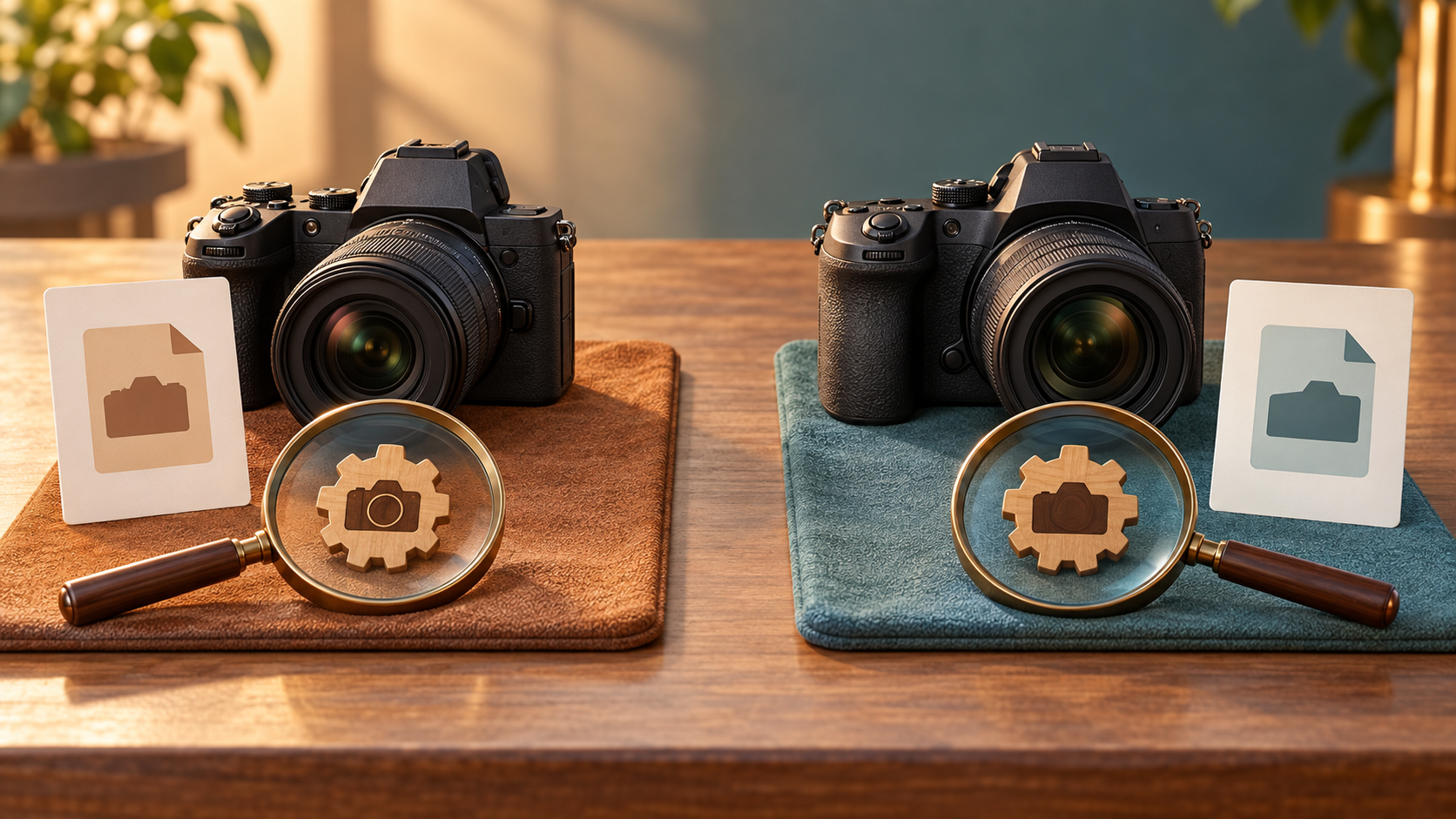
In the Z9 changes from 5.32 to 5.33, Nikon says it fixed an issue that would cause the camera to stop responding with some lenses. The same correction appears in the Z8 changes from 3.11 to 3.12. Both patches therefore address camera responsiveness with certain lens combinations.
These latest change descriptions do not identify the affected lens models, how often the issue occurs, or the sequence of operations that triggers it. They do not justify assuming that every third-party lens is affected, that every Nikon lens is unaffected, or that every camera will encounter the problem. Those details are not supplied in the correction.
The download pages also contain earlier firmware histories. Features and fixes in those older sections are not new announcements for the 20 October patches. If your camera is several versions behind, read everything relevant to your starting version while keeping those historical changes separate from the concise new correction.
Match the camera model and read the update cautions
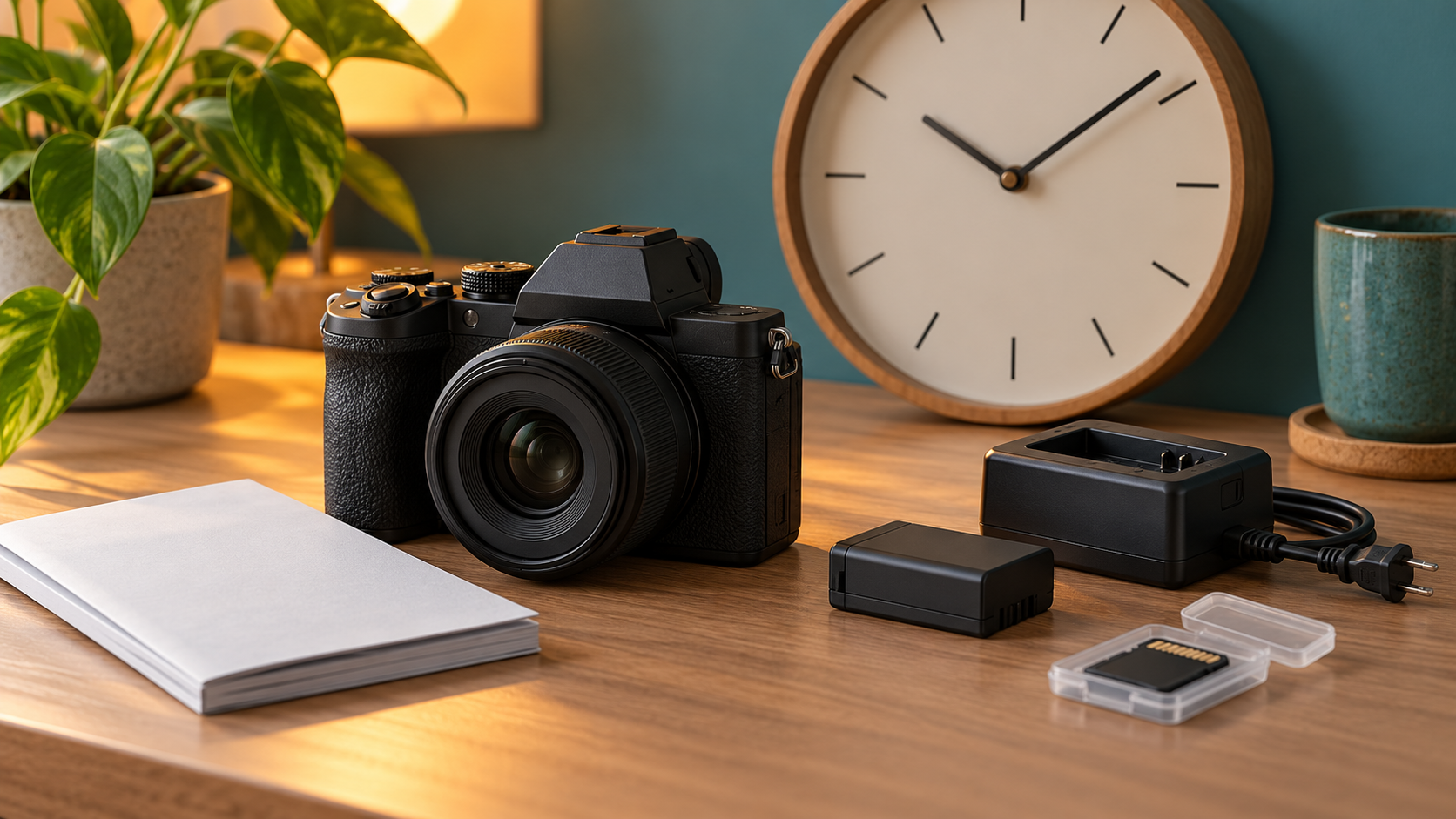
Begin by checking Firmware version in the SETUP MENU, then match the camera model to the correct official page. Nikon says you do not need to download the update if that version is already installed. Follow the installation instructions for your model rather than copying another camera’s procedure because the bodies look similar.
Both pages warn against updating with lenses other than Z-mount NIKKOR lenses or mount adapters other than FTZ II/FTZ attached. Follow that installation precaution, but do not treat it as a list of lenses responsible for the newly corrected issue. These are different pieces of information.
If you are updating from older firmware, pay attention to each page’s notes about settings and presets. The Z9 also has a GNSS module update condition that depends on the module’s version. Not every camera requires the same extra steps. If you are unsure about the equipment’s condition or the instructions, ask a Nikon-authorized service representative for assistance before proceeding.
Set aside time outside a paid session to read the instructions, prepare the required equipment and confirm that the update has finished. Restoring settings, checking the setup and seeking technical support may all need room in the schedule. A patch announcement is not a promise that preparation can be completed just before a client arrives.
Check the camera and lenses planned for the shoot

After following the official instructions and confirming the installed version, check the body and lenses you actually intend to use. As practical session preparation, try focusing, taking photographs and reviewing files with your intended settings. If the session involves several lenses, checking only the one already attached leaves the others unexamined.
For portraits, leave time for equipment checks before the subject starts posing. For product photography, use a test object before arranging the full sequence of items. Record the body, lens and firmware combination so that any continuing problem can be described clearly to technical support instead of changing numerous settings without a record.
For clients, the useful conversation concerns session readiness: the product or subject list, shooting order, intended output and time for checks before photography begins. You do not need to choose a service around a particular firmware number. Improved camera responsiveness does not itself change the visual concept, lighting or retouching quality.
If you are preparing catalog photographs with Shaniba Creative Industry, keep the technical discussion as one small part of the brief rather than a substitute for it. Explore SCI’s product photography service on its Indonesian service page, then discuss your product list and intended uses. Define the photographs you need while allowing time for the team to prepare the equipment before the session.
Share this post to: