

Capture One 16.9 Beta: Retouching Options and Client-File Risks
Capture One 16.9 Beta introduces new options for portrait retouching and product-colour adjustments. If you are preparing a professional portrait or a catalogue, the announcement is a useful starting point for a clearer brief: what may be tidied up, which colours must stay true to the product, and which files must never be used for experiments.
Capture One announced Beta 1 on 9 October 2026. The update includes Stray Hair Retouching, Skin Tone Retouching, Body Skin Retouching and changes to the Advanced Color Editor. It remains beta software, not a reason to move an active client project into a new application version. Capture One says the beta is not intended for critical work and support is not provided.
Daftar Isi
Portraits: agree on the retouching boundaries

Stray Hair Retouching offers two controls for hair outside and inside the hair area. Capture One also describes protection brushes for keeping selected areas untouched or correcting an inaccurate detection. For a portrait brief, those boundaries matter more than the feature name.
For example, you might want hair crossing an eye tidied up while keeping the character of curly hair. Explain that distinction before editing begins. Decide whether moles, freckles, expression lines and skin texture should remain. These are briefing examples, not tested feature results or SCI client photographs.
Skin Tone Retouching offers skin-colour and uniformity adjustments. Body Skin Retouching extends Even Skin to the body, with a texture control. The release notes say the subject’s face must be visible for retouching applied per person, and the generated mask can be adjusted with brushes. Automatic detection should not be treated as permission to change every area of skin.
You can ask to review one example photograph before the remaining selections are edited. Check the face, hair edges, hands and areas next to clothing at the size in which the image will be used. For a professional profile, a clear goal—looking tidy without losing distinctive features—is more helpful than a general request to make everything perfect.
Product colours: choose a reference before requesting a change
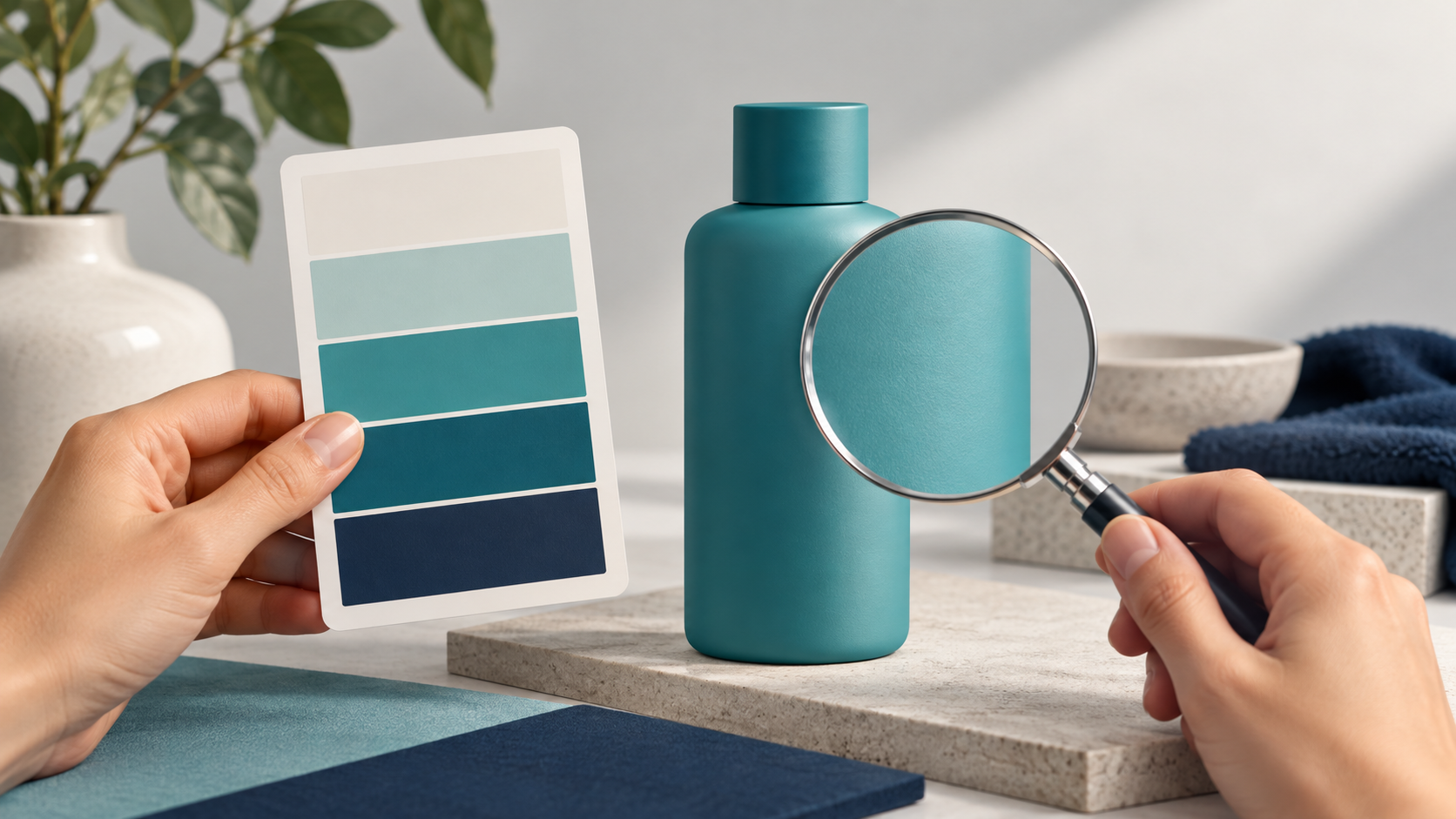
The Advanced Color Editor gains Uniformity, a redesigned colour wheel, a Target picker and editable RGB and HSL target values. Capture One says the Target picker can use an object in the same photograph or another image as a reference. Both images must be selected in the Viewer when using a different photograph.
These controls are relevant to catalogue-colour discussions, but a numerical colour value is not a substitute for a product reference. A matte bottle, textured fabric and glossy packaging can look different because of lighting and reflections. Before asking an editor to match colours, choose an approved example and identify the area that should act as the reference.
Distinguish correcting a photograph to resemble the real product from changing its colour for an advertising concept. If packaging will be recoloured to represent another variant, confirm that the variant actually exists and that the change fits the intended use of the image. For a catalogue, keep the details buyers need rather than presenting a different product from the item being sold.
When discussing a brief with Shaniba Creative Industry, you can share reference images, intended destinations and the colours or details that must be preserved. The SCI product photography service page describes catalogue and commercial-image work in Indonesian. Discuss your project requirements without assuming that one application or a newly announced feature determines the studio’s whole workflow.
Client files: keep production and testing separate

The release notes say Sessions and Catalogs created in Capture One 16.8.6 or earlier must be upgraded to open in 16.9. Once upgraded, they cannot be opened in older versions unless restored from a backup. That matters when another editor still needs to open a project using a different version.
Capture One recommends a separate installation directory and working on copies of files, Sessions or Catalogs—ideally on a separate partition or under a secondary user account. For a deadline-bound project, an application upgrade is not merely an administrative step that can be taken without preparation.
Before an experiment, agree on who holds the originals, which copies may be used and the application version needed for handover. Check that the backup can be restored through a process you understand. Having a backup folder does not by itself establish whether work can continue after a version change. Never use the only copy of a client project to test a beta.
As a client, you do not need to dictate which application a studio must install. More useful questions are whether source files are retained, what will be delivered and how revisions can continue. If an experiment could disrupt active work, choosing not to install the beta is reasonable.
For your next brief, settle three points: portrait-retouching boundaries, product-colour references and file-handling rules. That moves the discussion beyond a feature list and towards the photographs and handover your business actually needs.
Feature details and beta limitations are available in the Capture One 16.9 Beta 1 release notes. The images in this article are AI-generated concepts, not application screenshots, client photographs or demonstrations of Capture One results.
Share this post to: