
Photoshop Relight and Quick Compare: Agree on Lighting Changes
Making a product photograph brighter is not necessarily the same as adding a new light source. Photoshop Relight, introduced alongside Quick Compare on 10 November 2026, makes that distinction worth spelling out in an editing brief. Decide whether you want a different mood, clearer shape, or a faithful match to an agreed product reference.
In its Adobe MAX announcement, Adobe describes Relight as a way to add and adjust light, and Quick Compare as a way to review before-and-after edits. Adobe says the new Creative Cloud capabilities are generally available from the announcement date, with specified beta exceptions. That does not mean every MAX feature is a beta, or that every new tool has identical requirements.
Daftar Isi
Photoshop Relight: describe the light you want to change

According to Adobe’s feature explanation, Relight adds light sources with non-destructive control over position, colour and brightness. Those adjustable controls offer room to refine an idea; they are not a guarantee that a particular photograph will suit the lighting brief.
“Make it look more premium” leaves too much open to interpretation. Describe which side should be brighter, what should remain in shadow and the quality of light you want. A reference is more useful when you explain the relevant detail: a highlight on a bottle’s shoulder, a soft shadow across the table, or warmth in the background. The entire reference image need not become a target for your product.
For a hypothetical example, a brand might want a warmer background around a ceramic pitcher while keeping the glaze consistent with its sample. Put those two requirements in separate sentences. If the lighting change alters the apparent material colour, the editor and brand representative should discuss that trade-off before extending the treatment to a full image series.
Quick Compare supports review, not colour certification
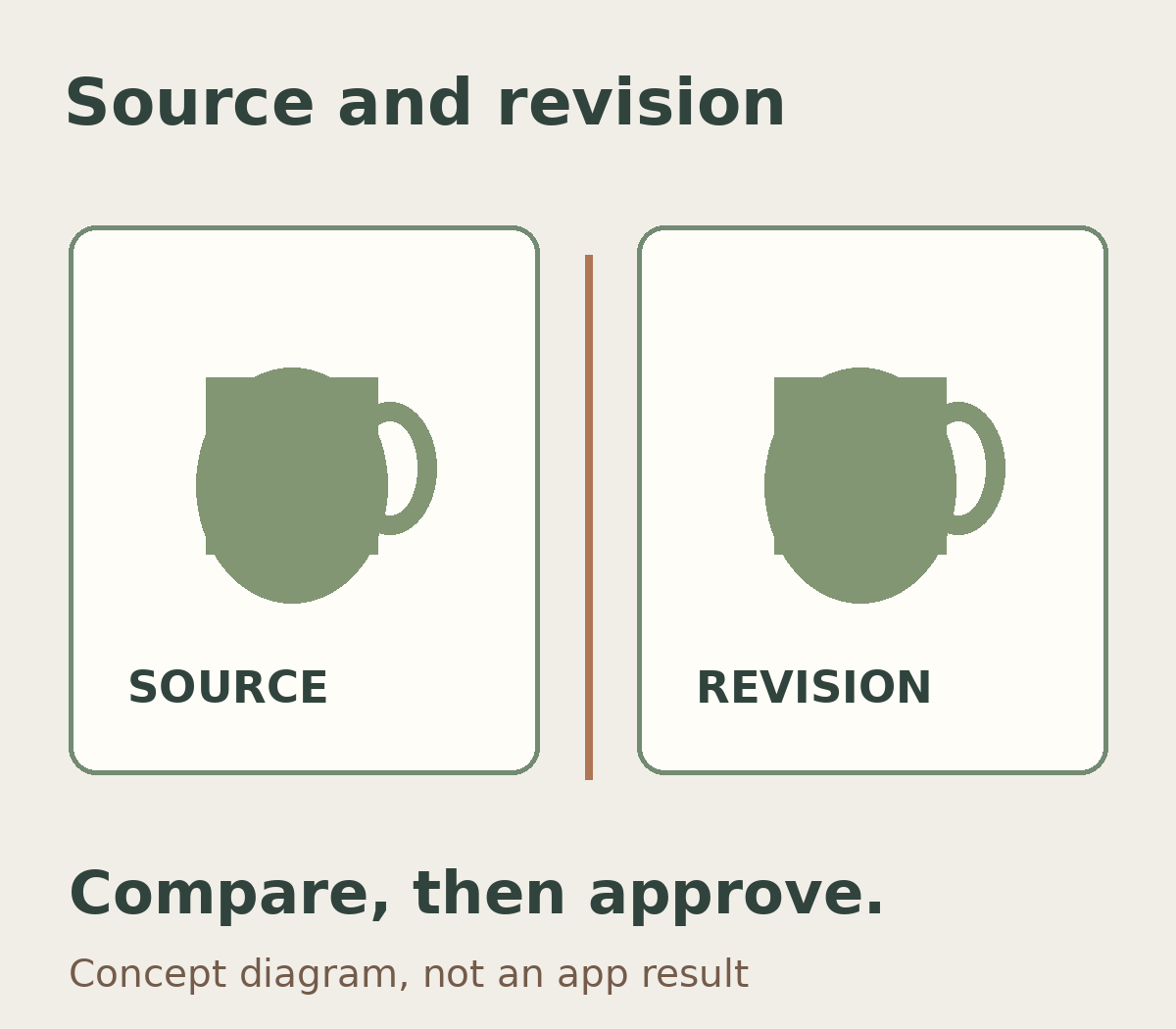
Adobe describes Quick Compare as an on-canvas split-screen slider for before-and-after review, without manually hiding individual layers. It can make changes easier to examine. It does not, by itself, establish that a product colour is accurate or that every detail has been preserved.
Start by matching the correct source to the correct revision. Review the full photograph, then inspect the details most likely to matter: label lettering, texture, product edges, highlights and shadows. Ask whether the edit changes only the agreed lighting or also changes the item’s defining features. For portraits, the same boundary can apply to skin colour and facial character that were not included in the requested changes.
Keep creative approval separate from reference approval. “Does this feel warm enough?” is a different question from “Does this still represent the colour of this variant?” A before-and-after view is not a substitute for an agreed sample or reference. If colour matching is important, establish a product photo colour reference and clear review conditions rather than relying on the appearance of one screen.
Agree on one sample and record the approval
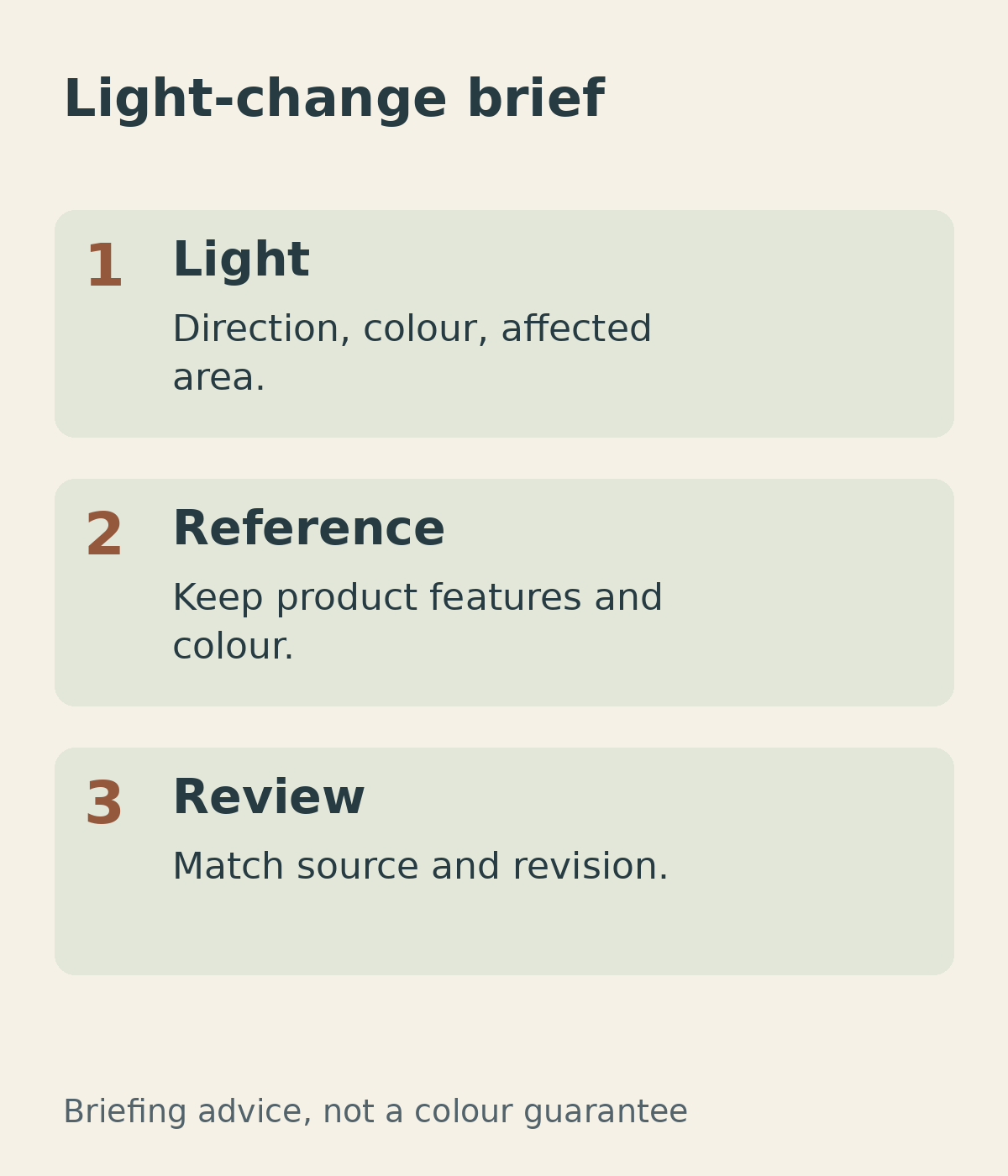
Before requesting changes across many photographs, choose a file that represents the job. Include its source filename, the reference, the areas that may change, the features that must stay intact and the intended use. Identify who can approve the sample so that feedback from different team members does not pull the edit in opposing directions.
A short instruction might read: “Warm the background and soften the shadow on the right; keep the pitcher’s colour and ceramic texture; compare with the source and sample before applying the treatment elsewhere.” This is an example brief, not a promised result. Keep the source separately and name revisions clearly so that an old file cannot be mistaken for an approved version.
When discussing photo editing with Shaniba Creative Industry, bring both the lighting request and the reference. For a new shoot, raise those needs during product photography planning (information in Indonesian). Use SCI’s contact channel to confirm an appropriate method and scope; a software announcement does not mean SCI offers or uses every newly announced feature.
Share this post to: