Before Approving Photo Prints: Discuss a Physical Proof with Your Print Provider
The photograph looks right on your screen, yet you are not ready to approve the print. Instead of asking for “exactly the same colours”, discuss whether your print provider can supply a photo print proof: a physical sample for reviewing an agreed part of the result. The useful question is not simply whether the sample looks attractive, but what it actually represents.
Approval is easier to understand when you and the provider refer to the same photograph, know how the sample was produced and record any revisions before proceeding. A proof is not a compulsory step for every order. Ask about availability, cost and approval stages for your particular job rather than assuming that a sample is always offered or included.
Daftar Isi
Distinguish a screen preview from a physical proof
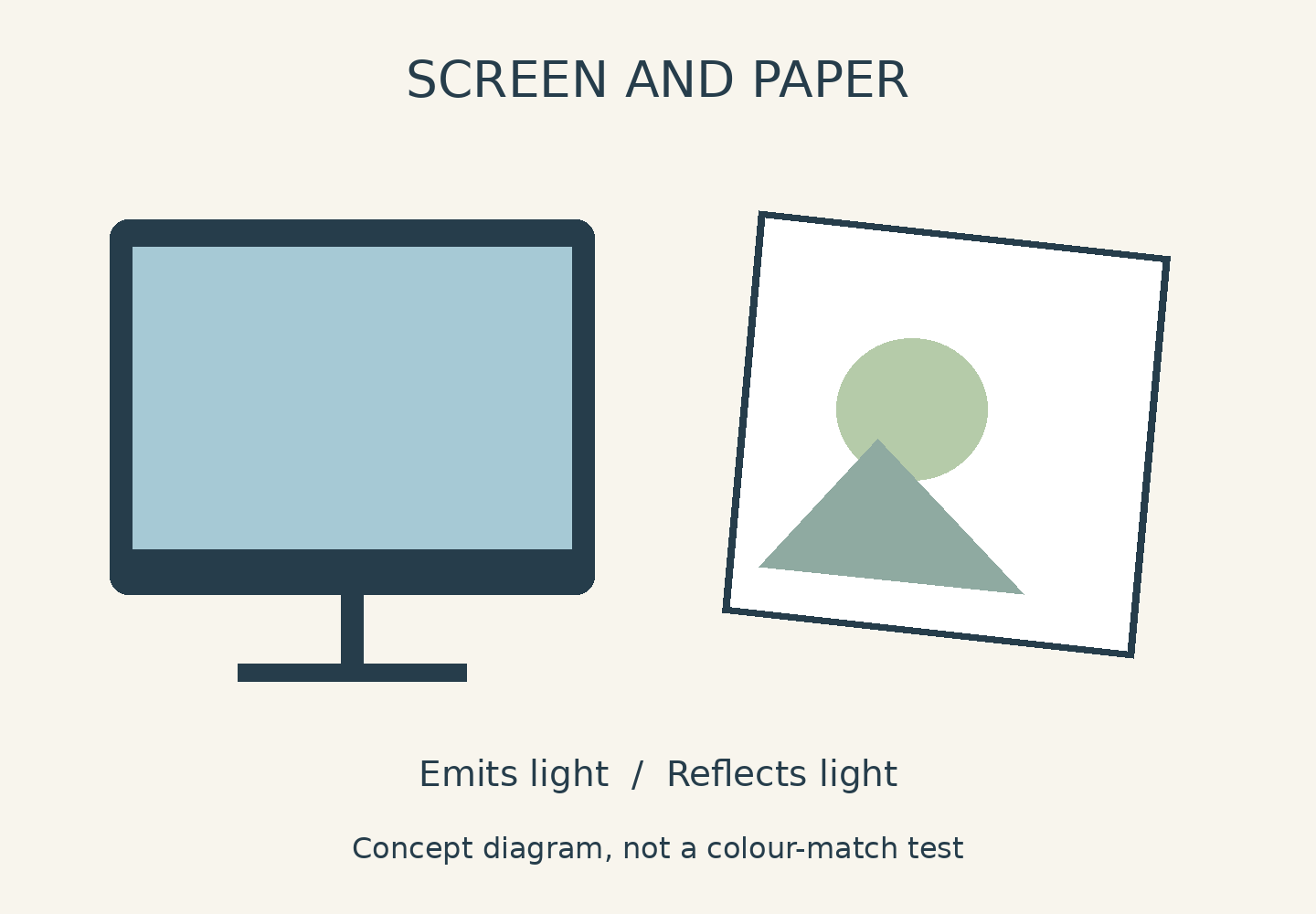
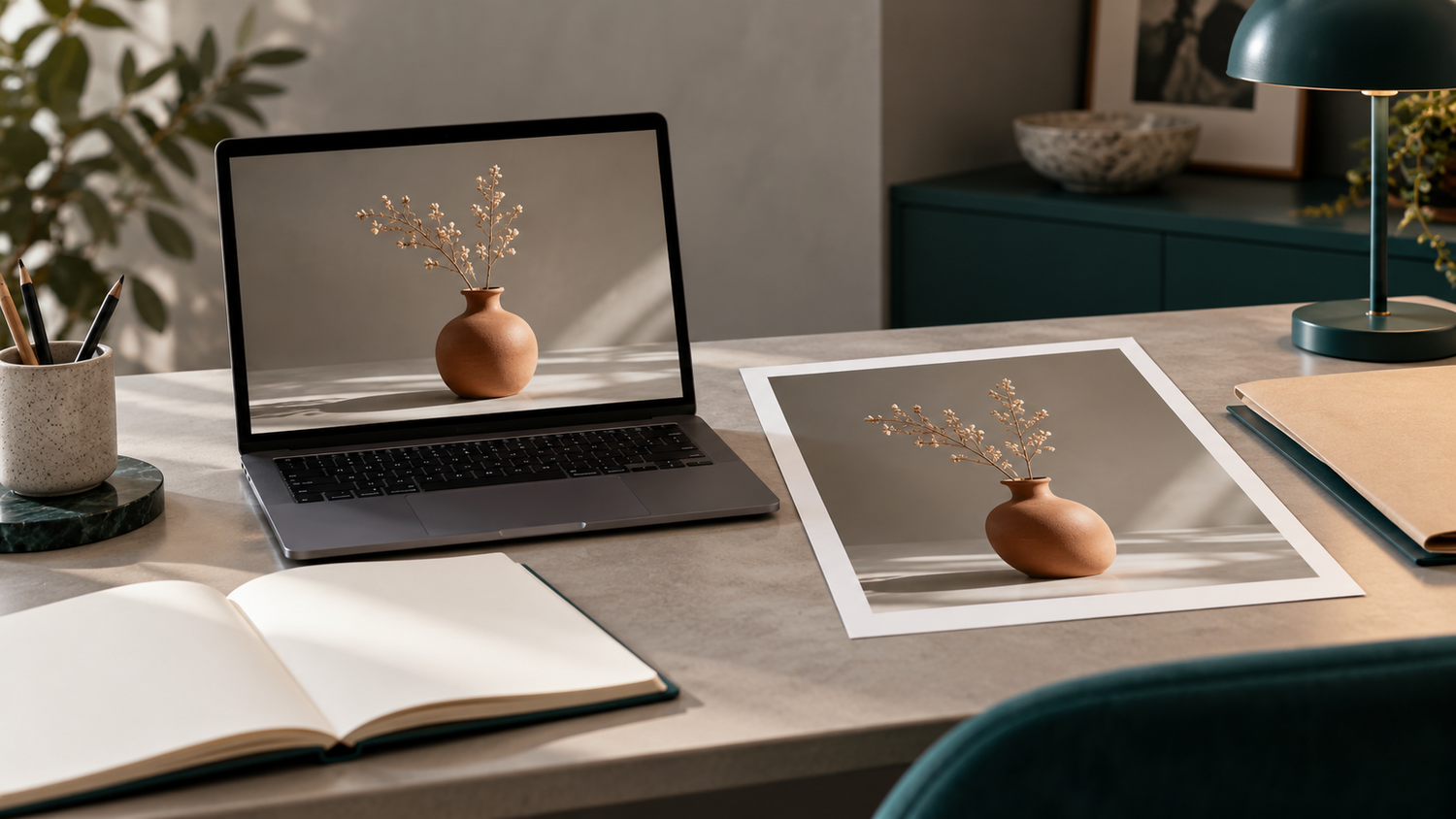
A screen preview helps you assess composition and the direction of an edit. Looking at a photograph on a phone, however, is not the same experience as holding a print. Adobe explains that monitors emit light while prints reflect it, creating some natural variation.[1] “It must match my screen exactly” is therefore not a helpful starting point for a print discussion.
A physical proof gives you an actual object to examine with the provider. Ask what it is intended to show: an approximate colour direction, appearance on a particular material, the composition after cropping, or several of these together. If your main concern is a face that looks too dark, identify that area. Avoid requesting a change to the entire photograph merely because it looks different on another screen.
Adobe also makes hard-proof accuracy conditional on printer-profile quality, monitor calibration and how closely the desktop printer matches the output device being simulated.[1] You do not need to take over those technical decisions yourself. Use this information to ask how your sample is made and where its comparison with the final output is limited. Discuss the relevant settings with the people responsible for producing your print.
Ask what the print sample represents
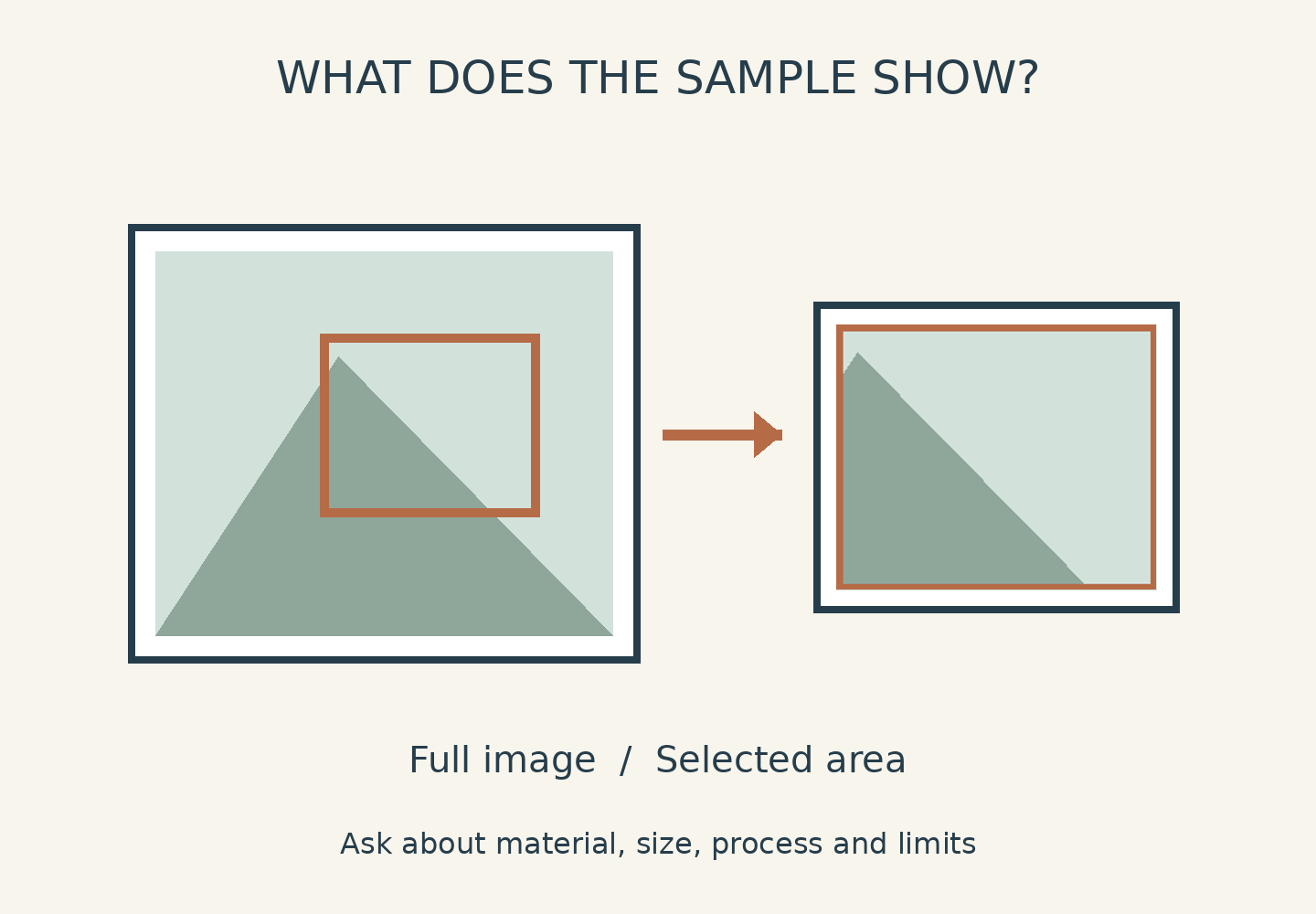
Before accepting a sample, establish which photograph it uses and what you are reviewing. Ask the provider to identify the file version, proof material and relationship between the sample and the final production material and process. A sample on a different material may still help a conversation, but its appearance should not automatically be treated as representative of every aspect of your order.
Adobe’s commercial-printing guidance recommends contacting prepress staff to learn their requirements. It also warns that a desktop printer cannot faithfully replicate the output of a commercial printing press.[2] That guidance concerns commercial presses; it does not mean every photo-print provider uses the same process. The practical lesson is to ask about the process used for your own order rather than guessing from the word “proof”.
Three useful opening questions are: “Is this the material I will be ordering?”, “Is this full size or only a section?”, and “Which aspects of the finished print cannot be assessed from this sample?” The last question matters for large prints, finishing and mounting. A small sample does not automatically establish sharpness across the full-size print or appearance after finishing.
Keep the answers with the sample’s identifying information. If only part of the photograph is printed, record which area was selected and why. This helps prevent approval of colour in one section from being mistaken for approval of the complete composition.
Record review points and requested revisions
Separate what you observe from what you want changed. “The face looks darker than I would like” is an observation. “Please discuss brightening the face without changing the background” is a request the provider can respond to. They can then explain whether the adjustment belongs in the photograph, the printing process or both. Do not assume that every difference calls for another round of retouching.
Start with the few things that determine whether you can accept this photograph: the brightness of a face or product, important colours, detail in dark areas and the crop. There is no need to apply the same long checklist to every image. For a family photograph, faces and the framing may matter most; for a product image, a particular colour or material detail may be central to the discussion.
Identify locations unambiguously. Instead of “the right-hand bit”, write “the jacket on the subject at the right of the image”, or mark the area on a reference copy. Keep the notes without overwriting the source file. If several people are reviewing the image, nominate one person to consolidate decisions so contradictory instructions are not sent as separate approvals.
Once revisions are agreed, ask whether another proof is needed and what will be checked again. A revision request is not acceptance of the revised result. Keep the status explicit: changes still required, waiting for another sample, or approved for a defined stage.
Approve the final version with clear notes
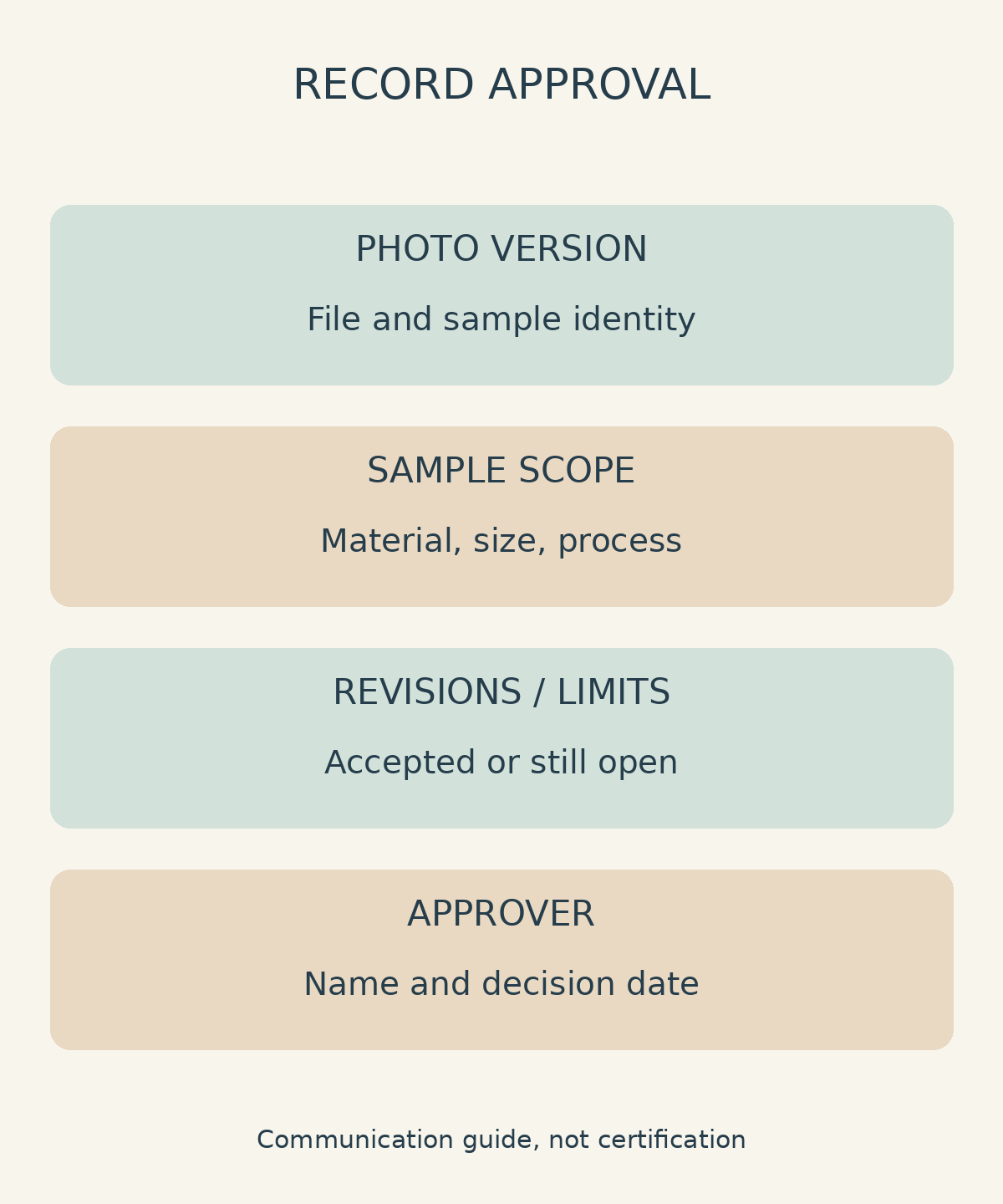
A useful print approval identifies the photo version, sample, agreed material or process and the aspects you accept. Include the approver’s name and date. If finishing or the final size is still unresolved, record it as outstanding rather than leaving it implicit in an earlier conversation.
For example, a hypothetical note could say: “I approve family photo version B against sample P-02 for the colour and crop discussed. Please confirm the final material and whether the size change requires an additional sample before production.” This is not a standard form or a replacement for the provider’s terms. It simply makes the boundary of your decision clearer when several files and review rounds are involved.
If the image needs work before you approach the print provider, bring the source file and your priorities to discuss the scope of Shaniba Creative Industry’s online photo editing service.[5] Start through the SCI consultation portal.[4] Proof arrangements, materials, charges and production approval still need to be agreed with your print provider; editing should not be assumed to include print production.
References
- [1] Adobe — Print a hard proof.
- [2] Adobe — Print images to a commercial printing press.
- [4] Contact SCI.
- [5] SCI — Photo Editing Service.
Share this post to: