
One Team Photo or Individual Portraits? Choose the Images You Actually Need
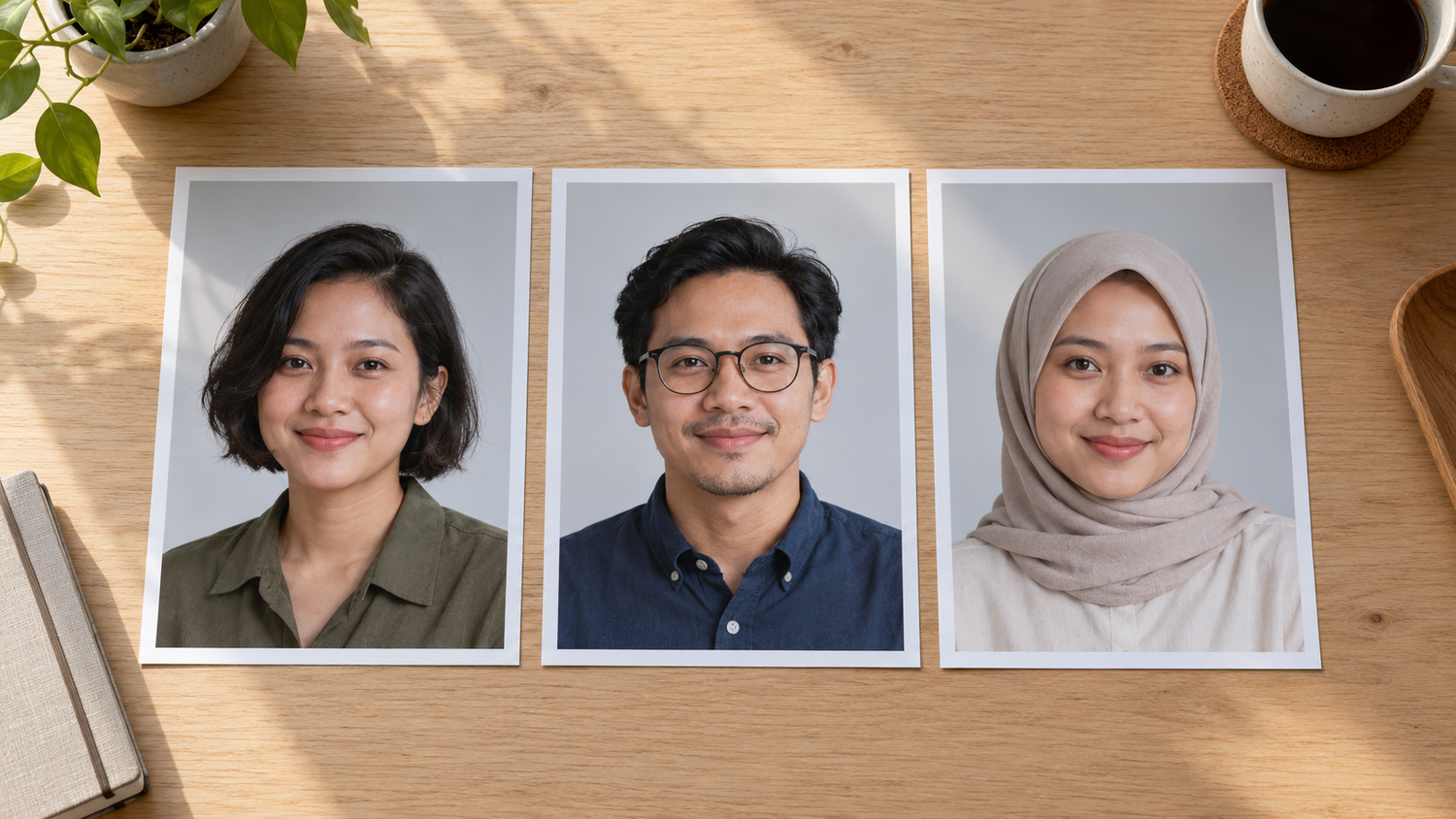
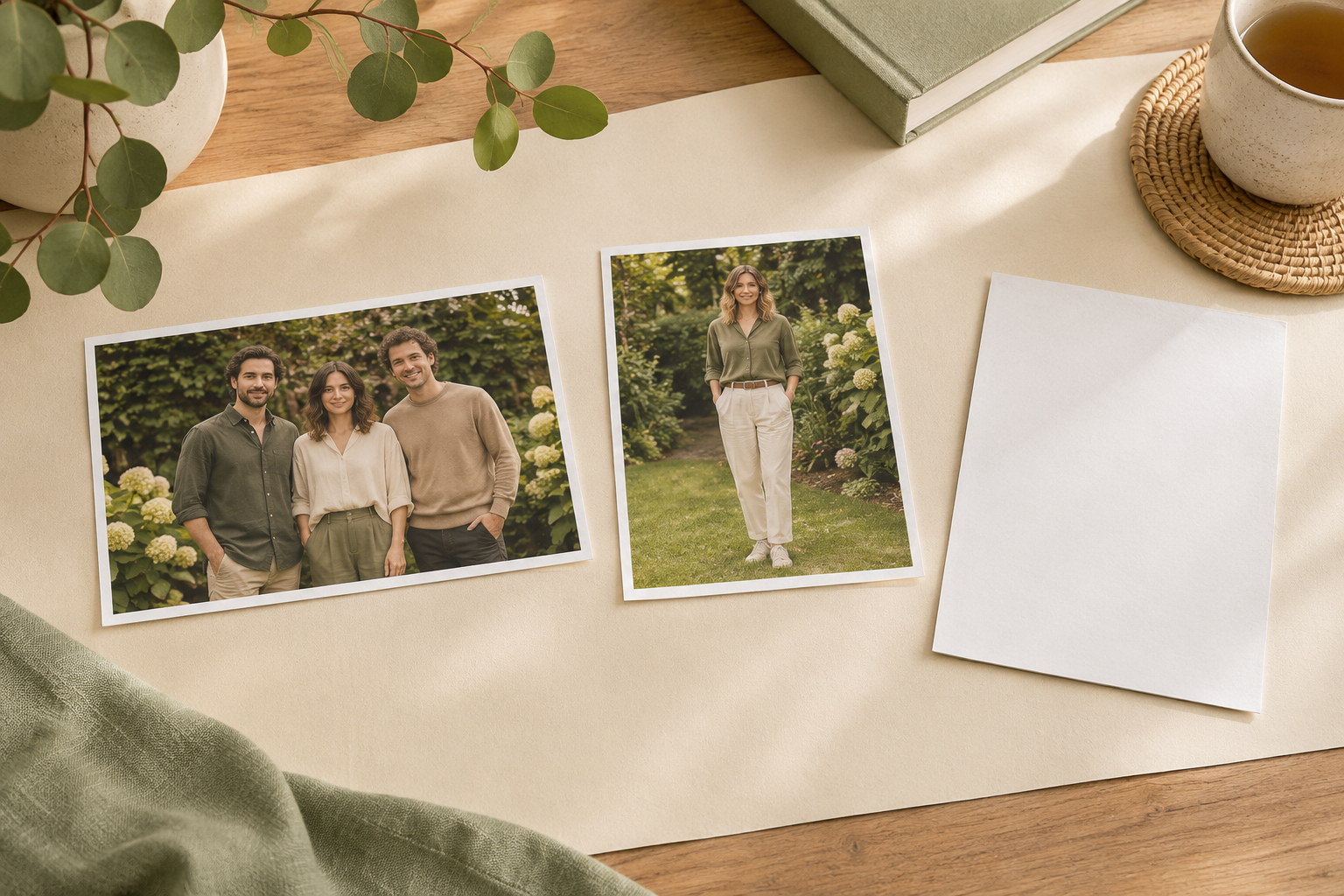
Your team page has space for a shared photograph and a picture beside each member’s name. Choosing a team photo or individual portraits is not simply a matter of visual preference: those placements ask images to do different jobs. One photograph may not cover both.
Before discussing a session, ask the page owner what visitors need to see. Is the aim to show people together, introduce each person separately, or do both? That answer should shape the request, rather than an assumption that every profile picture can be extracted from one group photograph.
Daftar Isi
Separate an image of the team from an image for each name
A group photograph places several people in one scene. Individual portraits give each member a separate image. In a hypothetical company website, the first introduces the team collectively, while the second accompanies names and descriptions of roles. Calling both requirements “team photography” can hide an important difference in what you need delivered.
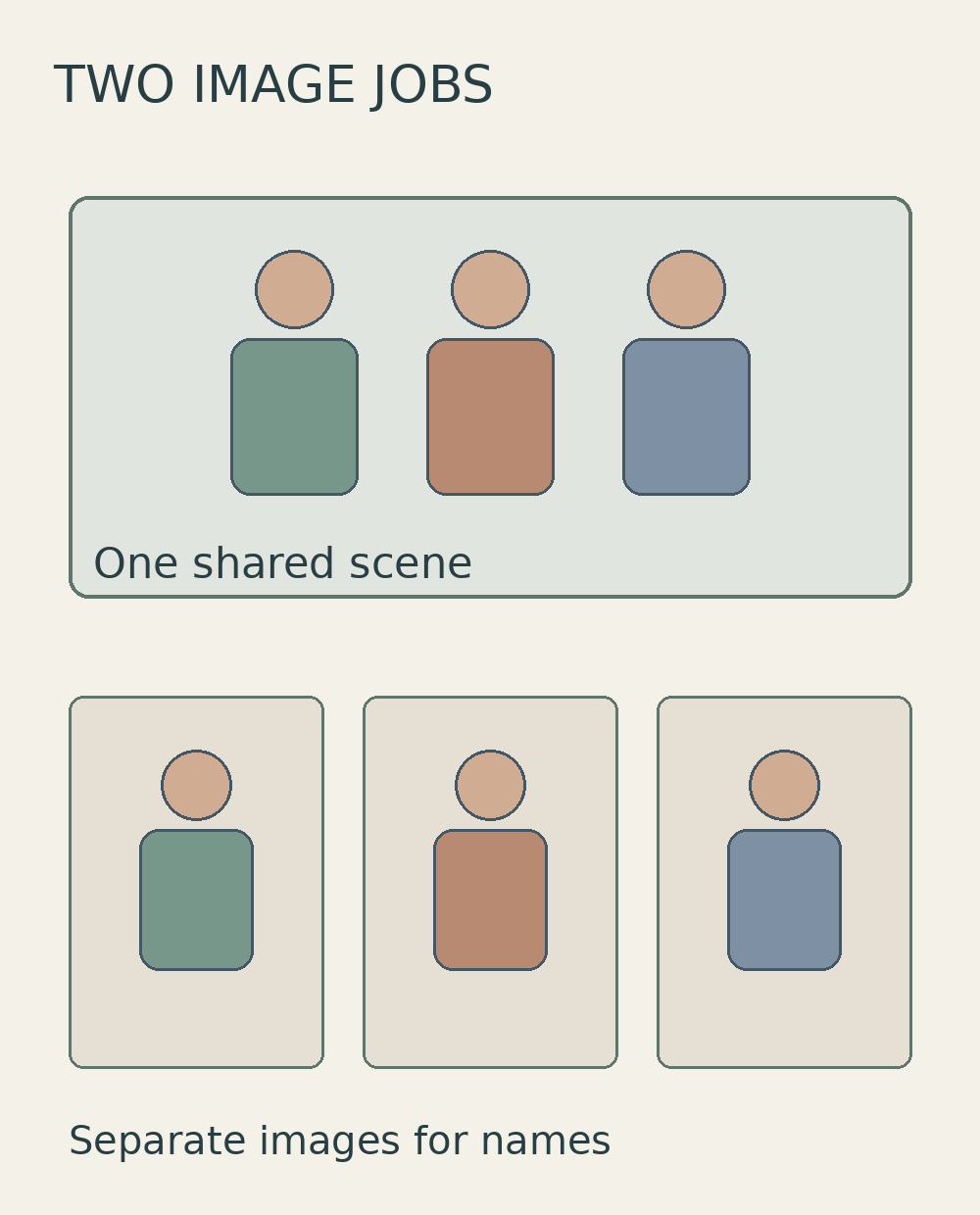
Start with placement rather than file quantity. Write down where each image will appear and what someone should learn from it. A team introduction might need a particular combination of people together. A biography page might need a separate portrait for every person listed. Those requirements do not necessarily involve the same people.
For another hypothetical example, the introduction could show the management group while the directory includes all members. A management photograph cannot supply portraits of people who are not in it. Equally, a collection of separately captured portraits does not document those people sharing a scene.
If the page only introduces individuals, there is no need to add a group photograph just to make the request feel complete. If it only needs a collective image without individual biographies, separate portraits may be unnecessary. Let the intended use determine your selection, rather than treating both as compulsory parts of an order.
Review every person in the frame, not just one face
Canon’s group-portrait guide highlights everyone’s expression, composition, exposure and an uncluttered background. It also discusses placing several people and communicating clearly during photography. For a client reviewing images, these considerations suggest looking across the whole photograph rather than stopping at the first face that catches your attention. 1
Prepare a provisional list of everyone who must appear together. When reviewing a candidate photograph, match each name to a visible person. Look for faces hidden behind other members, someone cut off at an edge, or an expression that does not suit the intended use. One person’s favourite expression should not decide the selection for everyone else.
Then consider the scene as a whole. Does the background compete with the people? Does the arrangement make someone difficult to recognise? Describe the issue specifically: “The member at the back is partly hidden” gives a clearer starting point than “This picture doesn’t work.” It also avoids assuming that editing can repair every problem.
This list identifies the people needed in the picture; it is not an attendance schedule. Decide the required combinations first. Arrival times and arrangements for later participants are separate conversations, not substitutes for agreeing who needs to be shown together.
Do not rely on one group photo for every individual profile
Cropping can isolate someone within a wider photograph, but suitability depends on the source image and the intended placement. A member might be recognisable in the group while occupying too little of the photograph for a separate profile, or another person might obscure part of them.
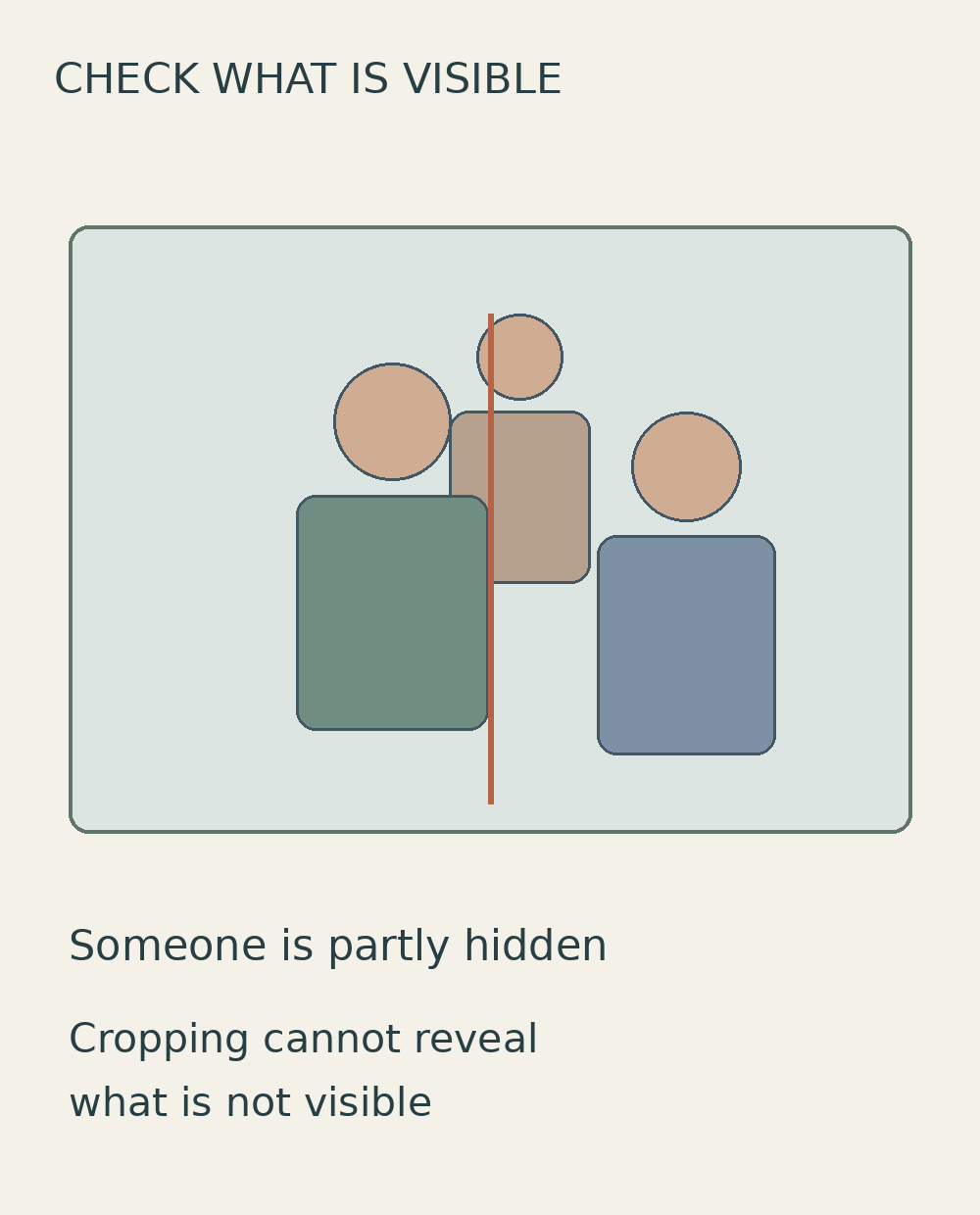
Try the crop on a copy of the available source rather than imagining the result. Select one member, make a provisional crop, and view it where the profile picture will appear. Check whether the face and required part of the body remain visible, and whether a neighbour still intrudes. Repeat for other members: one successful crop does not establish that every person has a usable portrait.
This does not mean group photographs can never be cropped. A particular source may support a particular placement. But if necessary detail is not visible, do not treat sharpening or synthetic reconstruction as a substitute for photography. Ask about dedicated individual captures when separate portraits are what the page actually needs.
AI-assisted conceptual illustrations explain these different image needs. They are not photographs of SCI staff or clients, SCI portfolio work, or evidence of photography or editing results.
Agree the two image lists before requesting a quote
Make two short lists: combinations of people required together, and named members needing individual portraits. Give each entry an intended use. Mark unresolved questions, including whether existing photographs could serve the purpose or new captures need discussion. These lists support a consultation; they do not define a photography package.
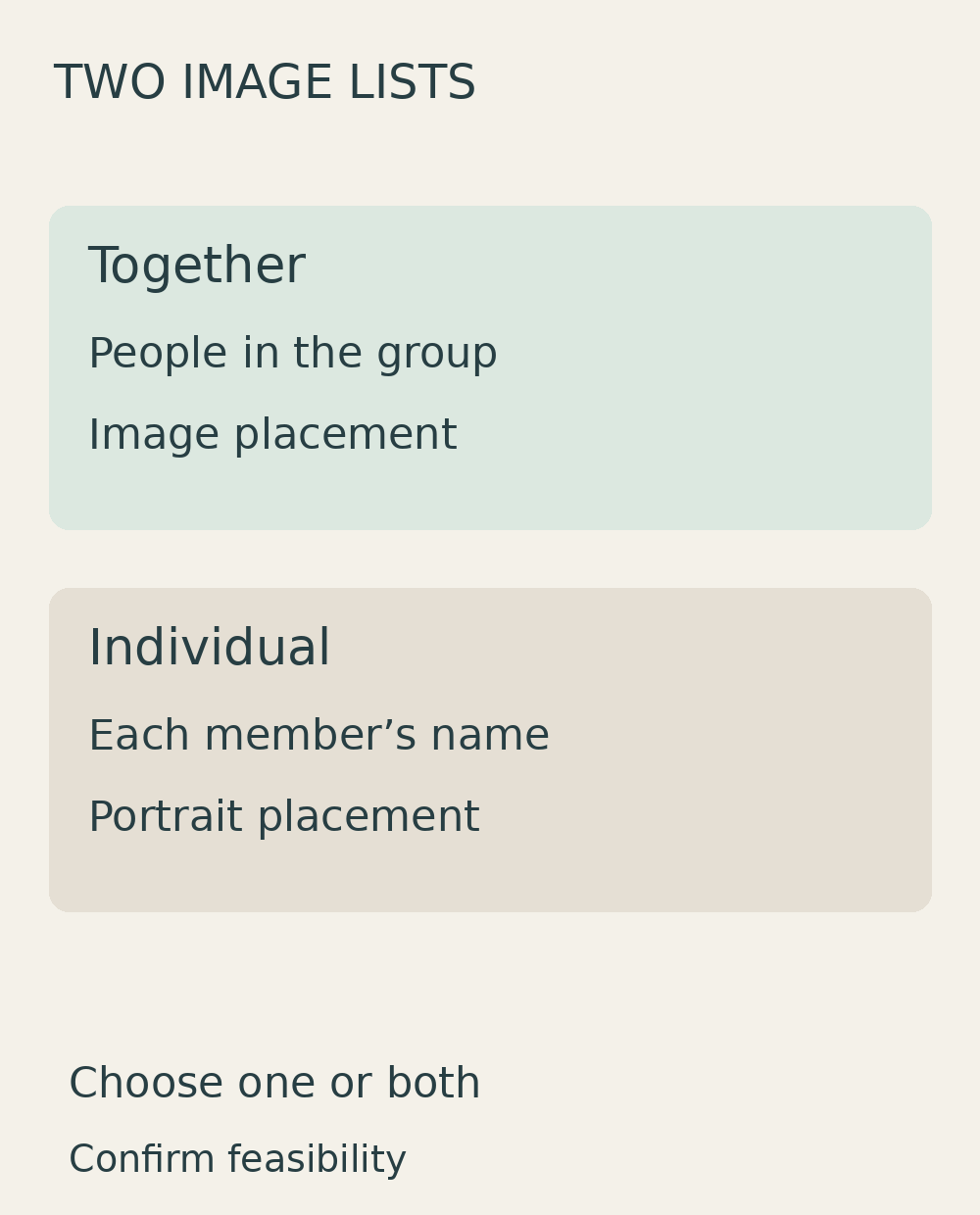
A hypothetical request might read: “We need one management group image for the website introduction and separate portraits of the members listed on our biography pages. We do not yet know whether our existing group photograph suits that placement. Please discuss the feasibility of the group requirement and individual captures before preparing a quote.” If only individual portraits prove necessary, remove the collective image from the request.
Shaniba Creative Industry offers portrait photography. The SCI home FAQ currently limits portrait or on-location services to customers in the Special Region of Yogyakarta (DIY). For team imagery within DIY, share both lists through the SCI contact portal and confirm whether your group requirements can be accommodated. A portrait service listing does not establish a combined package or a particular group capacity.
References
[1] Canon: group portrait tips. Service information: SCI portrait photography, home FAQ, and SCI contact portal.
Share this post to: