Before Uploading Product Photos: Check Location Metadata in the Public Copy
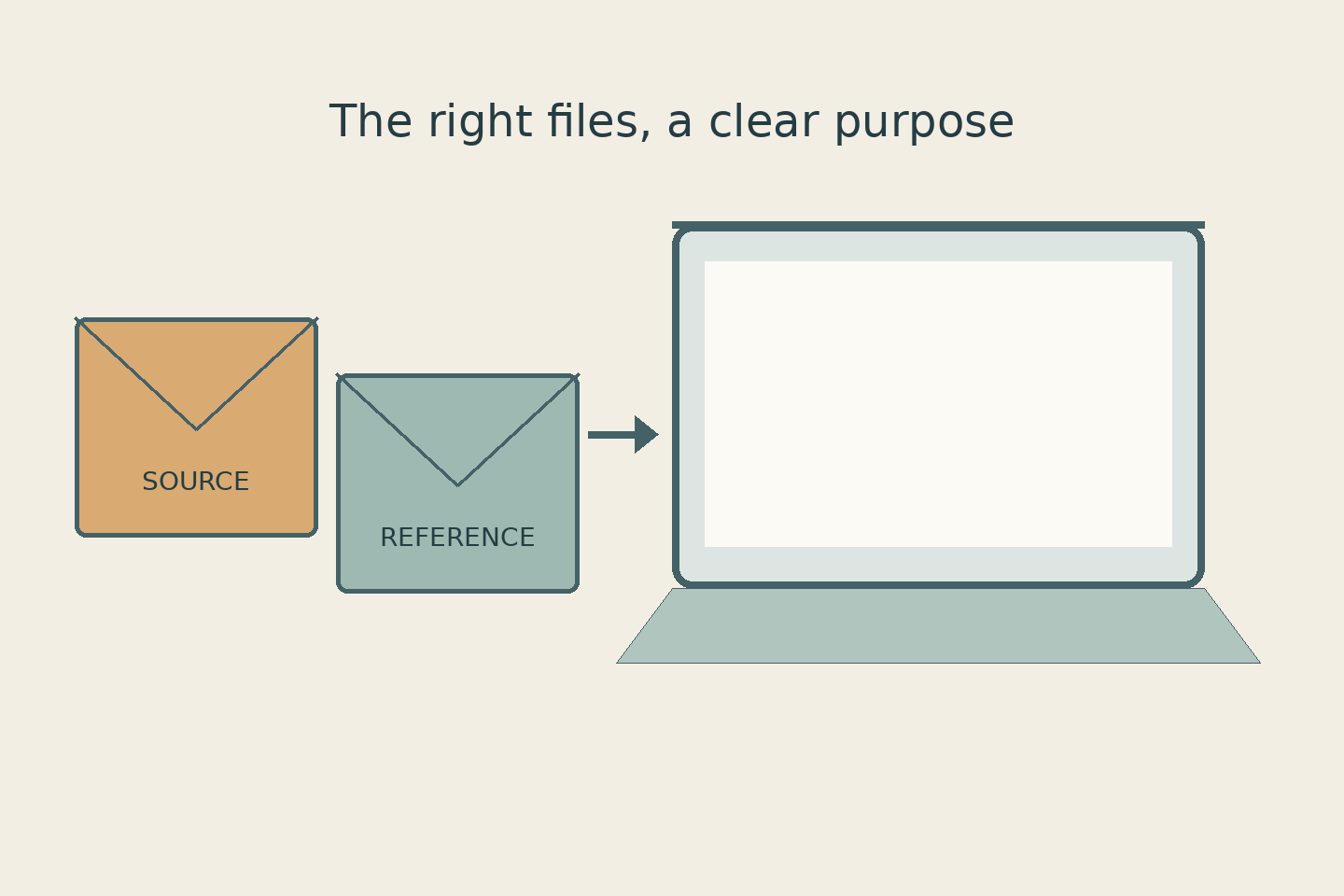
Your catalog photo looks tidy, with no home address or identifying sign behind the product. A clean-looking image, however, does not tell you what information is stored inside its file. Before sending it to your website manager or offering a download, check product photo location metadata in the copy you actually intend to share.
There is no need to begin by deleting every piece of file information. Ask a more precise set of questions: does this copy contain location data that should not be public, which source information needs to stay, and who will inspect the final export? Keep this decision separate from judging colour, sharpness, and visual cleanup so that each receives proper attention.
Daftar Isi
Separate visible content from product photo location metadata
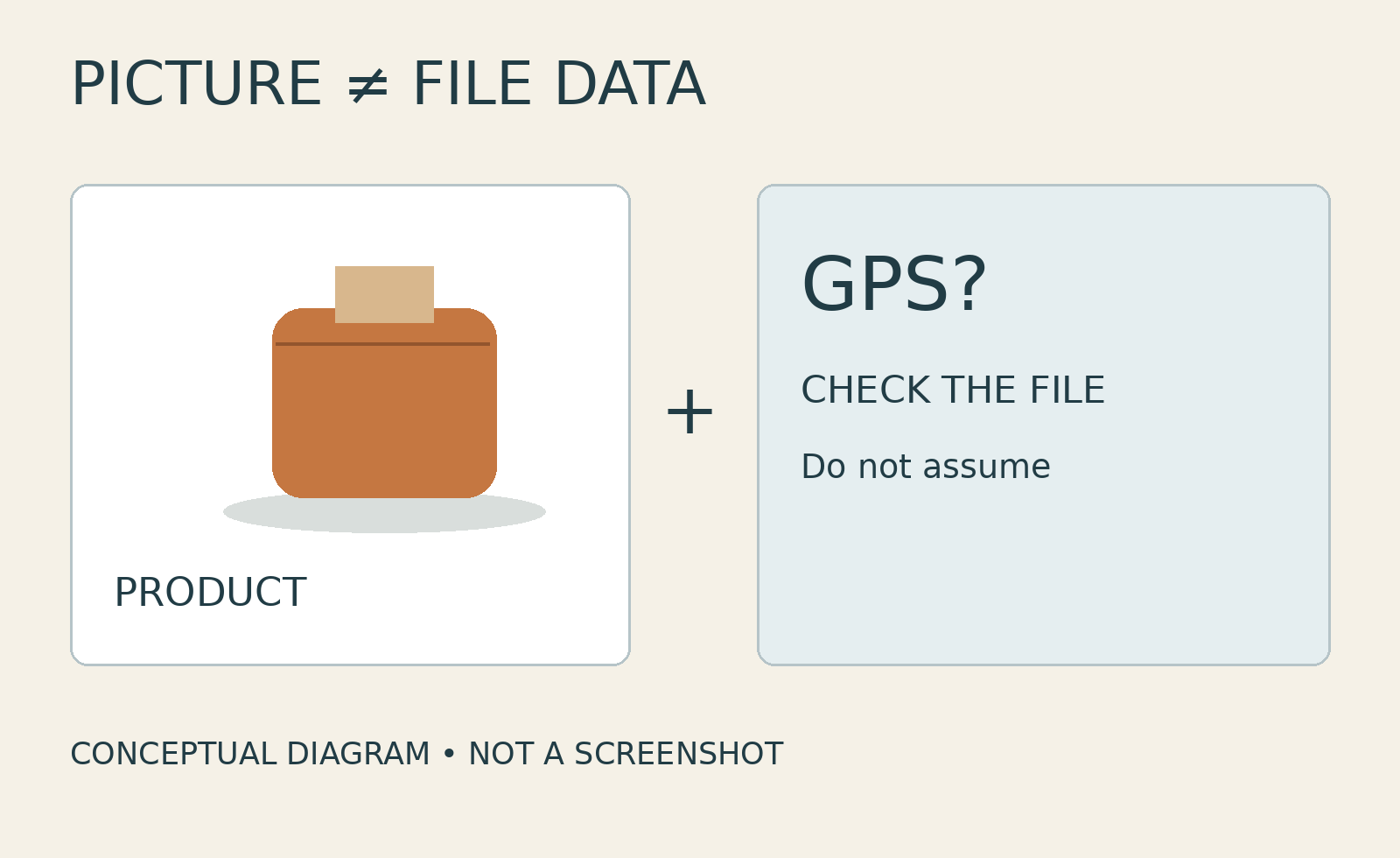
Metadata is information associated with a file. For a photograph, privacy involves more than what appears in the picture: it also means asking whether location information accompanies the file. Do not assume every photo contains GPS data. Equally, a plain background is not proof that the file contains none. The visible scene and the embedded information are different things to inspect.
Consider a home-based business preparing downloadable product photos for resellers. This is a hypothetical example, not a customer case. Its pictures may reveal nothing about the shooting location, but the owner can still request a check for GPS data in the download copies. The task is to inspect the files going out, rather than guess which camera settings were used weeks earlier or infer them from the backdrop.
Other identifying clues deserve their own review. An address on a shipping label, a reflection of a room, or a filename containing personal information will not be resolved simply by removing GPS. Avoid describing an export as anonymous or completely safe because one category of metadata has been removed. Keep the limits of that particular check clear.
Decide what to remove and what to retain
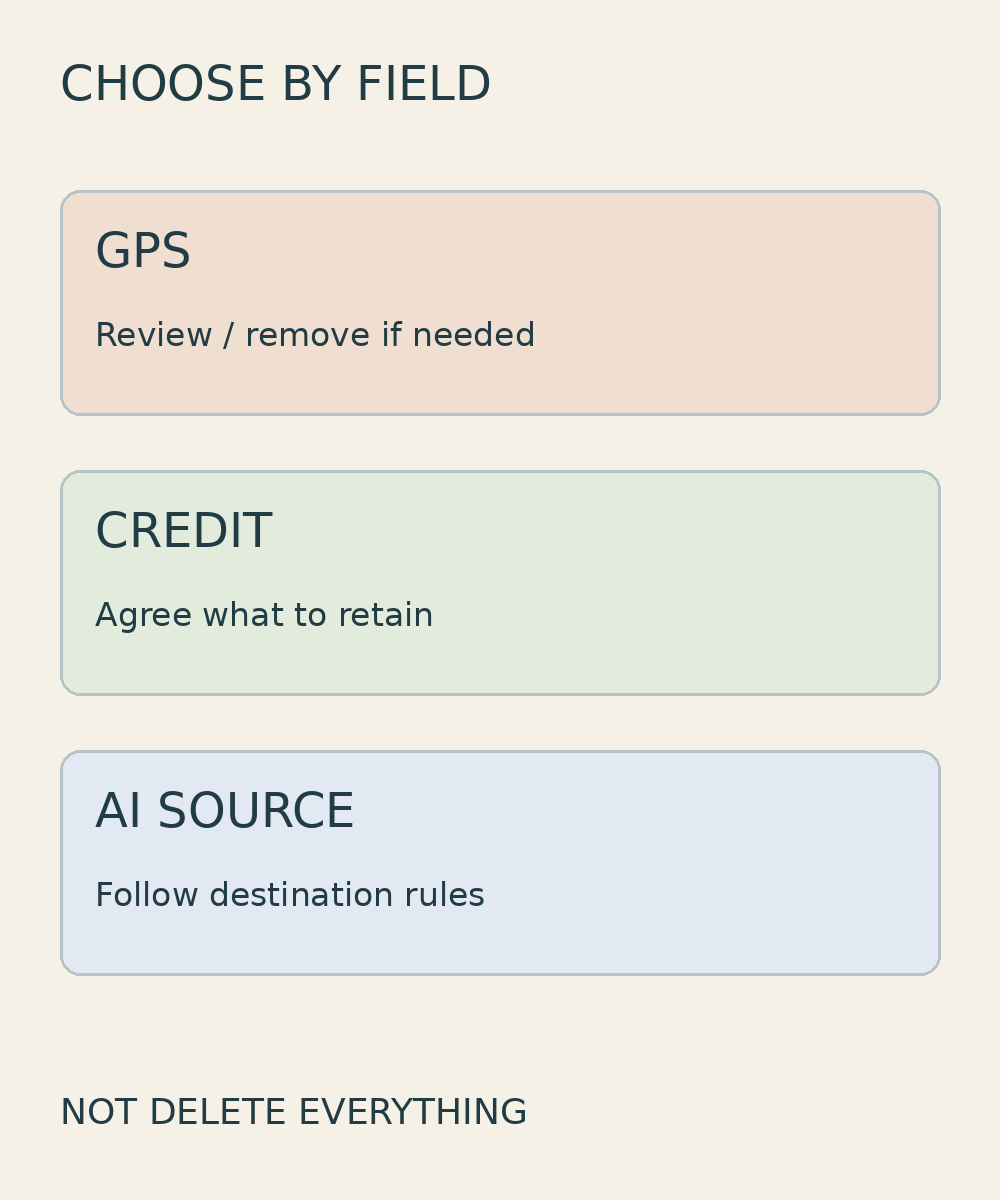
‘Remove all metadata’ sounds convenient, but it does not explain your needs. State that embedded GPS, if present, should not be included in the public copy. Then agree which source, credit, or copyright information should remain. Do not casually add colour profiles to a deletion list: colour-output requirements need their own discussion and are not a substitute for deciding which location information may be shared.
Lightroom Classic provides a useful app-specific example. Adobe documents that Remove Location Info removes GPS metadata even when All Except Camera Raw & Camera Info or All is selected. The option is not available for DNG files. In the same application, Copyright Only is a separate setting that includes only IPTC Copyright metadata. These are not interchangeable names for the same action.[1]
The upload destination matters too. For AI-generated images submitted to Google Merchant Center, Google requires metadata identifying their AI origin and says not to remove embedded AI-source tags, such as the IPTC DigitalSourceType property. That platform-specific requirement does not mean unwanted GPS must be retained, nor is it a universal rule for every website. Treat location information and image provenance as separate decisions. Do not strip AI identifiers to make an illustration appear documentary.[2]
Inspect the exported file, not just the settings
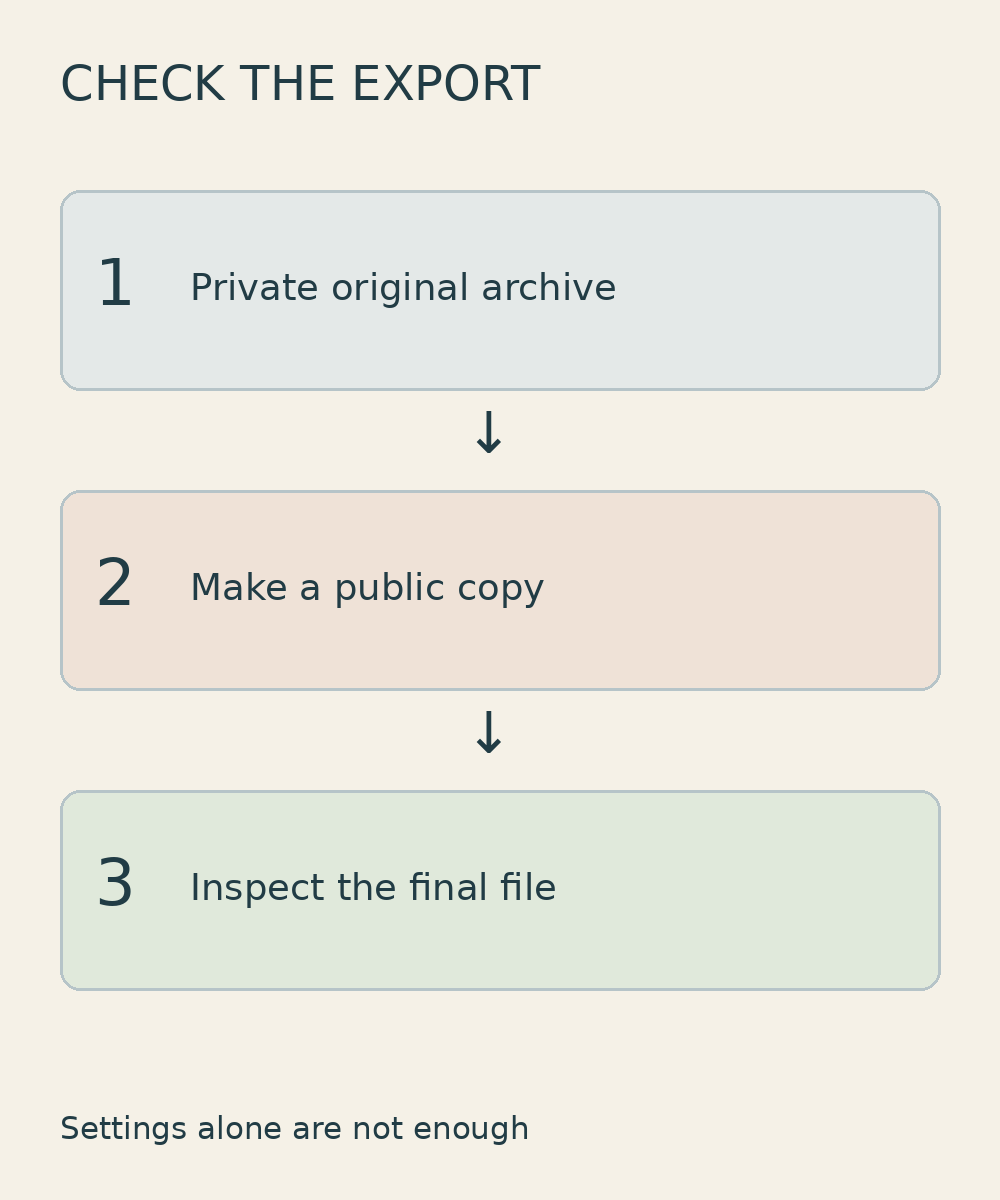
Export settings are a starting point. The actual object of the check is the resulting file: is it the JPEG destined for the website, another version still sitting in the working folder, or a copy processed again by the website manager? Naming the exact file and its destination helps prevent confusion. A check of one photograph should not silently become a claim about an entire folder.
Open the file information in software capable of displaying the location fields you need to inspect, then compare the result with the agreed instructions. If a basic information panel shows no GPS, that alone may not confirm whether all the requested location fields are absent. Ask the editor how the requested fields were checked, or request a checked public copy if you cannot assess them yourself. This is a limited file check, not a comprehensive security audit.
At handover, record which file was inspected, which location information was to be removed, what was retained, and where the copy will be distributed. If you will offer the image as a download, inspect the file downloaded from that actual destination as well. Do not rely on an assumption that a social platform, website, or messaging service will always remove metadata on your behalf.
Keep a separate archive and send precise instructions
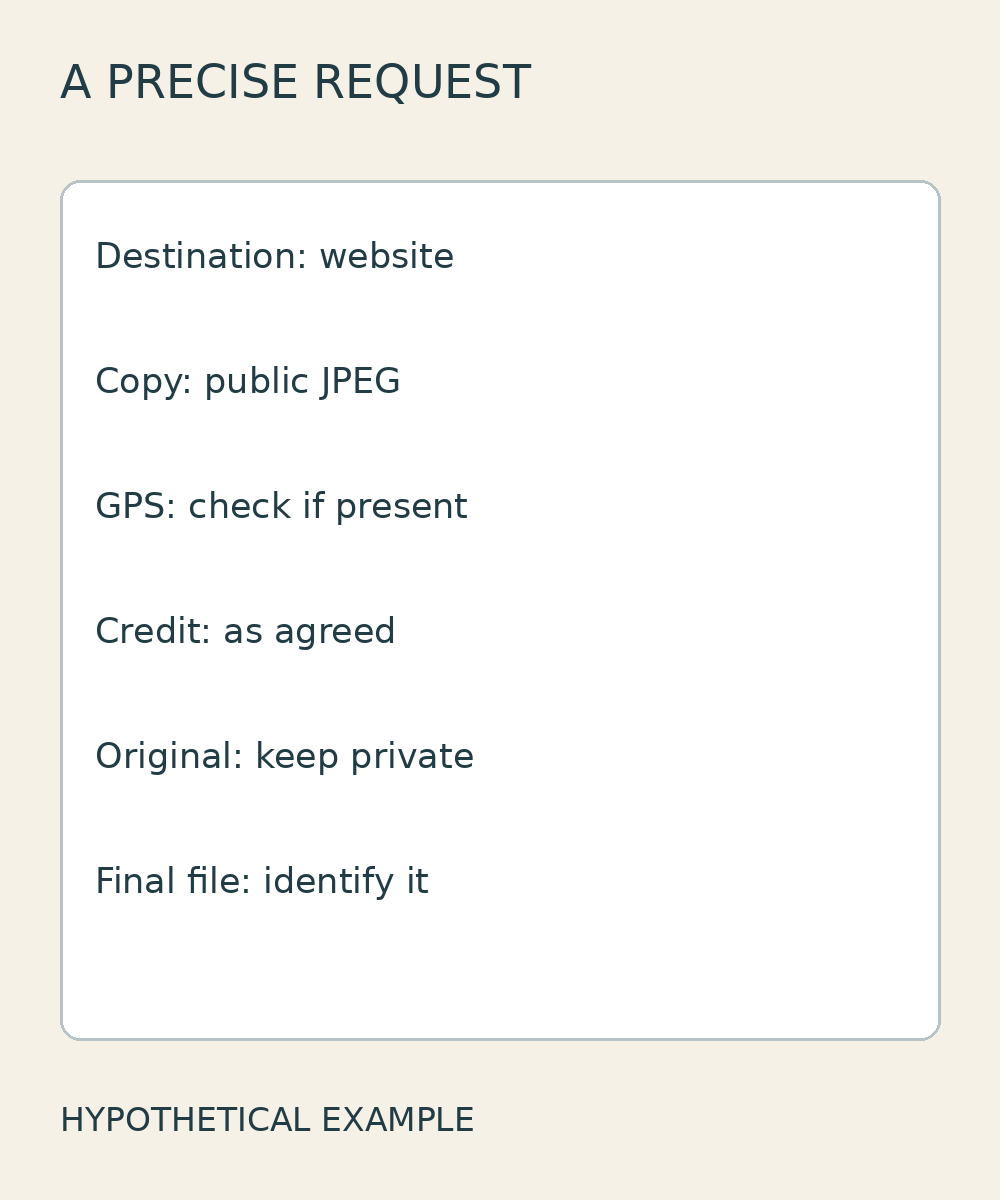
Retain the original archive privately and make a separate distribution copy. Use names that distinguish their roles without including addresses or personal information. Keeping the original lets you return to the source for a different export later; separating the public copy helps everyone identify which file has been prepared for release. This is practical file management advice, not a guarantee of data protection.
A hypothetical request might read: ‘Prepare a JPEG copy for our brand website. Remove embedded GPS if present, retain the agreed source and credit information, and keep the original separate. Please identify the final file that was checked.’ Adapt the request to the destination and software involved. It should not turn into an automatic instruction to erase every field, regardless of what the image needs to retain.
When discussing an online photo editing service with Shaniba Creative Industry, bring the intended destination and a list of information to remove or preserve. SCI offers online editing; confirm whether the requested export check can be supported for your supplied file. Use the SCI consultation hub to ask about feasibility and scope rather than assume a privacy audit or particular export is included.[3]
References
[1] Adobe: Lightroom Classic file export, Metadata section. [2] Google Merchant Center: image link and AI-source requirements. [3] SCI editing and retouching services.
Share this post to: