Adding Someone to a Photo: What to Prepare
A family photograph can feel incomplete when one person could not be there. Adding someone to a photo may be an option, but the most useful first step is not choosing a filter. It is finding a suitable photograph of that person and deciding whether you want a visibly creative montage or a composite that fits the original scene.
Those are different requests. A montage can deliberately show separate images, overlapping frames or transparent layers. A natural-looking composite needs the added person to sit convincingly within the scene. Before you spend time editing or ask for a quote, prepare the two original photographs and a clear idea of the intended result.
Daftar Isi
Start with the two photographs
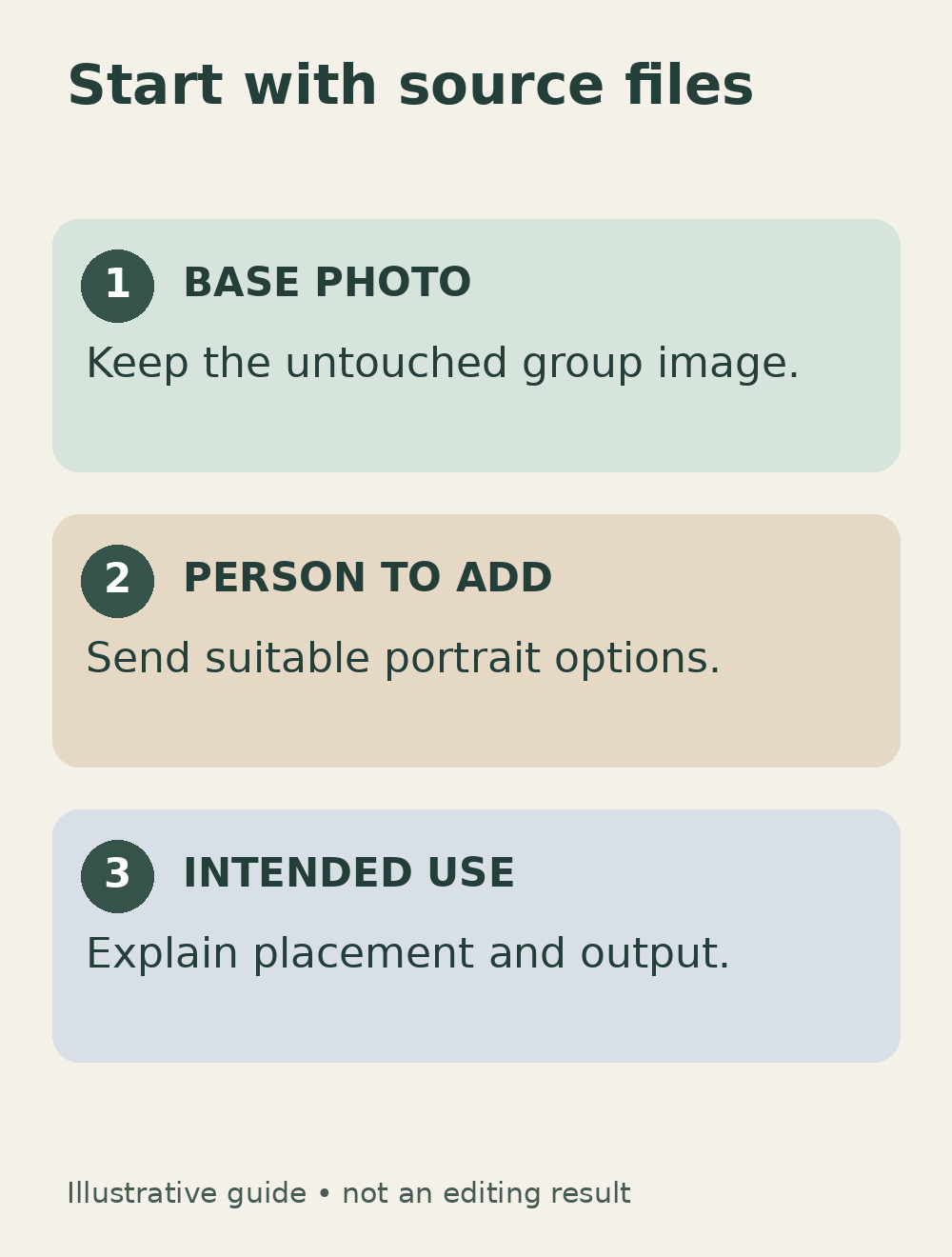
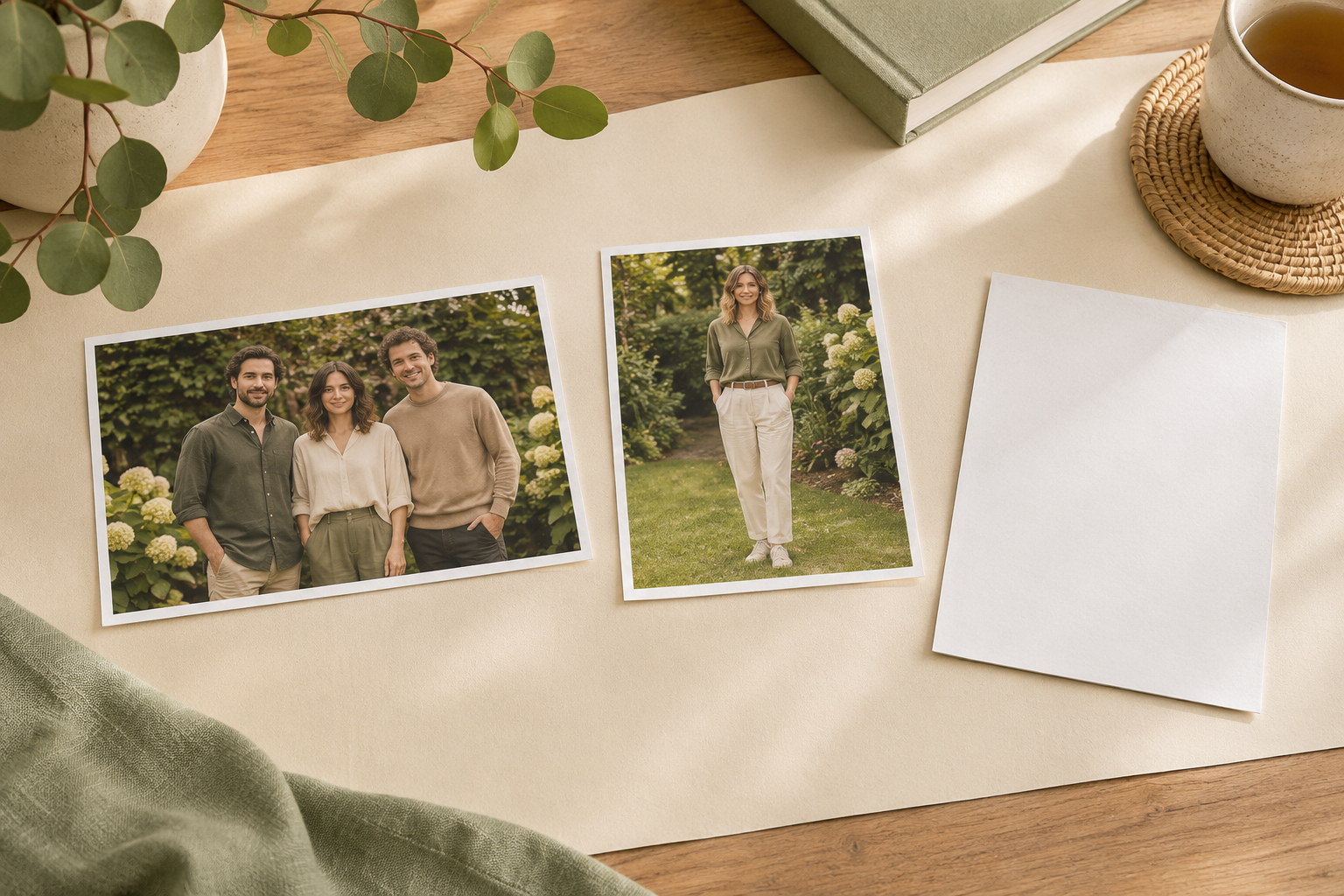
Keep the original group image as your base photograph. Then collect candidate images of the person you want to add. Send the original files where possible, rather than screenshots of messages or heavily compressed social-media copies. Keep untouched copies so that trying an edit does not replace the only version you have.
Look at the photographs side by side. Is the additional person shown from roughly the same angle? Does their pose make sense beside the group? Is enough of their body visible for the planned placement? A close-up face is a different starting point from a full-length portrait when the available space shows people standing head to toe.
Lighting deserves the same practical attention. Compare the direction of bright areas and shadows, and whether each photograph looks warm or cool. These observations help you explain the request; they are not a guarantee that every mismatch can be corrected. If you have several candidate portraits, provide them rather than choosing only the one with your favourite expression.
Decide between a montage and a natural-looking composite
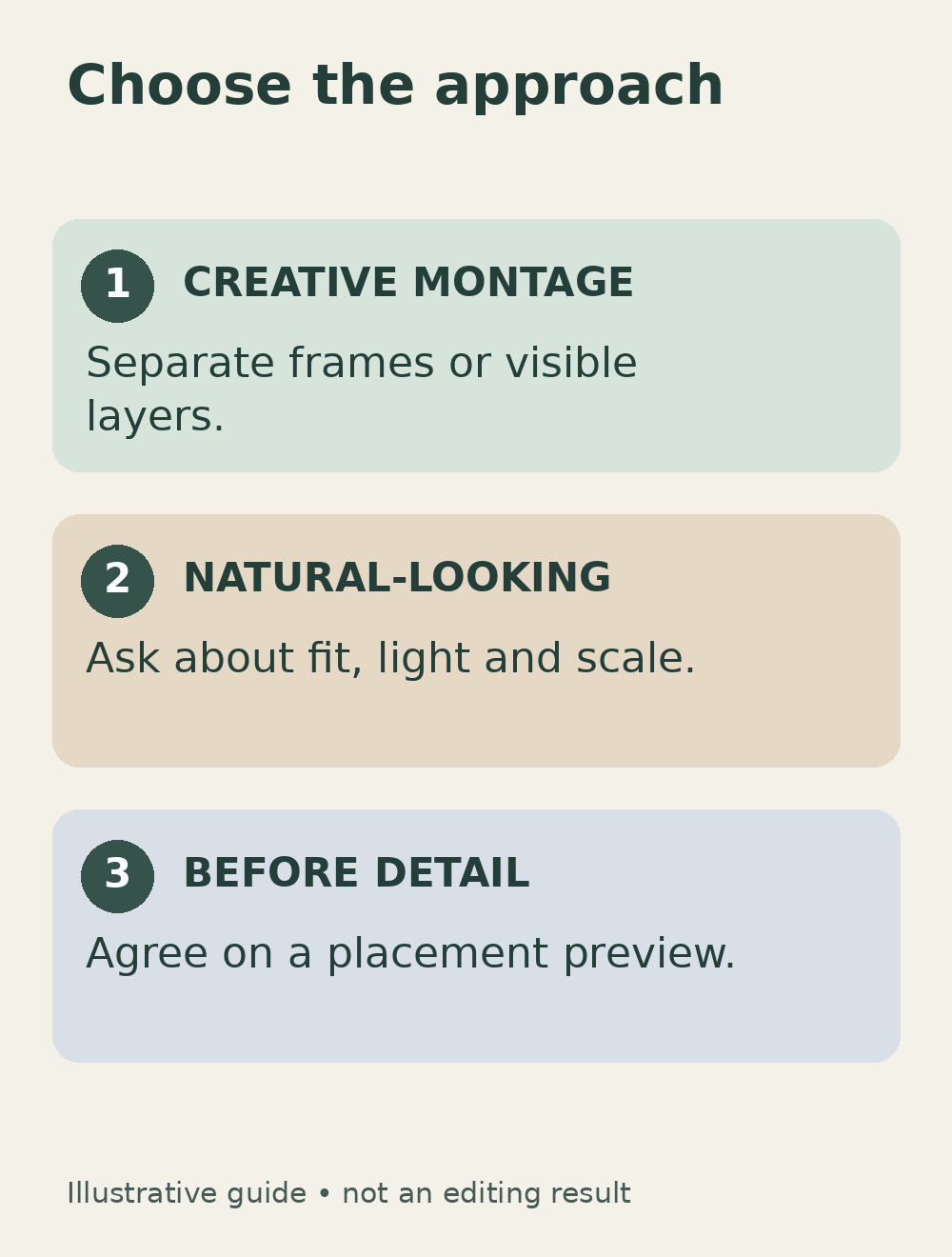
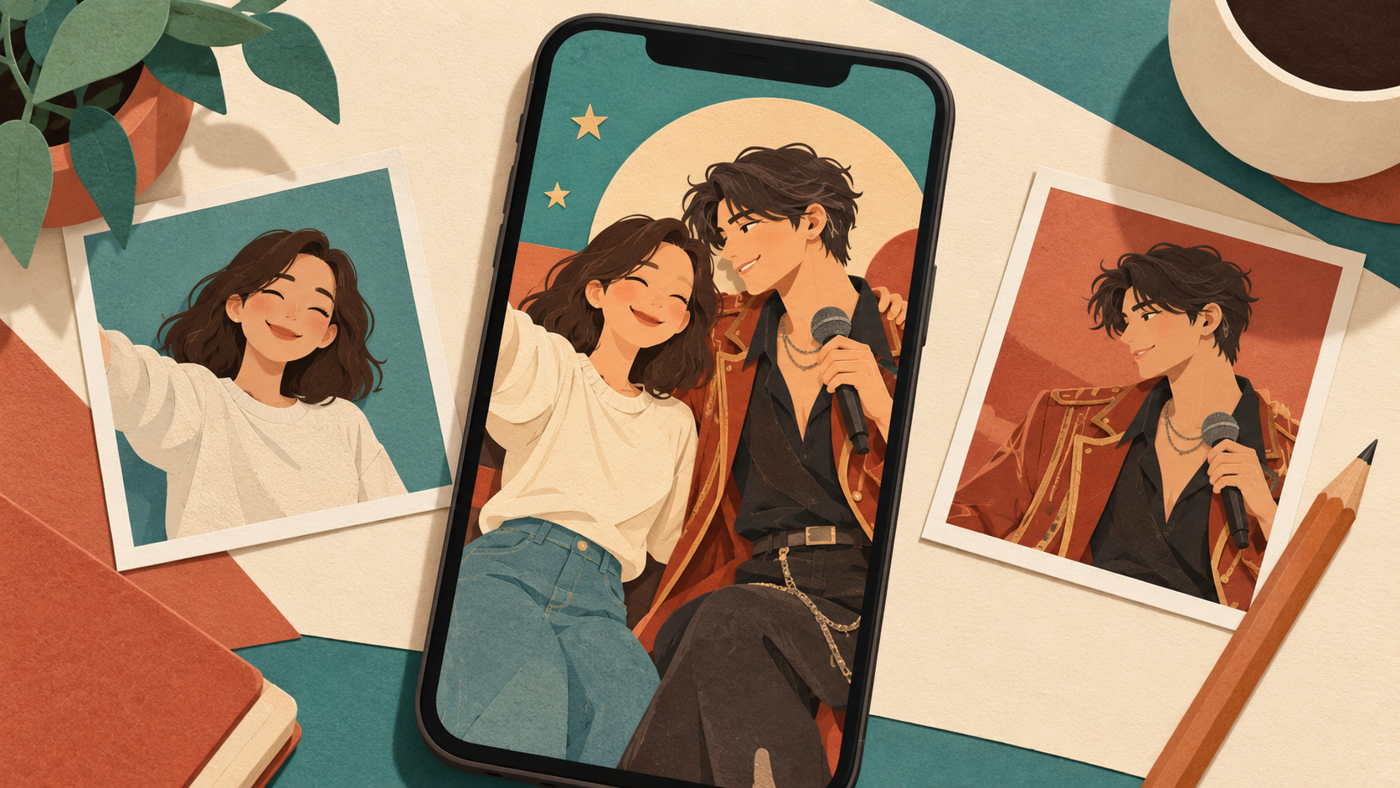
For a birthday card or personal collage, a clear separation between images may be part of the design. You might prefer a framed portrait beside the group rather than making it appear that everyone stood together. This gives the editor a different brief from blending a person into a shared background.
If you want a natural-looking composite, mark the intended position and explain the use: a small family print, an invitation or a social-media post, for example. Ask the editor to assess the supplied photographs before committing to a particular result. A rough placement preview can help you agree on scale and composition before detailed work.
Use photographs you have permission to edit and share, and agree with the person concerned about how the combined image will be used. Do not present an altered group picture as proof that someone attended an event they did not attend. A clearly described creative keepsake avoids that misunderstanding.
What Picsart, Snapseed and VSCO actually offer
These applications support different kinds of image work. Choose according to the effect you need, not a promise that any photo editor will automatically insert a person convincingly.
Picsart offers online photo editing, background removal and creative image tools. It has free tools as well as additional premium features and content, so check the requirements of the specific tool and export before starting. Free access to part of an editor does not mean every step of a project is free.[2]
Snapseed documents a Double Exposure tool that combines two photographs using blend modes. That can be useful for a deliberately blended effect, but blending images is not the same as automatically placing a neatly cut-out person into a group portrait. Its documented function should not be treated as a guarantee of realistic person insertion.[1]
VSCO Montage supports layering photographs and videos, with controls for opacity, scale and placement. VSCO also documents saving a single-scene photo montage as an image. That makes it relevant for creative arrangements, while its membership information should be checked before you commit to a workflow. Layering capability alone does not establish that an application will produce a seamless composite.[3]
If your goal is simply to try a creative arrangement, those distinctions can help you choose an approach. If the image has an important personal or professional use, establish what is feasible from the actual source photographs before investing in detailed editing.
Write an editing brief that leaves less to guess
You do not need technical vocabulary. A short instruction that identifies the files, placement and intended use is more helpful than “make it look perfect”. For example:
Please add the person from portrait B to the right of the group in photo A. Keep everyone already in the group. This is a creative family keepsake for a small print, not a record of attendance. Please assess whether either of the two supplied portraits is suitable before detailed editing.
Add what must stay unchanged: the original people’s faces, clothing, background or crop. Explain whether you are happy with a visibly creative montage if a natural-looking result is unsuitable. If a particular print size or online layout matters, include that information too.
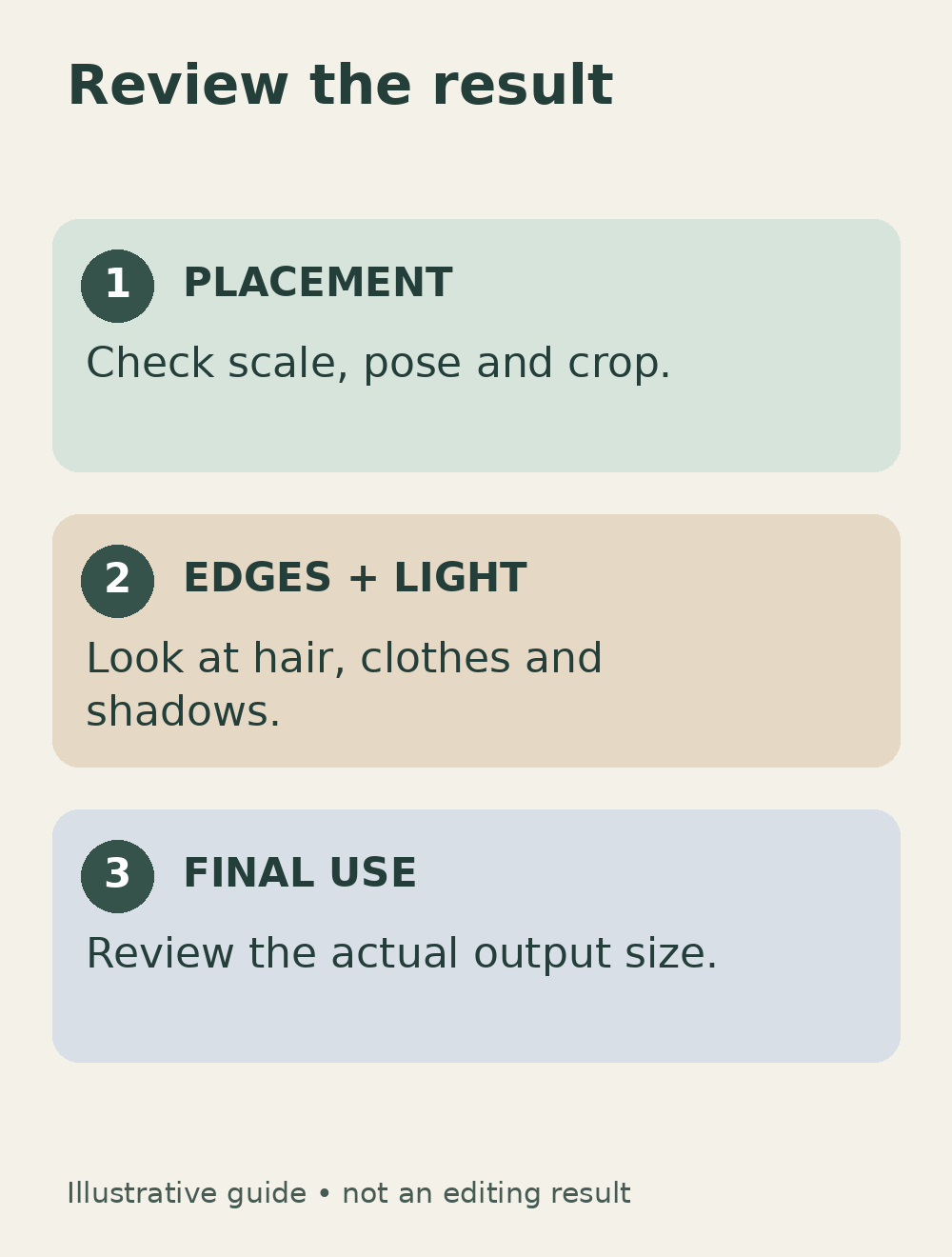
Before approving the result, review the placement, scale, edges around hair and clothing, and any visible mismatch in light or colour. Also look at the version you will actually use, not only an enlarged detail. These are practical review points you can discuss with the editor, rather than a checklist that guarantees an invisible edit.
Asking SCI to assess the request
Shaniba Creative Industry lists photo compositing among its editing services and describes online review and revision. You can use its photo editing service page to review the service information, then send the photographs and instructions through the editing consultation link.[5]
Ask for the scope, expected deliverable and revision terms for your particular request. SCI’s published policy distinguishes corrections against the original instructions from later changes to those instructions; it is not a promise of unlimited free changes.[5]
The aim is to agree on a useful, honest result before the detailed work begins. With the original files, a proposed placement and a clear intended use, you give the editor a much better basis for assessing the job.
Sources
[2] Picsart: photo editor and free/premium access
[3] VSCO: Montage tools and image export
[5] Shaniba Creative Industry: photo editing service and revision terms
Share this post to: