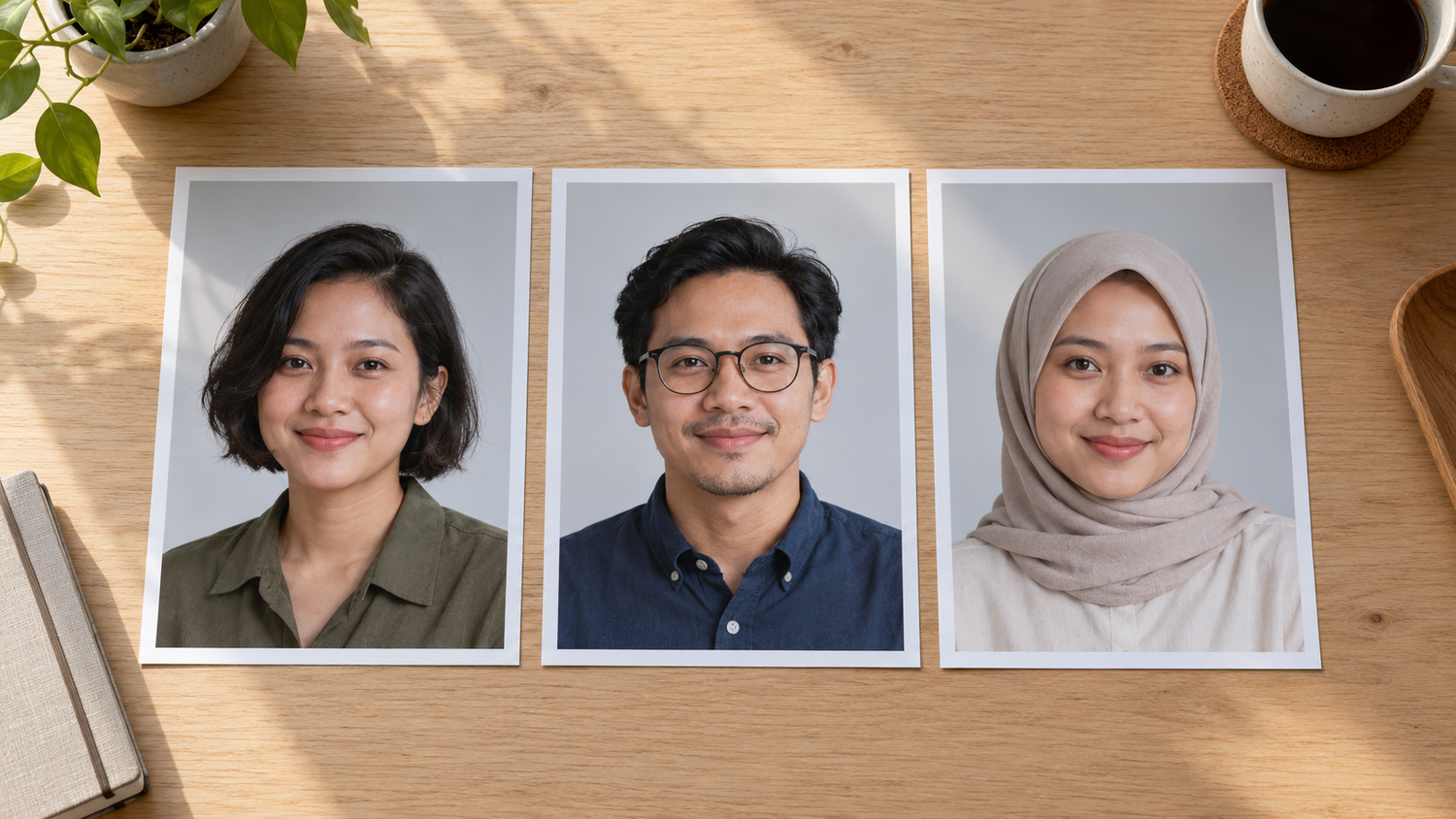
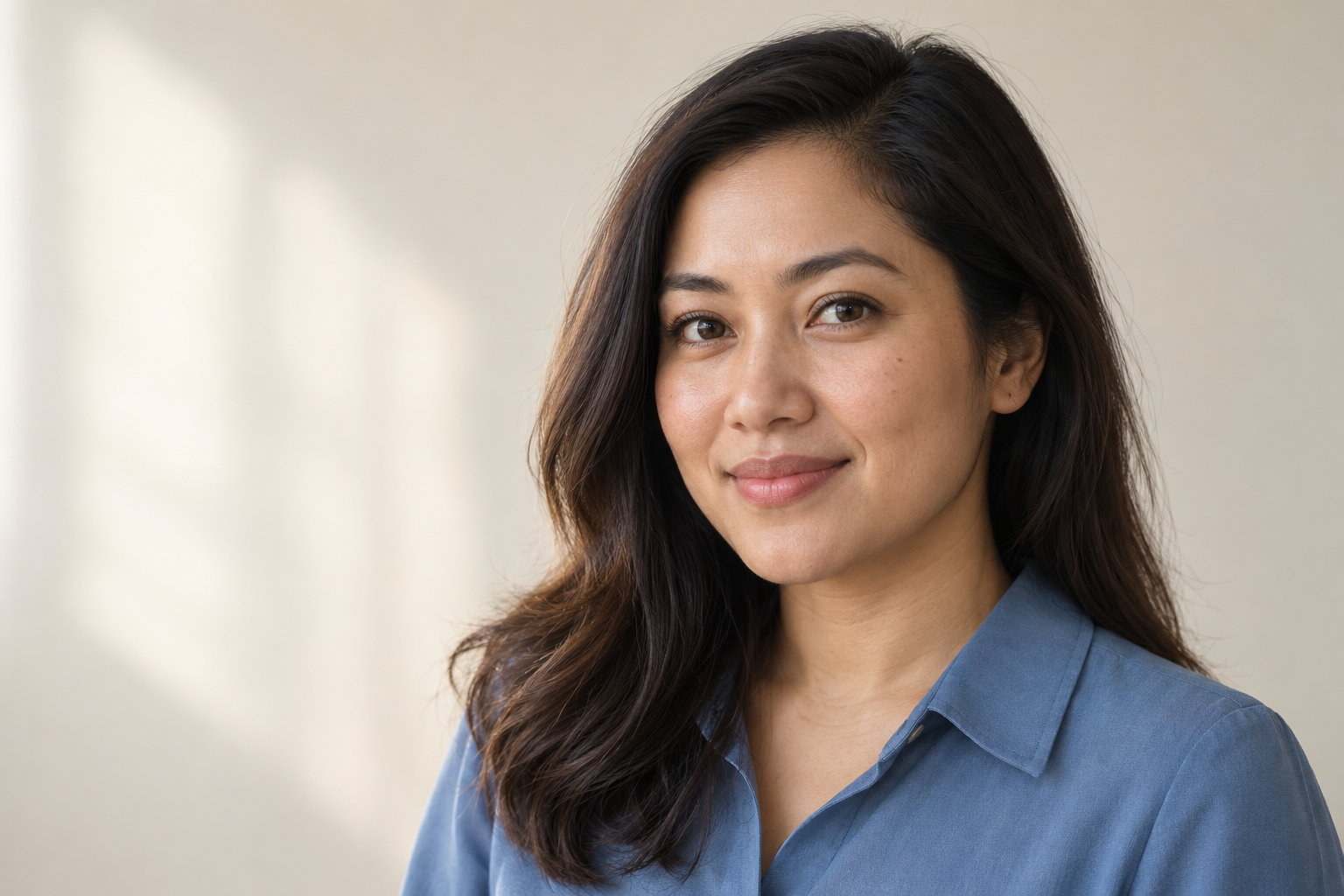
Lightroom Mobile Open Eyes: Agree on Portrait Retouching
The liveliest team photograph may also be the one in which someone blinked. Lightroom mobile Open Eyes offers a new way to address that problem: generating the appearance of open eyes with AI. For a business portrait, the important question is not just whether a blink can be repaired. It is whether the result still feels like the same person, and whether that change was wanted.
Adobe introduced Open Eyes in Lightroom on mobile on October 19, 2026. For anyone preparing portraits or group images for a company profile, the practical consequence is significant: facial detail that was not captured visibly can now be generated. A retouching brief should therefore explain which changes are acceptable, rather than simply asking for a better-looking photograph.
Daftar Isi
Lightroom mobile Open Eyes: what does Adobe promise?
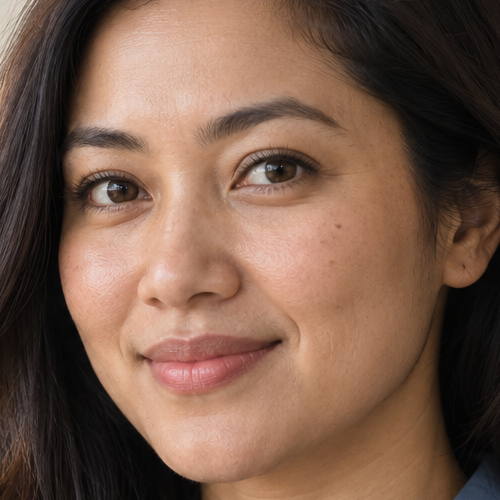
In its official announcement, Adobe says Lightroom automatically detects closed eyes and presents an Open Eyes icon as a Quick Action. The user then chooses whether to generate the repair. This is a mobile feature announcement, not a reason to assume every version of Lightroom offers the same capability.
Adobe describes the results as natural-looking. If the Lightroom library contains other photographs of the same person, Adobe says those images can help match eye color, shape, and size. “Help” matters here: the software maker’s description is not a guarantee that every expression, gaze direction, or facial likeness will meet the subject’s expectations.
The announcement describes the fix as free but does not spell out every account limit or usage allowance. Check feature availability, account conditions, and any cost or credit information displayed before generating a result. Do not base a delivery promise on an assumption of unlimited attempts. A new editing option does not replace thoughtful image selection in the first place.
For clients, there is a useful distinction between correcting color or lighting and generating facial detail that is not visible in the original. Opening eyes with generative AI belongs to the latter decision. A photograph can look polished yet feel different to someone who knows the subject, so final approval should consider the whole face, not only the repaired area.
Agree on changes and reference images first
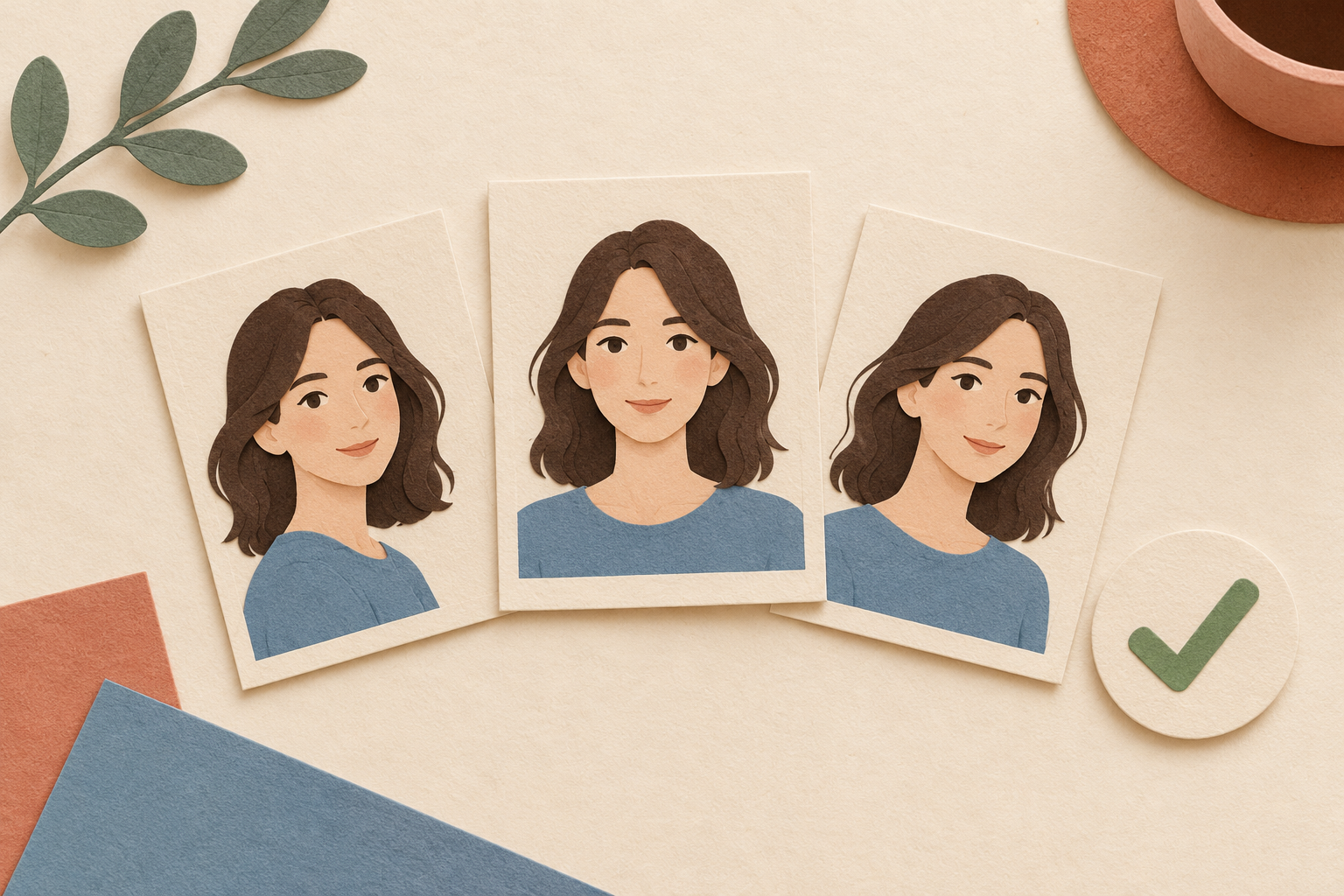
Start with the simplest alternative. If another frame has open eyes and an expression the subject likes, consider using it first. If the moment in the blinking frame is particularly important, ask whether the subject is comfortable with a generative repair. Permission to tidy skin should not be treated as permission to generate new eyes.
A hypothetical brief might read: “Prioritize frame 07. If the blink needs repair, send a sample for approval; do not change eye color, facial shape, or the overall expression. Frame 09 may be used as an appearance reference.” This separates the goal, the boundaries, and the permitted reference material. It is an example of client instructions, not an Adobe default or a promise of a particular result.
Make sure you are authorized to supply the reference photographs and approve their use for the job. For a group image, decide who will collect the subjects’ agreement and who will approve the final version. If an organization prohibits generative changes to portraits, use another frame or arrange a new photograph. Official identity-photo requirements must come from the receiving organization, not an assumption that any retouching is acceptable.
Keep the original file separate from working versions and final exports. Name versions clearly so an unapproved option is not uploaded by mistake. If a generative change is made, explain it to the person giving approval. These are recommendations for managing files and communicating decisions, not claims about how Adobe stores or processes your photographs.
Review likeness before choosing the final portrait
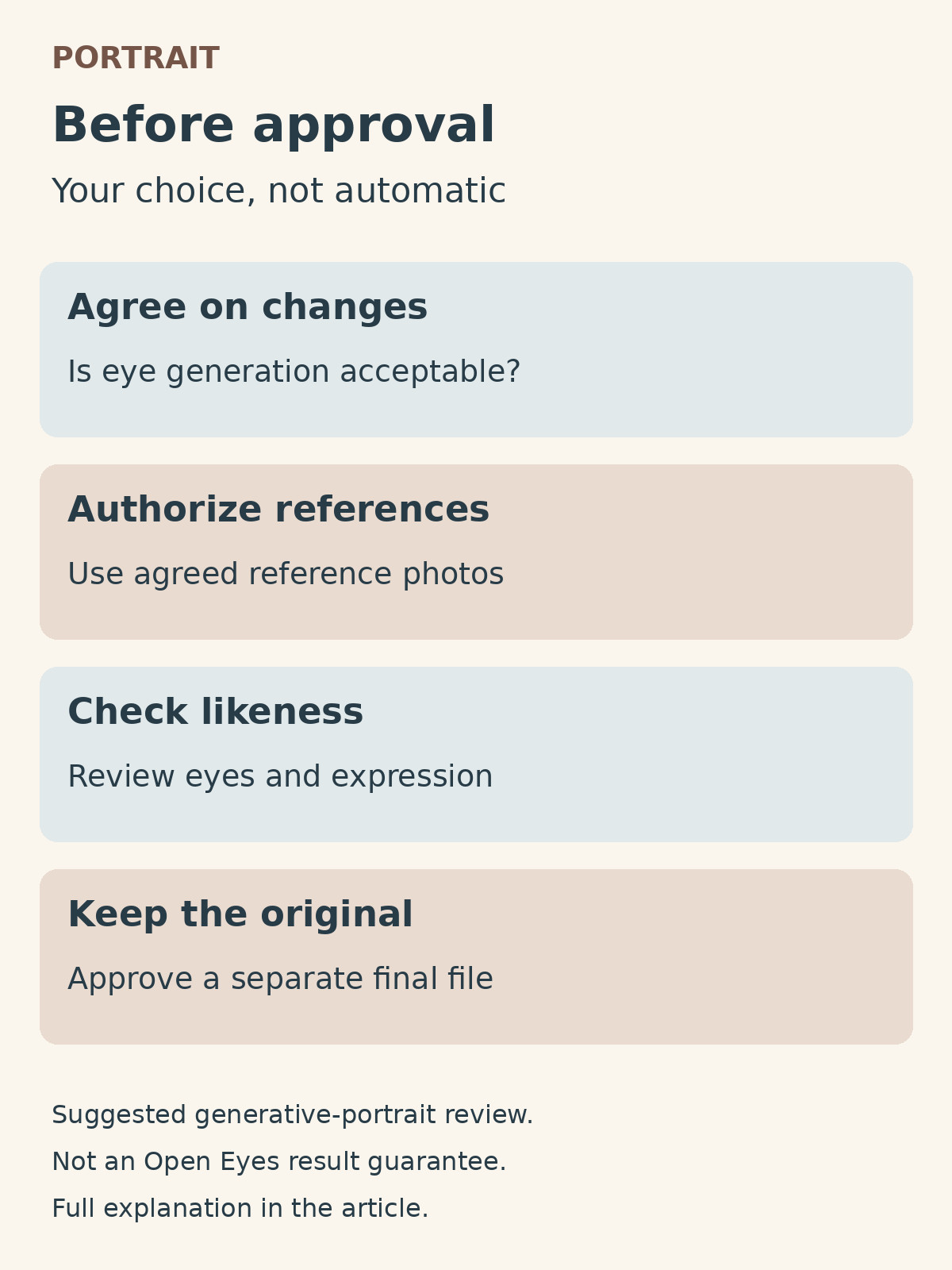
Compare the result with the original and the authorized references. Look at iris color, eyelid shape, gaze direction, and how the eyes relate to the eyebrows and smile. After inspecting the eye area closely, return to the full face: a surprised look or a changed gaze may be easier to notice in the overall portrait than in a small detail.
Review the image at its intended display size as well, such as a profile avatar or a team-page portrait. A convincing close-up may still convey the wrong expression when reduced. Ask the subject whether the face represents them accurately. If they are unsure, keep an original alternative or choose another frame rather than forcing a generated result to work.
When discussing editing and retouching with Shaniba Creative Industry, include the intended use, selected frame, authorized references, and details that must not change. You can ask about the boundaries of a portrait edit before deciding on the desired result. Clear instructions support that discussion; they do not mean SCI promises to use Open Eyes or can rescue every photograph.
The ease of generating open eyes does not remove the human decisions behind a portrait. Choose the moment, agree on the changes, and review likeness and expression with the subject. The final image should be an approved choice, not merely the fastest version to generate.
Share this post to: