On-Location Business Portraits: A Background Privacy and Location Permission Discussion Checklist
An office portrait can say something useful about your work. Its background can also reveal information that was never meant to be shared. A live monitor, papers on a desk or someone behind a glass door may go unnoticed while everyone concentrates on expression. Discussing business portrait background privacy before the camera starts is a better starting point than discovering those details after publication.
Begin with two questions: who can confirm use of the space, and what may appear in the picture? This guide helps you prepare that conversation with the location contact and photographer. It is not a permission form or legal explanation. If authority or intended use is unclear, seek clarification from the relevant people before the session or publication.
Daftar Isi
Identify who can confirm use of the location
The person arranging portrait appointments may not have authority to approve every part of an office for photography. Ask who is responsible for the space, which areas can be used and when photography will avoid disrupting work. An apparently empty meeting room may still have access restrictions or material that must not be shown.
Explain the request in practical terms: an individual portrait for a company profile page, a working-area background and any other channels under consideration. Do not assume that approval to use a room answers every question about people, information or publication. If another person must confirm something, record whom to contact and when a response is expected. The appropriate form of agreement depends on the circumstances; a brief conversation should not automatically be treated as sufficient.
Check business portrait background privacy from the camera position
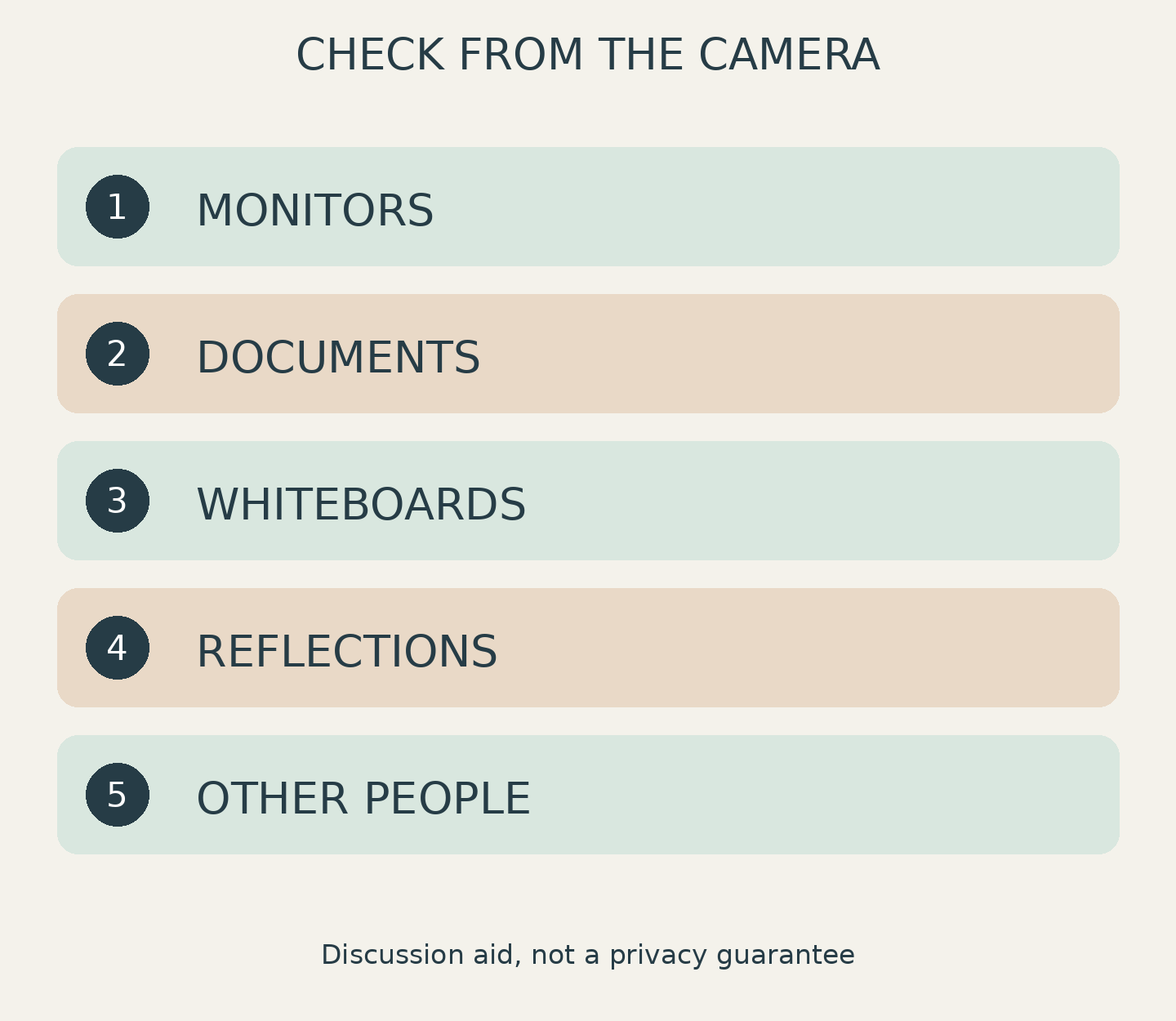
Look at the background from the direction of the camera, rather than only from the middle of the room. Start with five areas: monitors, documents, whiteboards, reflective surfaces and other people. This is a discussion aid, not a guarantee that every risk has been identified. Also check badges, delivery labels or schedules near the edge of the frame.
For a monitor, ask whether it can be switched off or moved. For documents and whiteboards, ask an authorized person to put away or cover material that must not appear. Do not open files or move work materials without agreement. Check windows, glass doors and shiny surfaces too: their reflections may reveal an area outside the main background.
A simple background also helps keep attention on the subject, consistent with Canon’s professional profile photo advice [4]. However, looking tidy and being suitable for sharing are separate considerations. A clean-looking desk is not necessarily free of sensitive information. A plain wall may be an easier alternative for everyone to agree on.
Discuss other people and intended image use
Decide whether anyone else needs to appear. If the purpose is an individual portrait, choose a time or camera direction that reduces people passing through. When colleagues are intentionally involved, explain the purpose and proposed use to them, then confirm the necessary arrangements through the appropriate person. Accidentally entering the frame should not be treated as agreement to publication.
In its communication guidance, Canon recommends knowing who is photographing you and what they intend to do with the images [3]. Another guide reminds readers to make sure team members are comfortable with their photos being shared.[4] Use that as a conversation starter: will the portrait appear on a website, professional profile, promotional material or several channels? If plans change, review what has actually been agreed.
These sources do not establish Indonesian law or SCI service terms. For specific concerns about rights, privacy or consent, consider professional advice suited to your circumstances and country; Canon likewise recommends independent legal advice for particular concerns.[3] Avoid promising participants that taking a photo or obscuring a face necessarily resolves every issue.
Record boundaries and prepare an alternative background
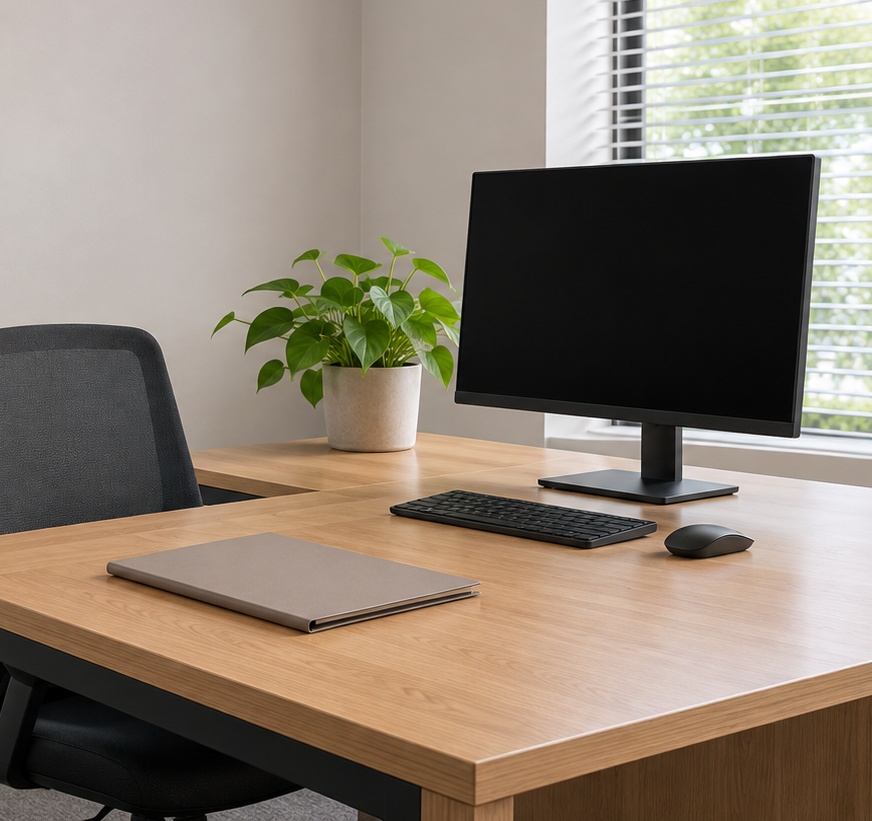
After the check, write a short note everyone involved can understand: the approved camera direction, items the location contact must remove, people intended to appear and proposed image use. Use an agreed communication channel without attaching sensitive documents as examples. Describing the type of information and the action needed is usually enough for this discussion.
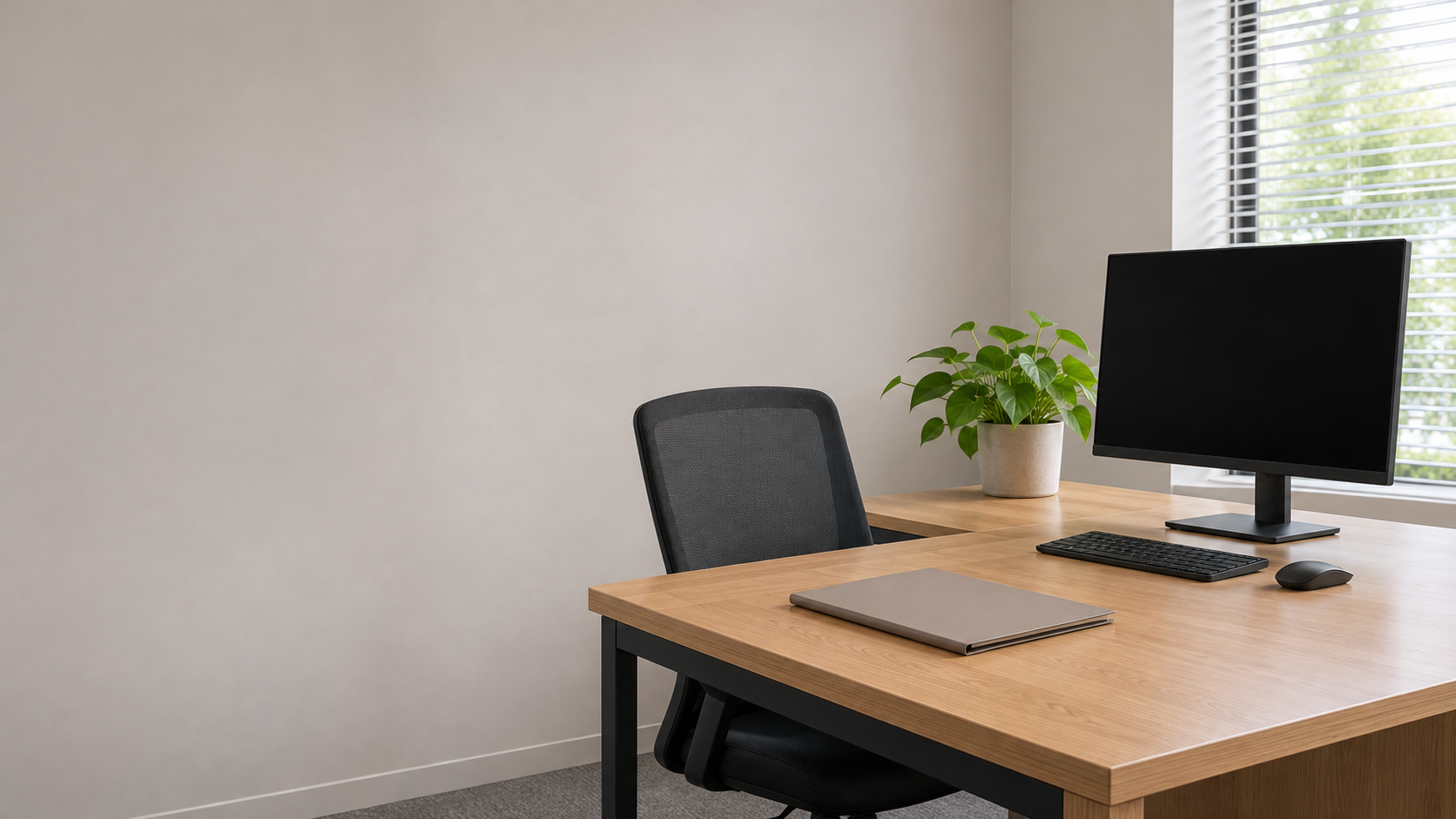
For a hypothetical example, a team wants office portraits for its website, but a project board cannot yet be moved. Options might include turning the camera towards a plain wall, using another agreed room or postponing that frame until the space is ready. This illustrates a planning decision, not an actual SCI client project.
Do not rely on blur or retouching as a substitute for discussing permission. If something is noticed only after the session, pause selection or sharing of the affected frame until the next step is clear. Agreeing on an alternative background in advance can be simpler than asking everyone to accept a picture containing unexpected information.
Bring four notes to the portrait discussion
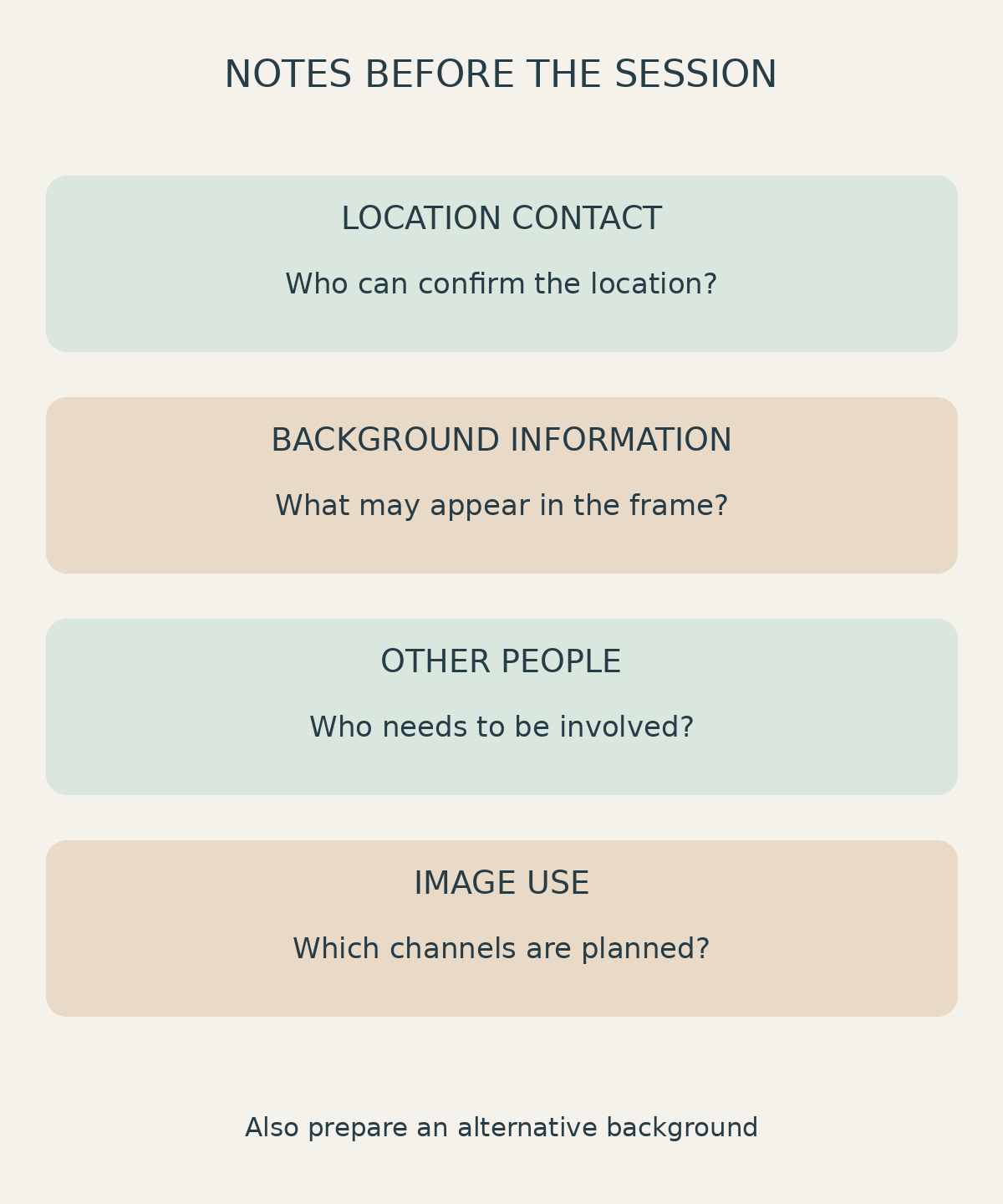
Summarize the request in four notes: the responsible location contact, background information that may be visible, other people’s involvement and intended uses that need confirmation. Add an alternative background. This moves the conversation beyond whether an office looks attractive to what needs to be ready before photography begins.
Shaniba Creative Industry’s portrait service [1] describes on-location concepts that tell more about a person’s profile and profession; the service page is in Indonesian. For business portraits in Yogyakarta, bring your reference and location notes to a discussion with SCI [2], then confirm location suitability, service coverage and session requirements. Do not assume that arranging location permission or every participant’s agreement is automatically included.
Share this post to: