
Hybrid Product Photography: Agree on the Set and Details to Preserve
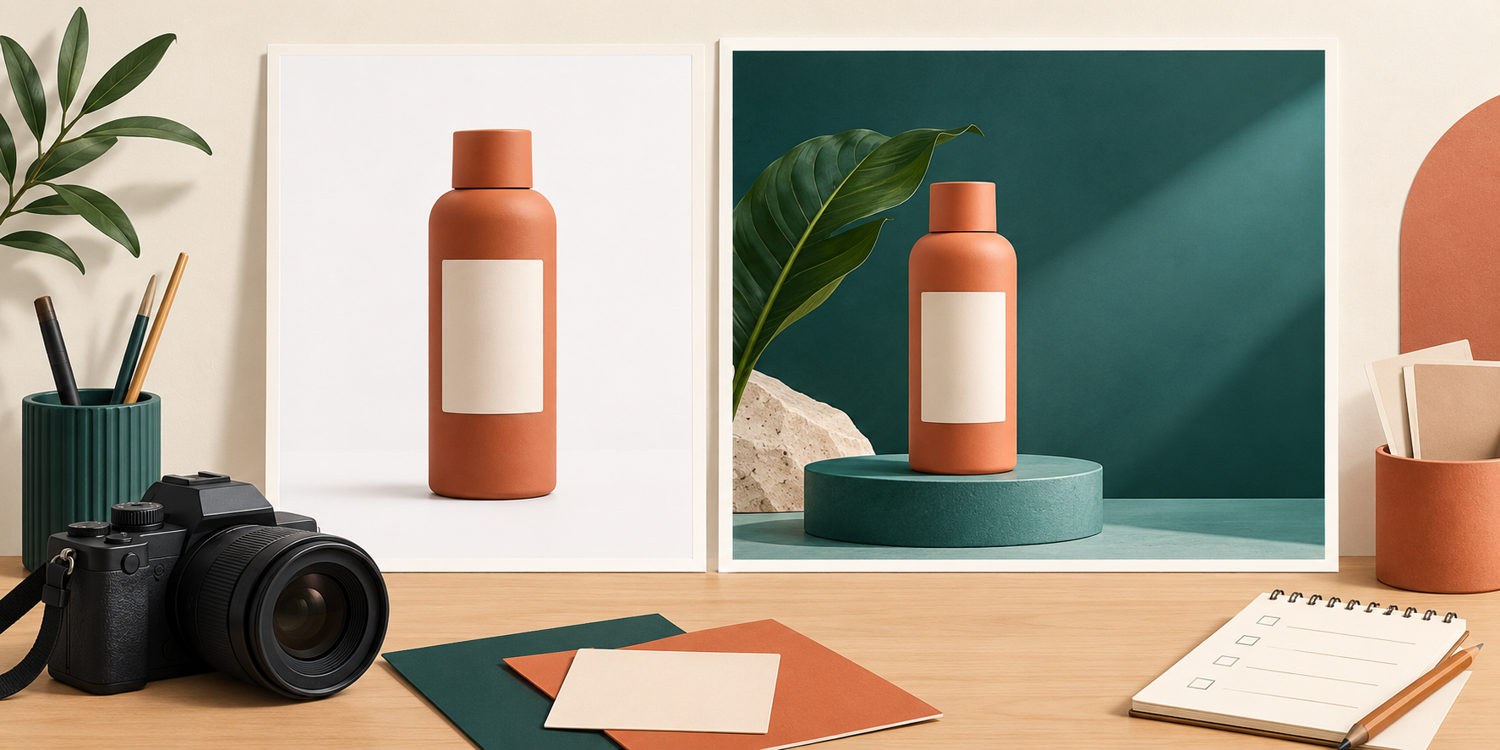
You may want a dramatic setting while keeping the lid, label, and colour faithful to the item you sell. A hybrid product photography workflow therefore needs a more precise agreement than “make it more appealing”. Before approving a concept, decide what will be photographed, what may be simulated, and which product details will determine whether the result is acceptable.
The Indonesian-language SCI product photography page names Real Set and AI Set options, while its editing page uses the term Hybrid Workflow. For a client, these labels are a starting point for discussing scope, not a reason to assume that every alteration is allowed. You can make that agreement useful without knowing every production technique involved.
Daftar Isi
Hybrid product photography workflow: agree each element
Start with the intended use. An image showing a specific product variant needs to communicate the item clearly; a campaign visual may use a more imaginative environment. These are not automatically interchangeable deliverables. Specify the channel, where the image will appear, and what someone should understand after seeing it.
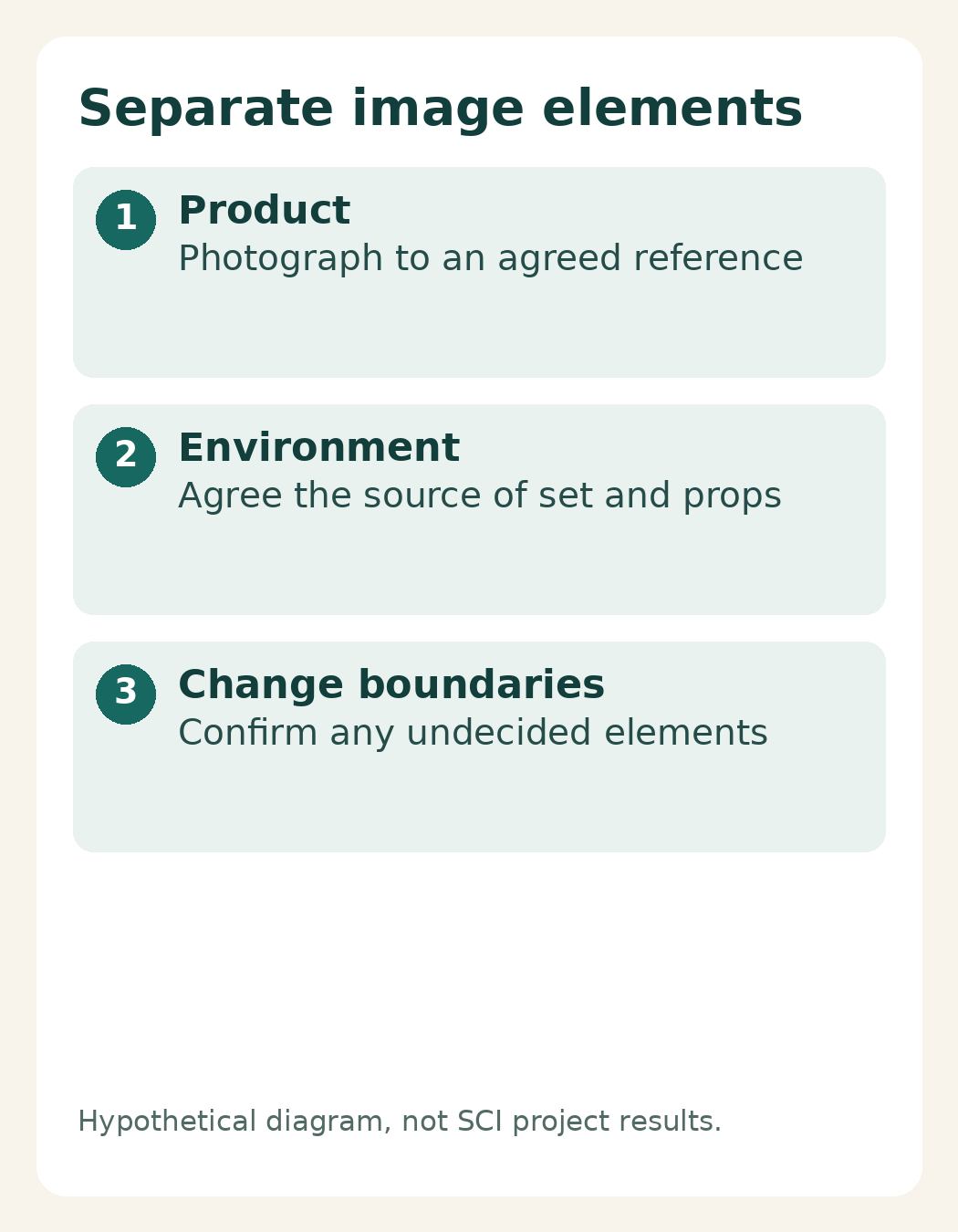
Then separate the main subject, base, background, props, shadows, and reflections. For each element, note whether it comes from photography, a photographic composite, or simulation. Mark undecided elements as “needs confirmation” rather than leaving them open to interpretation. A mood reference can explain the lighting direction without granting permission to reproduce every object in that reference.
Consider this hypothetical example: a generic jar is photographed as the subject, while the architectural arch behind it is simulated. Your brief might say, “The background may be imaginative; the jar shape, relative lid size, and label position must follow the product reference.” This is sample wording for a brief, not a documented customer project or a promise about SCI’s production method.
Check that props do not imply they are included in the purchase. Leaves, display stands, or a spoon may support a composition yet create the wrong impression about the contents of a package. If the context could mislead, simplify it or provide an appropriate explanation alongside the finished material. Concept approval concerns meaning as well as appearance.
List the product details that must remain unchanged
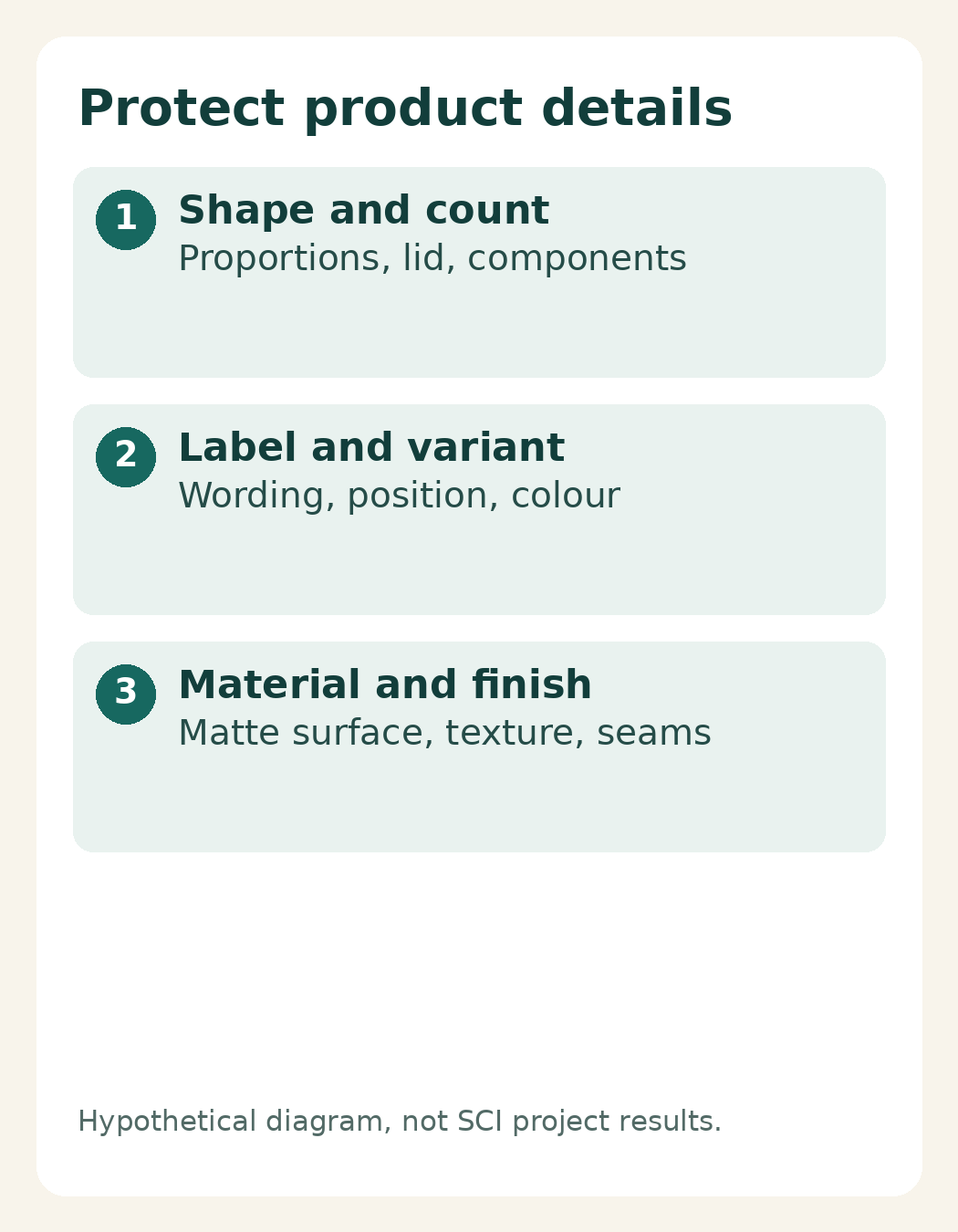
Make a concise identity checklist: shape and proportions, component count, label wording, colour variant, pattern, material, and surface finish. Distinguish a presentation adjustment from a specification change. Removing distracting dust is different from removing a seam, texture, or component that genuinely belongs to the item.
Annotate references so instructions are concrete. Examples include “keep the lid edge flat”, “do not reposition the label”, and “retain a matte surface rather than a glossy finish”. Supply label artwork you have permission to use when small lettering matters. Do not ask an editor to guess spelling, logos, ingredients, or other information that the source photograph does not establish.
Colour needs an agreed reference too. Provide the correct variant and identify the area to compare. A screen preview alone cannot promise identical colour across every device. If your project requires specialised matching, discuss the checking method and its limitations before production rather than waiting until the visual concept has already been approved.
Identify changes requiring a new decision: reshaping packaging, adding contents, switching a colour variant, or making one material appear to be another. A hybrid product photography workflow is easier to review when these boundaries are written down. The aim is not to prevent creative backgrounds, but to avoid giving viewers incorrect information about the product itself.
Choose references and an acceptance check
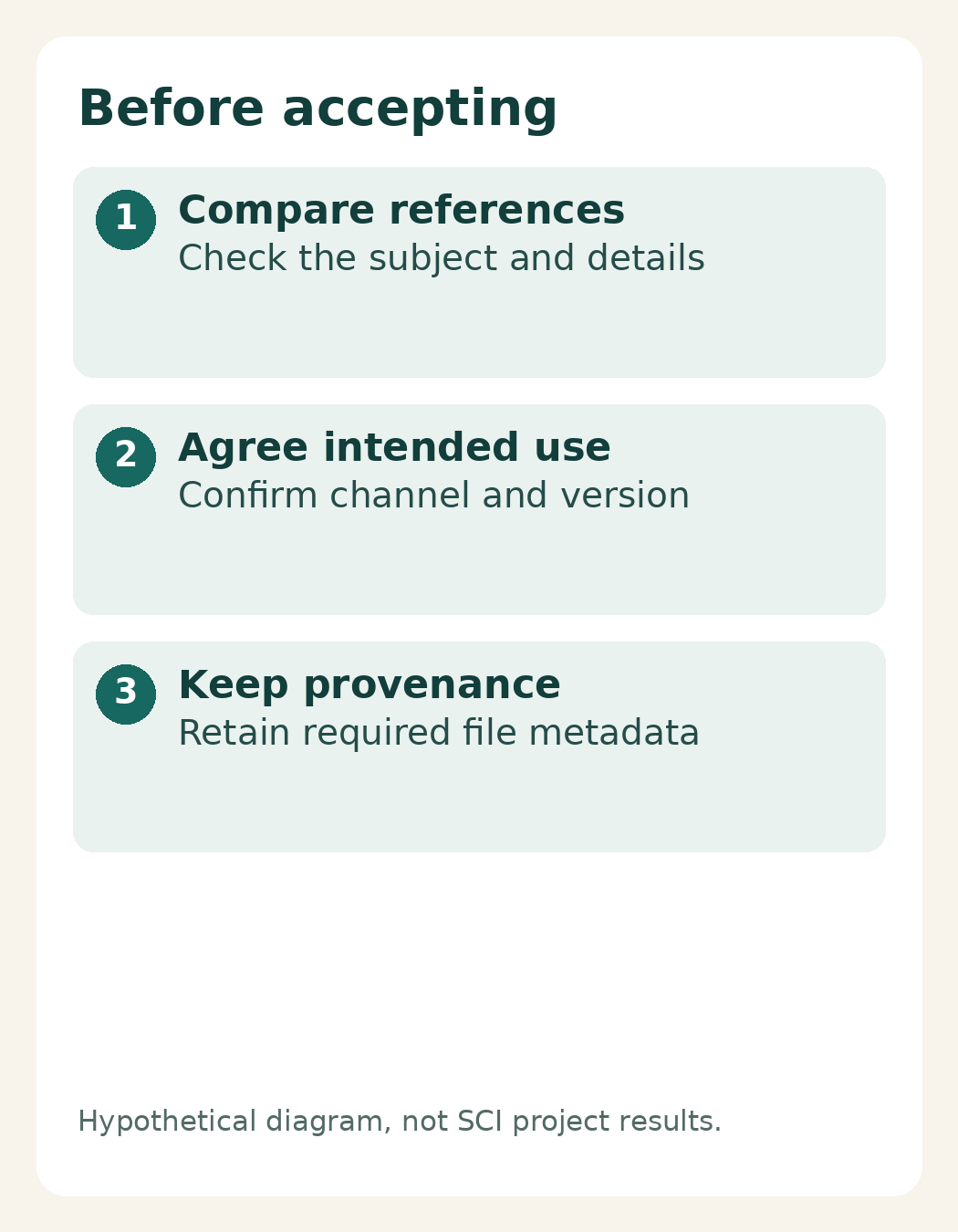
Prepare one clearly named primary reference for each product or variant. Add other views when an important surface is not visible. Keep identity references separate from style references: packaging images describe the item, while a scene reference describes the mood. Where they conflict, explain which reference governs each part of the finished image.
Review composition and product details in separate passes. First assess the overall setting and space for copy, then zoom into the label, lid, object edges, shadows, and reflections. Check the intended display size as well. Lettering that is readable at a large zoom may not remain clear when the image appears as a thumbnail.
A useful revision note identifies the location, discrepancy, and reference. “The front label has moved right compared with reference A” is more actionable than “it doesn’t look right”. Distinguish a request for a new background concept from correcting a detail that does not match the agreed brief. Discuss scope changes rather than assuming a particular revision allowance or package condition.
Keep the approved brief and image version with recognisable filenames. Record who approved the material and its intended use. This helps your team choose the right version when preparing a catalogue or a later campaign. Acceptance for one context does not necessarily make an image suitable for every channel or purpose.
Disclosure and the limits of simulation
Agree how simulated elements will be explained when an explanation is needed to prevent misunderstanding. Information placed close to the image is generally more useful than a disconnected note. An illustration label, however, does not replace an accurate representation of the item and does not guarantee compliance with every platform’s requirements.
For Google Merchant Center, the image_link guidance requires metadata identifying images made with generative AI and says not to remove embedded AI-origin metadata. Treat the reader-facing explanation and preservation of file provenance as separate tasks. Check the requirements of the actual destination before submitting an image rather than relying on its caption alone.
The illustrations in this guide are generic concepts, not products for sale or customer portfolio images. Apply the same questions to your product photography brief: what may change, what must stay, which reference governs acceptance, and where the image will be used. To discuss those requirements with Shaniba Creative Industry, bring your references and detail checklist to the SCI consultation portal.
Share this post to: