Website Product Hero Appearing Late? Do Not Just Compress It Again
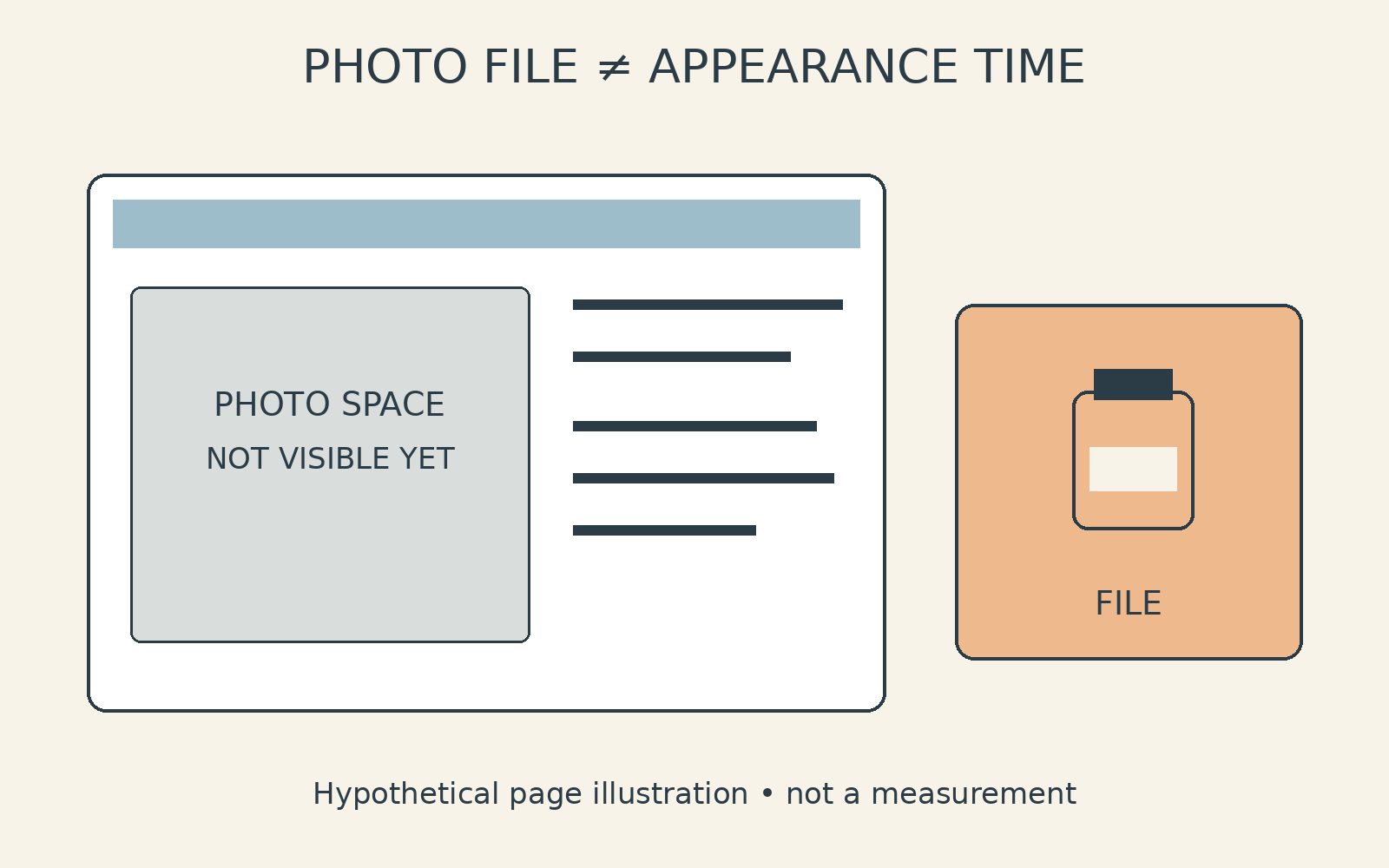
Your product description is already readable, but the photograph beside it has not appeared. A product hero image loading slowly can make another round of compression seem like the obvious next step. Before requesting it, separate two questions: does the photo file need changing, or is the page late to request and display it?
File size deserves attention, but it is only one part of the page-loading process.[2] As a business owner, you can make the next conversation more useful by giving your photo editor and website manager different, clearly defined questions. The aim is to preserve the detail customers need while establishing what actually requires attention.
Daftar Isi
Separate image appearance time from file size
Think of loading as a sequence rather than a single download. The page begins arriving, the image is requested, its file downloads, and the image becomes visible. In its explanation of Largest Contentful Paint, or LCP, web.dev separates the initial response time, resource load delay, resource load duration, and element render delay.[2] A question about file size does not, by itself, explain that whole sequence.
LCP measures the time from the start of page loading until the largest image or text block is rendered within the viewport, meaning the visible area of the page.[2] Your product photograph is not automatically the LCP element. Ask the technical owner to identify the relevant element before making the image the sole target of a revision.
In one example discussed by web.dev, making an image smaller does not improve LCP because the element remains hidden until JavaScript finishes loading.[2] That illustrates why a shorter download need not mean an earlier appearance. It does not establish that your page has the same problem.
Start with observations: the page address, the device, and what appears first. Does the heading arrive before the photograph? Is there an empty space reserved for the image? Keep the current file version alongside these notes. This gives the website manager a concrete starting point without turning a visual symptom into an assumed diagnosis.
Ask whether the first visible photograph is being deferred
Lazy loading defers image loading, and web.dev recommends using it for images outside the initial viewport.[1] The useful question is therefore not simply whether lazy loading is enabled. It is which images are deferred, and whether those images are meant to be visible when someone first opens the page.
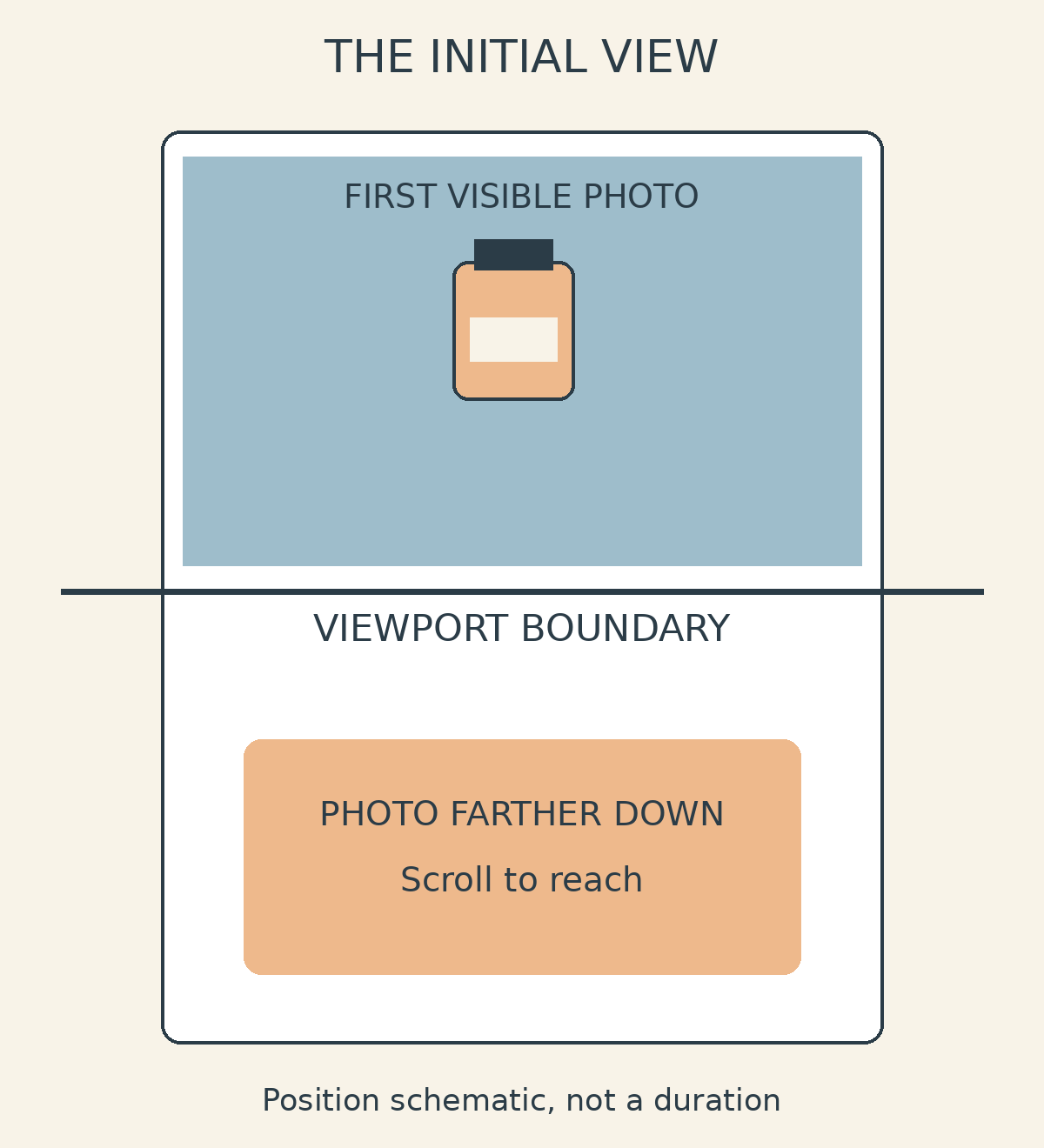
For images visible on the initial screen, especially LCP images, web.dev recommends the browser’s default eager loading rather than lazy loading.[1] Ask your website manager whether the opening product photograph is treated differently from supporting photographs farther down the page. You need an explanation of the page’s behaviour, not a blanket instruction to change every image.
Do not turn this into a request to disable all lazy loading. The guidance distinguishes first-screen images from those outside that initial view.[1] Nor should your brief ask for every product photograph to receive priority at once. Let the technical owner establish which image matters to the opening view and what treatment is appropriate.
As a hypothetical example, a photograph beside the opening text on a laptop might sit below several paragraphs on a phone. Include both contexts in your handover. A screenshot can explain what you noticed, but it should accompany a question about implementation rather than an assertion that a particular setting must be wrong.
Give the photo editor and website owner different tasks
A clearer brief separates the delivered photo from the page using it. Ask the editor about the required appearance and agreed file specifications. Ask the website’s technical owner which image the page actually serves, when it requests that image, and when the image becomes visible.
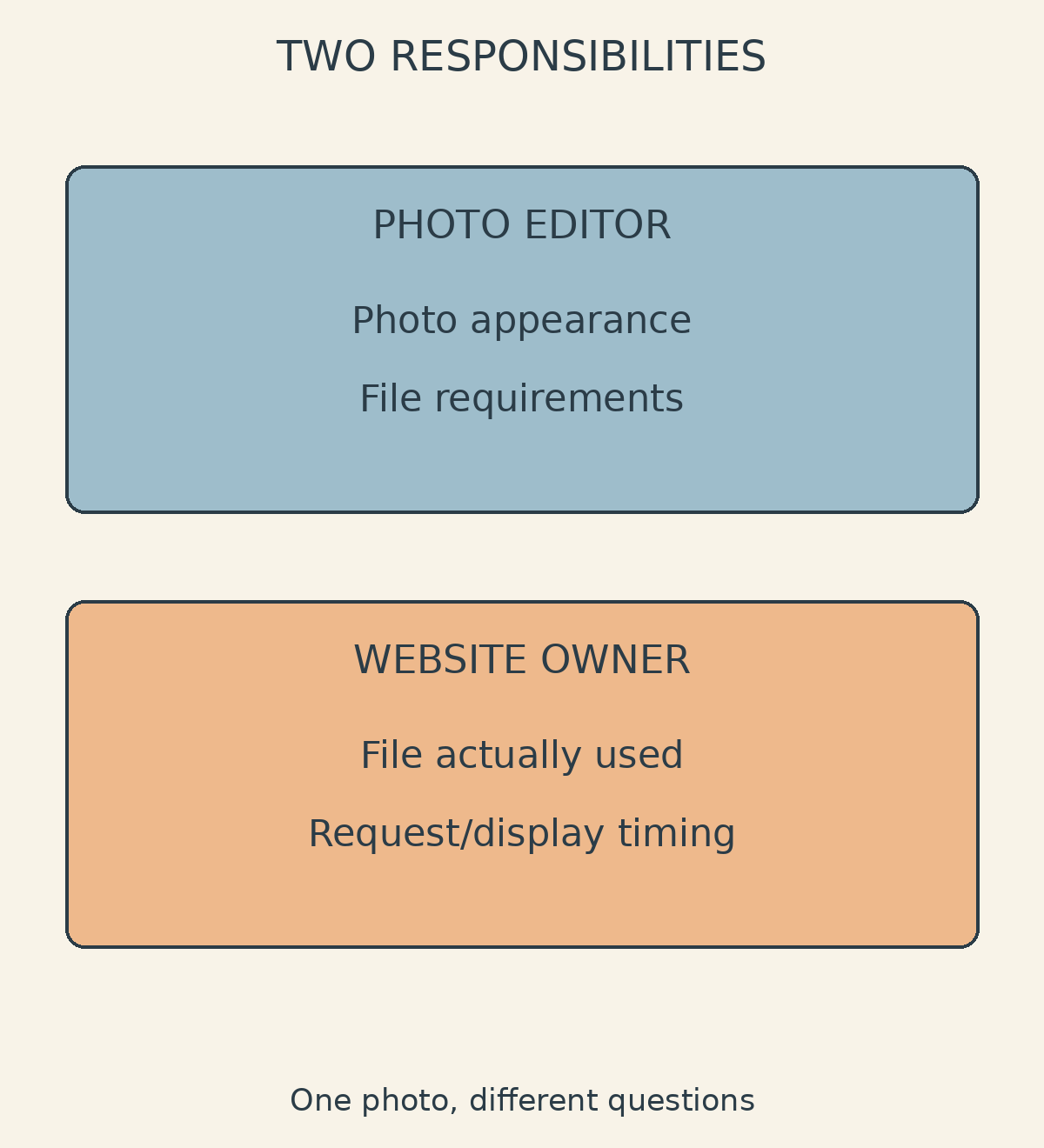
Prepare a small inventory: the approved photograph, its website version, file size, pixel dimensions, and the page where it belongs. Label different versions clearly. Ask the website manager to match the supplied file to the image used on the page before ordering another revision. Otherwise, you may end up discussing an export that has not been installed.
For the editor, identify what must remain clear: packaging text, fabric texture, object edges, or subtle product colours. Request the website manager’s delivery requirements before commissioning another version. “Make it as light as possible” is an incomplete brief unless you also explain how the result will be judged visually.
Shaniba Creative Industry offers photo editing and retouching, with completed files delivered online.[4] If the file itself needs work, you can discuss it through SCI’s photo editing service page. Keep loading diagnosis, page configuration, and technical implementation with the party responsible for your website.
Evaluate the page, not just a single number
After an agreed change, request an evaluation of the same page with the device and testing conditions recorded. Separate a controlled test from evidence about actual visitors. As web.dev explains, lab tools can help explain LCP, but lab results alone may not fully represent real users’ experiences.[2]
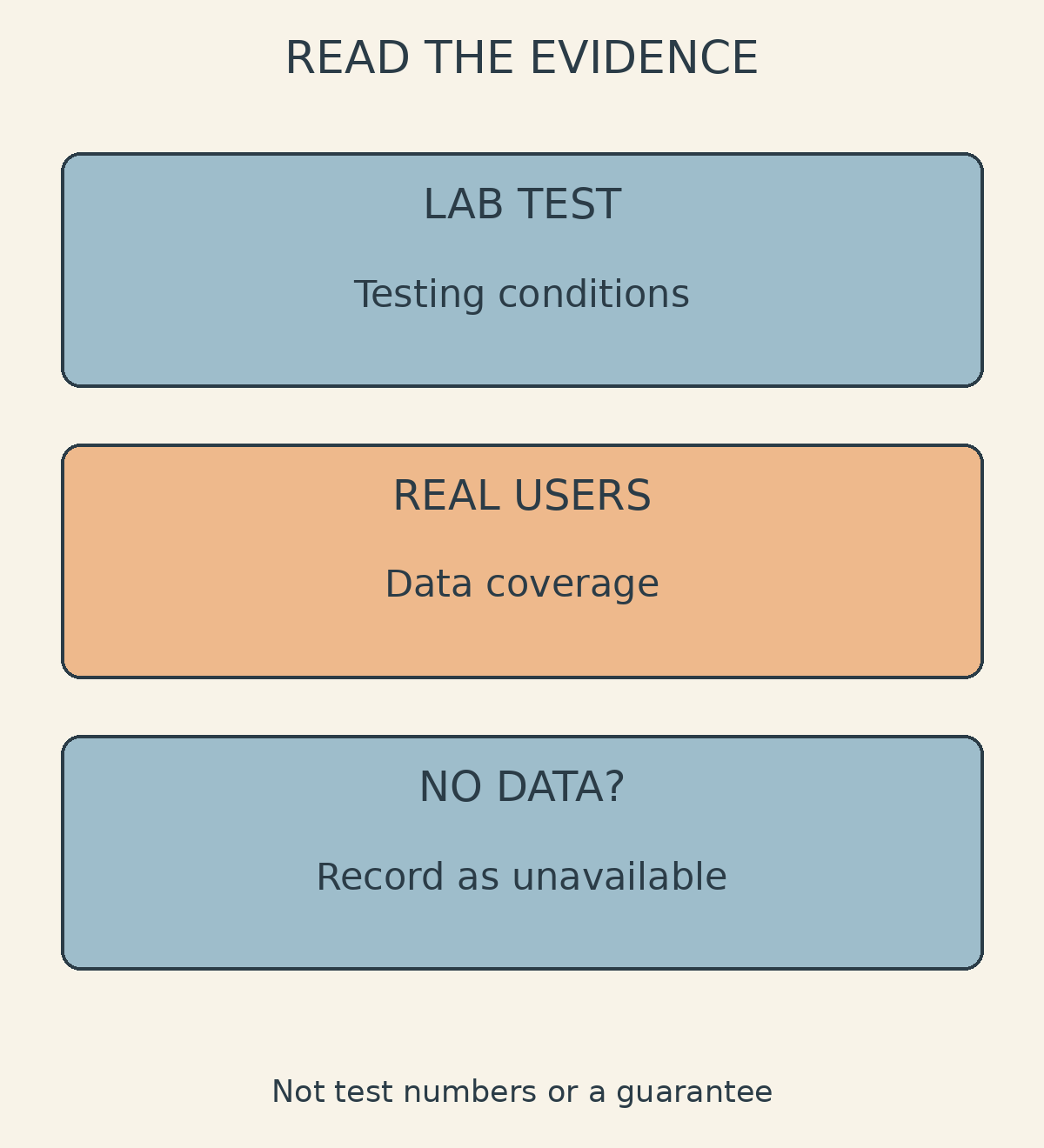
Ask for a short account of what changed, what evidence was compared, and whether the photograph still meets your visual requirements. If real-user data is available, establish whether it covers that particular URL or the wider site. web.dev notes that site-origin data can be shown when there is insufficient data for an individual URL.[2]
If real-user data is unavailable, record that limitation rather than treating it as evidence of either good or poor performance. Keep any before-and-after findings tied to their actual conditions. Save the relevant file versions and evaluation notes together so that the next revision has a clear reference point.
If the page review identifies a need for another photo version, gather the website manager’s specifications, the source image, and examples of detail that must be preserved. Use the SCI contact portal for the file-editing enquiry; it provides ordering and consultation contact routes.[3] The editing brief and the technical investigation can then proceed with clear responsibilities. Compression becomes a considered choice, not the automatic response whenever a product image appears late.
Sources and further reading
[1] https://web.dev/articles/browser-level-image-lazy-loading
[2] https://web.dev/articles/optimize-lcp
[3] https://contact.shanibacreative.com/
[4] https://shanibacreative.com/en/photo-editing-service/
Share this post to: